



Table of Contents Show
Mac apps for architects range from full BIM platforms like Archicad and Vectorworks to lightweight 3D modeling tools like SketchUp and free CAD options like LibreCAD. The right choice depends on your project stage, team size, and whether you need construction documentation, conceptual modeling, or rendering capabilities on macOS.
Apple hardware has become a common sight in architecture studios, but the software landscape for Mac-based architects looks different from its Windows counterpart. Some industry-standard tools now offer native macOS support, while others require workarounds like Boot Camp or cloud-based solutions. This guide breaks down 10 of the strongest apps for architects on Mac, grouped by function: BIM and CAD platforms, 3D modeling and visualization tools, and free or budget-friendly alternatives. Each recommendation includes specific details on Mac compatibility, pricing, and the type of work it handles best.
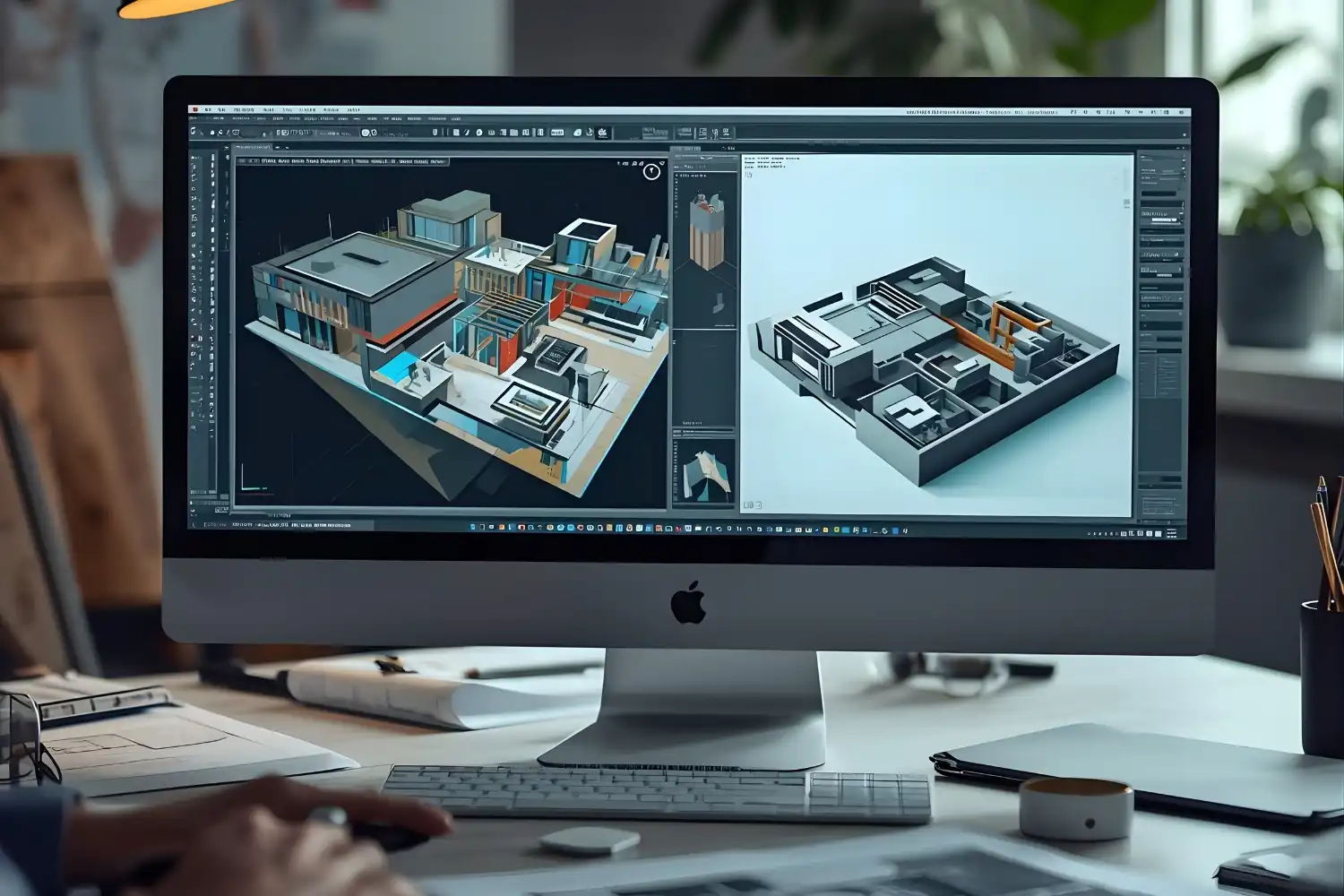
Best BIM and CAD Apps for Architects on Mac
Building Information Modeling (BIM) and CAD tools form the backbone of professional architectural practice. These platforms handle everything from initial drafting to construction documentation, and Mac compatibility varies significantly between them.
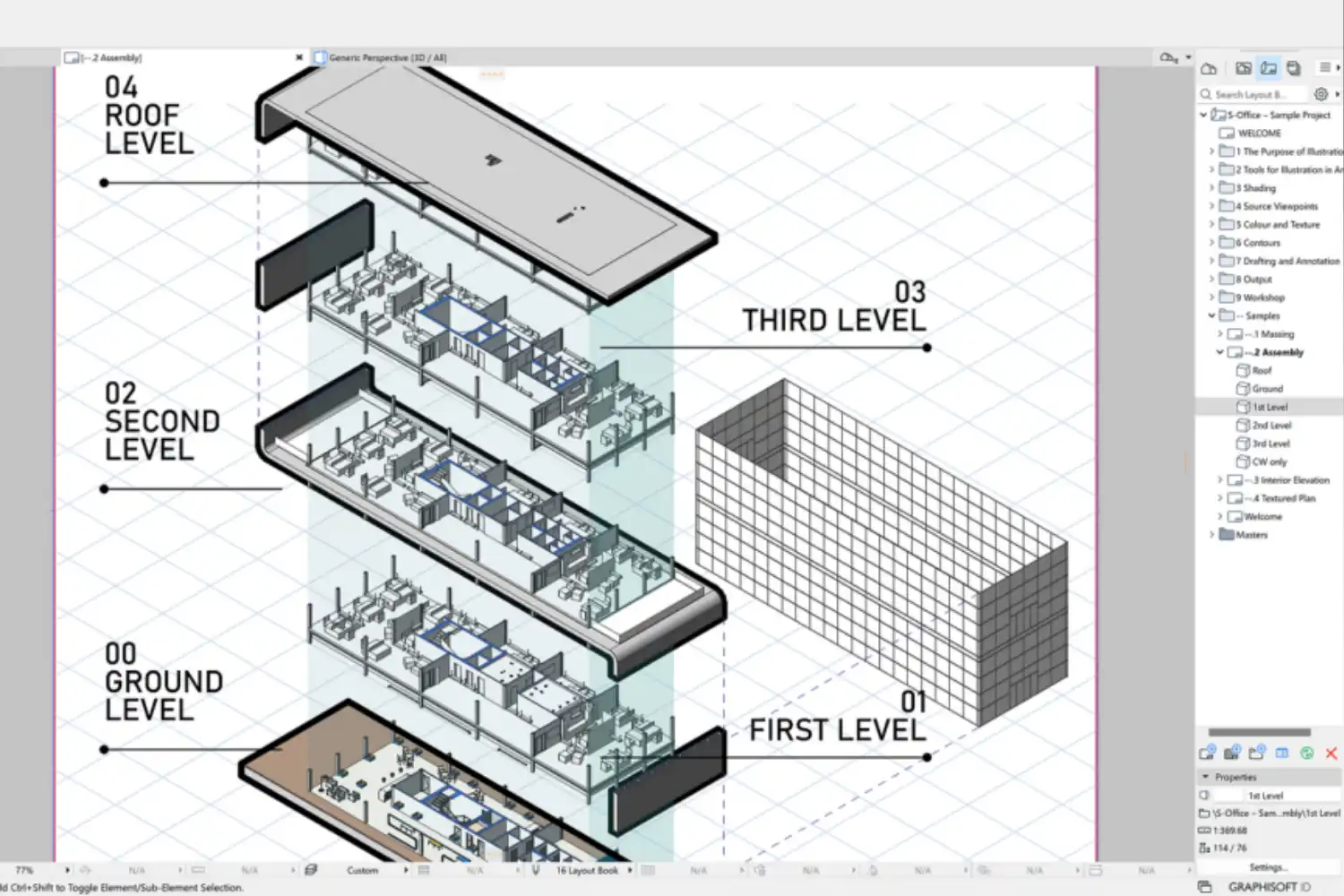
Archicad
Archicad by Graphisoft has the longest Mac heritage of any major BIM application. It was originally developed for Macintosh in the 1980s and continues to offer full native macOS support, including optimization for Apple Silicon chips. The software covers the entire architectural workflow: conceptual design, detailed modeling, documentation, and publishing. Its Open BIM philosophy supports IFC file exchange, which makes collaboration with engineers using other platforms straightforward. Archicad’s Teamwork feature allows multiple architects to work on the same project file simultaneously with real-time conflict detection. For Mac-first firms that need a single platform from sketch to construction documents, Archicad remains the strongest option.
💡 Pro Tip
If you are switching from a Windows-based BIM tool, test Archicad’s IFC import with one of your existing projects before committing. File translation between BIM platforms is never perfect, and checking geometry, material assignments, and room data early prevents surprises mid-project.
Vectorworks Architect
Vectorworks Architect is another strong BIM platform with deep Mac roots. The software offers a hybrid 2D/3D workflow, allowing architects to switch between drafting and modeling within the same environment. Its parametric modeling tools generate floor plans, sections, and elevations from 3D models automatically, and changes in one view update all related drawings. Vectorworks also includes built-in rendering through its Renderworks engine, so many projects can go from model to presentation without a third-party renderer. The software supports IFC, DWG, and SketchUp file formats for collaboration. For small to mid-sized firms that want BIM capability with strong visualization tools in a single Mac-native package, Vectorworks Architect is a solid pick.
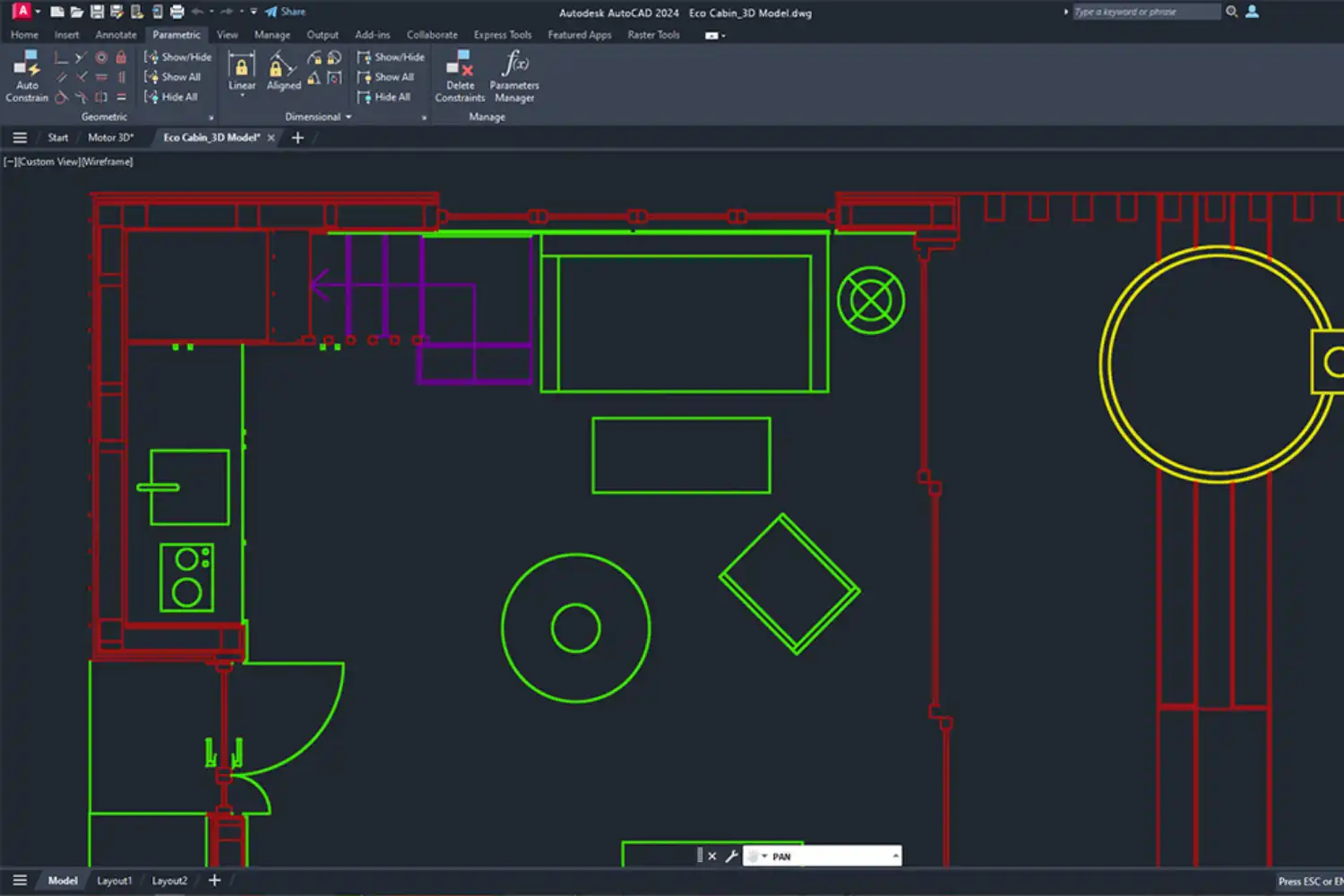
AutoCAD for Mac
Autodesk brought AutoCAD to macOS several years ago, and the current version supports Apple Silicon natively. The Mac edition handles 2D drafting and 3D modeling with the same precision as its Windows counterpart, though some specialized toolsets and third-party plugins remain Windows-only. AutoCAD’s 2026 version introduced AI-assisted drafting features, including smart block recognition and automated annotation. If your workflow centers on 2D production drawings and you collaborate with consultants who use DWG files, AutoCAD for Mac fits well. Just keep in mind that Revit, Autodesk’s BIM platform, still does not have a native Mac version. Architects who need both AutoCAD and Revit on Mac typically run Revit through Parallels or a remote desktop solution.
If you want a deeper look at Autodesk’s product lineup for architecture, our article on top Autodesk apps for architects covers AutoCAD, Revit, and their integration points in detail.
⚠️ Common Mistake to Avoid
Many architects assume that buying an Autodesk subscription on Mac gives them access to Revit. It does not. Revit remains a Windows-only application. If your office requires Revit for BIM coordination, you will need either a Windows partition via Boot Camp (no longer supported on Apple Silicon Macs), a Parallels virtual machine, or a cloud-based remote desktop. Factor this into your hardware and software budget before committing.
Best 3D Modeling and Visualization Apps for Mac
Not every task requires a full BIM platform. For conceptual design, client presentations, and visualization, lighter 3D modeling tools often get the job done faster.
SketchUp
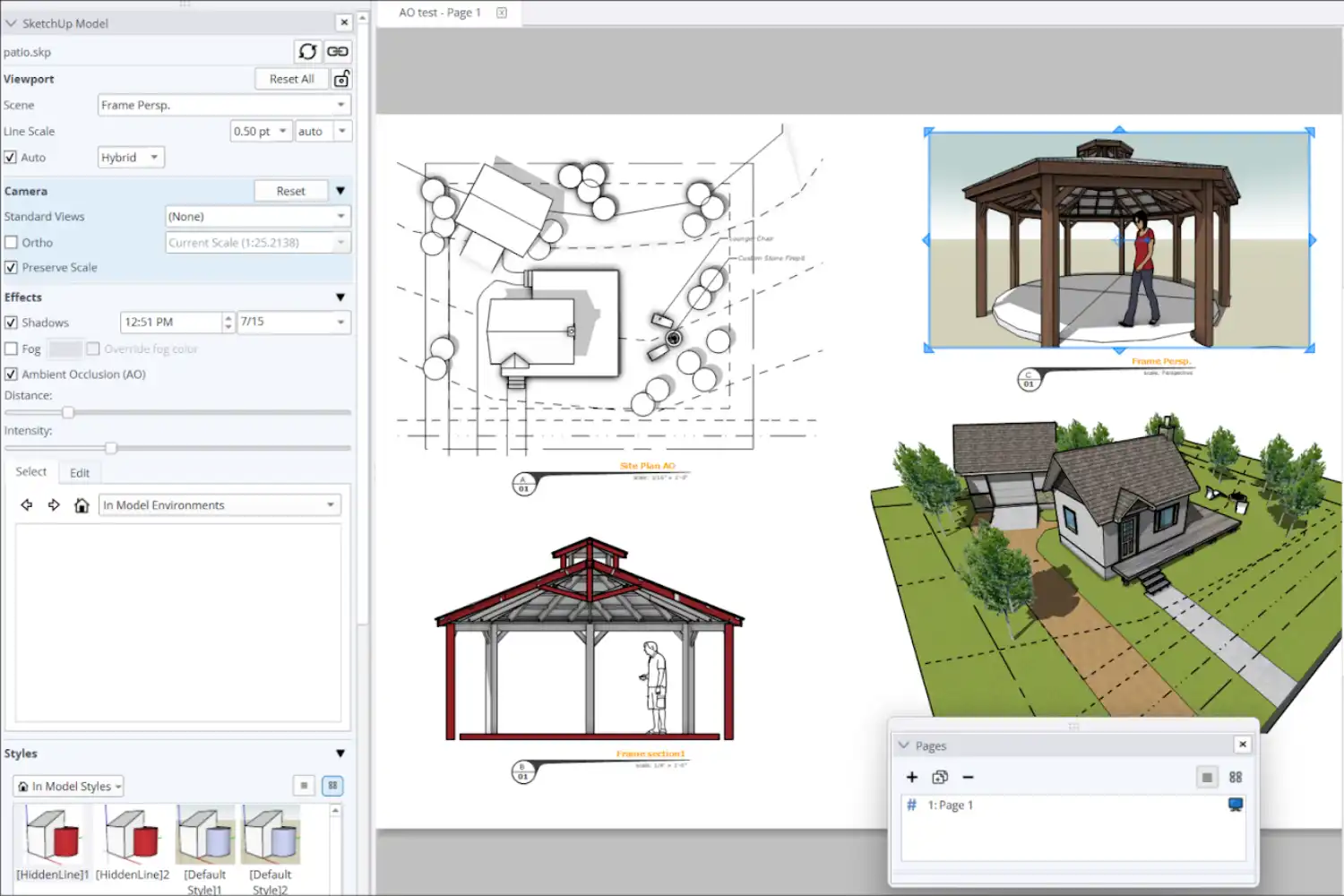
SketchUp runs natively on Mac and is one of the most accessible 3D modeling tools for architects. Its push-pull interface lets you turn 2D shapes into 3D forms quickly, making it ideal for early-stage design when ideas are still fluid. The 3D Warehouse provides millions of pre-built components (furniture, fixtures, vegetation) that speed up scene building. SketchUp’s LayOut tool generates construction documents from 3D models with dimensioning and annotations. The free web-based version covers basic modeling, while SketchUp Pro adds features like solid modeling, dynamic components, and DWG import/export. For architects who need fast conceptual models and client-facing presentations on Mac, SketchUp is hard to beat. Our guide to the best 3D architectural design software includes a more detailed comparison of SketchUp against other modeling platforms.
Rhino (Rhinoceros 3D)
Rhino has offered a native Mac version for years, and it handles complex freeform geometry better than most alternatives. Its NURBS-based modeling engine produces highly accurate surfaces, which matters for projects with curved facades, organic forms, or custom fabrication. Grasshopper, Rhino’s visual scripting plugin, opens up parametric and algorithmic design workflows directly on Mac. If you work with computational design or need to produce geometry for CNC milling and 3D printing, Rhino is the standard. Pricing follows a one-time perpetual license model rather than a subscription, which some firms prefer. To learn more about parametric workflows, take a look at our breakdown of computational design in architecture.
How Does Rendering Work on Mac for Architects?
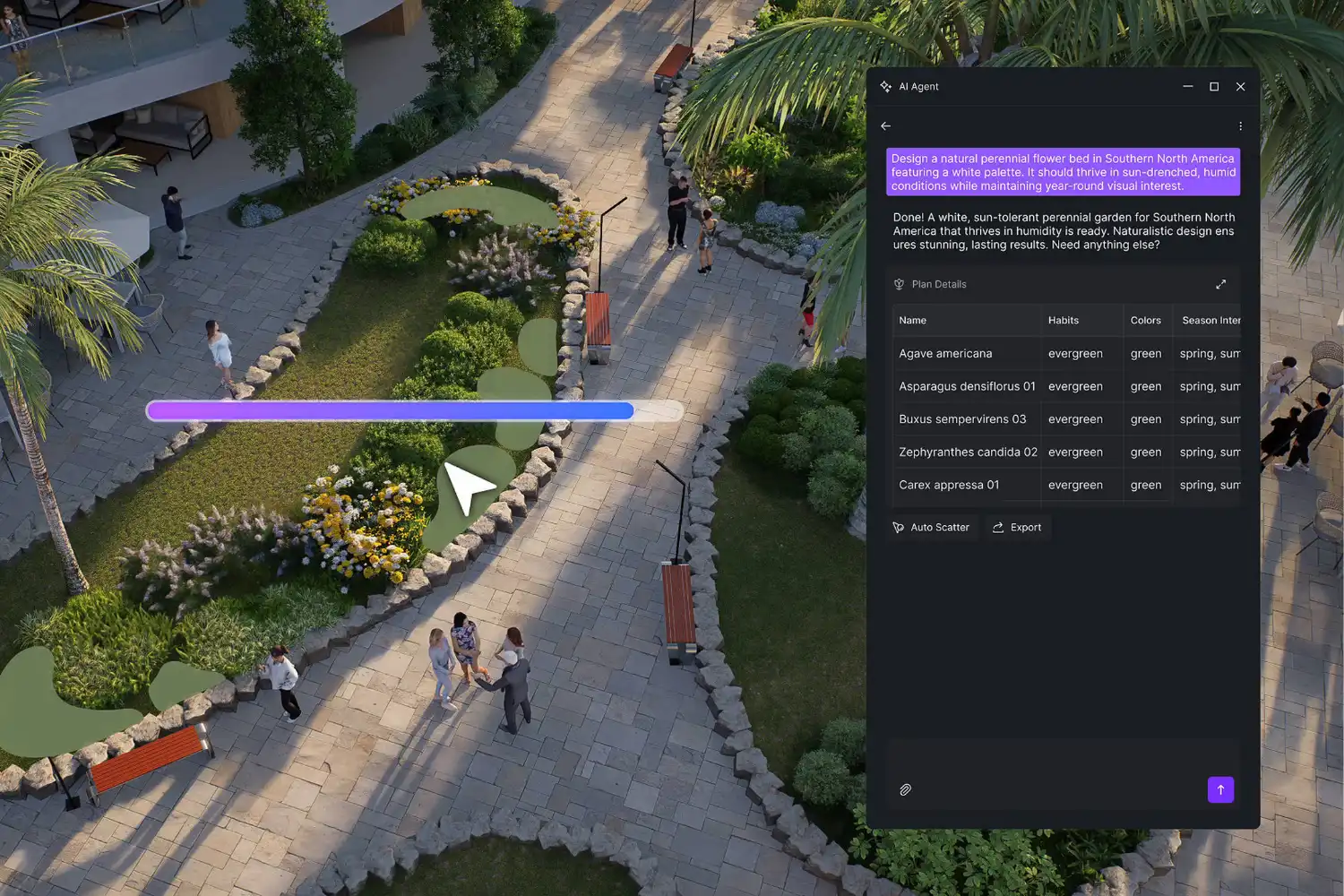
Rendering on Mac depends on your GPU and the software you choose. Apple Silicon Macs use integrated GPUs that perform well with Metal-optimized renderers but lack support for CUDA, which some popular engines rely on. Enscape, a real-time rendering plugin used widely with Revit and SketchUp, runs on Mac through SketchUp and Vectorworks. D5 Render, a powerful real-time ray tracing engine, currently requires Windows, though Mac users can access it via Boot Camp or Parallels. Blender’s Cycles renderer supports Metal on Apple Silicon, making it a viable free rendering path on Mac hardware. For a closer look at rendering options, see our guide to AI architectural visualization tools and our D5 Render review.
🎓 Expert Insight
“Firms should assess their rendering needs before locking into a hardware platform. If your pipeline depends on CUDA-accelerated engines, switching to Mac requires rethinking your visualization workflow.” — Licensed visualization specialist with 12+ years in architectural practice
This observation highlights a practical reality for Mac-based studios: the GPU architecture on Apple Silicon is excellent for many tasks, but not all rendering engines have adapted to Metal yet. Checking software compatibility before purchasing hardware avoids costly workarounds.
Free and Budget-Friendly Architect Apps for Mac
Cost is a real factor, especially for students, freelancers, and small practices. Several capable tools are available at no cost or low cost on macOS.
Blender
Blender is a free, open-source 3D creation suite that runs natively on Mac, including Apple Silicon. It covers modeling, rendering (Cycles and EEVEE engines), animation, and even basic CAD-like precision tools. Blender’s rendering quality rivals paid alternatives, and its active community produces architecture-specific add-ons, asset libraries, and tutorials. The learning curve is steeper than SketchUp, but architects who invest time in Blender gain a tool that handles everything from massing studies to photorealistic marketing renders without a subscription fee. For a deeper look at affordable options, check out our article on affordable 3D architectural modeling software.
LibreCAD
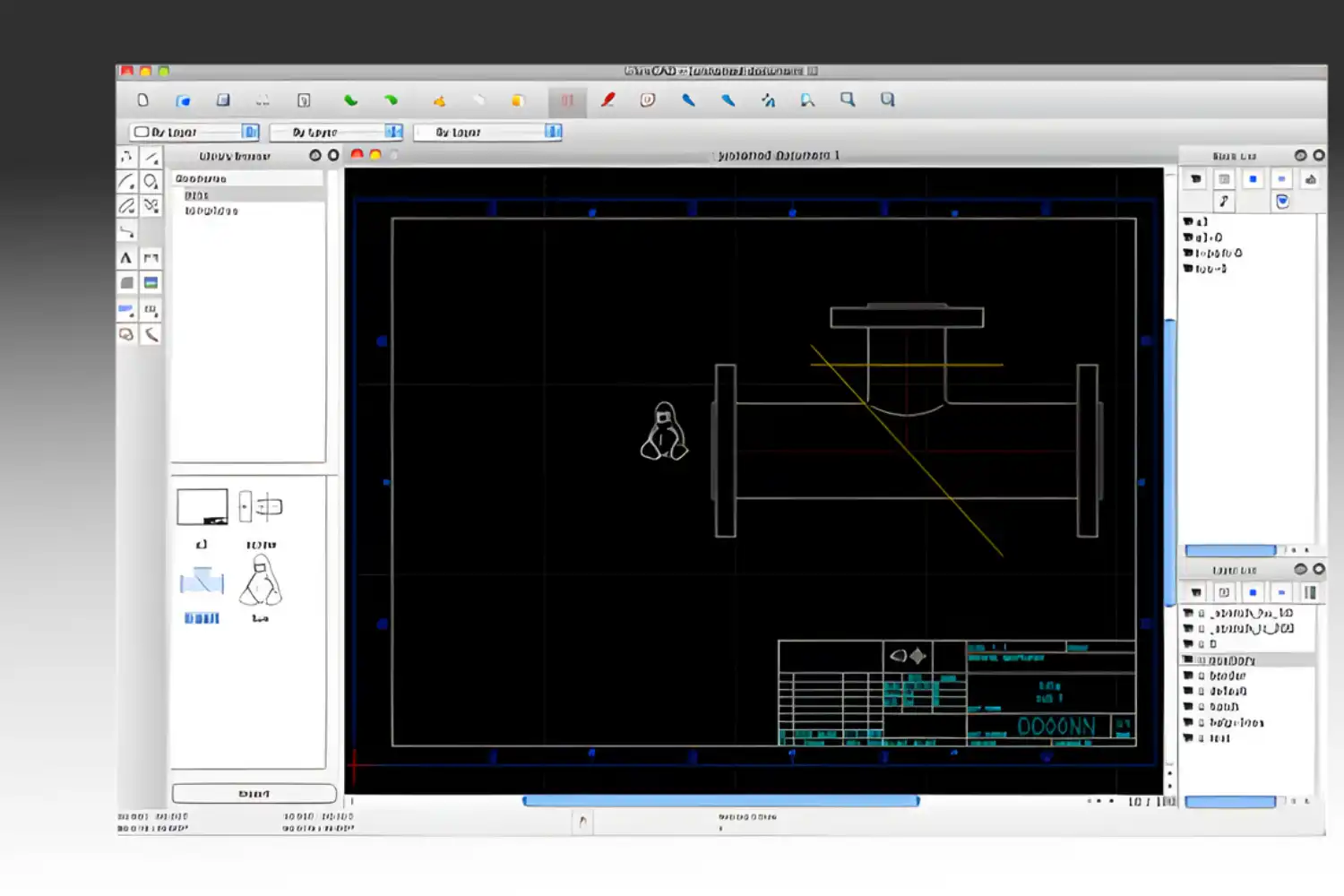
LibreCAD is a free, open-source 2D CAD application that works on Mac, Windows, and Linux. It supports DXF as its primary file format and can export to SVG and PDF. For architects who mainly need 2D drafting capabilities (floor plans, sections, simple details) without the cost of AutoCAD, LibreCAD covers the basics. It lacks 3D modeling, BIM features, and the polish of commercial software, but it gets the job done for straightforward technical drawing tasks.
SketchUp Free (Web Version)
SketchUp’s free web-based version runs in any browser on Mac and provides core 3D modeling tools without installation. It includes access to the 3D Warehouse and basic export options. The free tier limits file storage and does not support DWG import/export or the LayOut documentation tool. For students learning 3D modeling or architects producing quick concept studies, the free version is a practical starting point before upgrading to SketchUp Pro.
📌 Did You Know?
Archicad was one of the first BIM applications ever created, launching in 1987 for the Apple Macintosh. It predates Revit by over a decade. This long Mac heritage is why Archicad consistently performs well on Apple hardware, with optimization updates arriving shortly after each new macOS release.
What to Consider When Choosing Mac Apps for Architects
Picking the right architect app for Mac involves more than just feature lists. A few practical factors should guide your decision.
First, check Apple Silicon compatibility. Apps running natively on M-series chips perform significantly better than those relying on Rosetta 2 emulation. Archicad, Vectorworks, SketchUp, Rhino, Blender, and AutoCAD all support Apple Silicon natively as of 2026. Second, consider your collaboration needs. If your consultants and contractors use Revit and expect RVT files, you will need a workaround on Mac since Revit has no native macOS version. IFC and DWG exchange can bridge the gap in most cases, but some data loss during translation is normal. Third, think about rendering. Mac GPUs use Metal, not CUDA. Renderers like V-Ray, Enscape, and Blender Cycles support Metal, while some engines still require NVIDIA hardware. Finally, evaluate total cost. Some tools charge monthly subscriptions (AutoCAD, SketchUp Pro), some offer perpetual licenses (Rhino, Archicad), and others are entirely free (Blender, LibreCAD). A studio running five licenses of AutoCAD pays significantly more over three years than one purchasing five perpetual Rhino licenses.
Comparison of Top Mac Apps for Architects
The following table summarizes the key features and pricing of the apps covered in this guide.
| App | Primary Use | Apple Silicon | Pricing Model | Best For |
|---|---|---|---|---|
| Archicad | BIM | Native | Subscription / Perpetual | Full BIM workflow on Mac |
| Vectorworks Architect | BIM + Visualization | Native | Subscription / Perpetual | Small to mid-sized firms |
| AutoCAD for Mac | CAD Drafting | Native | Subscription | 2D production drawings |
| SketchUp Pro | 3D Modeling | Native | Subscription | Conceptual design, presentations |
| Rhino 3D | NURBS Modeling | Native | Perpetual License | Complex geometry, parametric design |
| Blender | 3D Modeling + Rendering | Native | Free | Visualization on a budget |
| LibreCAD | 2D CAD | Compatible | Free | Basic 2D drafting |
| SketchUp Free | 3D Modeling (Web) | Browser-based | Free | Students, quick concepts |
💡 Pro Tip
Before purchasing any software, download the trial version and test it with a real project file, not just a tutorial model. Performance, file compatibility, and plugin support vary depending on your specific workflow. Running a two-week trial with your actual data reveals issues that feature comparisons cannot.
Final Thoughts
Mac hardware is no longer a limitation for professional architectural work. The best mac apps for architects now cover every stage of the design process, from early sketches to construction documents and photorealistic renders. Archicad and Vectorworks provide the most complete BIM experiences on macOS. SketchUp and Rhino handle conceptual modeling and parametric design with full Apple Silicon support. Blender offers a free path to high-quality visualization. The gap that remains is Revit’s absence on Mac, which requires a workaround for firms embedded in Autodesk’s BIM ecosystem.
Your choice should start with the type of work you do most. If BIM coordination and documentation drive your practice, Archicad or Vectorworks is the right foundation. If you focus on design exploration and client presentations, SketchUp or Rhino paired with a renderer will serve you well. And if budget is tight, the combination of Blender and LibreCAD provides a surprisingly capable free toolkit. For a broader view of architectural digital tools, our article on free architectural digital tools covers additional options worth exploring.
FAQ
Can I run Revit on a Mac?
Revit does not have a native Mac version. Mac users can run Revit through Parallels Desktop (virtual machine) or via a cloud-based remote desktop service. Boot Camp is no longer an option on Apple Silicon Macs since it only supports Intel processors. Performance through Parallels depends on your Mac’s RAM and processor, with at least 16 GB RAM recommended for usable Revit performance.
What is the best free CAD app for architects on Mac?
For 2D drafting, LibreCAD is the strongest free option on Mac. It supports DXF files and handles floor plans, sections, and basic technical drawings. For 3D modeling and rendering, Blender provides far more capability at no cost, though it requires more time to learn. SketchUp Free (web version) offers a middle ground with accessible 3D modeling in a browser.
Is a MacBook powerful enough for architectural software?
MacBooks with Apple Silicon M-series chips (M1 Pro and above) handle most architectural software well, including Archicad, Vectorworks, SketchUp, Rhino, and Blender. For large BIM models or heavy rendering tasks, a MacBook Pro with at least 32 GB of unified memory is recommended. The integrated GPU handles Metal-based renderers efficiently, but CUDA-dependent rendering engines will not work natively.
Which Mac apps for architects support Apple Silicon natively?
As of 2026, Archicad, Vectorworks, AutoCAD for Mac, SketchUp, Rhino, and Blender all run natively on Apple Silicon. This means they take full advantage of the M-series chip architecture without relying on Rosetta 2 emulation, resulting in better performance and lower power consumption compared to Intel-era Macs.










Leave a comment