


Table of Contents Show
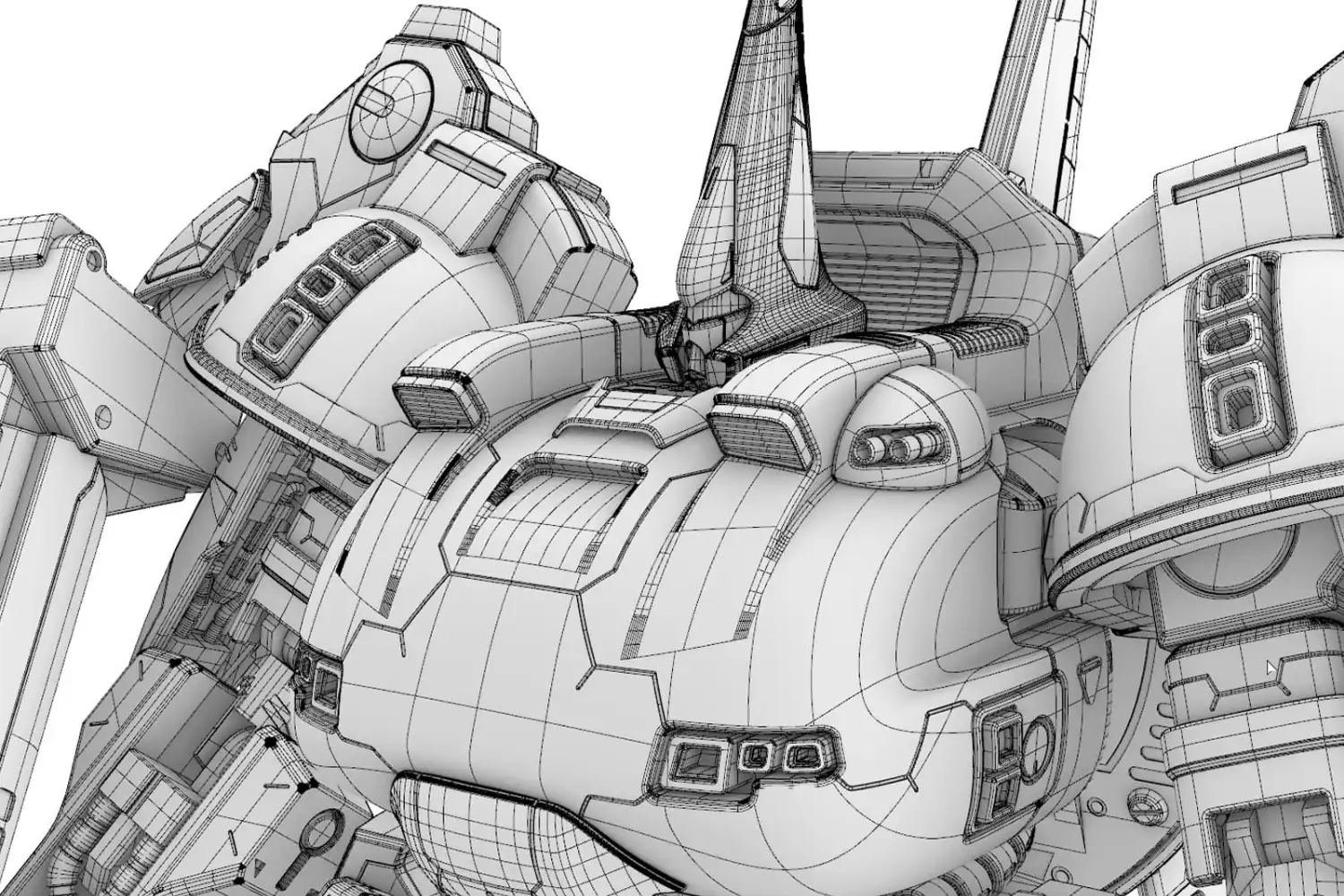
Grasshopper & Rhino for architects refers to the combined use of Rhinoceros 3D, a NURBS-based modeling program, and Grasshopper, its built-in visual scripting environment. Together they let architects build precise free-form geometry, automate repetitive tasks, and explore parametric variations in real time.
What Is Rhino and Grasshopper?
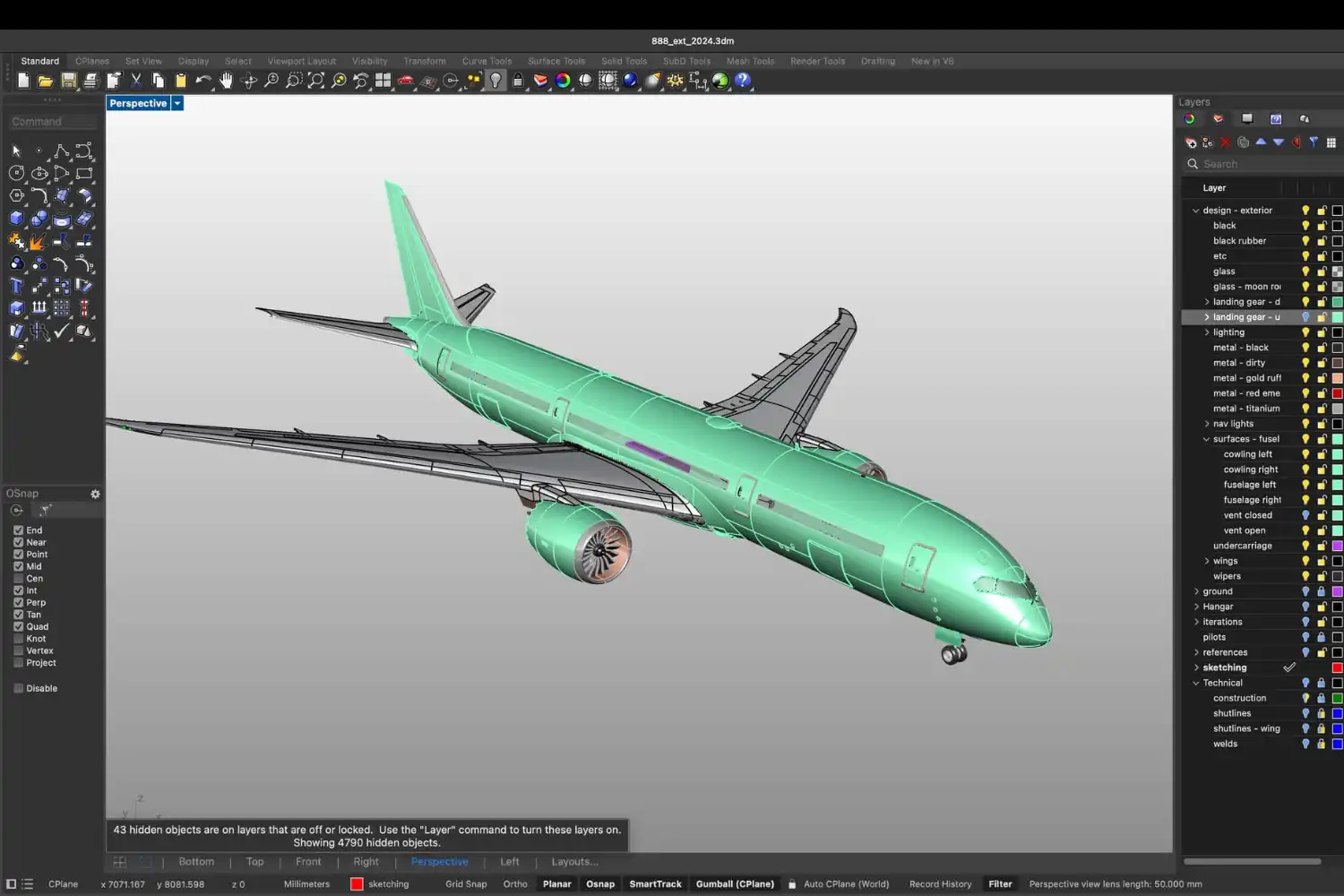
Rhinoceros, usually shortened to Rhino, is a 3D modeling program developed by Robert McNeel & Associates and detailed on the official Rhino 3D website. It is built around NURBS (Non-Uniform Rational B-Splines), a mathematical method for representing smooth curves and surfaces. This makes Rhino especially strong at organic forms, double-curved facades, and any geometry that does not reduce neatly to boxes and planes.
Grasshopper is a visual programming language that runs inside Rhino. Instead of writing code, you connect components on a canvas to define a design as a chain of operations. Change one input slider and the entire model updates. Grasshopper has been bundled with Rhino since version 6.
The two programs are not competitors. Rhino handles direct modeling, drafting, and file exchange. Grasshopper handles logic, rules, and data-driven geometry. Most architects move between them constantly during a project.
💡 Pro Tip
When you start a new design study, model the fixed parts (site boundary, structural grid, code envelope) directly in Rhino as reference geometry, then drive the variable parts in Grasshopper. Mixing the two roles inside one Grasshopper definition is a common mistake that produces fragile scripts and slow files.
What Is Rhino Grasshopper Used for in Architecture?
Architects use Rhino and Grasshopper at almost every stage of a project, from massing studies through construction documentation. The most common use cases fall into a few categories.
Conceptual Form-Finding
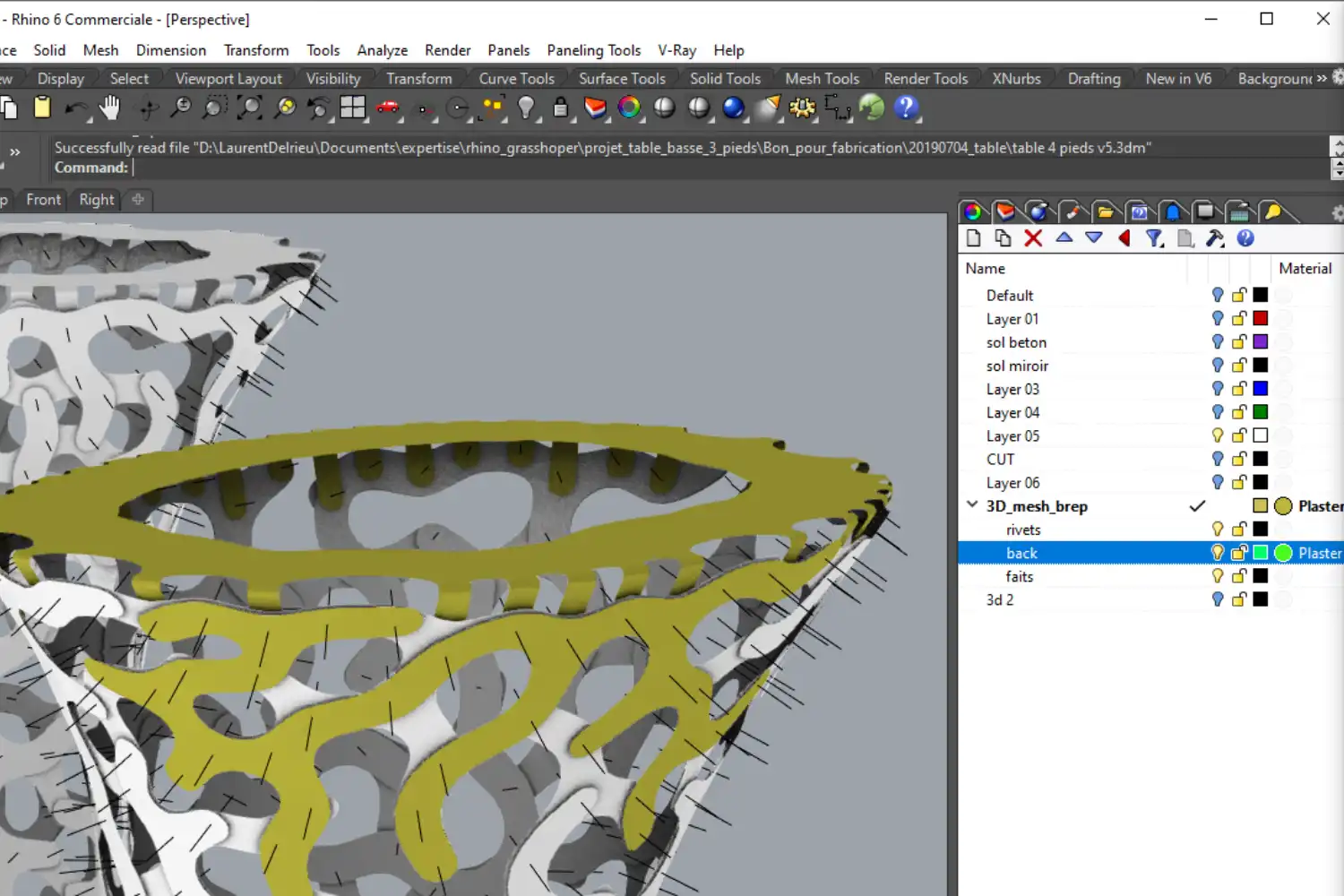
Rhino’s NURBS engine handles curves and double-curved surfaces that are awkward in BIM-first software. Grasshopper extends this by generating many variations of a massing or facade pattern from one set of rules.
Parametric Facades and Patterns
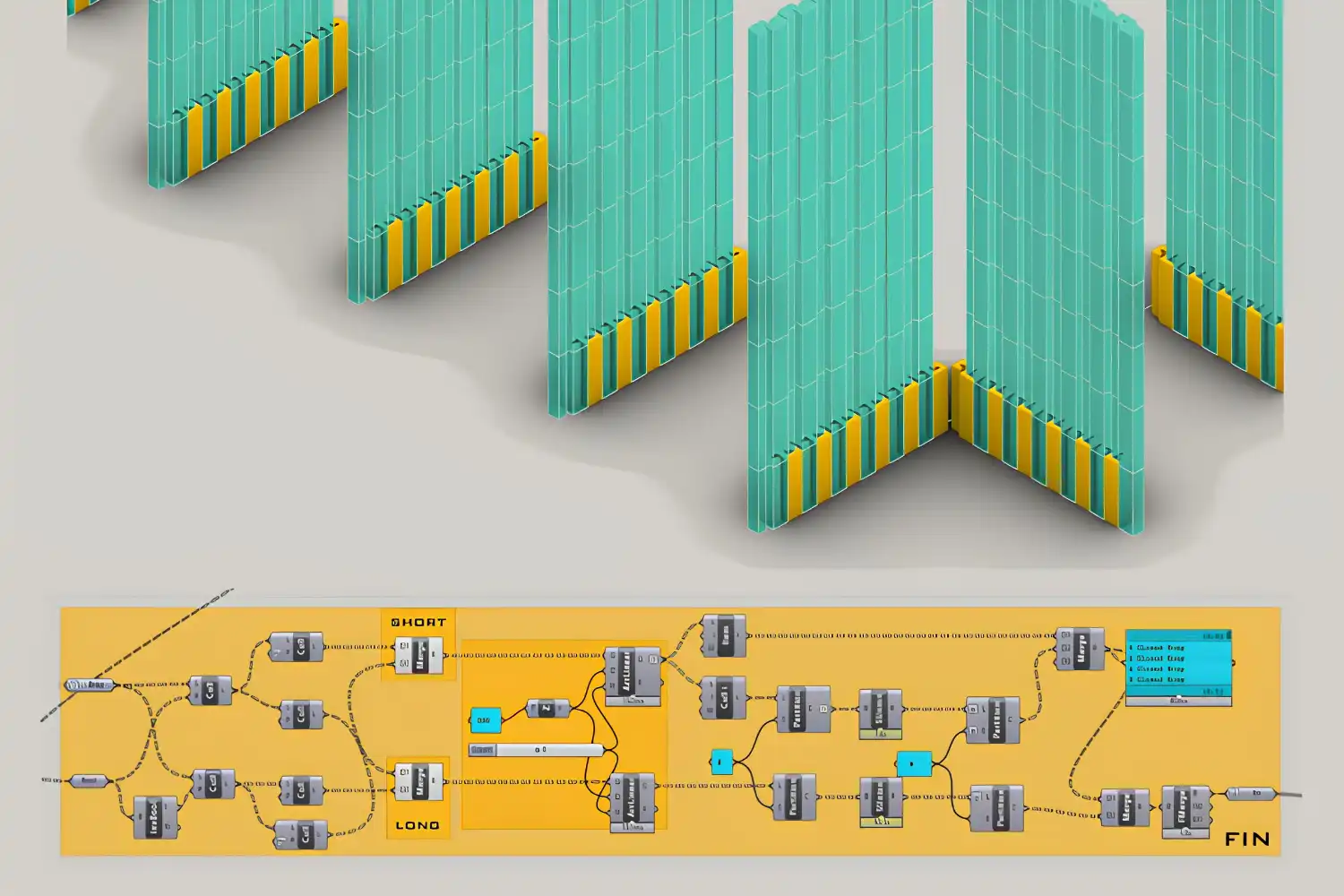
Repetitive panel systems, perforation patterns, and shading screens are a natural fit. A definition can drive the size, rotation, or opening of every panel based on solar exposure, view direction, or distance from a point. Parametric architecture principles cover the underlying logic in more depth.
Performance Analysis
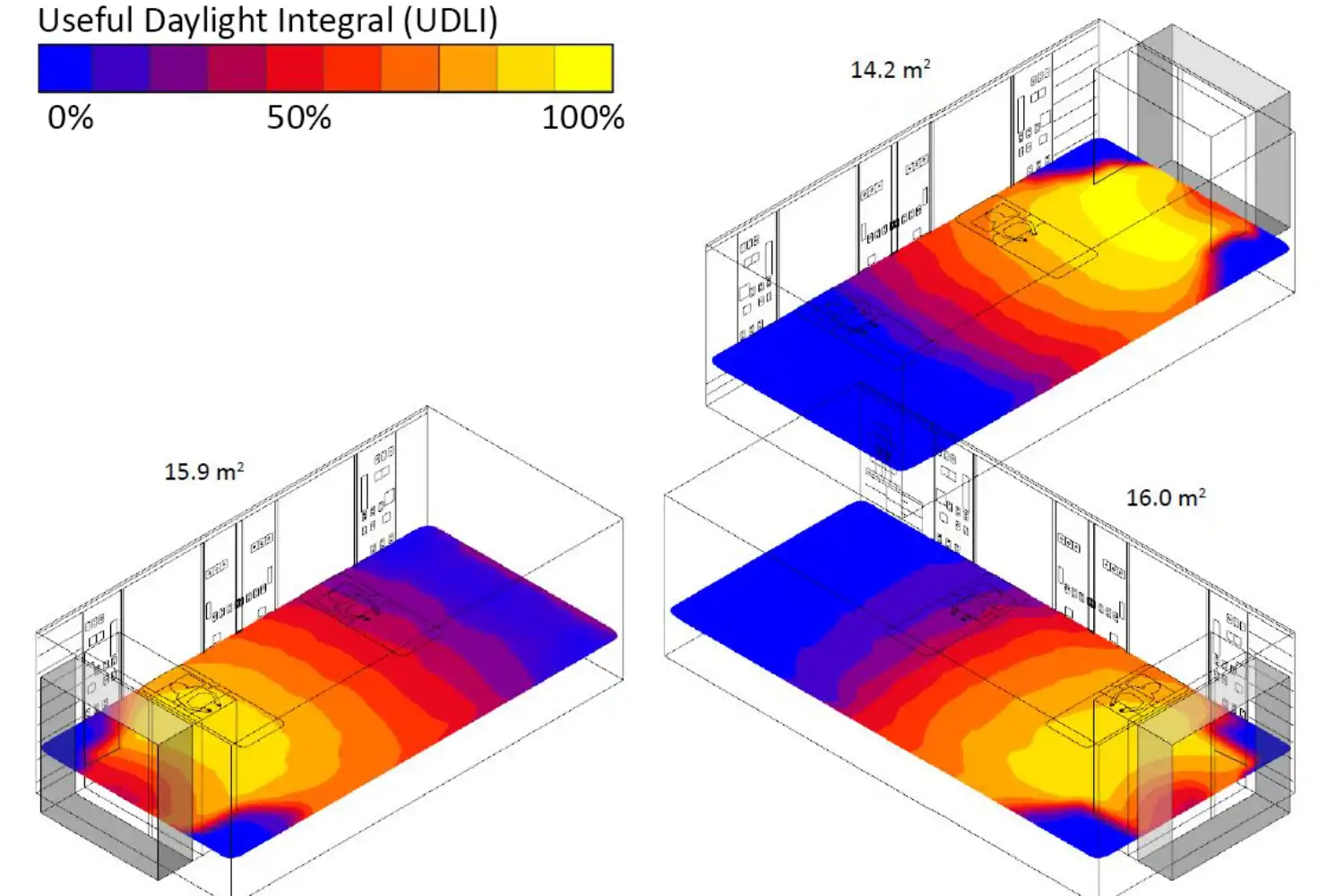
Plugins extend Grasshopper into building physics. Ladybug and Honeybee handle climate, daylight, and energy. Karamba3D handles structural analysis. Architects can study daylight autonomy or structural deflection inside the same file where they design.
Documentation and Fabrication
Rhino exports clean DWG drawings, IGES surfaces, and STL meshes. Grasshopper definitions can unroll a curved facade into flat panels with fabrication labels, or generate G-code for CNC milling. This direct file-to-fabrication path is one reason Rhino has become standard in pavilion and prototype work.
🏗️ Real-World Example
Heydar Aliyev Center (Baku, 2012): Zaha Hadid Architects used Rhino and Grasshopper to define the building’s continuous flowing skin and drive panelization through parametric scripts. The same definition produced both design iterations and the data needed to fabricate over 12,000 unique GFRC and GFRP cladding panels, each with its own ID for site assembly.
How Rhino and Grasshopper Work Together
The relationship between the two follows a simple loop. You reference geometry from Rhino into Grasshopper, run operations on it, and bake the result back into Rhino when you want to keep it as fixed geometry.
A typical workflow: you draw a site curve and a few control lines in Rhino, reference them into Grasshopper as inputs, and use a definition to generate massing, divide it into floors, and clad each floor with a panel system. Sliders control floor count, panel rotation, and shading depth. When the values are right, you bake the result back into Rhino as a surface or mesh, ready for sectioning, dimensioning, or rendering in V-Ray or Enscape.
Rhino 8 also introduced Rhino.Inside.Revit, which lets a Grasshopper definition run inside Revit and create native BIM elements. This bridges parametric design and BIM documentation in a way that was previously difficult, and broadens where Rhino fits among other 3D architectural design software.
NURBS Modeling: Why Rhino Is Different
The biggest technical difference between Rhino and most other architectural software is its use of NURBS rather than meshes or BIM objects. NURBS are mathematical curves and surfaces defined by control points, weights, and knots. They stay smooth at any zoom level and can describe complex curvature with relatively few control points.
For architects this matters in three ways. Double-curved surfaces stay accurate without faceting. File sizes stay manageable even for complex geometry. The same surface can be panelized, unrolled, or sectioned cleanly because the underlying math is exact, not approximated.
The trade-off is a less intuitive interface than push-pull modeling. Beginners coming from SketchUp often struggle with the surface-first logic, and the learning curve for the underlying NURBS concepts is steeper than for mesh or BIM-based tools.
📐 Technical Note
Rhino supports more than 30 file formats for import and export, including DWG, DXF, IGES, STEP, OBJ, FBX, STL, 3DM, SAT, and SKP. This format range is a major reason Rhino sits in the middle of many architecture-engineering workflows: a model can move from concept design into structural analysis, BIM coordination, and CNC fabrication without geometry rebuilds at every step.
Grasshopper Basics: How Visual Scripting Works
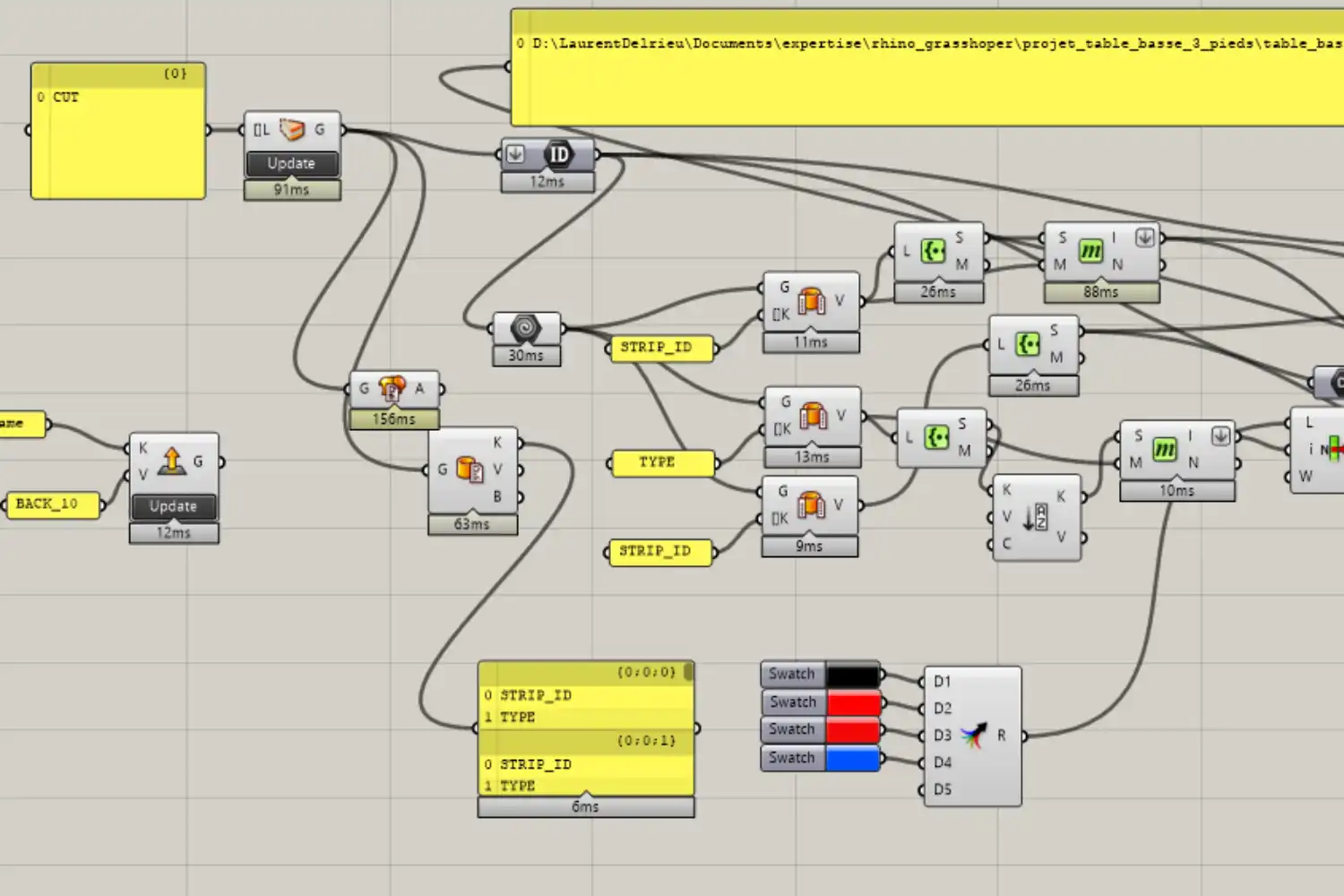
Grasshopper replaces written code with a node-based canvas. Each node, called a component, takes inputs on its left side, performs an operation, and outputs results on its right side. You connect outputs to inputs with wires, and the canvas evaluates from left to right whenever you change anything.
A few core concepts cover most of what beginners need. Components are the building blocks for math, geometry, transformations, and analysis. Parameters hold values, like a number slider for an angle or a panel that stores a curve. Most components handle lists of items, not just single values. Data trees are nested lists that organize geometry hierarchically, for example one branch per floor of a building.
Once these concepts click, you can read most Grasshopper definitions you find online. The official Grasshopper community site hosts thousands of example files and active forums for troubleshooting.
📌 Did You Know?
Grasshopper was originally released in 2007 as a free experimental plugin for Rhino 4 called Explicit History, written by David Rutten. It was renamed Grasshopper and stayed a free download for nearly a decade before being bundled into Rhino 6 in 2018. That long free period helped it become the dominant computational design tool in architecture schools worldwide.
Essential Grasshopper Plugins for Architects
The base Grasshopper installation is powerful, but most architects extend it with a small stack of plugins. A few have become near-standard in the profession.
Ladybug Tools, an open-source suite that includes Ladybug, Honeybee, Butterfly, and Dragonfly, handles environmental analysis through validated engines like EnergyPlus and Radiance. Karamba3D adds parametric structural analysis directly inside Grasshopper. Kangaroo is a physics solver used for form-finding, particularly tensile structures and gridshells inspired by the work of Frei Otto. LunchBox provides a large library of geometric operations like panelization and structural lattices.
For BIM coordination, Rhino.Inside.Revit lets Grasshopper write directly into Revit projects, which is increasingly common in larger firms. Most of these plugins are free and distributed through Food4Rhino, the official McNeel marketplace.
Comparison of Common Grasshopper Plugins
The table below summarizes the main use cases and licensing for the most widely adopted plugins.
| Plugin | Primary Use | Licensing | Best For |
|---|---|---|---|
| Ladybug Tools | Climate, daylight, energy analysis | Free, open source | Performance-driven design |
| Karamba3D | Structural analysis | Free for students, paid pro license | Early structural studies |
| Kangaroo | Physics, form-finding | Free, bundled with Rhino | Tensile and gridshell design |
| LunchBox | Panelization, utilities | Free | Facade systems and patterns |
| Rhino.Inside.Revit | BIM integration | Free, included with Rhino 7+ | Linking parametric design to BIM |
Rhino vs Other Architectural Software
Rhino is rarely the only software in an office. Most practices use it alongside a BIM platform like Revit or ArchiCAD, a renderer like V-Ray or Enscape, and a sketching tool like SketchUp. Compared to Revit, Rhino is faster for organic geometry but weaker for documentation. Compared to SketchUp, Rhino is more precise but has a steeper learning curve. Compared to AutoCAD, Rhino is far stronger in 3D but is not typically used as a primary 2D drafting tool.
How to Learn Rhino and Grasshopper as an Architect
The learning curve for Rhino is moderate; the curve for Grasshopper is steeper, especially for designers who have never written or read code. A realistic learning path takes a few weeks of consistent practice for basics and several months to design original definitions confidently.
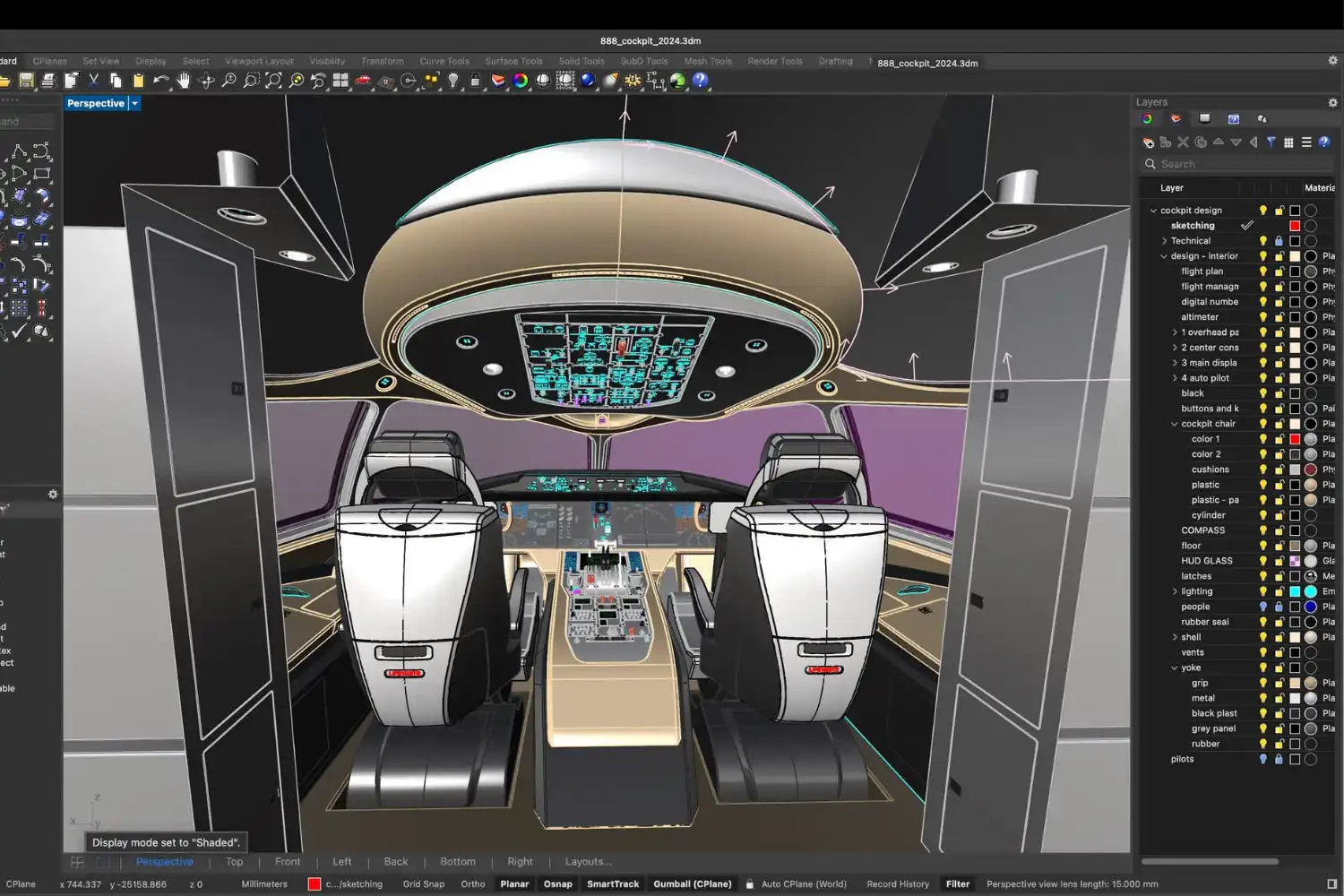
A workable order is to start with Rhino’s modeling fundamentals: command line, transforms, surfaces, and the Layers panel. Once you can model a small building accurately in Rhino, move into Grasshopper with a focused goal, such as parameterizing a facade or generating a structural grid. After a first definition works, rebuild it from scratch without the tutorial. That second pass is where most of the learning happens.
Free resources include the Rhino Level 1 and Level 2 training manuals from McNeel, the Grasshopper Primer by Mode Lab, and official video courses on the Rhino website. University programs increasingly include Grasshopper in their parametric architecture and generative design courses.
⚠️ Common Mistake to Avoid
Many beginners try to learn Grasshopper by collecting components without understanding data trees. This leads to definitions that work for a single case but break the moment a list is reorganized. Spend time early on with the Tree Statistics, Flatten, Graft, and Path Mapper components. Understanding how data is organized matters more than memorizing component names.
Hardware and Setup for Rhino and Grasshopper
Rhino runs on both Windows and macOS, though Grasshopper performance is generally better on Windows and some plugins are Windows-only. Grasshopper itself is single-threaded for most operations, so raw CPU clock speed matters more than core count for typical architectural definitions.
For most work, a modern multi-core CPU, 16 GB of RAM (32 GB for large projects), and a dedicated GPU with at least 4 GB of VRAM are a reasonable baseline. Heavy mesh work or rendering inside Rhino will benefit from more RAM and a stronger GPU. The official Rhino system requirements page lists current minimums for each version.
✅ Key Takeaways
- Rhino is a NURBS-based 3D modeling program; Grasshopper is its built-in visual scripting environment for parametric design.
- The two are used together: Rhino handles direct modeling and file exchange, Grasshopper handles rules and data-driven geometry.
- Common architectural uses include conceptual form-finding, parametric facades, performance analysis, and direct-to-fabrication workflows.
- Key plugins extend Grasshopper into structural (Karamba3D), environmental (Ladybug Tools), physics (Kangaroo), and BIM (Rhino.Inside.Revit) work.
- Rhino is rarely used alone; most offices pair it with a BIM platform and a renderer for production projects.
- Learning Grasshopper requires understanding data trees, not just memorizing components.
Final Thoughts
Rhino and Grasshopper have moved from a niche academic toolset to a working part of mainstream architectural practice over the past fifteen years. Their value is not the ability to produce dramatic forms, though that is what most published examples show. The real value is testing design decisions against measurable criteria early, iterating cheaply, and carrying geometry from concept through to fabrication data without rebuilding the model. For architects who want to work seriously with computational methods, fluency in both is now closer to a baseline expectation than a specialist skill.







Leave a comment