


Table of Contents Show
The best sketching apps for architects combine the freedom of hand drawing with the precision of CAD, letting you move from concept sketches to scaled plans on a single device. The strongest options today are Morpholio Trace, Procreate, Concepts, and Shapr3D, each suited to different stages of the design process from early ideation to scaled documentation and 3D massing.
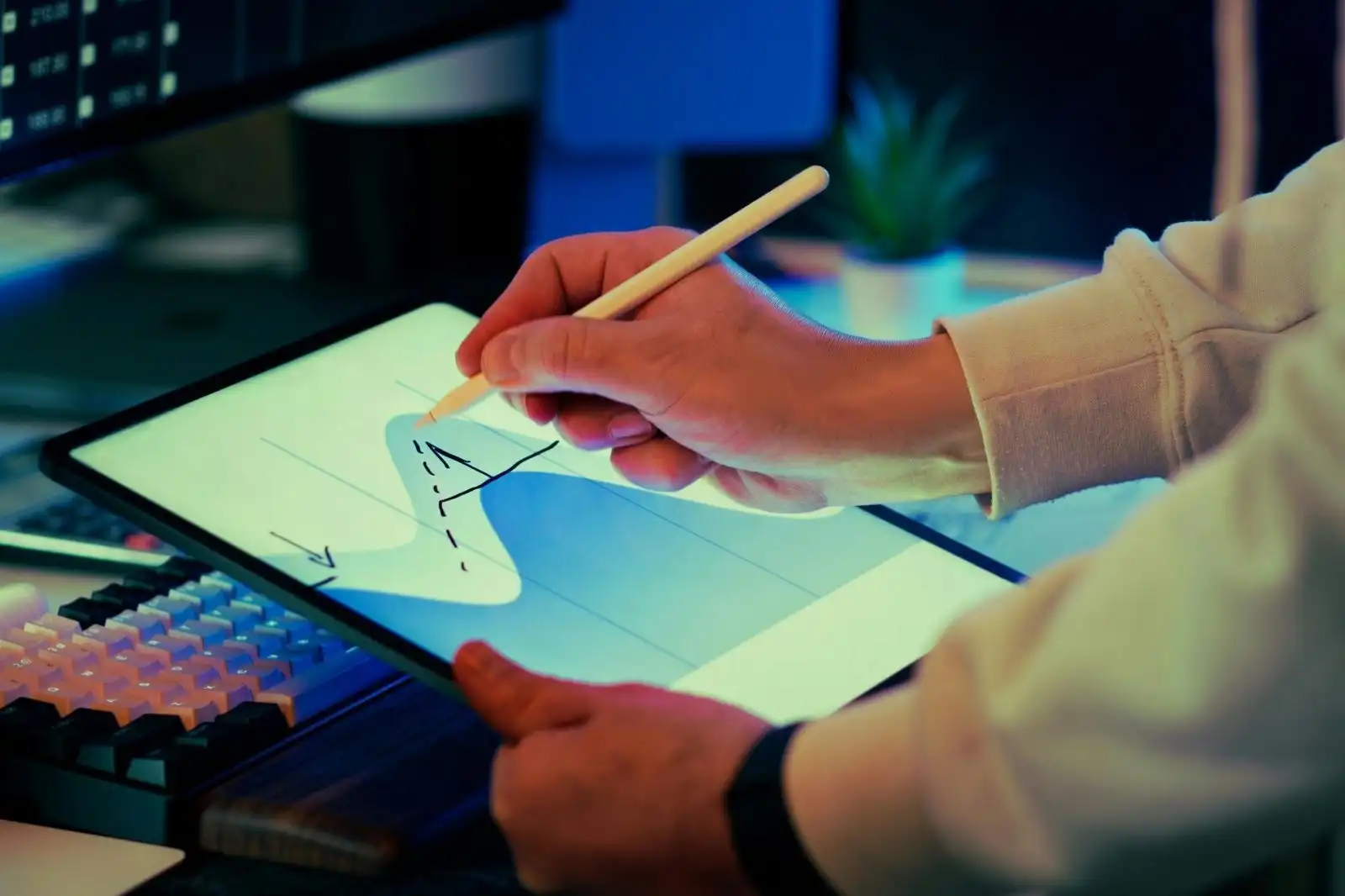
Sketching used to mean trace paper, markers, and a portfolio bag heavy enough to throw out your shoulder. Today, a single iPad can carry every project you have ever worked on, every reference photo from every site visit, and a full set of pens, pencils, brushes, and rulers. The shift is not about replacing the pencil. It is about giving the pencil more memory and more reach.
For architects working between studio, site, and client meetings, a sketching app does three jobs at once: it captures fast concepts, it lets you mark up existing drawings and PDFs, and it bridges to CAD or BIM tools later in the process. The right app depends on which of those jobs matters most to you, and how much precision you need at the sketching stage. Pairing a tablet with sketching software is part of the broader shift toward digital workflows in architecture, alongside other essential tools that every architect should own.
💡 Pro Tip
Before committing to a paid app, spend two weeks testing the free or trial version on a real project, not on a tutorial. Your favorite app on YouTube is rarely the one that fits your actual workflow. Pay attention to how fast you can open a file, change pen weight, and export to your team in your daily routine.
What Makes a Good Sketch App for Architects?
Architects ask different things from a sketching app than illustrators do. A digital artist may care about brush variety and canvas resolution above all. An architect cares about scale, layers, and the ability to overlay sketches on photos, plans, or PDFs without losing accuracy. A few features separate professional architectural sketching apps from general drawing tools.
The first is real-world scale and measurement. Without it, your sketch is just an image. With it, your sketch becomes a working drawing that contractors and consultants can read. The second is layer flexibility, which lets you separate trace overlays, base drawings, and notes the same way physical trace paper used to. The third is PDF import and export, because most of your collaborators will not be using the same iPad app, and the file has to land somewhere they can open.
Beyond those, look for pressure and tilt sensitivity (essential for natural line weight), perspective and isometric grids, vector-based strokes that you can edit after drawing, and integration with desktop tools like Revit, ArchiCAD, AutoCAD, and SketchUp. If you want to understand how sketching fits into the larger design conversation, the role of architectural concept sketches in the design process is worth a closer look.
Hardware You Will Need
Most of the best sketching apps for architects are iPad-first, which means an iPad and an Apple Pencil are the minimum hardware investment. An iPad Pro with the M-series chip is the strongest option for performance and Apple Pencil Pro support, but a standard iPad with a basic Apple Pencil handles 90 percent of architectural sketching tasks well. Android and Windows users have fewer options, though Concepts now runs on both with steadily improving feature parity.
The 8 Best Sketching Apps for Architects in 2026
The list below covers eight apps that consistently rank as the best sketch app for architects in professional reviews and architect-led tutorials. They cover everything from quick concept sketches to scaled documentation and 3D massing. The comparison table at the end lays out pricing, platform, and ideal use cases side by side.
1. Morpholio Trace
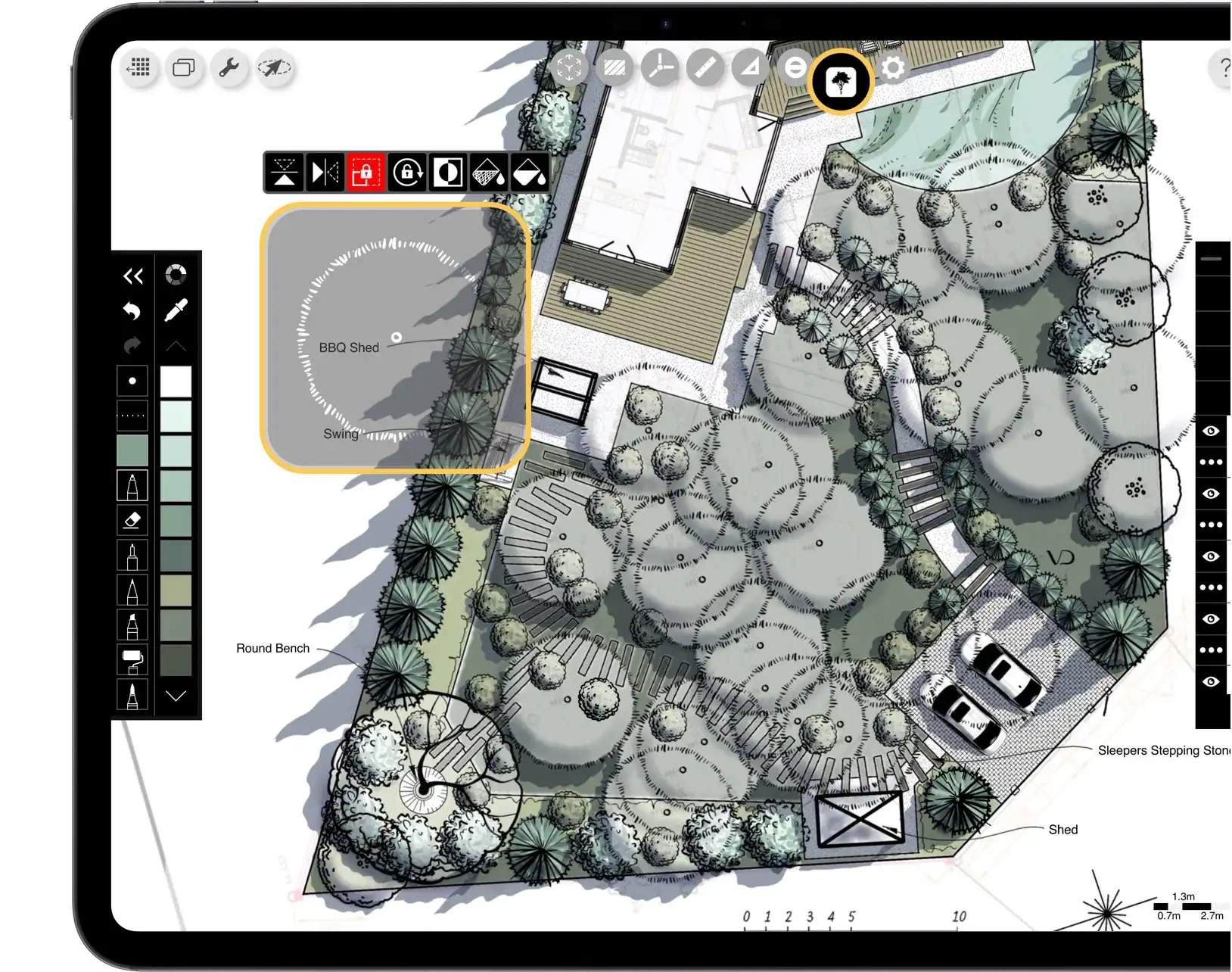
Morpholio Trace is built by architects for architects, and it shows. The app replicates the feeling of yellow trace paper sketching, then layers in tools you cannot get on physical trace: editable layers, scaled rulers, perspective grids, and PDF markup. Trace handles concept sketching, schematic design, on-site markups, and presentation drawings inside one workflow.
The app has been featured as a top architecture iPad app by ArchDaily, Dezeen, Designboom, Architectural Record, and Architect Magazine. Its Super Scale tool calibrates drawings to real-world dimensions, and its RoomPlan integration uses the iPad LiDAR scanner to produce 3D base plans that you can sketch over instantly. For architects who want a tool designed specifically for design workflows rather than general drawing, Trace is hard to beat. You can read more on the official Morpholio Trace site.
Best for: Architects who want a single app for concept design, scaled drawings, and PDF markups.
Pricing: Free download with subscription tiers; the App Store lists subscription plans starting around $9.99 per month for the Plus tier and a separate B2B license at $199.99 per transferable seat.
2. Procreate
Procreate is the most widely used digital sketching app on iPad, with millions of users across illustration, animation, and design. For architects, it is not the most precise option, but it is one of the most expressive. The brush engine, pressure sensitivity, and color tools make it the strongest choice for hand-rendered visuals, marker-style sketches, and concept illustrations that you want to feel personal rather than technical.
The pricing is one of Procreate’s biggest selling points. The app is a one-time purchase of $12.99, with no subscription, and all major updates have been free for existing owners since the app launched. Procreate also supports 3D file formats including USDZ and OBJ, which lets architects paint textures and final color passes onto SketchUp or Rhino models brought into the iPad. The trade-off is that Procreate has no real-world scale tool, so it cannot replace a dedicated architectural app for plans and elevations. Details and the latest version are on the official Procreate website.
Best for: Hand-rendered concept sketches, architectural illustrations, and final renderings over 3D models.
Pricing: $12.99 one-time purchase on the App Store.
3. Concepts
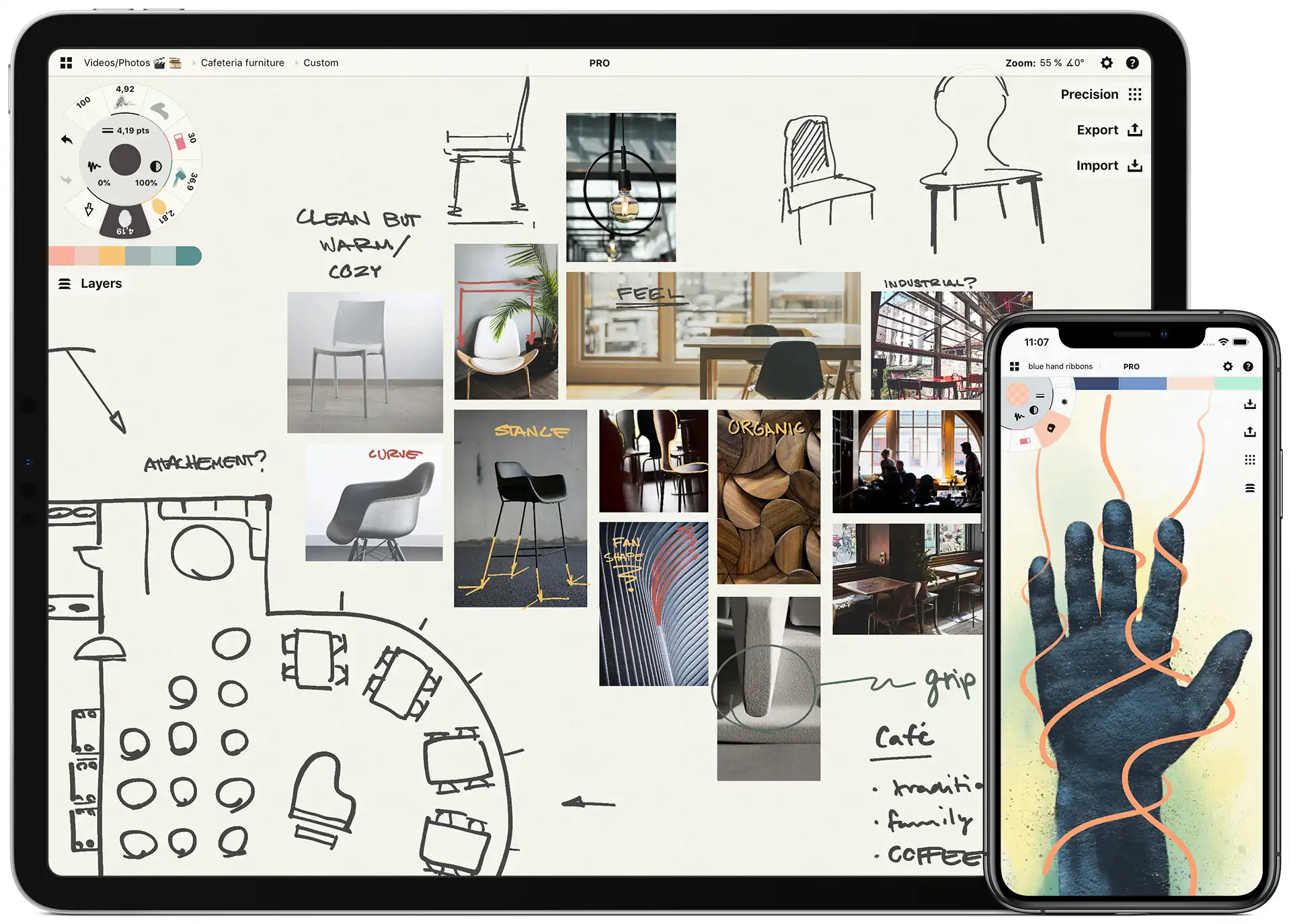
Concepts takes a different approach from Procreate and Trace. It is a vector-based infinite canvas, which means every stroke you draw stays editable forever. You can change a pen weight, color, or shape long after you drew it, without erasing and redrawing. The app supports real-world scale, COPIC color libraries, isometric and perspective grids, and exports to PNG, PSD, SVG, DXF, and PDF, including AutoCAD-compatible vector files.
Concepts is also one of the few serious architectural sketching apps that runs on iPad, Android, ChromeOS, and Windows, with a free tier that covers most basic sketching needs. The official site describes more than one million users and a 4.7 App Store rating. Pricing is flexible: a Free plan, a one-time Essentials Pack for selection, editing, and infinite layers, or a Pro Subscription that unlocks every feature, brush, and object across platforms. The app is also free for teachers and students.
Best for: Architects who want vector-based, fully editable sketches and cross-platform support.
Pricing: Free tier; Essentials Pack one-time purchase; Pro Subscription with monthly or yearly options (regional pricing in the App Store, Play Store, or Microsoft Store).
🎓 Expert Insight
“My message to architects is, instead of picking up your sketchpad, pick up your iPad and try it. It gives your designs the hand-drawn touch that’s personal to you, that clients love, and it bridges you simply with the digital world.”, Erick Mikiten, AIA Architect, LEED-AP
Mikiten’s point captures why so many practicing architects have moved their sketching to the iPad. The shift is not about replacing hand drawing, but about keeping it alive in a workflow that also has to talk to CAD, BIM, and contractors.
4. Shapr3D
Shapr3D is not a pure sketching app, but it sits right next to one in most architectural workflows. The app turns 2D sketches into 3D massing models on the iPad with industrial-grade CAD precision behind the touch interface. For architects, it is the fastest way to test a building form, study a roof line, or work out a parti diagram in three dimensions before opening Revit or Rhino at the desk.
Shapr3D supports import and export to standard CAD formats and runs on iPad, macOS, and Windows. Pricing is subscription-based, with a free tier limited to a small number of designs and a paid tier for unlimited use. For architects who want a true sketch-to-CAD bridge on a tablet, Shapr3D is the closest the market comes today.
Best for: Quick 3D massing studies and sketch-to-CAD workflows on iPad.
Pricing: Free tier with limits; paid plans available on the official site at shapr3d.com.
5. Autodesk SketchBook
Autodesk SketchBook used to be a paid pro tool, then went completely free in 2018, and it remains free today. The app offers a clean interface, a large brush library, perspective guides, and full layer support. For architects who want a simple, capable sketching tool without subscriptions or one-time fees, SketchBook is one of the strongest free options on the market. It is available on iOS, Android, macOS, and Windows.
SketchBook does not have real-world scale or PDF markup like Trace and Concepts, so it is best treated as a free-form sketching companion rather than a working drawing tool. For early concept work, marker studies, and quick perspective sketches, it does the job well. You can read the app’s full feature list and download links on the Autodesk SketchBook site.
Best for: Free, capable sketching across iPad, Android, and desktop without subscription costs.
Pricing: Free.
6. Adobe Fresco
Adobe Fresco brings Adobe’s brush technology to iPad with a focus on natural media: oil paint, watercolor, charcoal, and vector pens that simulate ink and pencil. For architects already working inside Creative Cloud, Fresco is the most natural sketching companion to Photoshop and Illustrator, with cloud-synced files that open across the Adobe ecosystem.
The free version covers the core feature set with a smaller brush library. The paid Premium tier unlocks every brush and integrates fully with Creative Cloud. Fresco is strongest for architects who produce illustrative, painterly visualizations and want round-tripping into Photoshop layers without exporting and re-importing files.
Best for: Architects in the Adobe ecosystem who want natural-media sketching with Creative Cloud sync.
Pricing: Free tier; Premium subscription billed through Adobe Creative Cloud.
7. Tayasui Sketches
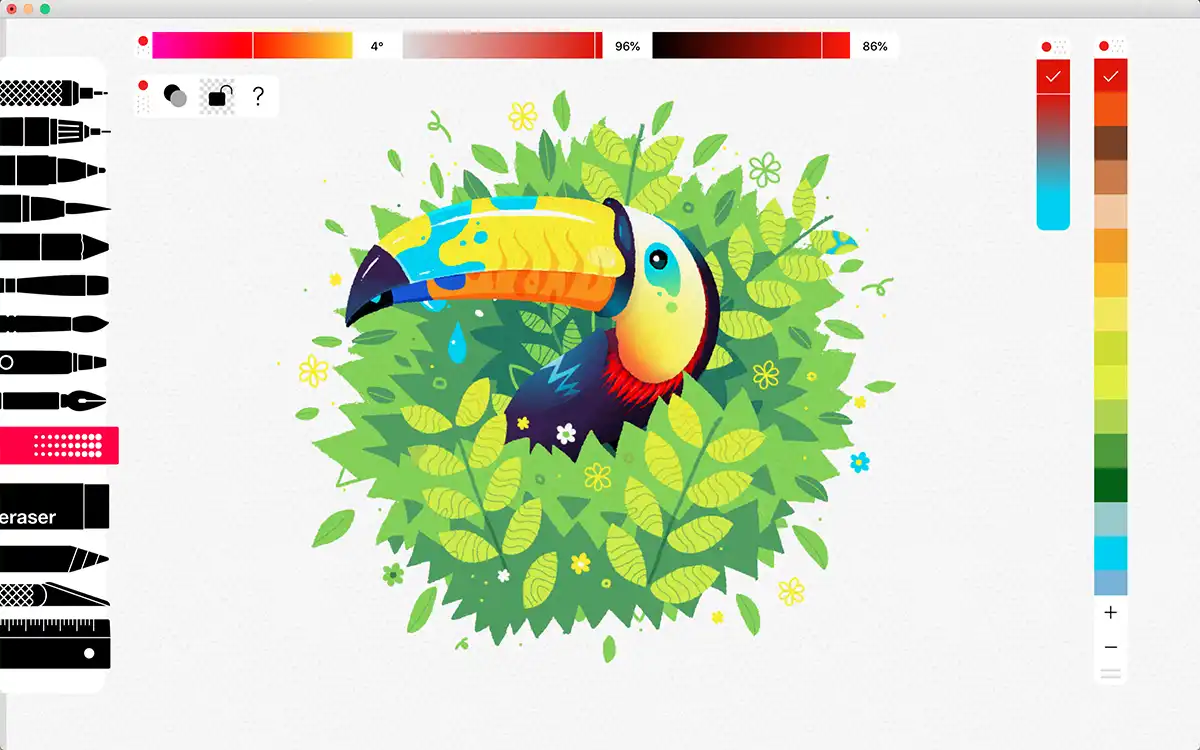
Tayasui Sketches is a minimalist sketching app with a small but thoughtful set of brushes and a clean interface. It is the easiest app on this list to pick up if you have never sketched digitally before. For architects who want a quiet, distraction-free space for early ideation and concept sketches, Sketches keeps the toolset simple on purpose.
The basic version is free. The Pro upgrade is a one-time purchase that unlocks more brushes, layers, and blending modes. Sketches will not replace a Trace or Concepts as a working architectural tool, but as a daily sketchbook for quick ideation, it earns its place.
Best for: Beginners and architects who want a minimalist daily sketchbook.
Pricing: Free basic version; Pro upgrade is a one-time purchase, currently around $5.99 on the App Store.
8. Paper by WeTransfer
Paper started life as one of the most awarded sketching apps on iPad and remains a clean, fast tool for napkin-sketch-style ideation. It does not support real-world scale or PDF markup, but for architects who want to capture an idea in two minutes between meetings, Paper is one of the fastest tools to open and start drawing. The interface is gesture-driven, the brush set is small and intentional, and the workflow rewards speed over precision.
Paper is free with a paid Pro tier for additional features. It pairs well with the broader practice of capturing ideas quickly the way architects historically used napkins, sketchbooks, or any surface within reach. The same principle applies whether you are using paper or pixels, and it is closely tied to the tradition of architects’ napkin sketches.
Best for: Fast, gesture-driven concept sketching and visual note-taking.
Pricing: Free with optional Pro subscription.
Comparison Table: Best Sketching Apps for Architects
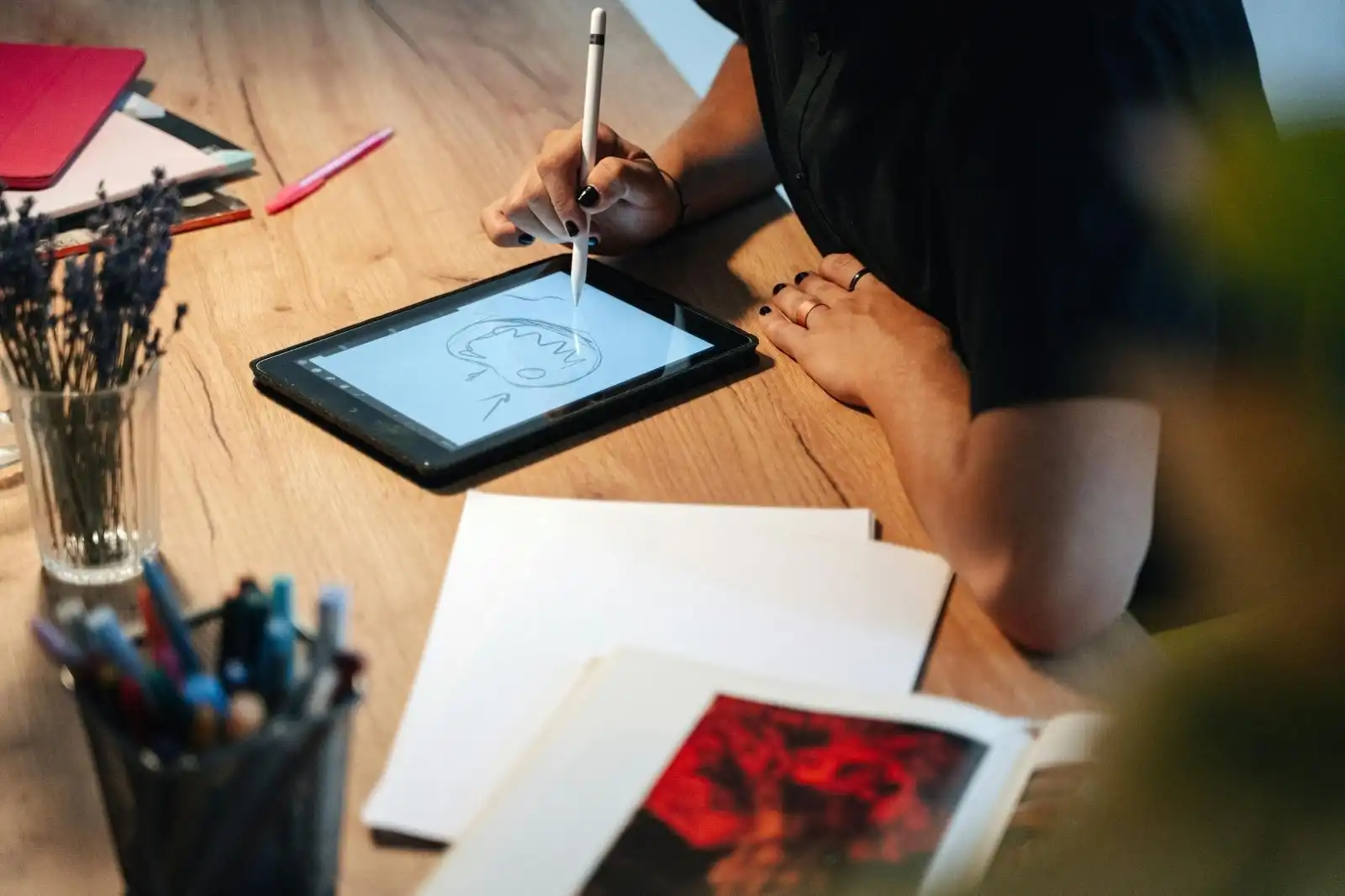
The following table summarizes platform support, pricing model, and the strongest use case for each app. Pricing reflects the latest figures published on the official sites and app stores at the time of writing.
| App | Platform | Pricing Model | Best For |
|---|---|---|---|
| Morpholio Trace | iOS | Free + subscription tiers | All-in-one architectural sketching and markup |
| Procreate | iOS | $12.99 one-time | Hand-rendered concept sketches and illustrations |
| Concepts | iOS, Android, ChromeOS, Windows | Free + Essentials one-time + Pro subscription | Vector-based, editable sketches across devices |
| Shapr3D | iOS, macOS, Windows | Free tier + paid subscription | Sketch-to-CAD 3D massing on iPad |
| Autodesk SketchBook | iOS, Android, macOS, Windows | Free | Free, capable cross-platform sketching |
| Adobe Fresco | iOS, Windows | Free + Creative Cloud subscription | Natural-media sketching inside Adobe ecosystem |
| Tayasui Sketches | iOS, Android, macOS, Windows | Free + Pro one-time | Minimalist daily sketchbook |
| Paper by WeTransfer | iOS | Free + Pro subscription | Fast, gesture-driven idea capture |
⚠️ Common Mistake to Avoid
Many architects download three or four sketching apps and never commit to one. The result is a fragmented workflow where files live everywhere and habits never form. Pick one primary app for daily sketching, one secondary for a specific job (markup, 3D massing, or final rendering), and ignore the rest until you have outgrown the first two.
Which Is the Best iPad Sketch App for Architects?
If you want a single answer: most professional architects pair Morpholio Trace with Procreate. Trace handles the design work that needs scale, layers, and PDF markup. Procreate handles the visuals that need warmth, color, and personality. The two apps round-trip cleanly through PNG and PDF, and together they cost less than a single year of most desktop CAD subscriptions.
For architects who want one app instead of two, Concepts is the strongest single-tool answer, especially if you also work on Android or Windows. Its vector-based strokes and infinite canvas give you the flexibility of Trace and the expressive freedom of Procreate inside a single environment, with the bonus of running on almost any device. The trade-offs are a steeper learning curve and a more complex pricing structure.
For students or young architects on a tight budget, Autodesk SketchBook plus the free tier of Concepts covers most sketching needs at zero cost. Add Procreate’s $12.99 one-time purchase if you want a stronger illustration tool, and you have a complete digital sketching kit for under $15.
How to Choose the Right App for Your Workflow
The right app is the one that matches the work you actually do, not the work you wish you did. If most of your sketching is conceptual and expressive, lean toward Procreate, Fresco, or Tayasui Sketches. If most of it is technical, with scaled plans and PDF markups, lean toward Trace or Concepts. If most of it is three-dimensional, lean toward Shapr3D for the 3D side and Trace or Concepts for the 2D companion.
Test on real projects before paying. Subscription apps usually offer a 7-day or 30-day free trial. One-time purchases are riskier, but Procreate and Concepts both have strong return windows on the App Store if you ask within the first 14 days. The hardest part is committing long enough to build muscle memory in one app instead of bouncing between three.
💡 Pro Tip
Set up an export pipeline before you finish your first sketch in a new app. Decide where the files go (Dropbox, iCloud, your firm’s project server), what format you export to (PDF for markups, PNG for presentations, DXF for CAD round-trips), and whether you back up the native file. An app that does not fit your file pipeline will quietly stop being used within a month, no matter how good the brushes are.
🏗️ Real-World Example
UNii Engineering Consultancy (UAE, Qatar, Egypt): Architect Osama Elfar, a partner at the firm, runs an entire architectural design tutorial series in Concepts on his iPad, covering scaled floor plans, axonometric views, and exterior renderings. The series, hosted on Concepts’ official YouTube channel, demonstrates a working firm-level workflow that moves from sketch to scaled documentation without leaving the tablet, then exports to SketchUp and Rhino for further development.
Sketching Apps and the Larger Architecture Workflow
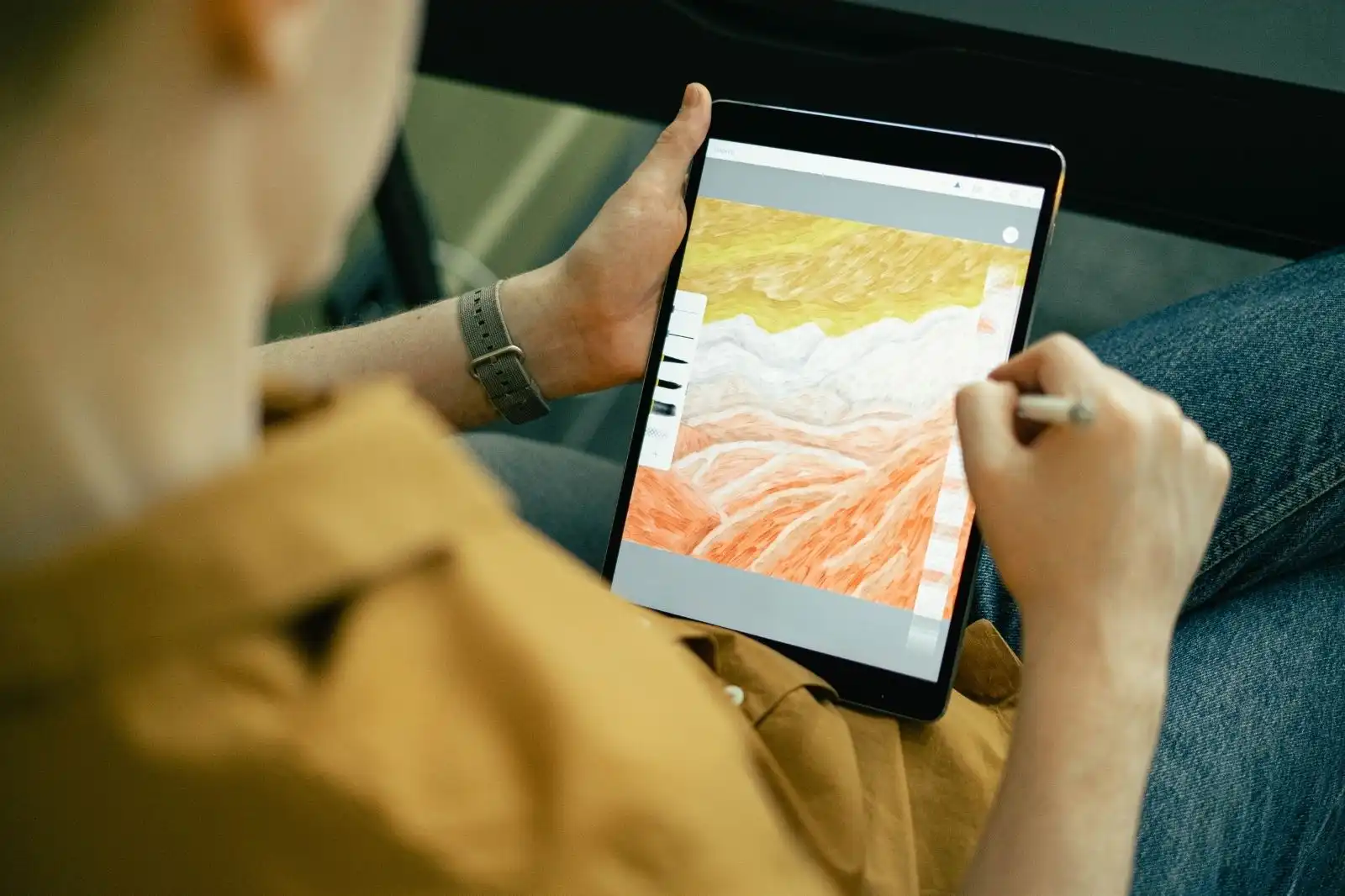
A sketching app is one piece of a larger digital toolkit. Most architects pair their tablet with a desktop BIM or CAD platform: Revit, ArchiCAD, AutoCAD, or Rhino for full project documentation, and SketchUp for fast 3D modeling between sketch and full BIM. The sketching app is where ideas start. The desktop tools are where they get built.
The bridge between the two used to be a scanner. Now it is an export menu. Most of the apps on this list export to PDF, PNG, SVG, or DXF, which means a sketch from your morning bus ride can land inside a Revit file before lunch. That continuous loop, from hand-drawn idea to BIM model to construction document and back to a marked-up PDF, is the real reason sketching has moved to the tablet. For a deeper look at the move from 2D drawings to integrated 3D workflows, this primer on architectural sketching and drawing techniques is a good starting point.
If you are working in Concepts or Trace, the natural next step in your stack is a 3D modeling tool that talks to your sketches. SketchUp imports vector and raster files from both apps and is one of the most common pairings in architecture firms today. ArchiCAD versus SketchUp is a useful comparison if you are deciding which 3D platform to anchor your workflow around.
✅ Key Takeaways
- Morpholio Trace is the strongest single app for architectural sketching, scaled drawings, and PDF markup on iPad.
- Procreate offers the best hand-rendered visuals at a $12.99 one-time price with no subscription.
- Concepts is the most flexible option for architects who need cross-platform support across iPad, Android, and Windows.
- Shapr3D fills the gap between 2D sketching and 3D modeling for fast massing studies on iPad.
- Autodesk SketchBook remains a strong free option with full layer support and a large brush library.
- Most professional architects pair two apps: one for technical sketching (Trace or Concepts) and one for expressive visuals (Procreate).
Final Thoughts
The best sketching app for architects is the one you actually open every day. The technology has matured to the point where almost every app on this list can support a professional workflow, so the differences come down to interface, pricing, and how the app fits the way you already think about design. Test two or three on a real project, commit to one, and let the others go.
The deeper shift behind these tools is that sketching no longer ends when you scan and file the drawing. It loops back into your CAD model, your BIM file, your client presentation, and your construction site markups. The pencil has not lost its place in architecture. It has just learned to talk to the rest of the workflow.
Pricing figures and feature lists are current at the time of writing and may vary by region and platform. Check the official app store listings for the latest details.












Leave a comment