



Table of Contents Show
Must-have apps for architecture students span five core categories: 3D modeling and CAD, digital sketching, project management, reference and inspiration, and site documentation. The right combination of mobile and desktop apps can save hours of studio time each week and sharpen your design output from first-year foundations through thesis.
Your phone, tablet, and laptop are studio tools now. Between late-night model sessions, site visits, and pin-up crits, architecture students need apps that keep up with a workflow that rarely follows a straight line. The list below covers 20 apps worth downloading, grouped by the kind of work they support. Each entry includes platform details, pricing, and a quick note on where it fits in your daily routine. If you are looking for broader software guidance, the breakdown of essential apps for architects covers professional-grade tools in more depth.
Best Apps for Architecture Students: 3D Modeling and CAD
Three-dimensional thinking is at the core of architecture education. These apps let you build, test, and present spatial ideas on the go, whether you are roughing out massing on the bus or refining a section before a crit.
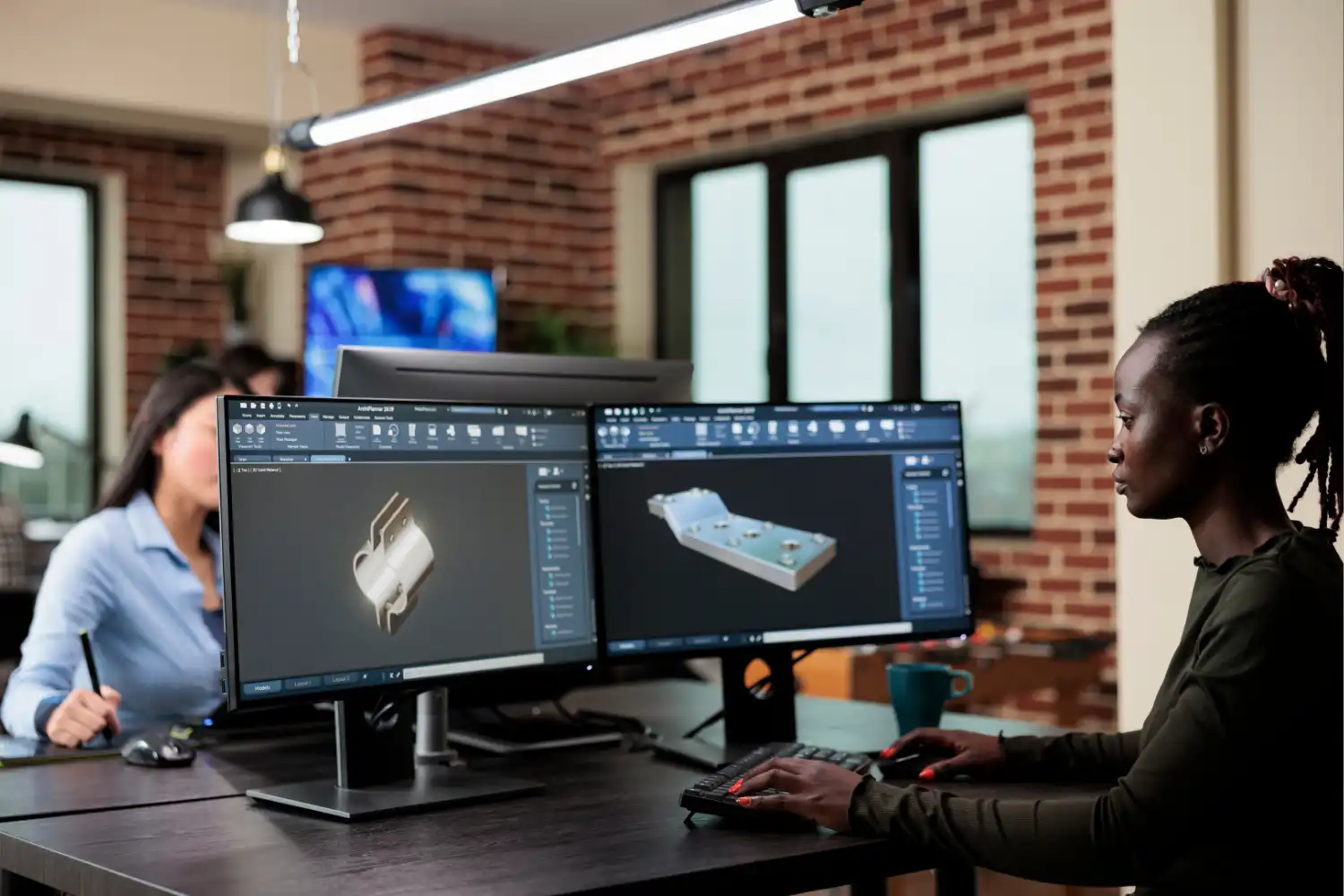
1. SketchUp (iOS, Web): SketchUp remains the fastest way to go from a blank screen to a recognizable 3D form. The free web version handles basic modeling and gives access to the 3D Warehouse, a library of millions of downloadable components. SketchUp for Students (included in the education plan) adds LayOut for documentation and V-Ray for rendering. For a closer look at how it stacks up against BIM tools, see the ArchiCAD vs SketchUp comparison.
2. Shapr3D (iPad, Mac, Windows): Built around Apple Pencil input, Shapr3D turns your iPad into a portable CAD workstation. You can push, pull, and sculpt solid geometry with finger and stylus gestures, then export to STEP, DWG, or DXF for downstream work in Revit or AutoCAD. The free tier covers basic modeling; the Pro plan adds unlimited exports and advanced features.
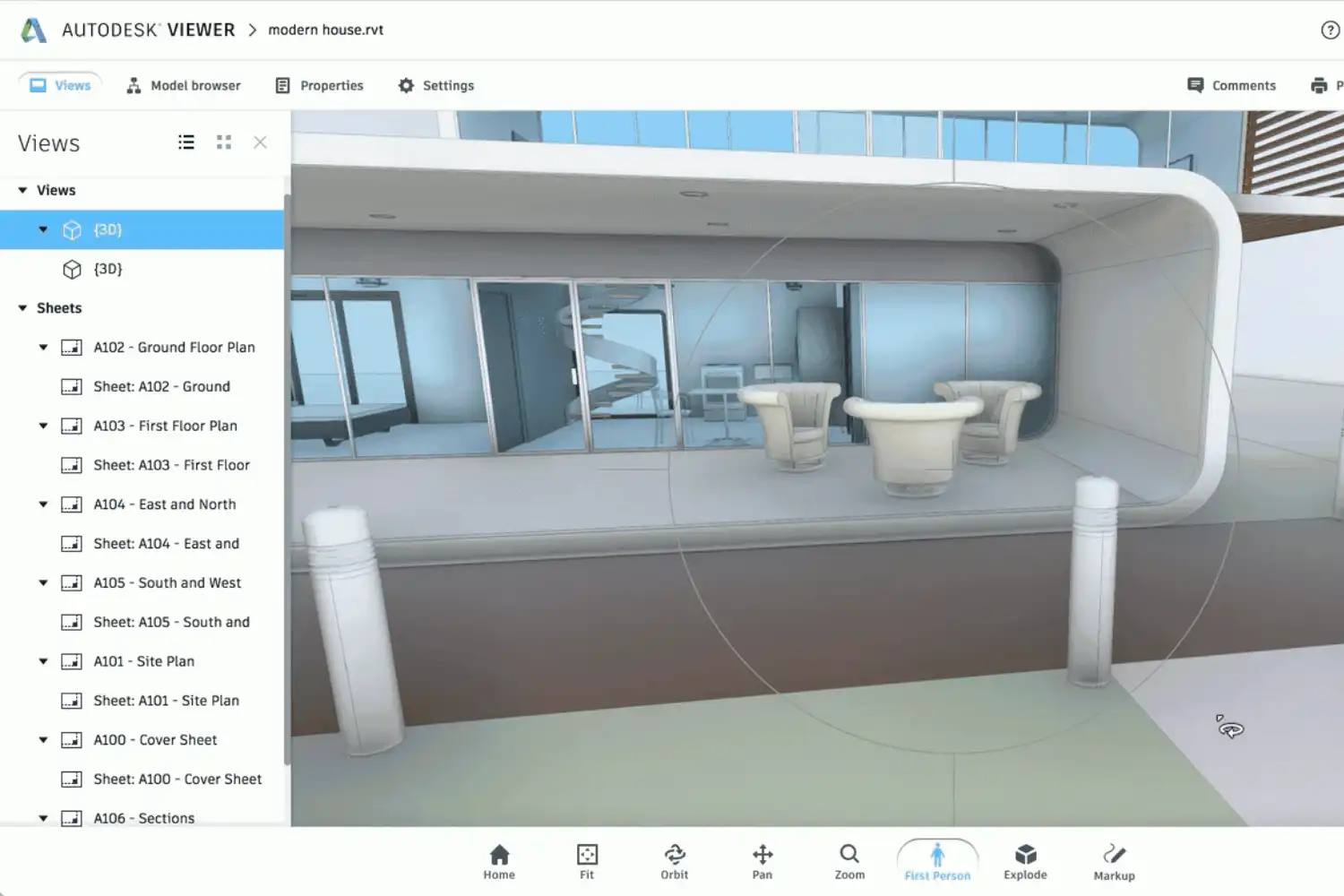
3. Autodesk Viewer (iOS, Android, Web): Not a modeling tool, but a critical companion. Autodesk Viewer lets you open and navigate DWG, RVT, and other Autodesk formats on your phone without a full software license. You can measure, section, and annotate models on site or during a meeting. If you want to understand the full Autodesk ecosystem, the guide to top Autodesk apps for architects breaks it down.
4. Morpholio Trace (iPad): Morpholio Trace sits between sketching and modeling. You can import a photo, a PDF plan, or a SketchUp model as a base layer, then draw over it with scaled tools, smart stencils, and perspective grids. It is one of the best iPad apps for architecture students who want to combine hand-drawing speed with digital precision.
💡 Pro Tip
Before committing to any paid modeling app, check your university’s software portal. Most schools offer free educational licenses for SketchUp Studio, Rhino, and the full Autodesk suite (including Revit and AutoCAD). Paying out of pocket when a student license is available is one of the most common early mistakes.
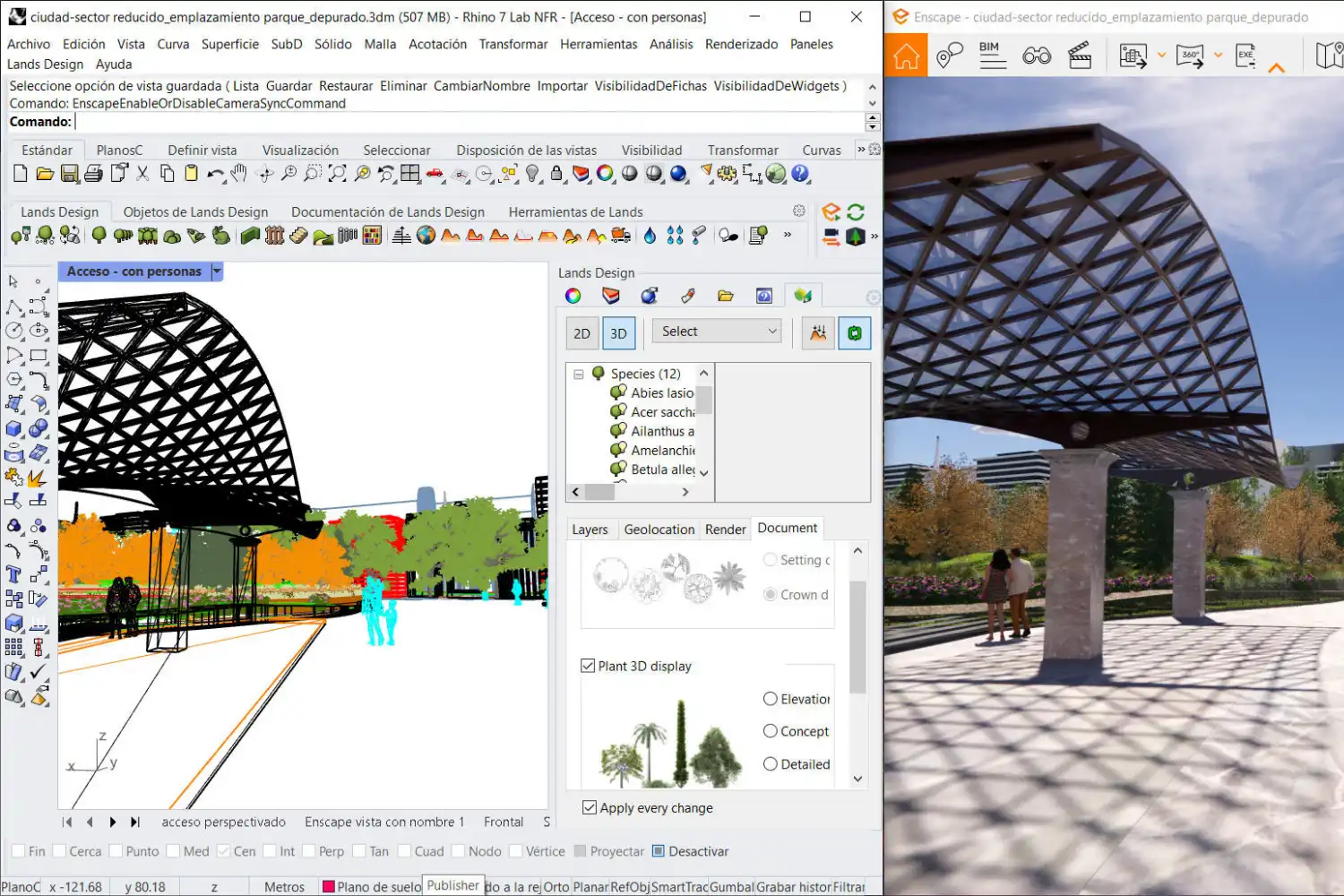
5. Rhino 3D / iRhino 3D (Mac, Windows; iOS for viewing): Rhino is the go-to tool for complex freeform geometry and parametric workflows through Grasshopper. While the full modeling environment runs on desktop, the iRhino 3D viewer app lets you rotate, zoom, and present your models from your phone. Student licenses are available at a significant discount directly from McNeel.
Architecture Apps for Students: Digital Sketching and Drawing
Hand sketching is still fundamental, but digital sketching apps add layers, undo history, and instant sharing that paper cannot match. These picks work well for concept sketches, diagram overlays, and presentation graphics.
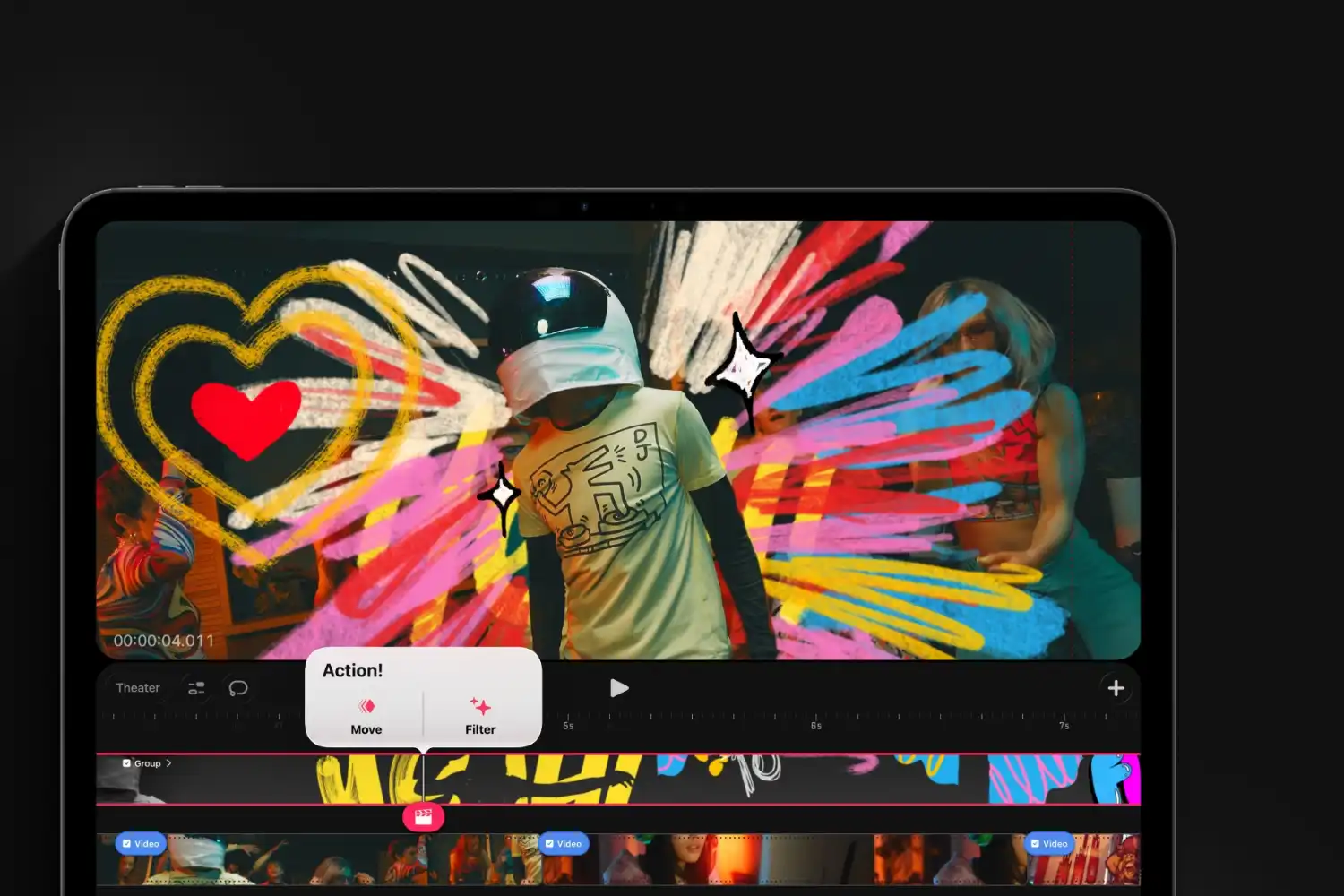
6. Procreate (iPad): Procreate is the go-to raster drawing app for iPad users. With over 200 brushes, layer support, and a responsive canvas, it handles everything from quick concept thumbnails to polished presentation boards. Architecture students often use it for section perspectives, atmospheric renders, and diagram collages. At a one-time purchase price with no subscription, it is also one of the most affordable professional drawing apps available.
7. Concepts (iPad, Android, Windows): Unlike Procreate’s raster approach, Concepts works with vector-based ink. Your strokes stay editable and scalable, which is particularly useful for architectural diagrams and site analysis drawings. The infinite canvas means you never run out of room during a brainstorming session.
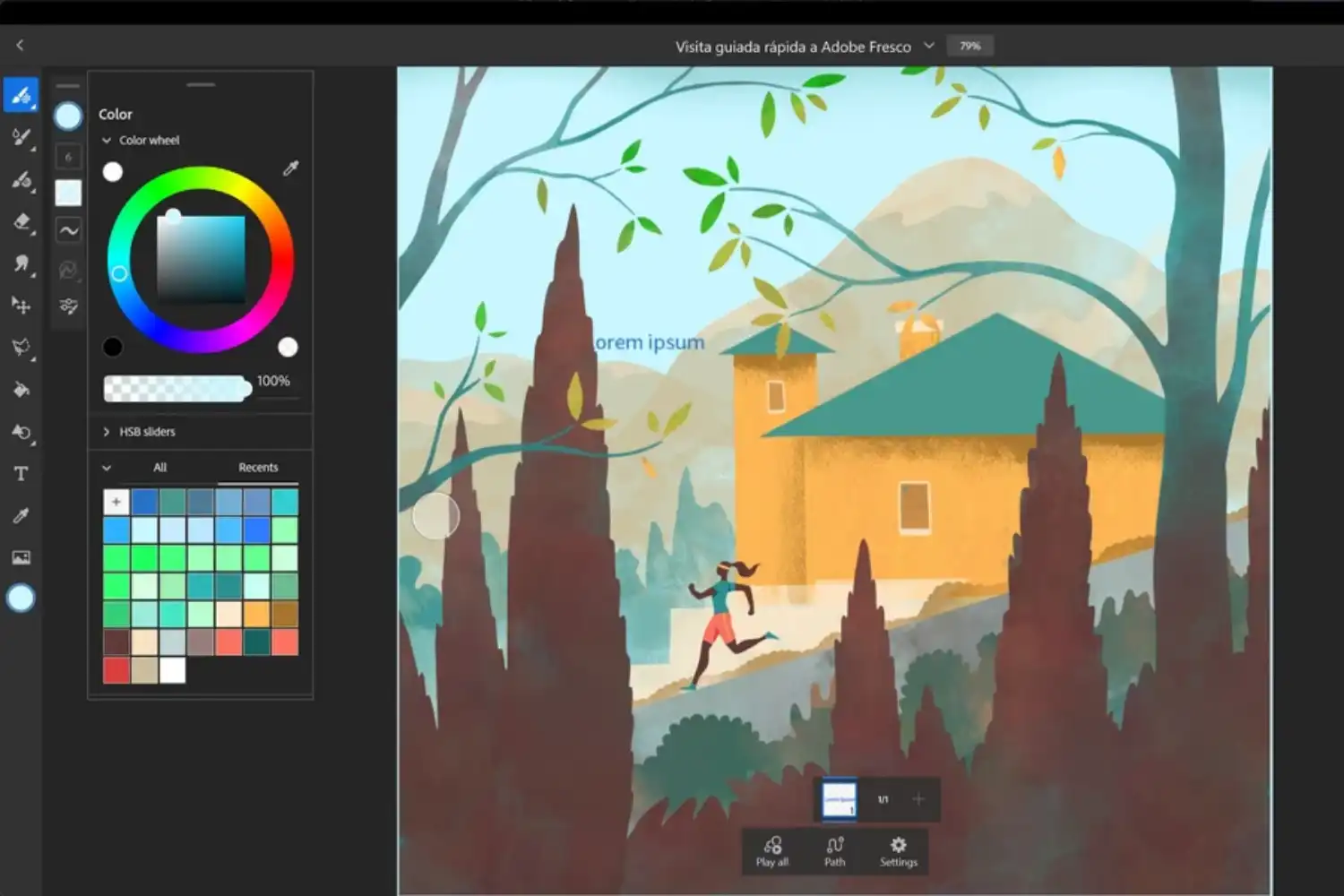
8. Adobe Fresco (iPad, Windows): Adobe Fresco combines raster brushes with live watercolor and oil paint simulation. If your studio work involves mixed-media presentations or you need to produce hand-drawn visuals that sit next to digital renders, Fresco bridges that gap. It syncs with Photoshop through Creative Cloud, so files move between devices without friction.
For more on how sketching fits into the design process, the article on architectural concept sketches covers techniques and workflows in detail.
🎓 Expert Insight
“The sketch is a way to think on paper. When we sketch, we are not just recording a thought, we are developing it.”
Michael Graves, Architect and Educator
Graves was a lifelong advocate for hand drawing in the design process. Digital sketching apps extend that same principle by letting you think through spatial problems directly on a screen, with the added benefit of layers, color, and instant iteration.
Best Android Apps for Architecture Students: Project Management and Productivity
Studio projects involve deadlines, group coordination, research notes, and file management. These apps help you stay organized without adding another layer of stress.
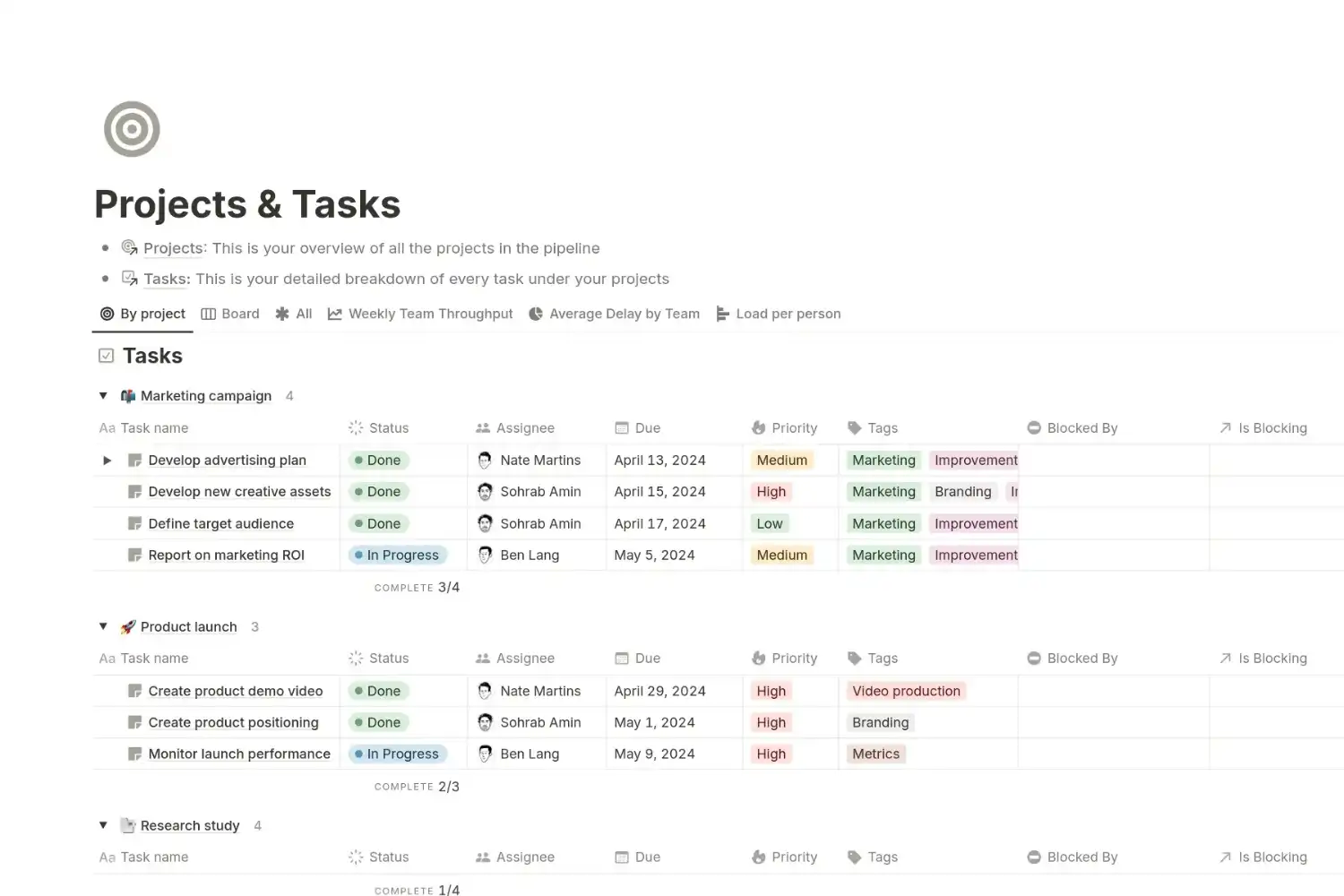
9. Notion (iOS, Android, Web): Notion combines notes, task boards, databases, and wikis in a single workspace. Architecture students use it to track project milestones, store reference images, organize research, and manage group studio projects. The free plan covers personal use generously.
10. Trello (iOS, Android, Web): For a simpler Kanban-style task board, Trello works well for tracking design phases, assigning group responsibilities, and keeping studio deadlines visible. Drag-and-drop cards make it fast to reorganize priorities when a crit date moves.
11. GoodNotes (iPad, Mac, iPhone, Android): GoodNotes turns your tablet into a digital notebook with handwriting search. Import lecture PDFs, annotate site plans, or sketch meeting notes with your stylus. The ability to search your handwritten text later makes it a strong choice for architecture students who take visual notes.
12. Google Drive / Google Docs (iOS, Android, Web): The free storage and real-time collaboration tools in Google Drive remain essential for group projects. Shared folders for reference images, collaborative spreadsheets for material schedules, and Google Slides for quick pin-up presentations cover a wide range of studio tasks.
iPhone Apps for Architecture Students: Reference and Inspiration
Staying visually informed matters as much as technical skill. These apps deliver project photography, material libraries, and design news directly to your feed.
13. ArchDaily (iOS, Android): ArchDaily publishes thousands of building projects each year with plans, sections, photos, and project descriptions. The app lets you save projects into folders and browse by building type, material, or architect. For research-heavy studio briefs, it is one of the fastest ways to build a precedent study.
14. Pinterest (iOS, Android): Pinterest works as a visual bookmarking tool for mood boards, material palettes, and spatial references. Creating boards organized by project or theme helps you collect and revisit inspiration quickly. The image search feature also helps you find visually similar projects when you have a vague idea but no name for it.

15. Dezeen (iOS, Android): Dezeen covers architecture, interiors, and design with a strong editorial voice. The app provides daily articles, project features, and video interviews with practicing architects. Following Dezeen alongside ArchDaily gives you both project-focused and narrative-driven design coverage.
📌 Did You Know?
ArchDaily’s database contained over 45,000 published projects as of 2025, making it the largest architecture project database openly accessible online. Students who build a habit of studying two or three precedent projects per week typically develop stronger design arguments during crits than those who rely only on images from search engines.
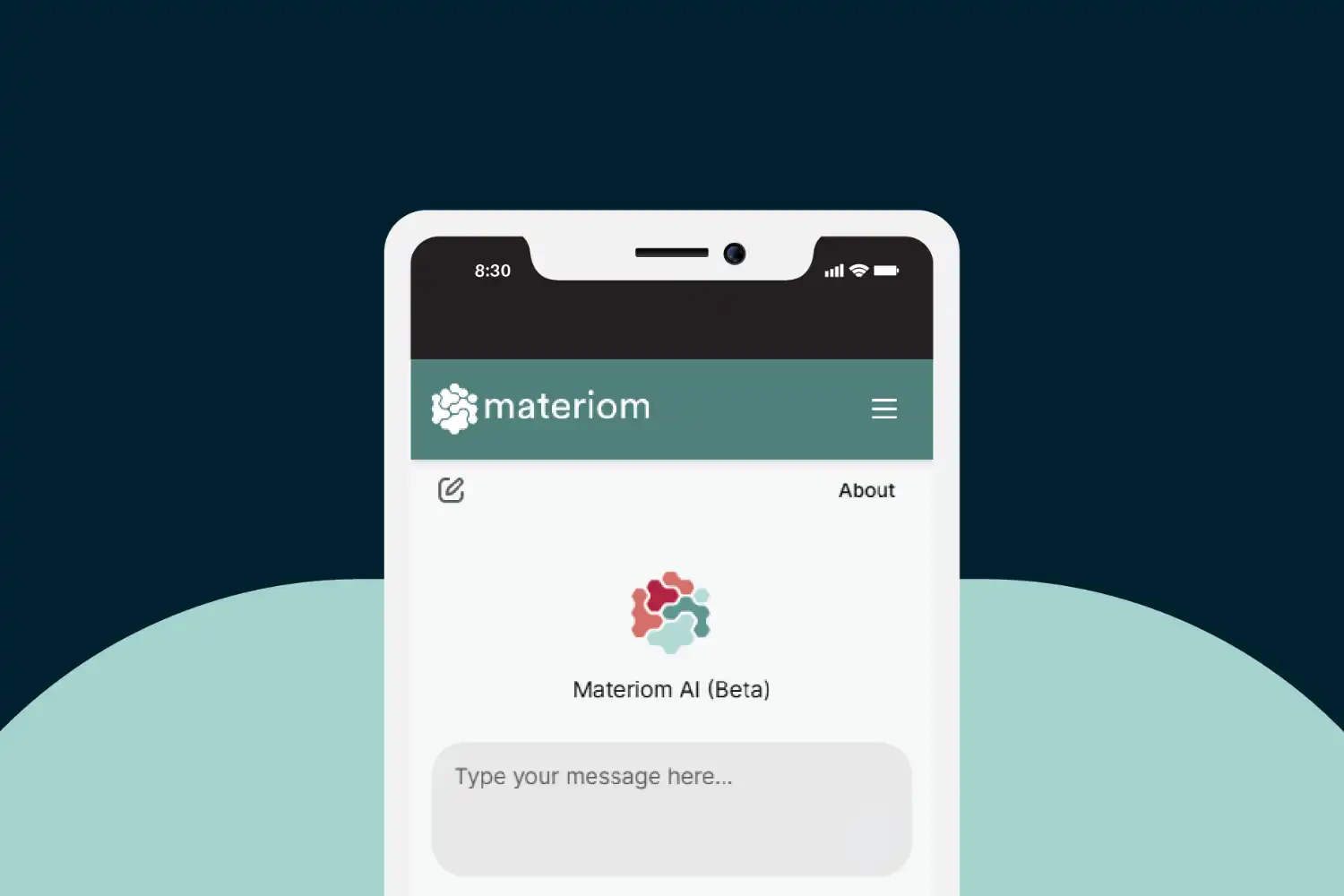
16. Materiom (Web App): Materiom is an open-source library of natural material recipes and data sheets, useful for sustainability-focused studios. It provides ingredient lists, mechanical properties, and lifecycle information for bio-based materials like mycelium, seaweed composites, and natural binders.
Mobile Apps for Architecture Students: Site Documentation and Measurement
Site visits demand quick, accurate documentation. These apps replace tape measures, notebooks, and separate camera apps with tools built for field conditions.
17. Polycam (iOS, Android): Polycam turns your phone’s LiDAR sensor (or standard camera) into a 3D scanner. Walk around a room or a building facade, and the app generates a textured 3D mesh you can export to SketchUp, Rhino, or Blender. For existing-conditions surveys and adaptive reuse projects, this saves hours of manual measurement.
18. Sun Surveyor (iOS, Android): Sun Surveyor shows real-time sun path, golden hour timing, and shadow projections overlaid on your phone’s camera view. During a site analysis, you can stand at a location and see exactly where the sun will be at any hour of any day. This data directly informs orientation, shading, and daylighting decisions in your design.

19. MagicPlan (iOS, Android): MagicPlan generates floor plans by scanning rooms with your phone camera. While the output is not construction-document accurate, it produces usable base plans for student projects involving existing buildings. Plans export as DXF, PDF, or PNG for further development in CAD software.
⚠️ Common Mistake to Avoid
Relying on phone-based LiDAR scans or MagicPlan outputs as final survey data is a frequent student error. These tools produce useful starting points, but dimensions can drift by 2 to 5 percent over larger spaces. Always verify key measurements with a laser distance meter or tape measure before building your model around scanned data.
20. DISTO Plan (iOS, Android): If your school provides Leica DISTO laser distance meters, this companion app pairs with the device via Bluetooth to record measurements directly onto a floor plan sketch on your screen. You measure, the app places the dimension, and you export a scaled drawing. Even without the hardware, the app’s manual input mode works as a simple field-sketching tool.
How to Pick the Right Apps for Your Workflow
Twenty apps is a lot. You do not need all of them at once. Start with one tool per category that fits your current studio brief, and add more as your projects demand new capabilities. A first-year student focused on hand drawing and massing studies might only need Procreate, SketchUp Free, and Notion. A fourth-year student working on a thesis with existing-conditions surveys, parametric modeling, and collaborative documentation will draw from a wider set.

Platform also matters. If you are on an iPad, Morpholio Trace, Procreate, and Shapr3D form a strong mobile studio. Android users should focus on SketchUp’s web version, Concepts, and Polycam. For Mac-based workflows, the guide to best Mac apps for architects covers desktop options in detail.
Comparison of Top Apps by Category
The table below summarizes key details for each app to help you compare at a glance.
| App | Category | Platforms | Pricing |
|---|---|---|---|
| SketchUp | 3D Modeling | iOS, Web | Free (web) / Education plan |
| Shapr3D | 3D CAD | iPad, Mac, Windows | Free tier / Pro subscription |
| Procreate | Digital Sketching | iPad | One-time purchase |
| Morpholio Trace | Sketch / Overlay | iPad | Free / Pro subscription |
| Notion | Project Management | iOS, Android, Web | Free (personal) |
| Polycam | 3D Scanning | iOS, Android | Free tier / Pro subscription |
| ArchDaily | Reference | iOS, Android | Free |
| Sun Surveyor | Site Analysis | iOS, Android | Paid (one-time) |
Video: Top Apps for Architects and Designers
This video from Sketch Design Craft walks through five apps that work well on iPad for architects and designers, covering Procreate, Morpholio Trace, Feather 3D, SketchUp, and Notion in real studio scenarios.
💡 Pro Tip
Set up a consistent file-naming system across all your apps from day one. Use a format like “ProjectName_Phase_Version” (e.g., “StudioII_Concept_v03”). When you are juggling SketchUp models, Procreate boards, and Notion notes for the same project, a shared naming convention prevents the chaos of “Final_v2_REAL_final.skp” files that every studio knows too well.
Final Thoughts
The best apps for architecture students are the ones that actually fit how you work. A tool you open every day and know well will always outperform a premium app you downloaded once and forgot about. Start simple, build your toolkit as your projects grow, and lean on free student licenses wherever you can. If you are preparing your work for job applications or graduate school, the guide on how to build an architecture portfolio shows how to present the results of all that app-powered design work. For general advice on making it through your program, the tips for surviving architecture school cover time management, mental health, and studio culture.
- android apps for architecture students
- app for architecture students
- apps for architecture student
- apps for architecture students
- architecture apps for students
- best android apps for architecture students
- best app for architecture student
- best app for architecture students
- best apps for architecture students
- best ipad apps for architecture students
- iphone apps for architecture students
- mobile apps for architecture students











Leave a comment