



Table of Contents Show
Presentation tools for architecture portfolios range from professional layout software like Adobe InDesign to web-based platforms like Issuu and Canva. The right choice depends on your output format, collaboration needs, and whether you prioritize print quality, interactive features, or speed of production.
Your design work only lands if the presentation does it justice. A strong concept rendered on a sloppy board gets overlooked, while a clear, well-structured portfolio turns heads at interviews, competitions, and client meetings. The difference often comes down to the presentation tools you pick and how well they fit your workflow. Below, you will find the most effective options for building an architecture presentation that communicates your ideas with precision and visual clarity.

Why the Right Architecture Presentation Tool Matters
Architecture is a visual discipline, and the way you frame your projects shapes how reviewers perceive your skills. A polished architecture presentation board signals professionalism, while a poorly formatted PDF suggests carelessness. The tool you use affects typography control, image resolution, file size, and the overall reading experience.
Different audiences also demand different formats. A studio jury expects high-resolution print boards. A job application typically requires a compact PDF under 10 MB. An online portfolio needs responsive layouts that work on both desktop and mobile screens. Choosing a tool that handles your primary output format well saves hours of rework.
💡 Pro Tip
Before choosing a tool, define your primary deliverable first. If you need a print-ready PDF for job applications, InDesign or Affinity Publisher will serve you best. If you are sending a link to firms digitally, a web-based platform like Issuu or a personal site built with Cargo gives you analytics and easy updates.

Top Presentation Tools for Architectural Portfolios
Adobe InDesign
Adobe InDesign remains the industry standard for multi-page layout in architecture. It handles typography, grid systems, image placement, and print export with a level of control no other tool matches. Paragraph and character styles keep your formatting consistent across 30+ page portfolios, and master pages let you update headers, footers, and page numbers globally. For architects who need precise control over bleed, margins, and CMYK color profiles, InDesign is the clear first choice.
The learning curve is steeper than Canva or PowerPoint, but the payoff is significant. Once you set up a template with your preferred grid, fonts, and color swatches, producing new portfolio versions becomes fast. InDesign also integrates directly with Photoshop and Illustrator, which most architects already use for visualization and rendering workflows.
Canva
Canva is the fastest way to produce a decent-looking portfolio if you are short on time or unfamiliar with professional layout software. Its drag-and-drop interface, pre-built templates, and built-in image library make it accessible to students who need to assemble a portfolio in a weekend. The free tier covers most basic needs, and the Pro plan adds brand kits, background removal, and higher export resolution.
The trade-off is limited typographic control and less precise grid management compared to InDesign. Canva works well for digital-only portfolios and social media architectural presentations, but falls short for print-quality boards where exact bleed settings and spot colors matter.

Figma
Figma is a browser-based design tool that excels at collaborative work. If you are designing a portfolio with a partner or getting feedback from a mentor in real time, Figma’s multiplayer editing is hard to beat. It also produces clean, vector-based layouts that export well to PDF. Many architecture students have started using Figma for presentation boards because it bridges the gap between UI design precision and the visual flexibility of Illustrator.
Figma’s auto-layout feature helps maintain spacing consistency, and its component system lets you reuse project cards, section headers, and caption blocks across pages. The free plan supports up to three active projects, which is usually enough for a single portfolio.
🎓 Expert Insight
“The medium is the message. How you present your work tells a client as much about your capabilities as the work itself.” — Licensed architect with 20+ years of hiring experience
This observation holds true across firms of every size. A portfolio that is easy to read, logically structured, and visually consistent signals that you will bring the same rigor to construction documents and client deliverables.
Issuu
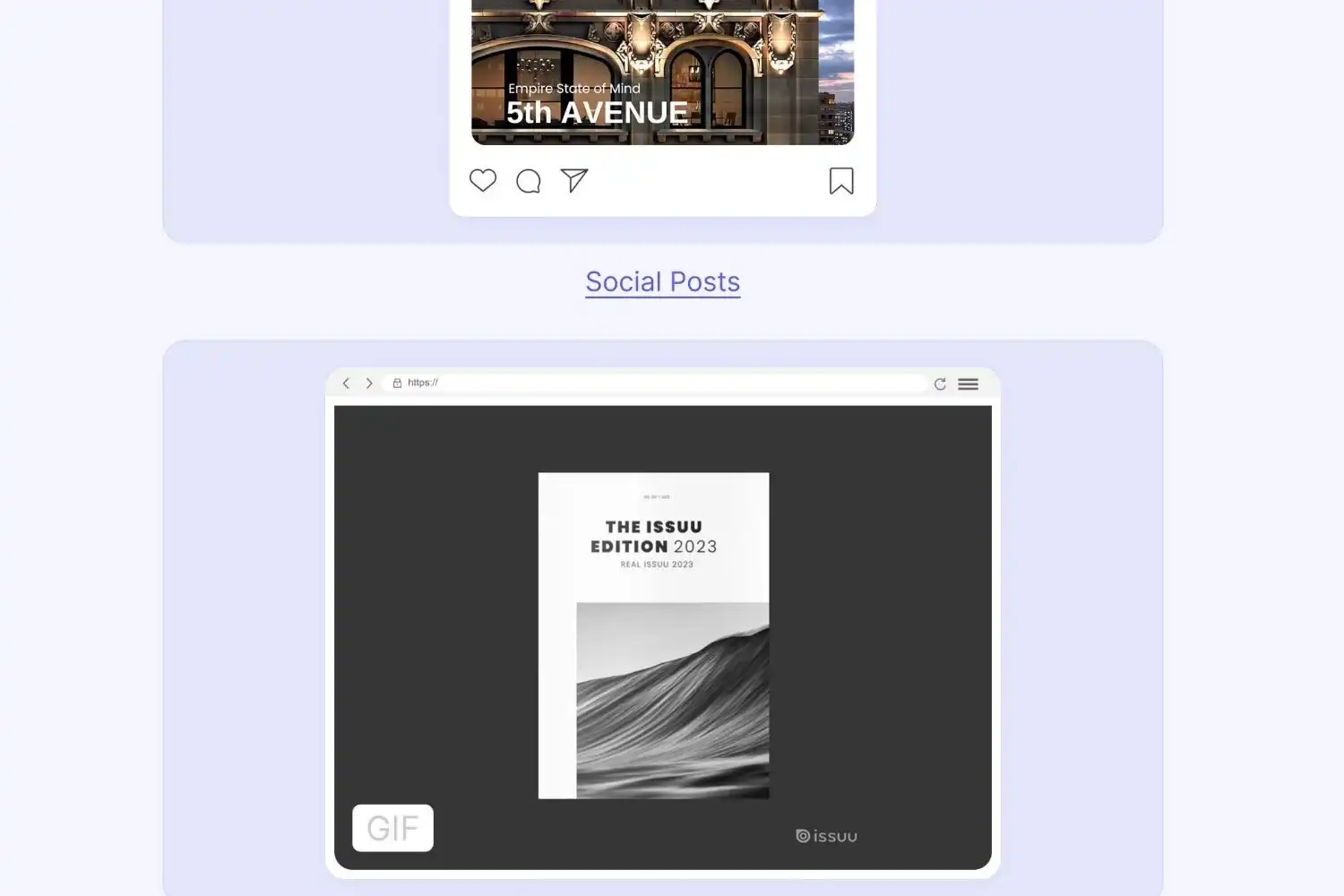
Issuu converts static PDFs into interactive, page-flipping publications that you can embed on your website or share via a direct link. For architects who already have a finished PDF portfolio, Issuu adds a polished digital reading experience without requiring you to rebuild anything. It also provides view analytics, so you can see which pages reviewers spend the most time on.
The free plan allows basic uploads. Paid tiers unlock custom branding, lead capture forms, and video embedding, which can be useful if you want to include walkthrough animations or concept diagram explainer clips alongside your static boards.
Affinity Publisher
Affinity Publisher offers nearly all of InDesign’s core layout features at a one-time purchase price instead of a monthly subscription. For students and independent architects who find Adobe’s subscription model expensive, Affinity Publisher is the strongest alternative. It supports master pages, advanced typography, IDML import, and professional print export with ICC profiles.
The ecosystem is smaller than Adobe’s, which means fewer third-party templates and plugins. But for straightforward portfolio production, the feature gap is minimal. If you already use Affinity Photo or Affinity Designer, the workflow integration across the suite is smooth.
Adobe Portfolio
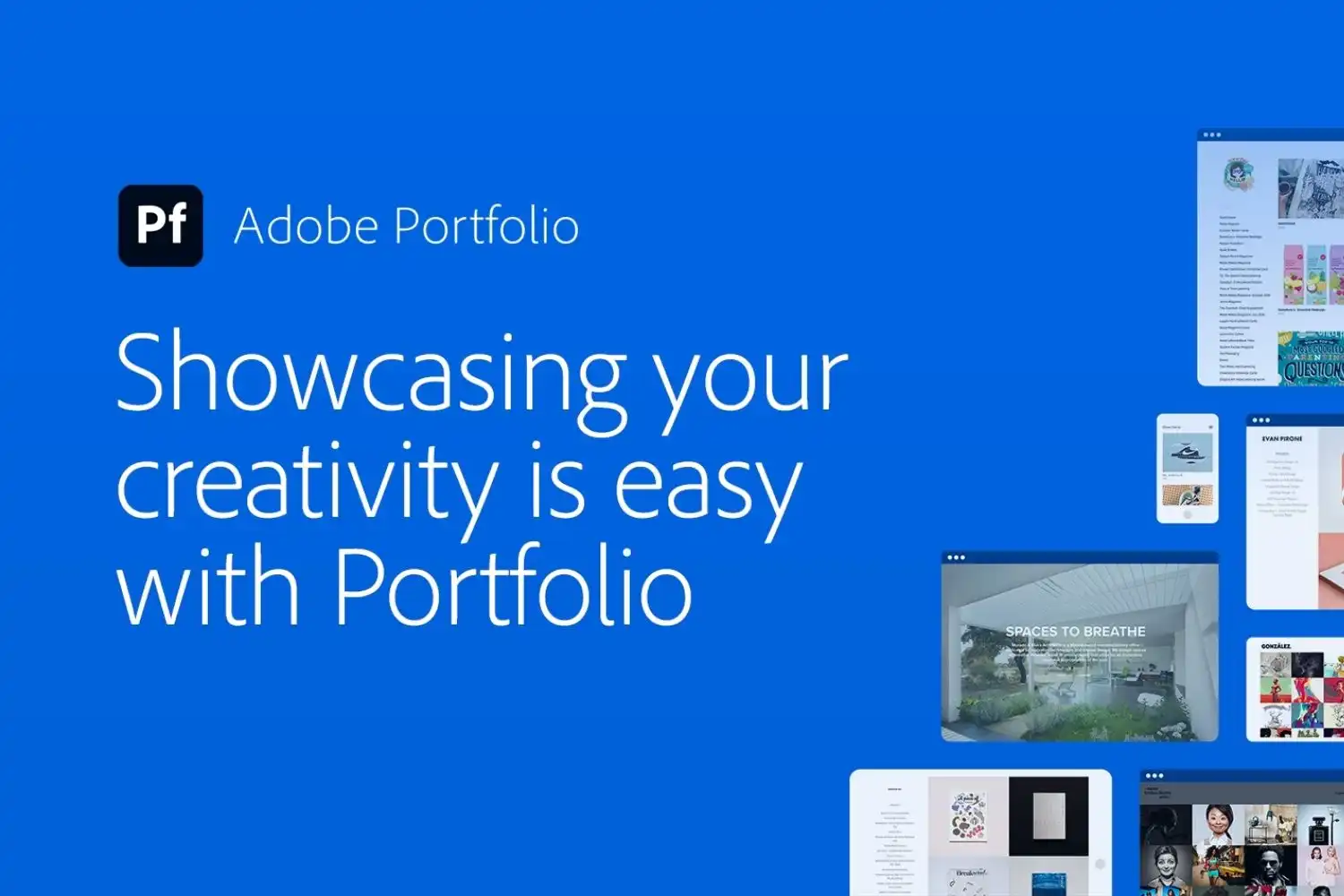
Included with any Adobe Creative Cloud subscription, Adobe Portfolio lets you build a simple online portfolio directly from your Behance projects or by uploading images. It is not a full layout tool, but it serves as a quick, no-cost web portfolio for anyone already paying for the Adobe suite. Custom domains are supported, and the responsive templates work well on mobile devices.
For architects who want a web presence with minimal effort, Adobe Portfolio fills a gap. It lacks the design flexibility of Cargo or a custom-coded site, but it gets a functional portfolio online in under an hour.
Cargo
Cargo is a website builder designed specifically for creative professionals. Unlike Squarespace or Wix, Cargo’s templates are built with visual portfolios in mind, offering full-bleed image grids, project case study layouts, and minimal navigation that keeps the focus on your work. Many architecture firms and individual architects use Cargo for their online presence.
If your goal is a living, always-updated portfolio rather than a static PDF, Cargo gives you a professional web presence without needing to code. It pairs well with a downloadable PDF version of your portfolio for email applications.
⚠️ Common Mistake to Avoid
Using PowerPoint or Google Slides as your primary portfolio tool is a common misstep among architecture students. These programs are designed for screen presentations with bullet points, not for print-quality layout. They lack proper bleed settings, offer limited font management, and compress images in ways that reduce quality. Reserve them for live project presentations, not for your portfolio document.
Behance
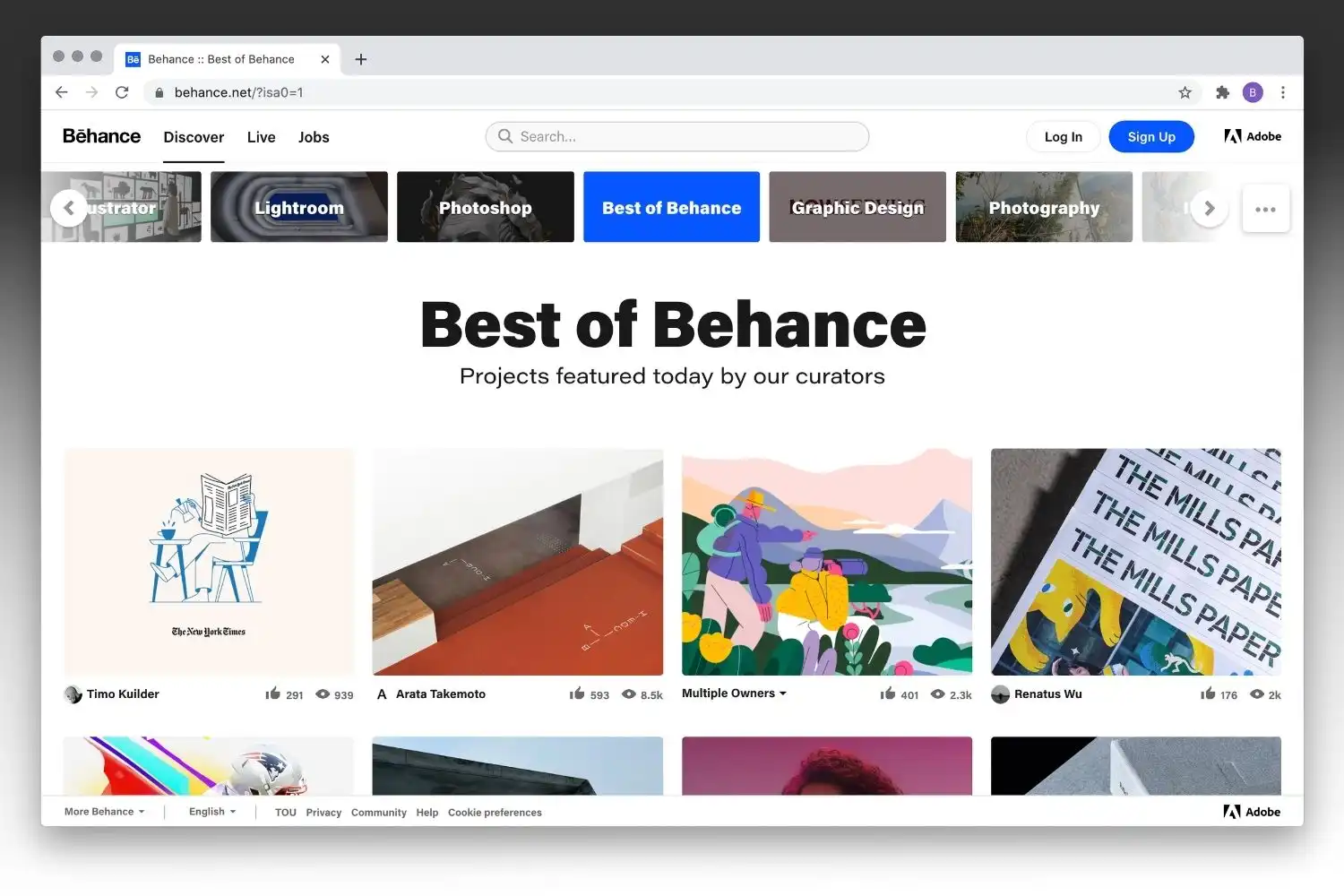
Behance is a project-sharing platform rather than a traditional presentation tool, but it plays an important role in architectural presentation strategy. Publishing your projects on Behance increases discoverability because the platform is indexed by search engines and has a large design community. You can organize projects into full case studies with images, descriptions, and process documentation.
Behance works best as a complement to your main portfolio, not a replacement. Use it to extend reach and drive traffic to your primary site or PDF, and to see how top architecture portfolios structure their project narratives.
How to Choose the Right Tool for Your Architectural Design Presentation
The best presentation tool depends on three factors: your primary output format, your budget, and your technical comfort level. Here is a practical framework for deciding.
Comparison of Presentation Tools for Architecture Portfolios
The following table summarizes the key differences between each tool:
| Tool | Best For | Pricing | Output Format |
|---|---|---|---|
| Adobe InDesign | Print-quality PDFs, multi-page layouts | Subscription (CC plan) | PDF, EPUB, print |
| Canva | Quick digital portfolios, social media | Free / Pro plan | PDF, PNG, video |
| Figma | Collaborative design, vector layouts | Free / Professional plan | PDF, PNG, SVG |
| Issuu | Interactive digital publications | Free / Paid tiers | Web embed, shareable link |
| Affinity Publisher | Print layout without subscription | One-time purchase | PDF, print |
| Cargo | Online portfolio websites | Free / Paid plan | Web (live site) |
| Adobe Portfolio | Quick web portfolio (CC users) | Included with CC | Web (live site) |
| Behance | Project sharing, discoverability | Free | Web platform |
If you are applying to firms and need a PDF under 10 MB, InDesign or Affinity Publisher gives you the most control over file size and image compression. For students building their first portfolio with limited software experience, Canva gets you to a finished product quickly. If real-time collaboration with classmates or mentors matters, Figma is the strongest pick.
Consider maintaining both a static PDF version and a web-based version of your portfolio. The PDF handles email applications and interviews, while a web portfolio on Cargo or Adobe Portfolio gives you a shareable link with analytics. This two-format approach covers most professional situations you will encounter.
💡 Pro Tip
Export your portfolio images at the target size before placing them in your layout tool. A common mistake is importing full-resolution 50 MB renders and then relying on the software to downsample during PDF export. This bloats file sizes and slows your workflow. In Photoshop, resize to the final print dimensions at 150 to 200 PPI before placing into InDesign or Affinity Publisher.
What Makes an Effective Architecture Presentation Board?
Tools are only half the equation. The structure and visual hierarchy of your boards determine whether your ideas land with reviewers. A few principles apply regardless of which software you use.
Start with a clear grid. Divide your board into columns and rows, and align every element to that grid. This creates visual order and makes it easier for the viewer to follow your narrative. Limit your font choices to two typefaces: one for headings and one for body text. Too many fonts create visual noise and distract from the architecture itself.
White space is not wasted space. Crowding every inch of your board with drawings, renders, and text makes everything harder to read. Give your key images room to breathe, and use consistent margins between elements. A well-composed board with five strong images communicates more than a cluttered one with fifteen.
Finally, build a clear reading path. Most viewers scan from top-left to bottom-right. Place your strongest image or concept diagram in the upper portion, followed by supporting drawings and text as the eye moves down. Your architectural design concept should be immediately visible, not buried in the middle of a dense layout.
📌 Did You Know?
According to a 2023 survey by Archinect, hiring managers at architecture firms spend an average of 15 to 30 seconds on the first pass of a portfolio before deciding whether to look more closely. This means your cover page and first project spread need to immediately communicate design quality and clarity of thought.

Presentation Tools and the Architectural Design Concept Workflow
Your presentation tool should fit into your existing design workflow, not create a separate one. Most architectural presentations follow a sequence: you produce drawings and renders in your modeling and visualization software, process images in Photoshop or Illustrator, and then assemble the final layout in a dedicated presentation tool.
InDesign, Affinity Publisher, and Figma all support linked images, meaning they reference external files rather than embedding them. This keeps your layout file lightweight and lets you update a render without re-importing it. Canva and web-based tools typically require re-uploading, which can slow down iteration.
For architects working on creating a portfolio from scratch, the workflow usually looks like this: gather your best project images and drawings, select 4 to 6 projects that show range, set up your layout template with a consistent grid, place and caption each project, and export for your target format. The tool you choose should make this cycle fast and repeatable.
Final Thoughts
The best presentation tools for architecture do not replace good design judgment. They give you precise control over how your work appears to the people evaluating it. Whether you go with InDesign for maximum print control, Figma for collaboration, Canva for speed, or Cargo for a living web portfolio, the key is consistency: pick a tool, learn it well, and use it to build a portfolio that reflects your best architectural thinking.
Pair your chosen layout tool with strong portfolio strategy and a clear visual hierarchy, and your presentation tools architecture workflow will serve you through school, job applications, and client pitches alike.














Leave a comment