



Table of Contents Show
To create an architecture portfolio that gets you hired, select three to five of your strongest projects, lead with professional work, label every entry clearly, and keep the document to 10 to 15 pages. Reviewers spend under two minutes on a first pass, so your best drawings and a clean layout have to land fast.
A portfolio is the single document that decides whether you get an interview. Most hiring managers at firms scan dozens of applications a week, and they form an opinion long before they read your resume. Knowing how to create an architecture portfolio that respects their time, shows real design thinking, and reads cleanly on screen is what separates a polite rejection from a callback. This guide walks through project selection, layout, formatting, and submission, with the same standards firms apply when they hire.

What makes an architecture portfolio get you hired?
A portfolio gets you hired when it answers one question quickly: can this person think through a design problem and communicate the result clearly? Firms are not looking for ten projects. They want evidence of judgment. That means a tight selection, a logical narrative, and graphics that read at a glance.
The strongest architecture portfolios share three traits. They open with the applicant’s best and most relevant work. They use a consistent visual system across every page. And they make the applicant’s specific role obvious on team or professional projects. Reviewers reward clarity over volume every time.
If you are still assembling your first collection of work, our step-by-step guide to building an architecture portfolio covers the groundwork before you start refining for job applications.
📌 Did You Know?
According to ArchDaily’s portfolio guidance, reviewers at architecture firms often spend less than two minutes on an initial portfolio review. Bespoke Careers reported a real case where a candidate’s professional experience did not appear until page 28 of a 33-page document, long after most hiring managers had stopped reading.

How to choose the right projects for your portfolio
Project selection is where most applicants lose the job before the first page is even designed. The instinct is to include everything, but that buries your best material. Pick three to five projects that show range and depth, then cut the rest without guilt.
Aim for variety in project type rather than quantity. A residential studio project, a larger urban or public scheme, a technical detail set, and one piece that shows a personal interest will tell a fuller story than five similar housing studies. Each project should answer a different question about how you work.
Which projects should lead the portfolio?
Lead with professional or internship work if you have it, since real-world experience carries the most weight with hiring managers. If you are a student or recent graduate, open with your most resolved studio project, the one where the concept, drawings, and resolution are all strong. Save weaker or unfinished work for later or leave it out.
For students deciding what belongs in the document, our breakdown of the best projects to include in an architecture student portfolio explains what each project type signals to reviewers.
💡 Pro Tip
Tailor a short version of your portfolio to each firm you apply to. Study their built work, then reorder your projects so the one closest to their typology sits on the first or second spread. A firm that designs healthcare buildings will respond differently to an applicant who leads with a relevant scheme than one who opens with a generic house.
How to design the layout and structure
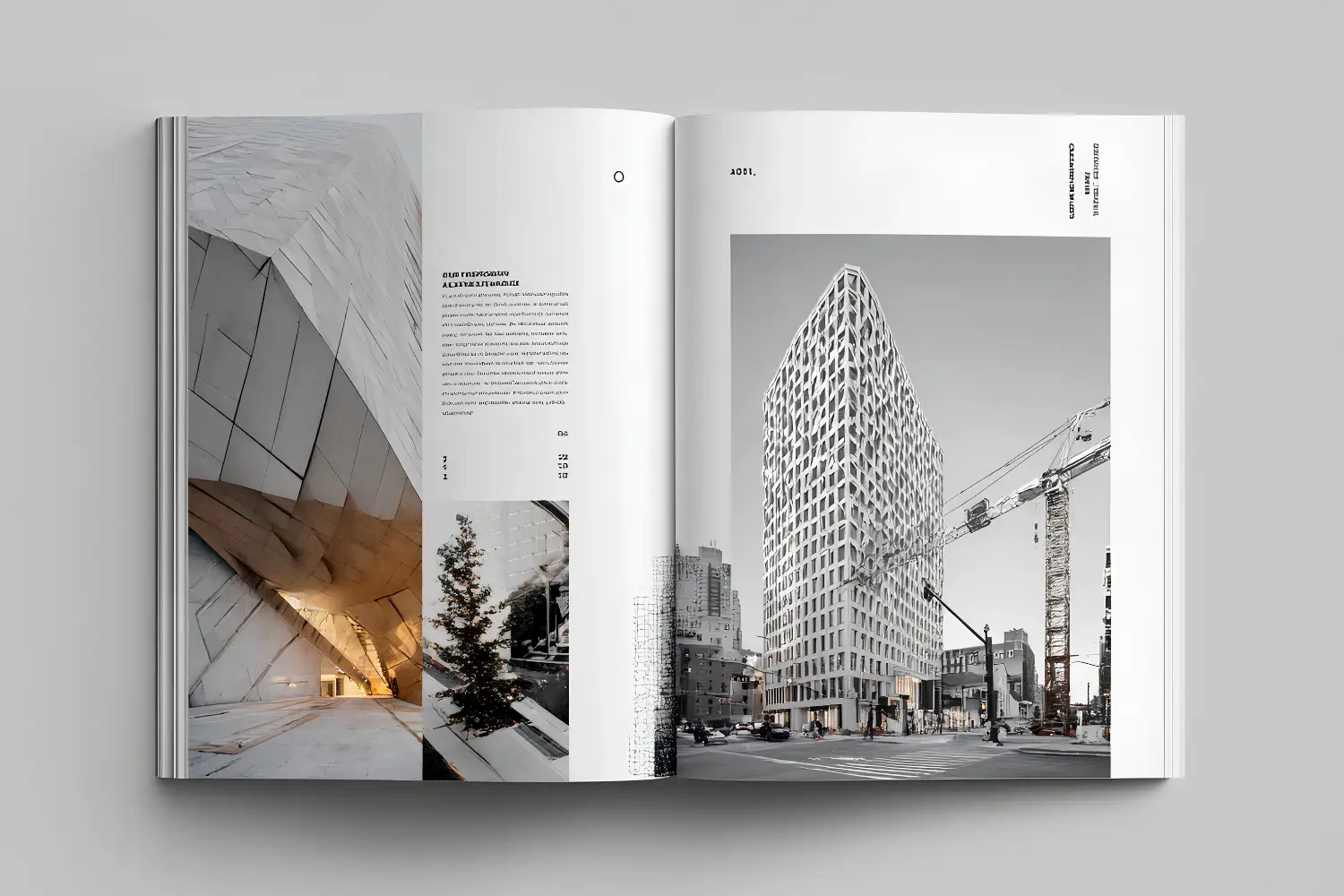
Layout is the part of the portfolio that signals your eye as a designer before a reviewer reads a single caption. Margins, type, and spacing tell a hiring manager whether you understand composition. A cluttered page works against you even when the projects are good.
Build a grid and hold to it across every spread. Decide on a margin, a column structure, and two type sizes, then apply them consistently. White space is not wasted space. ArchDaily’s portfolio advice is direct on this point: the more concise and attractive the layout, the better, and clutter reads as a lack of control.

What does a strong portfolio structure look like?
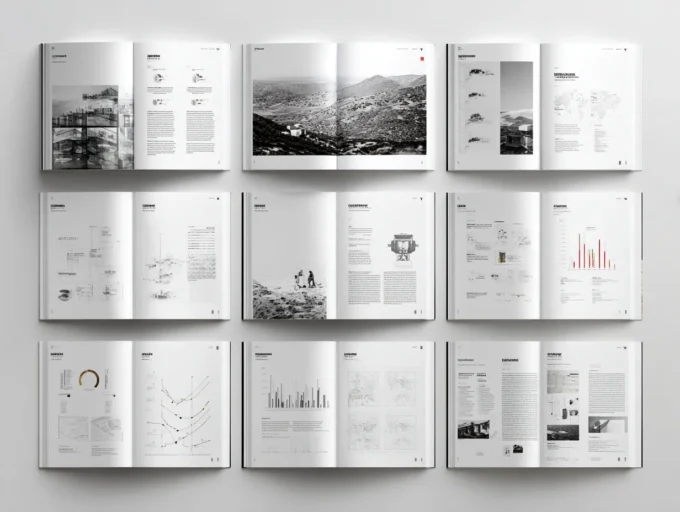
A reliable structure runs cover, table of contents, then one project per section in descending order of strength, closing with a short page of additional skills. Each project section should carry a title, a one or two line description of your role, and a balanced set of images. A clear architecture portfolio table of contents helps reviewers see the depth of your work at a glance.
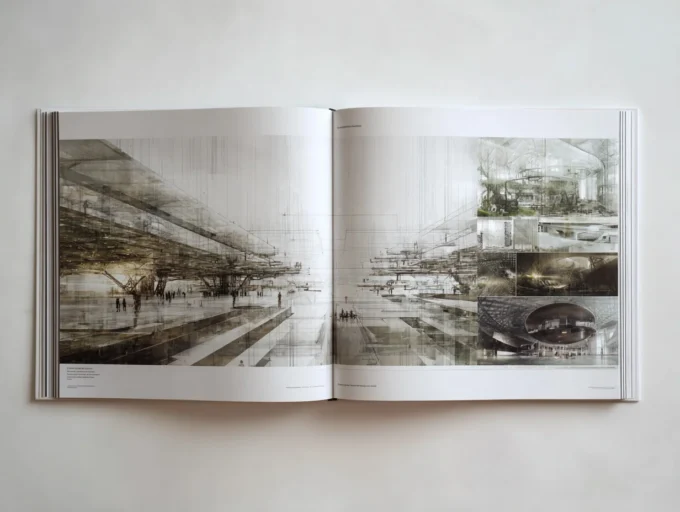
Balance your image types within each project. One or two technical detail drawings prove you can document a building, but they are not visually rich, so pair them with renders, plans at readable scales, sections, and process diagrams. Let the architecture carry the page rather than packing every inch.
📐 Technical Note
Export your digital portfolio as a compressed PDF under 10 MB so it clears most firm email filters and downloads quickly. Use RGB color at 150 dpi for screen viewing, and switch to CMYK at 300 dpi only for a separate print version. Embed fonts on export so your type renders correctly on the reviewer’s machine.
Should you use an architecture portfolio template?
An architecture portfolio template can speed up your early layout decisions, but treat it as a starting grid rather than a finished design. Templates from InDesign or layout tools give you margins and a structure to react against. The risk is that a recognizable template makes your work look like everyone else’s, so adjust the type, spacing, and cover until the document feels like yours.
Whatever tool you choose, build a master page with your name and contact details so they repeat automatically. Adobe’s InDesign remains the standard for multi-page portfolio layout because of its master pages, paragraph styles, and precise export controls.
How to write captions and present your role
Captions are where many portfolios quietly fail. A page of beautiful drawings with no context leaves a reviewer guessing whether you led the work or watched from the side. Short, specific captions fix that. State the project, your role, the tools used, and the one idea that drove the design.
On team or professional projects, name your contribution plainly. Phrases like “led the facade study” or “produced the construction details for levels two through four” tell a hiring manager exactly what you can do on day one. Vague captions like “group project” waste the chance to prove your value.
⚠️ Common Mistake to Avoid
Failing to label academic versus professional work, and leaving your role on team projects unclear, is one of the costliest portfolio errors. Bespoke Careers found that without clear labeling, reviewers waste time guessing whether a project was done in school or on the job, and that ambiguity alone can cost you the interview. Add a one line role and context note to every project.
How to format and submit your portfolio to firms
The submission itself is part of the impression you make. A clean file name, the right length, and contact details on every page all signal professionalism before anyone opens the first project. These details take minutes and pay off for the life of the document.
Name the file the way a firm would want to find it later. “FirstName_LastName_Portfolio_2026.pdf” reads as professional, while “portfolio_final_v3_FINAL.pdf” does not. Put your phone number and email in a small footer on every page so a reviewer can reach you no matter where they stop reading.

What is the right portfolio length and format?
For a job application, keep the digital portfolio to 10 to 15 pages unless the firm asks for more. Many firms also appreciate a two to five page sample portfolio for the first point of contact, with a longer version saved for the interview. A printed portfolio, when requested, can be a shorter and more curated 8 to 12 pages aimed at that specific firm.
Pair the portfolio with a cover letter that connects to your work. Reference a specific project the firm built and explain why it matches your own interests. That specificity tells a hiring manager your application is intentional rather than mass sent.
💡 Pro Tip
Send a low-resolution version for the application email and host the full-resolution file on a private link such as Issuu or a personal site. This keeps your email under the firm’s attachment limit while giving interested reviewers an easy way to see the high-quality drawings. Always test the link from a device you are not logged in on before you send it.
How to refine your portfolio with real examples
Studying strong architecture portfolios is the fastest way to calibrate your own. Look at how published examples handle covers, pacing, and the ratio of image to white space, then borrow the structural decisions rather than the visual style. Our collection of the best architecture portfolios for inspiration shows how working designers sequence and present their projects.
External references help too. ArchDaily’s running feature on the best architecture portfolio designs and its recruiter-focused tips collect real submissions reviewed by professionals, which is useful for seeing what firms actually respond to. Employer panels assembled by Bespoke Careers add the hiring side of the story with specific feedback on what made portfolios succeed or fail.
If you are aiming the portfolio at licensure-track roles, the experience areas defined by NCARB through the Architectural Experience Program give you a useful vocabulary for describing your professional contributions, from project planning and design to construction and evaluation.

How to refresh a portfolio you already have
Most people do not build a portfolio from nothing. They have one from last year and keep stacking new work on top of it, which is how a document quietly grows from twelve strong pages into forty uneven ones. A refresh is subtraction before it is addition.
Start by printing it, or at least viewing it full screen on a large monitor, and go through it spread by spread asking three questions of every project. Does this still represent what you can do now? Can a stranger tell what you personally contributed? Would you be happy to talk about it for five minutes in an interview? A project that fails any one of those has stopped earning its page.
What to take out first
First-year work that no longer matches your current ability is the usual candidate. Group projects are the harder call: keep them only if you can isolate and label your own contribution clearly, because a reviewer who cannot tell what you did will assume the best parts were someone else’s. Anything that duplicates a skill already shown elsewhere is redundant, and redundancy dilutes the pages that matter.
Resequence before you redesign
Order carries more weight than most people expect. Put your strongest project first and your second strongest last, so the document opens and closes on a high note and the weaker middle is passed over quickly. Aim for five to eight projects. Below five looks thin; above eight, the reviewer stops reading before the end and your best work may sit in the part they skipped.
Re-present old work rather than redoing it
A refresh is the right moment to re-render or recompose images from older projects with your current skill set. You are not redesigning the building. You are presenting it better: a cleaner Photoshop composition, a re-render out of Enscape, Lumion or Twinmotion from the Revit or SketchUp model you already have, a diagram redrawn with a consistent line hierarchy. This is the highest return per hour available to you, because the design work is already done.
If the audit exposes a gap, a competition entry, a short personal study, a detailed drawing set for an existing project, or a physical model photographed properly will fill it faster than a new studio project ever could.
What changes when the portfolio is for an internship
An internship portfolio is not a shorter version of a job portfolio. It is aimed at a reader who assumes you have limited built experience and is looking instead for judgement, process and the ability to follow a brief.
Read the firm before you read your own work
Look at the practice’s scale, output and tools first. A boutique housing studio, a computational design lab and a design-build practice heavy on detailing are three different audiences, and the same set of projects should be introduced differently for each. Mirror the studio’s visual language without imitating it, and use their vocabulary where it is genuinely yours: fabrication, adaptive reuse, passive strategy. If they favour restrained graphics, simplify. If they publish narrative collages, let yours breathe.
Follow the format specification exactly
If a firm asks for a ten to fifteen page PDF under 15 MB, that is the brief and the first thing you are being assessed on. Absent a specification, ten to twenty pages is the working range for a submission portfolio and thirty to forty for the full book you leave behind after an interview. Keep the file under 20 MB, compress images to 150–200 ppi for screen, and name the file with your full name and the word portfolio.
Balance the set
Aim for academic studio work to show conceptual rigour, a competition entry to show speed and teamwork, and any real-world, fabrication or freelance work to show that you understand how a drawing becomes a thing. Then combine breadth with depth: several scales and programmes across the set, and one or two projects unpacked properly from research through concept and development to detailing. A reviewer wants evidence that you can take something all the way, not only that you can start well.
Common mistakes that cost people the interview
The same handful of errors weaken portfolios that are otherwise good. None of them are about design ability, which is what makes them worth fixing first.
- Cramming the page. Too much on a spread makes strong work unreadable. White space and a clear sequence do more for you than an extra drawing.
- Inconsistent formatting. A grid, type and margins that shift between projects read as carelessness, and carelessness is the one thing an employer can extrapolate from directly.
- Renders without drawings. Glossy visuals alone hide your actual ability. Plans, sections and process work are what demonstrate that you can think in a building rather than only picture one.
- One generic document sent everywhere. A portfolio addressed to nobody in particular rarely stands out against one that has clearly been read against the firm’s own work.
- Burying the strongest project. Reviewers decide quickly. If your best spread is on page 24, it may never be seen.
- Unlabelled group work. If your individual contribution is not stated, the safest assumption a reviewer can make is not the one you want.
None of these need new work to fix. They need an afternoon, a printed copy and a willingness to remove pages.
Frequently Asked Questions
How many projects should an architecture portfolio include?
Three to five strong projects is the standard range for a job application. Reviewers prefer a tight selection that shows range and depth over a long document full of similar or unfinished work. Quality and clear labeling matter more than the total count.
How long should a portfolio be for a job application?
Keep a digital application portfolio to 10 to 15 pages unless the firm asks for more. Many firms also welcome a two to five page sample for first contact, with a fuller version for the interview. Printed versions are usually a shorter 8 to 12 pages tailored to one firm.
Should I make a different portfolio for each firm?
You do not need to rebuild it each time, but you should tailor a short version. Reorder your projects so the work closest to a firm’s typology leads, and reference one of their built projects in your cover letter. That small effort signals a deliberate application rather than a mass send.
What is the most common portfolio mistake that costs interviews?
Burying your best work and failing to label academic versus professional projects. When the strongest piece sits at the back or your role on a team project is unclear, reviewers lose interest before they reach it. Lead with your best work and label every entry.
Where to Go Next
This page covers the portfolio as a whole. The guides below go deeper on the parts that most often decide the outcome — pick the one that matches where you are stuck rather than reading them in order.
Choosing and structuring the work
Which projects to include is the decision that matters most, and the one people postpone longest. Once the set is chosen, the table of contents is what turns a stack of projects into a document a reviewer can navigate. If the portfolio is built around a thesis, the architecture thesis portfolio handles the different problem of presenting one long project rather than several short ones.
Making it
InDesign for portfolio layouts covers the tool most practices expect, from document setup to placing drawings without wrecking the grid. presentation tools compared is worth reading first if you are not committed to InDesign. When it comes to the physical object, portfolio printing covers formats, paper weights and binding — the decisions that are irreversible once the file goes to the printer.
Format and audience
digital versus physical portfolios sets out what each format does well, which is a live question again now that most first submissions are PDFs and most interviews are not. If your work is going online rather than into an inbox, architect portfolio websites covers platforms and the practices that separate a portfolio site from a gallery.
Examples and specialisms
portfolio examples from students and graduates is the fastest way to calibrate whether your own set is competitive, with the layout principles that separate the strong ones. For a different discipline with different conventions, the landscape architecture portfolio covers what changes when the work is territory rather than building.
Where to Go From Here
Your Next Step: Open your current portfolio and time yourself looking at only the first two minutes. If your strongest project and your contact details are not both visible in that window, reorder the document and add a footer before you apply anywhere else.















Leave a comment