


Table of Contents Show
Photorealistic rendering in architectural visualization depends heavily on accurate lighting, and HDRI (High Dynamic Range Image) maps are one of the fastest ways to achieve believable natural light in a 3D scene. The following seven free HDRI websites provide high-quality environment maps that work with Blender, V-Ray, Corona, Lumion, and other popular rendering engines.
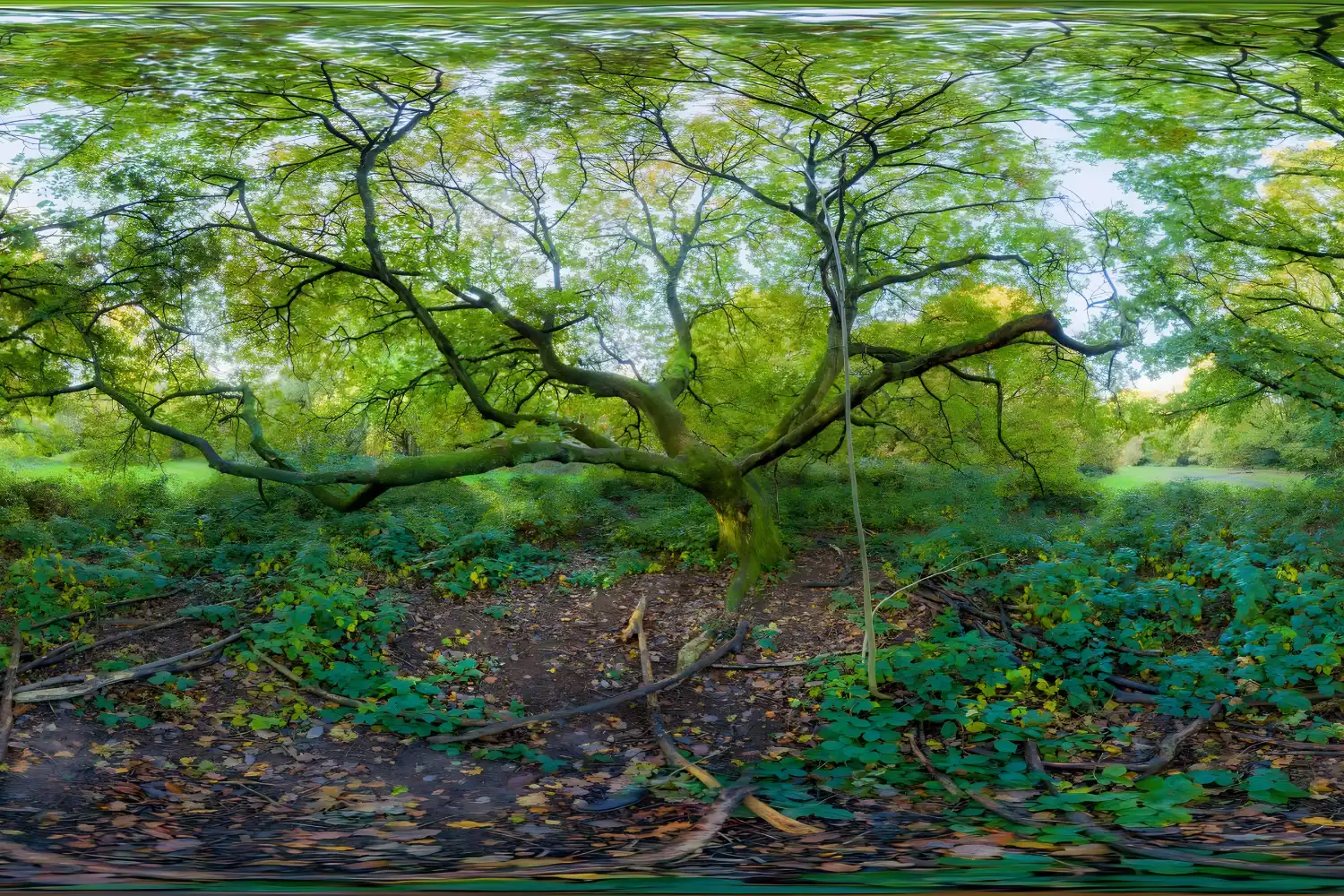
HDRI maps capture a full 360-degree view of a real environment along with detailed brightness data, from deep shadows to bright highlights. When used as an environment light source in your 3D scene, they produce realistic reflections, soft shadows, and natural color temperature without the need to manually place dozens of lights. For architects and visualization artists working on exterior renders, selecting the right HDRI sky can make the difference between a flat, lifeless image and one that feels grounded in a real location. If you are still choosing your 3D architectural design software, understanding how HDRIs integrate with different platforms is a good starting point.

What Is an HDRI Map and Why Does It Matter for Rendering?
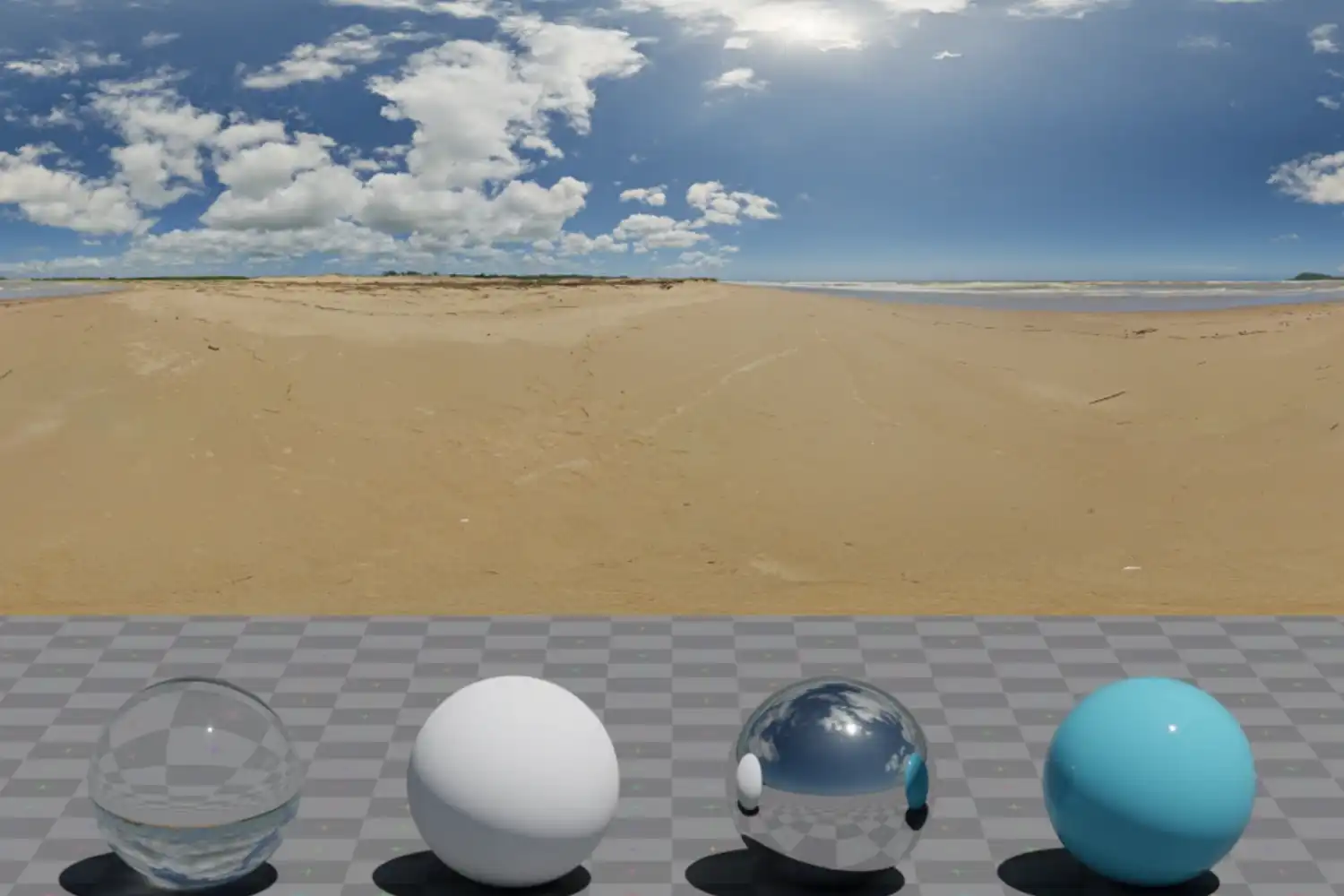
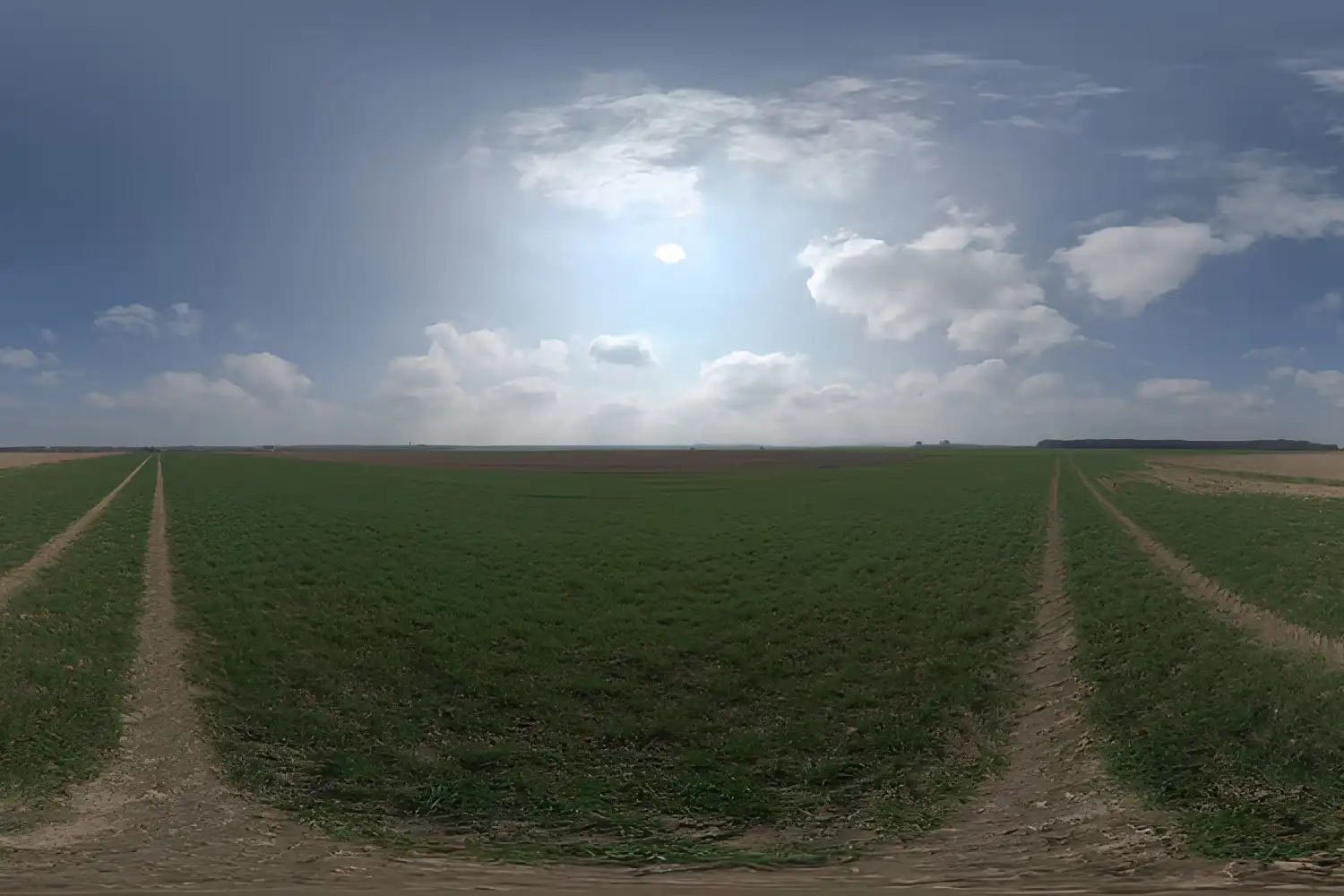
An HDRI map is a 360-degree spherical photograph stored in a high dynamic range format (typically .hdr or .exr). Unlike a standard JPEG image, an HDRI file preserves a wide spectrum of luminance values. This means a single HDRI can contain both the subtle light of a shaded area and the intense brightness of direct sunlight in one file. When a rendering engine wraps this image around your 3D scene as an environment dome, it uses that stored light data to illuminate objects, cast accurate shadows, and generate reflections on glass, water, and polished surfaces.
For architectural rendering specifically, HDRI maps solve a common problem: creating convincing outdoor lighting quickly. Instead of spending time configuring a physical sun and sky system from scratch, you load an HDRI that already contains the sun position, cloud cover, and ambient light conditions of a real-world location. The result is an image where the lighting feels authentic because it is based on actual captured data. Many modern AI rendering tools for architecture now handle HDRI loading and adjustment automatically, but knowing the fundamentals helps you get better results from any tool.
💡 Pro Tip
When selecting an HDRI for an exterior architectural render, match the sun position in the HDRI to the orientation of your building model. If your facade faces south, pick an HDRI where the sun comes from the south. Mismatched sun angles create lighting that looks correct technically but feels wrong visually, and clients will notice even if they cannot explain why.
Best Free HDRI Websites for Architectural Visualization
Not all HDRI websites offer the same quality, resolution, or licensing terms. Some provide maps up to 16K resolution under a Creative Commons Zero license, meaning you can use them in commercial projects with no attribution required. Others limit free downloads to lower resolutions or require a paid subscription for full-size files. Below are seven of the best free HDRI websites, chosen for their relevance to architectural rendering workflows.
1. Poly Haven
Poly Haven (formerly known as HDRI Haven) is widely regarded as the best free HDRI website available. Every asset on the site is released under a CC0 license, which means you can use any map in personal or commercial work without attribution. The library contains hundreds of HDRI maps in resolutions ranging from 1K up to 16K, covering outdoor skies, urban environments, interiors, and studio setups. For Blender users specifically, Poly Haven integrates directly through a free add-on that lets you browse and load HDRIs without leaving the application. V-Ray, Corona, and Lumion users can download the .hdr or .exr files and apply them manually.
2. Ambient CG
Ambient CG (previously CC0 Textures) provides not only PBR textures but also a growing collection of free HDRI maps. All assets are CC0-licensed. While the HDRI selection is smaller than Poly Haven’s, the quality is consistently high, with resolutions up to 12K available. Ambient CG is especially useful if you also need tileable textures for your scene, since you can download both materials and environment maps from a single source. The site works well as an HDRI Blender website resource because the .exr downloads are compatible with Cycles and Eevee out of the box.
3. HDRI-Skies.com
HDRI-Skies focuses specifically on sky environments, making it a strong pick for architectural exterior renders. The free tier offers HDRI maps at up to 4K resolution, while higher resolutions (8K and above) require a paid account. The library is organized by sky type (clear, partly cloudy, overcast, sunset, night), which makes it easy to find the exact mood you need for a project. Each map includes a preview render so you can judge the lighting character before downloading.
4. iHDRI
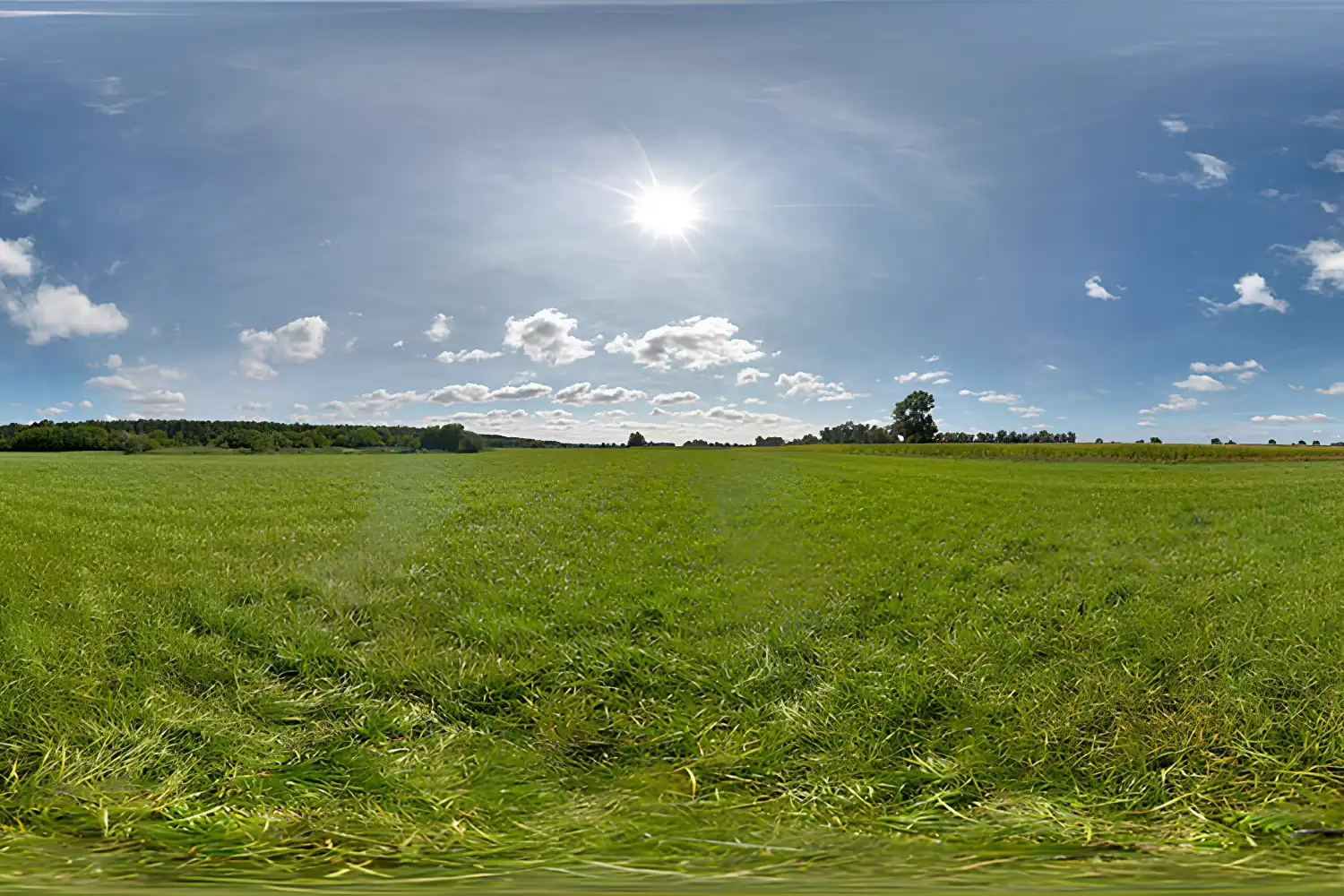
iHDRI offers a curated set of free HDRI maps with a focus on architectural and product visualization. The maps are photographed by experienced CG artists who understand what makes an HDRI useful for rendering, so the sun positions, exposure ranges, and compositions tend to work well for arch-viz scenes. Free downloads are available at moderate resolutions, with higher-res files behind a premium subscription. The site categorizes maps by lighting scenario (golden hour, blue hour, midday, studio), which is helpful when you need a specific time-of-day feel for a client presentation.
🎓 Expert Insight
“The main source of light in the scene is the HDRI, combined with a very low-intensity directional light to help create some soft shadows. I also added rect fill lights for the interiors.” — Jay H. Patel, Architectural Visualization Designer
Patel’s approach shows a common professional workflow: use the HDRI as the primary light source, then add subtle fill lights only where needed. This keeps the render looking natural while giving you control over interior brightness without overriding the environment lighting.
5. Poliigon
Poliigon is a well-known resource for 3D artists, and its HDRI section includes a selection of free maps alongside premium options. The free HDRIs cover outdoor environments commonly needed in architectural work, including suburban streets, open fields, and overcast skies. Poliigon provides plugins for Blender, 3ds Max, Cinema 4D, and other applications, making it easy to load maps directly into your scene. The paid library is extensive, but the free tier already covers basic architectural rendering needs.
6. Viz People
Viz People offers a targeted collection of free HDRI maps shot specifically for architectural visualization. Their maps feature clear skies, partially cloudy conditions, and warm sunset lighting at resolutions up to 7K. The collection is smaller than some other sites, but the quality is production-grade. Viz People also sells premium HDRI packs that include backplate photographs matched to the HDRIs, which is useful for compositing renders into real photo backgrounds.
7. Location Textures
Location Textures rounds out the list with location-specific HDRI maps from cities and landscapes around the world. The free selection includes urban, suburban, and natural environments. What sets this site apart is the geographic specificity of many maps. If you are rendering a project for a coastal site, for example, you can find an HDRI captured at a real coastline rather than using a generic sky dome. The maps are available in .hdr and .exr formats compatible with all major rendering engines.
Comparison of Free HDRI Websites
The following table summarizes the key features of each HDRI website covered above:
| Website | Free Resolution | License | Best For |
|---|---|---|---|
| Poly Haven | Up to 16K | CC0 (fully free) | All-purpose arch-viz |
| Ambient CG | Up to 12K | CC0 (fully free) | HDRIs + PBR textures |
| HDRI-Skies | Up to 4K (free tier) | Free with limits | Sky-focused exteriors |
| iHDRI | Moderate (free tier) | Free with limits | Arch-viz specific |
| Poliigon | Varies (free selection) | Free + premium | Multi-software plugin support |
| Viz People | Up to 7K | Free + premium packs | Production-grade arch-viz |
| Location Textures | Varies | Free + premium | Location-specific maps |
How to Use HDRI Maps in Blender for Architectural Rendering
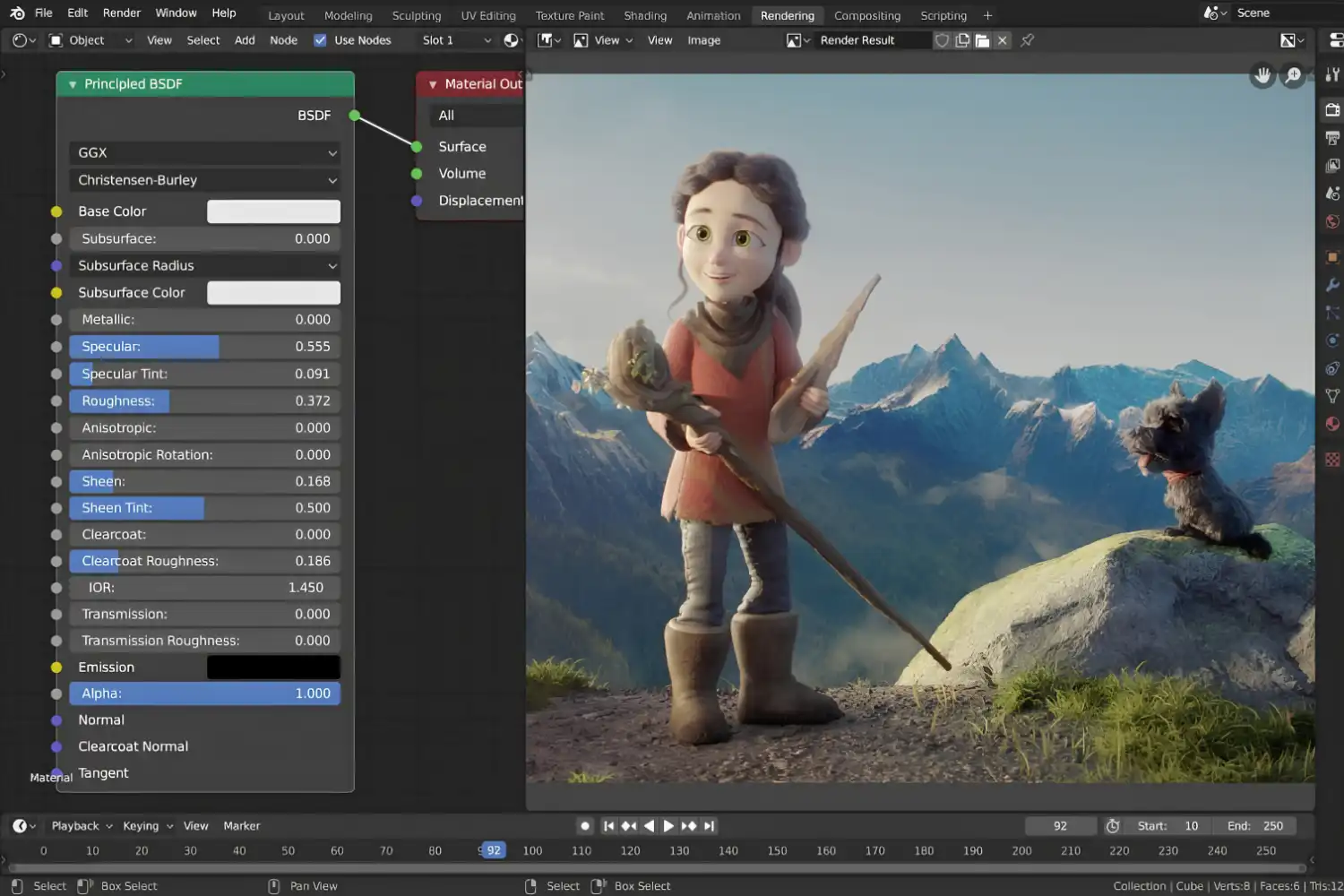
Blender is one of the most popular free tools for architectural visualization, and loading an HDRI is straightforward. Open your scene, go to the World properties panel, click “Use Nodes,” and connect an Environment Texture node to the Background shader. Select your downloaded .hdr or .exr file, and the HDRI will wrap around your scene as a light source and background. You can rotate the environment using a Mapping node to adjust where the sun appears relative to your building.
In Cycles, the HDRI will produce physically accurate lighting with proper global illumination. In Eevee, you may need to bake the environment lighting and adjust the screen-space reflections to get similar results. For best quality in both engines, use an HDRI at 4K resolution or higher. Lower-resolution maps can produce blurry reflections on glass facades, which is especially noticeable in close-up interior shots looking outward through windows.
⚠️ Common Mistake to Avoid
A frequent mistake is using a low-resolution HDRI (1K or 2K) for a final render. While these are fine for test renders and lighting previews, they produce soft, undefined reflections on glass and metal surfaces. For client-facing images, always switch to at least a 4K map. The difference in render time is minimal, but the improvement in reflection quality is significant.
If you want to learn more about rendering software options for architectural visualization, our detailed comparison covers the leading AI-supported tools available today. For a deeper look at Lumion’s latest rendering features, including its ray tracing capabilities, see our dedicated review.
What Resolution Should You Choose for HDRI Maps?
Resolution directly affects both visual quality and file size. Here is a practical breakdown for architectural work:
1K to 2K: Suitable only for quick test renders and lighting studies. Reflections will appear blurry, and fine details in the sky (clouds, tree lines) will be lost.
4K: A good balance for most architectural renders. Reflections on glass look clean, and the environment reads well as a background in medium-distance exterior shots.
8K to 16K: Recommended for close-up exterior views, aerial perspectives, or any render where the HDRI sky occupies a large portion of the frame. The file sizes are larger (often 50 to 200 MB per map), so storage management becomes a consideration on larger projects.
For most architectural visualization work, 4K is the minimum recommended resolution for final output, and 8K provides a noticeable quality improvement with manageable performance costs.
📐 Technical Note
HDRI files are typically stored in Radiance RGBE (.hdr) or OpenEXR (.exr) formats. Both support high dynamic range data, but .exr offers additional features like multiple layers and lossless compression. V-Ray, Corona, and Blender Cycles support both formats natively. Lumion primarily works with its own sky system but can accept custom HDRI files through its environment settings.
HDRI Maps vs. Physical Sun and Sky Systems
Most modern rendering engines offer both HDRI-based lighting and procedural sun/sky systems. Each approach has trade-offs. An HDRI gives you realistic, location-specific lighting out of the box, but the sun position is fixed to whatever was captured in the photograph. A procedural sun/sky system lets you adjust the time of day, turbidity, and cloud coverage freely, but the reflections and background will look synthetic unless combined with a backplate image.
Many professional visualization studios combine both methods: they use a procedural sun for the primary directional light and shadow casting, then layer an HDRI map at reduced intensity for ambient light and reflections. This hybrid approach gives full control over sun angle while maintaining realistic environmental reflections. If you are working on a competition render where the specific time of day matters, this workflow gives you more flexibility than relying on an HDRI alone.
Understanding your overall architectural visualization workflow helps you decide where HDRIs fit into your pipeline. For those exploring AI-based alternatives, our guide to AI tools for architectural visualization covers how newer platforms handle environment lighting automatically.
⚖️ Pros & Cons at a Glance
✔️ Pros: Realistic lighting from real-world capture, fast setup with minimal configuration, accurate reflections on glass and metal
✖️ Cons: Fixed sun position limits flexibility, large file sizes at high resolutions, limited control over cloud patterns and atmospheric conditions
Organizing Your HDRI Library for Efficiency
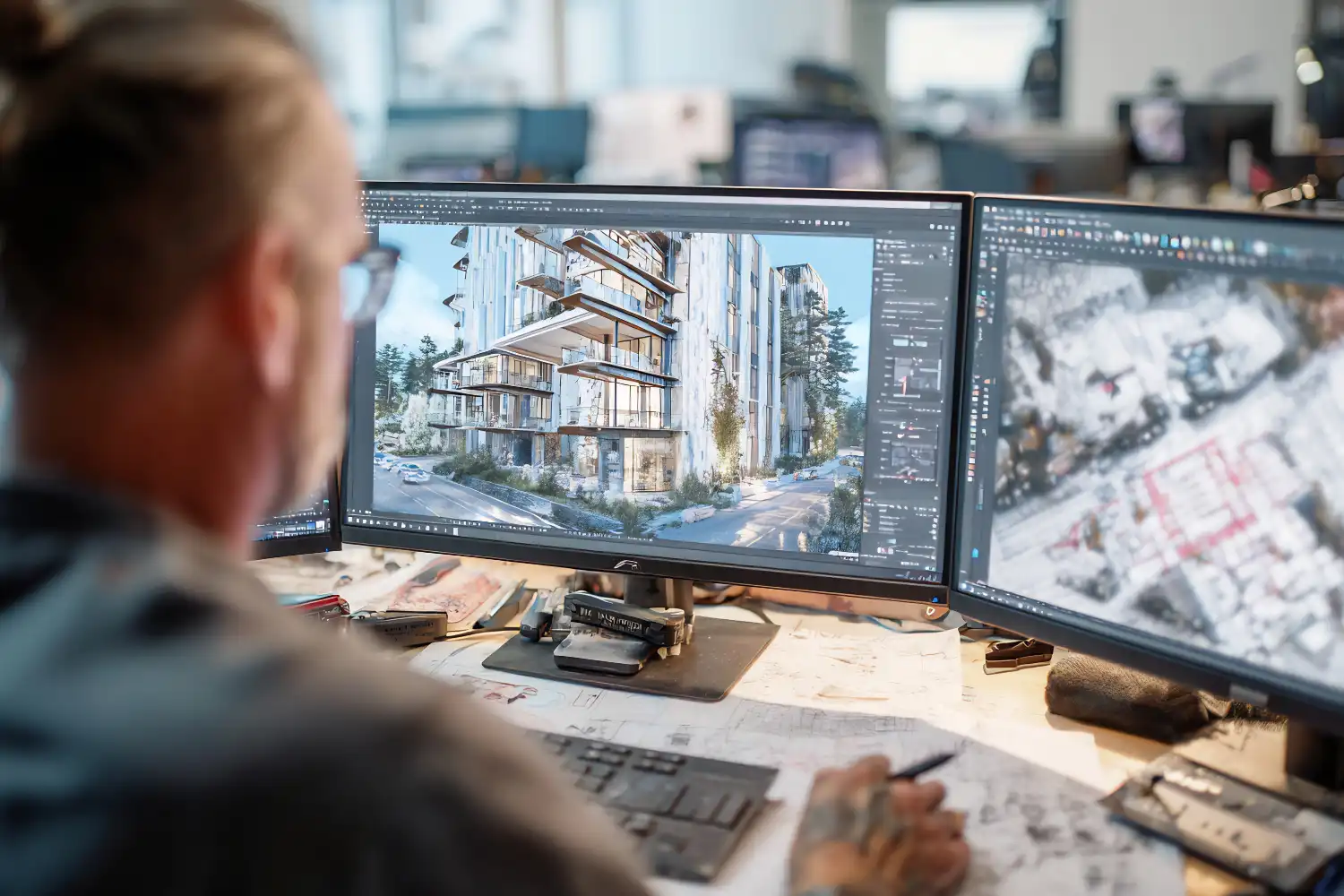
Once you start downloading HDRI maps from multiple websites, file management becomes important. A practical approach is to organize your library by lighting condition rather than by source website. Create folders labeled by category (clear sky, overcast, sunset/golden hour, blue hour, night, interior, studio) and move files accordingly. Within each folder, include the resolution in the filename so you can quickly grab the right version without opening the file properties.
If you use Blender, the Asset Browser introduced in version 3.0 lets you tag and preview HDRIs directly within the application. V-Ray users can set up a custom library path in the V-Ray Asset Browser to keep their HDRI collection accessible across projects. Building a well-organized HDRI library saves time during the early stages of a project when you need to test different lighting scenarios quickly.
For architects building their overall digital toolkit, our guide to affordable 3D architectural modeling software covers cost-effective options across different budgets and skill levels.
Final Thoughts
Free HDRI websites have made photorealistic rendering accessible to architects and students working on any budget. Poly Haven and Ambient CG alone provide enough high-quality, royalty-free maps to cover the majority of architectural visualization needs. Supplement those with specialized sources like HDRI-Skies for sky-specific maps or Location Textures for geographically accurate environments, and you have a library that rivals what studios paid thousands for a decade ago. The key is to match your HDRI choice to the specific mood, time of day, and geographic context of each project rather than defaulting to the same map every time.







Leave a comment