


Table of Contents Show
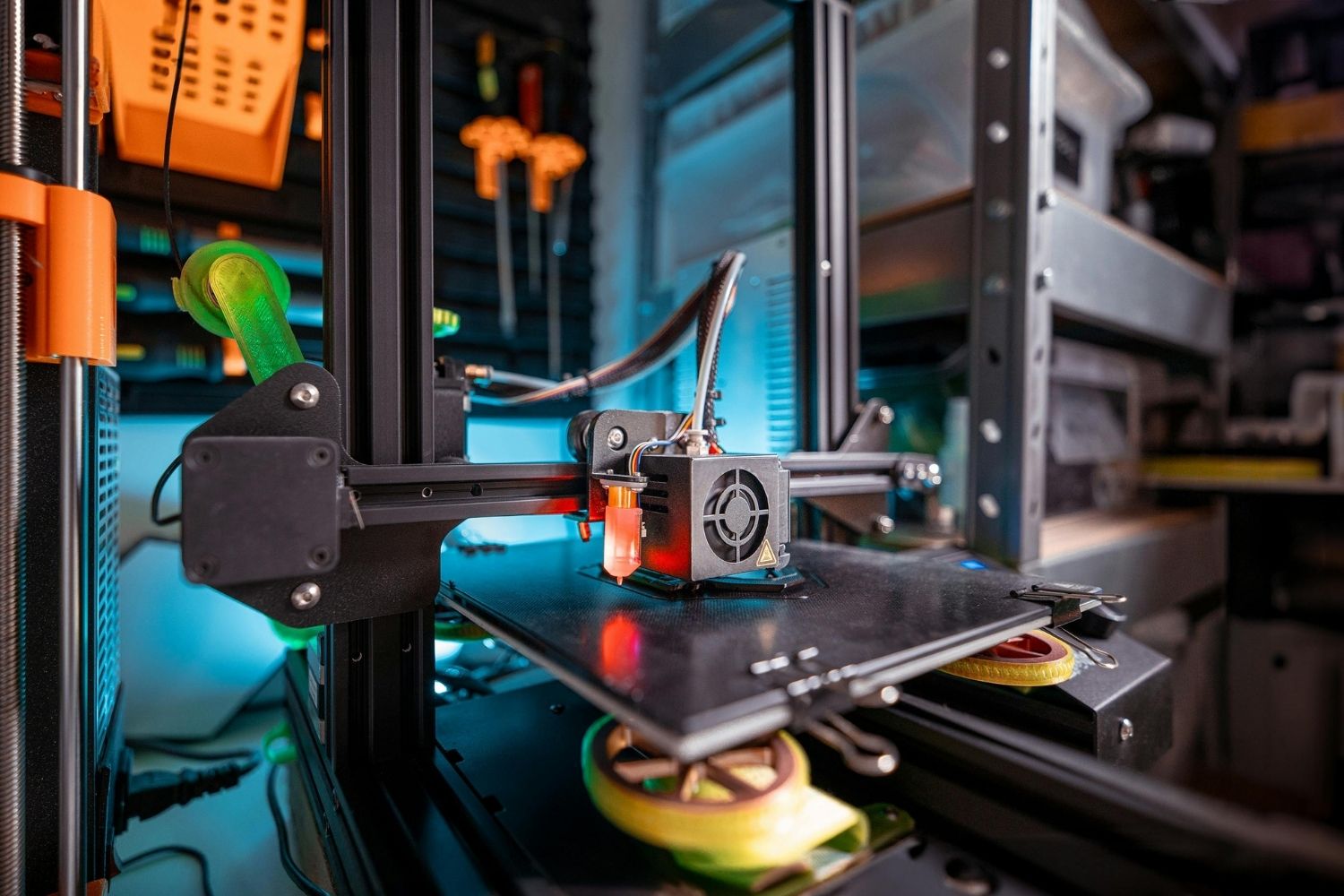
3D print models architecture refers to the practice of using additive manufacturing technologies to produce physical scale models of buildings, urban plans, and design concepts directly from digital files. These printed models replace or supplement traditional hand-built models, offering faster turnaround, higher geometric accuracy, and repeatable results at lower cost per iteration.
Why Architects Are Switching to 3D Printed Models
Hand-cut foam core and basswood models served architecture studios well for decades, but they come with constraints that 3D printing sidesteps. A complex curved facade that takes a skilled model maker two or three days to carve can print overnight from the same Rhino or SketchUp file the designer already has open. The time savings compound across a project: when a client requests a massing change, reprinting a revised section takes hours instead of rebuilding from scratch.
Cost is the other driver. Entry-level FDM printers capable of producing usable architecture models now start below $300. A spool of PLA filament runs roughly $20 and can yield several site models. Compare that to outsourcing a single presentation-quality basswood model, which routinely costs $1,000 or more depending on scale and detail. For studios running multiple projects at once, an in-house 3D printer pays for itself within a few months.
Accuracy matters, too. A well-calibrated FDM machine prints at layer heights between 0.1 mm and 0.2 mm, while resin-based SLA printers resolve features down to 0.05 mm. That level of precision captures mullion profiles, stair treads, and curtain wall patterns that hand-cutting struggles to reproduce at 1:200 or 1:500 scale. For a broader view of how physical and digital models work together in practice, the guide to architecture concept models covers when each approach makes the most sense.
🎓 Expert Insight
“3D printing lets us fail faster. We can test five massing options in a week instead of committing to one and hoping it works.” — Ken Shuttleworth, Founder, Make Architects
Make Architects has operated an in-house print lab since 2016, using UltiMaker FDM machines to iterate on competition entries and client presentations at speed.
3D Printing Technologies Used in Architectural Model Making
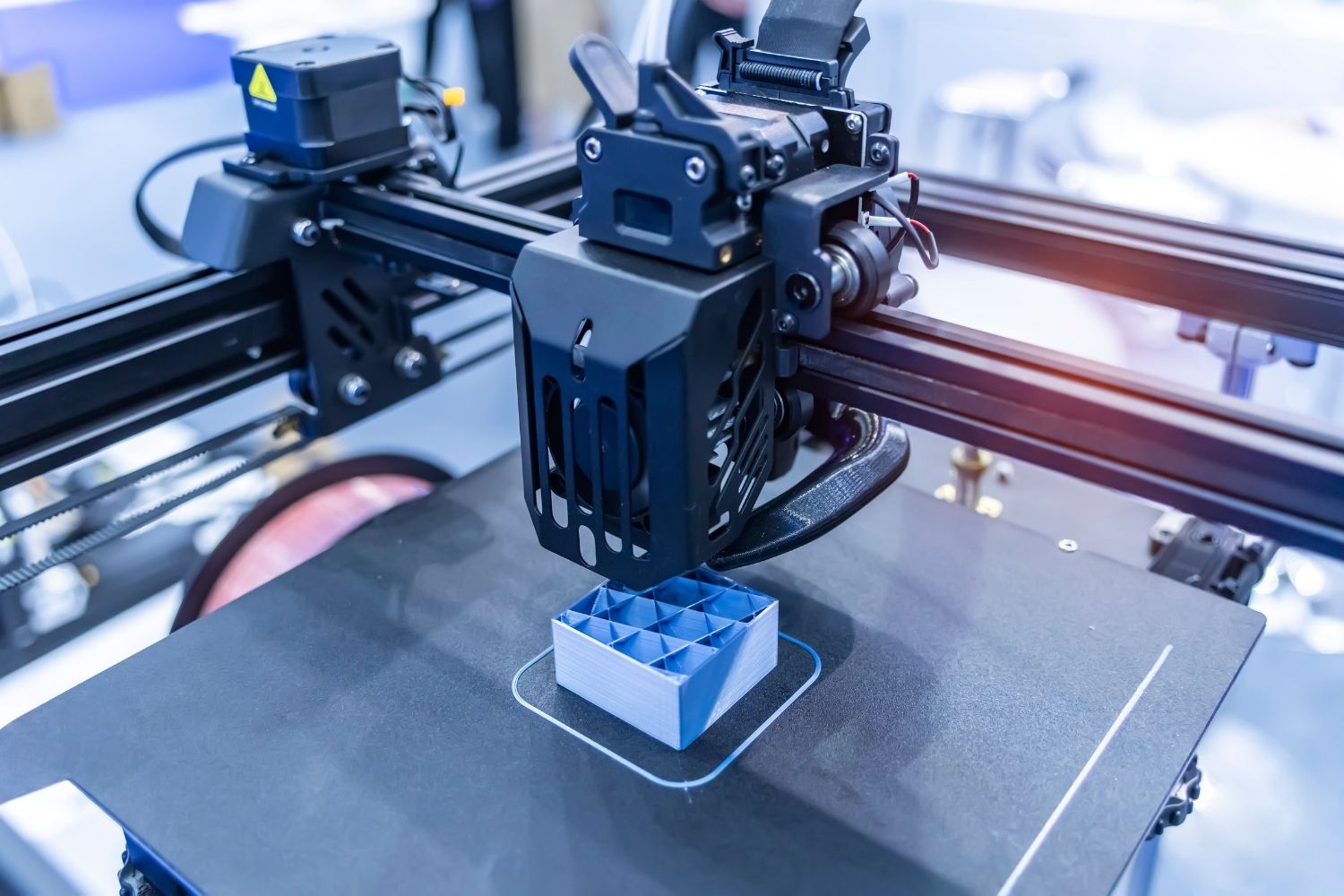
Not every 3D printing method suits every type of architectural model. The three technologies most commonly found in architecture studios and service bureaus each fill a different role.
FDM for Fast Concept Models
Fused Deposition Modeling (FDM) melts thermoplastic filament, usually PLA or PETG, and deposits it layer by layer. FDM is the most accessible entry point for 3D printing models in architecture. The machines are affordable, the materials are cheap, and print failures are easy to diagnose. Massing studies, site context models, and early design explorations are where FDM printers earn their keep. Surface finish shows visible layer lines, but at concept stage that rarely matters. According to the 2026 Market Data Forecast report on the global 3D printer market, FDM accounted for roughly 33.5% of all 3D printer revenue in 2025, driven by its low cost and broad material compatibility.
SLA and Resin Printing for Detail Work
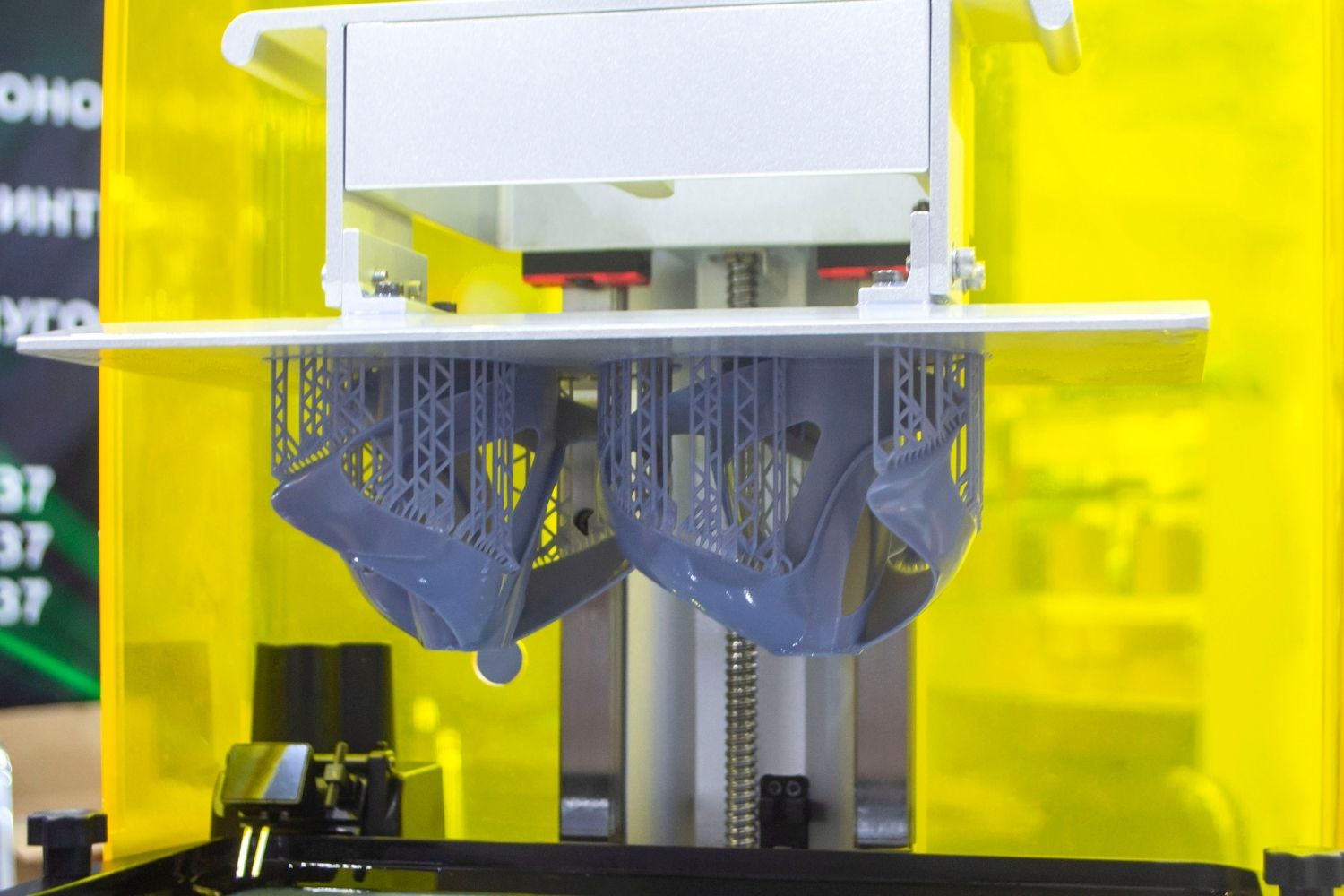
Stereolithography (SLA) uses an ultraviolet laser to cure liquid resin into solid layers. The result is a smooth, highly detailed surface that suits presentation-quality 3D printed models. Facade details, interior furniture at small scales, and topographic terrain prints all benefit from SLA’s resolution. The trade-off is cost: resin runs three to five times more expensive per volume than PLA filament, and post-processing (washing, UV curing, support removal) adds time. Formlabs, one of the leading desktop SLA manufacturers, offers architecture-specific workflow guides and resin formulas designed for fine architectural detail.
💡 Pro Tip
Print your building and site context in separate pieces at different scales if needed. The building itself can be SLA at 1:200 for crisp facade detail, while the surrounding context blocks print on a cheaper FDM machine. Assembling both on a shared base plate saves resin cost without sacrificing the visual impact where it counts.
SLS and Powder-Based Methods
Selective Laser Sintering (SLS) fuses nylon powder with a laser, producing strong, self-supporting parts that need no printed supports. SLS excels at large, complex assemblies like urban masterplan models where dozens of interlocking buildings must snap together accurately. The machines are expensive (typically $10,000+), so most firms outsource SLS work to service bureaus. PolyJet and Multi Jet Fusion (MJF) technologies also appear in high-end architectural model shops, delivering full-color prints that can represent landscaping, material zones, and even interior layouts at fine scale.
Architects can also use ready-made models for 3D printing to add detailed furniture, vehicles, landscape elements, and other small-scale objects without creating every component from scratch.
3D Modeling Software for 3D Printing
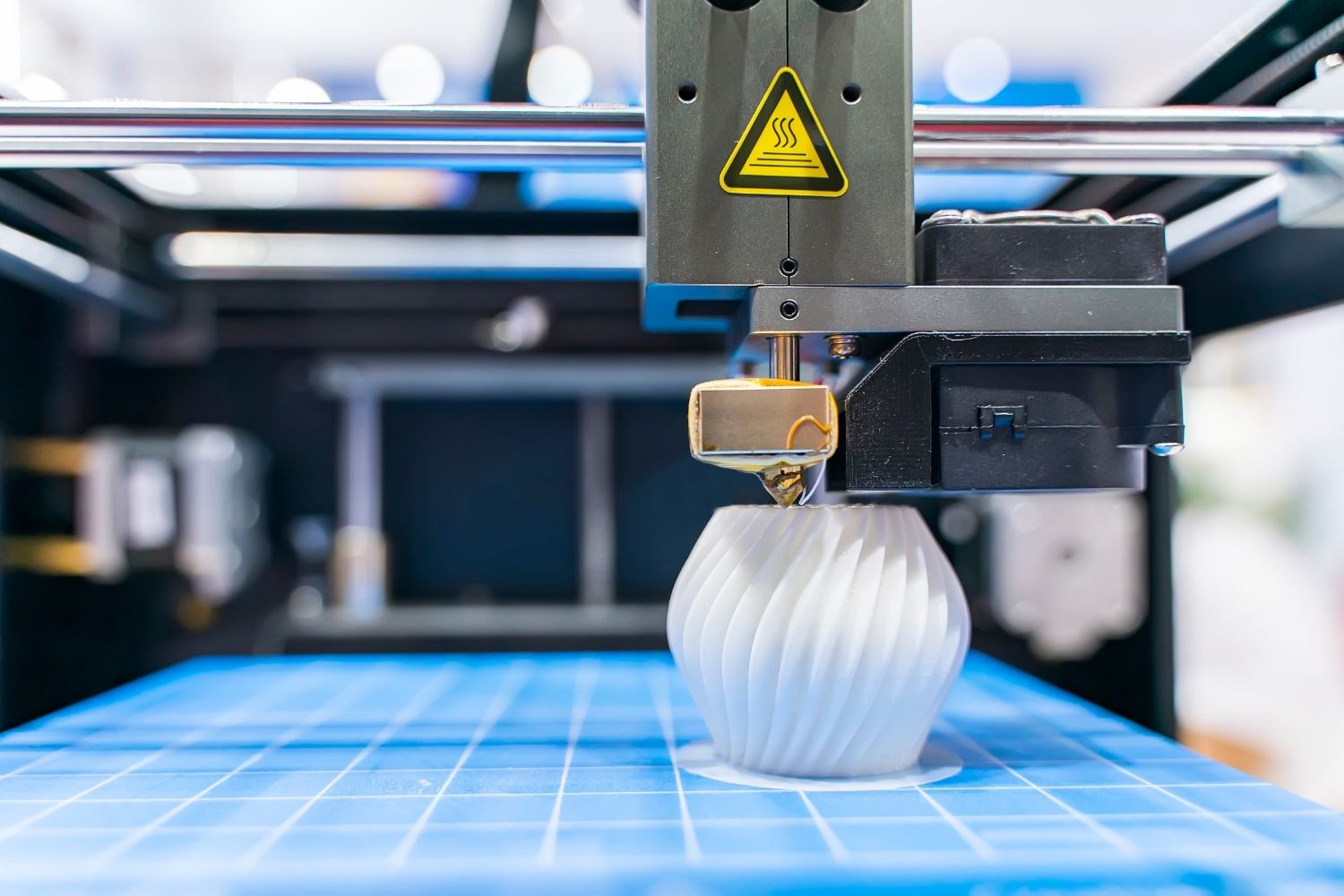
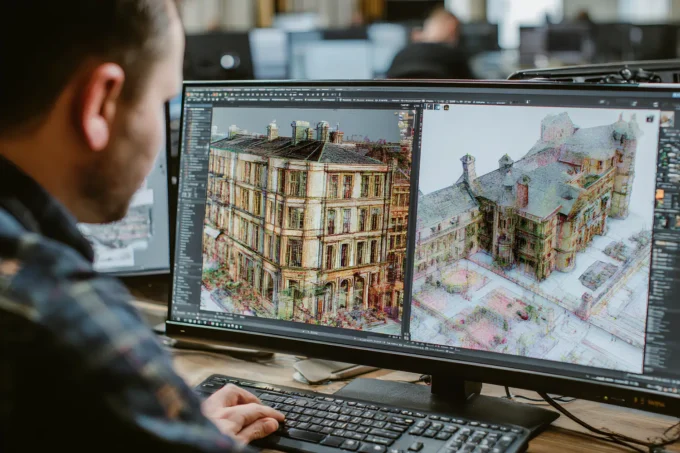
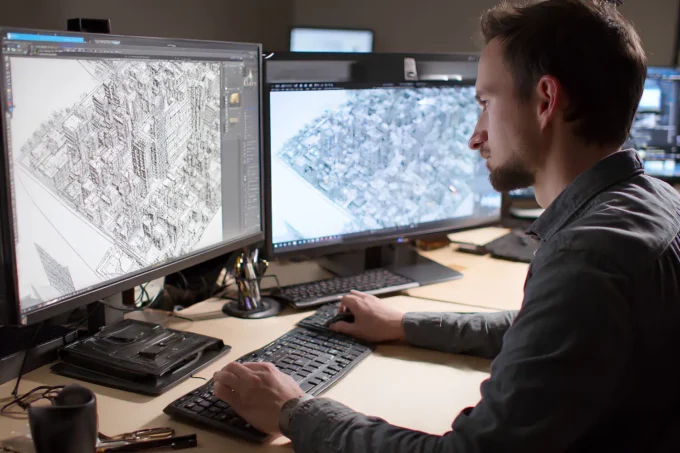
The 3D modeling software for 3D printing you choose depends on what stage of design you are working in and how much geometric complexity your project involves. Most architecture offices already own the software they need; the adjustment is learning export settings and print-readiness checks rather than adopting entirely new tools.
Rhino 3D with Grasshopper is the most print-ready option for complex geometry. NURBS surfaces export cleanly to STL or 3MF files, and Grasshopper scripts can automate paneling, sectioning, and nesting parts onto a build plate. For a deeper look at what Rhino offers architects, the Grasshopper and Rhino guide covers parametric workflows in detail.
SketchUp handles simpler massing models well. Its STL export plugin converts push-pull geometry into printable meshes quickly, though curved surfaces can come out faceted. For studios comparing the two platforms, the SketchUp vs Rhino comparison breaks down which tool fits which workflow.
Revit files require an intermediate step. Exporting to FBX or OBJ format, then cleaning the mesh in a slicer like Cura or PrusaSlicer, typically works. Dedicated plugins like Mesh2Surface or direct STL export from Revit’s 3D views simplify the pipeline. Blender is another free option for students who need to repair meshes, add context buildings, or combine multiple file sources before printing. A broader rundown of modeling platforms is available in the best 3D architectural design software overview.
Where to Find Free 3D Models for Printing
Not every element of an architecture model needs to be custom designed. Context buildings, furniture, trees, vehicles, and human figures are available as free 3d models for printing on several well-known repositories.
Thingiverse remains the largest open library for free 3d print models, with a dedicated architecture category that includes parametric facades, scale figures, and modular building components. MyMiniFactory and Printables (Prusa’s community platform) also host architecture-specific uploads, often with verified print profiles and recommended settings.
When downloading, check that the file is watertight (no holes in the mesh) and scaled correctly. A model designed at 1:100 will need rescaling if your project is at 1:200. Most slicer software handles scaling, but verifying dimensions before committing to a multi-hour print avoids wasted material. Students building architecture portfolios can document the model-making process itself, from printer settings to assembly, as evidence of technical skill.
🏗️ Real-World Example
MASSLAB Architecture (Porto, 2024): This Portuguese firm uses Original Prusa FDM printers to produce modular site models where individual buildings can be swapped in and out as the design evolves. Their workflow treats each building as a separate print file, assembling everything on a CNC-cut MDF base plate. The approach cut their physical model production time by roughly 60% compared to traditional methods, and each module costs under €5 in filament.
How 3D Printed Models Improve Client Presentations
Digital renders look polished on a screen, but a physical 3D print model sitting on a conference table changes how clients engage with a design. People instinctively reach out and pick up a printed model, rotating it, peering through windows, checking sight lines from street level. That tactile interaction surfaces questions and feedback that flat images rarely provoke.
Printed models also help during design reviews and planning hearings. A 3D printed urban context model showing the proposed building alongside its neighbors communicates scale and shadow impact more clearly than a slide deck. For studios already using AI visualization tools for quick renders, pairing those digital images with a physical print gives presentations both polish and substance.
The role of physical models in professional communication is covered in more depth in the article on physical models in architectural presentations, which examines how tangible objects anchor abstract design conversations.
Where to Go From Here
Your Next Step: Download a free slicer (Cura or PrusaSlicer), export one of your current SketchUp or Rhino projects as an STL file, and run a test print on any available FDM machine. Even a rough first print will teach you more about layer height, support placement, and scale than hours of reading. Once that first model is in your hands, you will start seeing which parts of your design process benefit most from having a physical object on your desk.











Leave a comment