



Table of Contents Show
The best laptop configurations for architecture software in 2026 start with a multi-core processor (Intel Core Ultra 7 or 9 HX, or AMD Ryzen AI 9 HX), a dedicated NVIDIA GeForce RTX 50 Series laptop GPU with at least 8 GB of VRAM, 32 GB of RAM, a 1 TB NVMe SSD, and a color-accurate display with at least QHD resolution.
Choosing the right laptop as an architect is not about buying the most expensive machine on the shelf. It is about matching hardware to the software you actually use every day. A Revit user juggling multi-story BIM models with linked files needs a very different configuration than someone who works primarily in SketchUp for early-stage concept studies. Rendering engines like Lumion and Enscape add another layer of GPU demand on top of that. The wrong setup leads to crashes during deadline-week renders, frozen viewports, and hours lost waiting for exports. The right setup keeps the design process smooth and lets you focus on the work itself.

What Makes a Laptop Suitable for Architecture Work?
Architecture software falls into three broad categories, and each one stresses different hardware components. 2D drafting and documentation tools like AutoCAD are mostly CPU-bound: they rely on fast single-thread clock speeds to redraw complex plans without lag. 3D modeling programs like Rhino, SketchUp, and Revit need both a strong CPU and a capable GPU, especially once you start working with large assemblies or real-time walkthroughs. Then there are rendering and visualization tools, such as Lumion, Enscape, Twinmotion, and V-Ray, which are almost entirely GPU-driven and depend heavily on VRAM to load textures and scene geometry into memory.
A laptop that covers all three categories well is the goal. Prioritizing one at the expense of another usually means running into bottlenecks the moment your workflow shifts, and architectural workflows shift constantly.
🔢 Quick Numbers
- Real-time rendering tools like Lumion require a minimum of 8 GB VRAM, with 12 GB or more recommended for scenes over 5,000 objects (Lumion System Requirements, 2026)
- 32 GB of RAM is now the practical minimum for professional BIM work; 64 GB is recommended for large commercial projects (Autodesk Revit 2026 System Requirements)
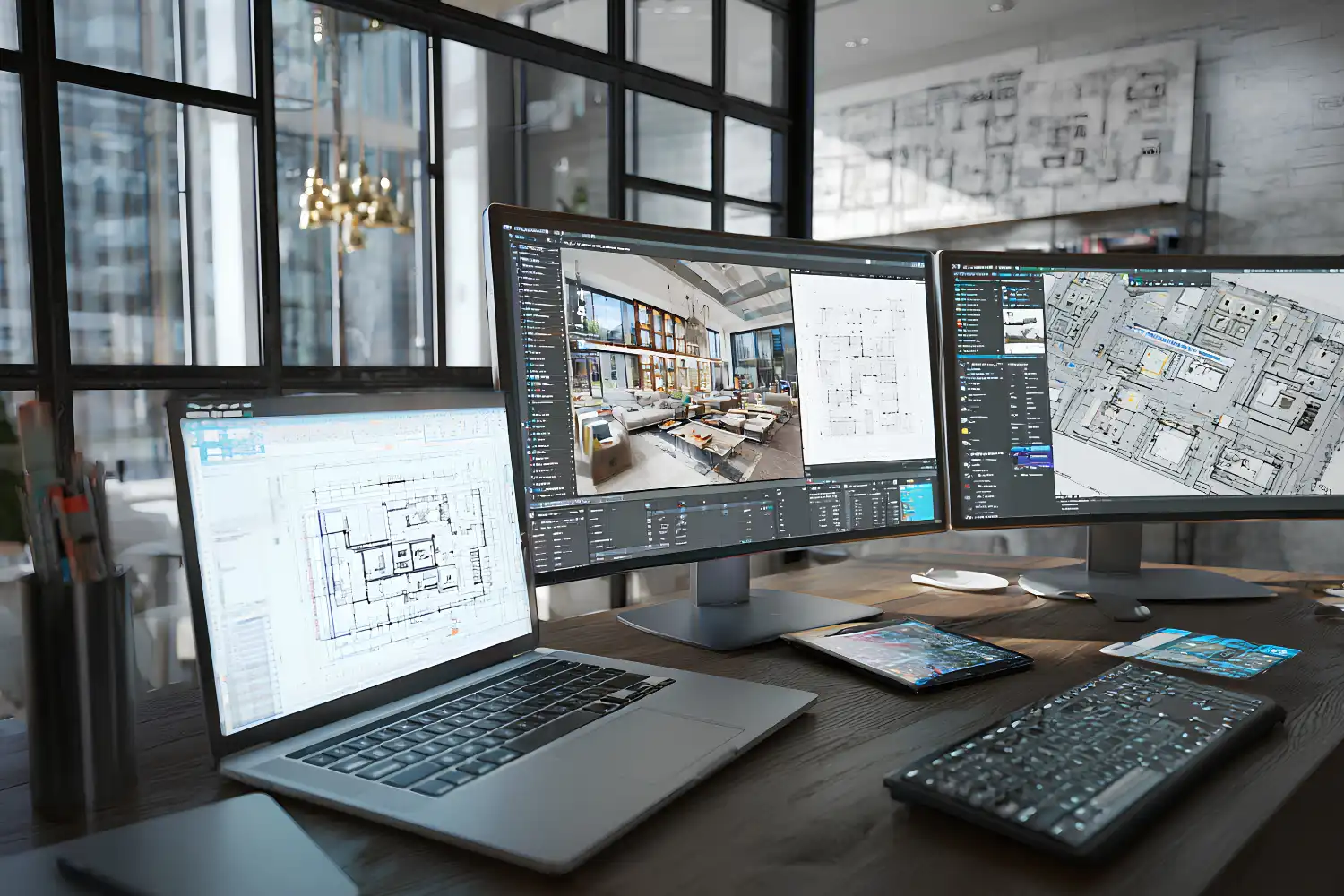
Recommended Specs for Architecture Software in 2026
The specs below reflect what actually performs well in professional workflows, not just the minimum listed on a software vendor’s requirements page. Minimum requirements will technically launch the program, but they will not handle a real project with linked models, high-polygon scenes, or simultaneous applications running.
CPU Requirements
For architecture work, look for an Intel Core Ultra 7 or Ultra 9 HX processor (the Core Ultra 200HX series and its 2026 HX Plus refresh) or an AMD Ryzen AI 9 HX processor from the Ryzen AI 300 or 400 series, with at least eight cores. As of September 2026, Intel lists the Core Ultra 7 255HX with 20 cores (8 performance, 12 efficient) and up to 5.2 GHz, the Core Ultra 9 275HX with 24 cores and up to 5.4 GHz, and the Core Ultra 9 290HX Plus with 24 cores and up to 5.5 GHz; AMD lists the Ryzen AI 9 HX 470 with 12 cores, 24 threads and up to 5.2 GHz. Programs like Revit still rely heavily on single-thread performance for viewport navigation and model interaction, so high boost clocks (5 GHz or above) matter more than core count alone. However, rendering, export, and analysis tasks can take advantage of multiple cores. Four-core processors will frustrate you within months on any serious BIM project.
GPU and VRAM
An NVIDIA GeForce RTX 5060 Laptop GPU with 8 GB of GDDR7 is the entry point for professional architecture workflows; the RTX 5050 below it also carries 8 GB but with fewer CUDA cores. If you run real-time rendering software like Enscape or Twinmotion alongside your modeling tool, step up to an RTX 5070 Ti with 12 GB. NVIDIA lists the RTX 5070 in both 8 GB and 12 GB configurations, so check which one a given laptop uses. For heavier scenes, the RTX 5080 carries 16 GB and the RTX 5090 carries 24 GB (NVIDIA laptop specifications, as of September 2026). For those using AI-powered rendering tools, more VRAM translates directly to larger scene capacity and faster generation times. NVIDIA GPUs are preferred over AMD in this space because most architecture rendering plugins are optimized for CUDA cores.
💡 Pro Tip
Before buying, check whether your rendering plugin supports NVIDIA DLSS or OptiX ray tracing. Both features offload work to the dedicated Tensor and RT cores on RTX cards, so plugin support can matter as much as a step up in GPU tier.
RAM and Storage
32 GB of DDR5 RAM is the baseline for professional use in 2026. Students working primarily with smaller models and SketchUp can manage with 16 GB, but they will outgrow it quickly once they start working with linked Revit models or running Photoshop alongside their 3D software. Architects handling large commercial or multi-building projects should target 64 GB to avoid slowdowns from memory swapping.
For storage, a 1 TB NVMe SSD is the minimum. Opening a 500 MB Revit central model from a slow drive adds minutes to every session. NVMe drives with sequential read speeds above 5,000 MB/s make a noticeable difference when loading large files, running local renders, and switching between applications. A second drive or an external SSD for project archives keeps the primary drive free and responsive.
Display Quality
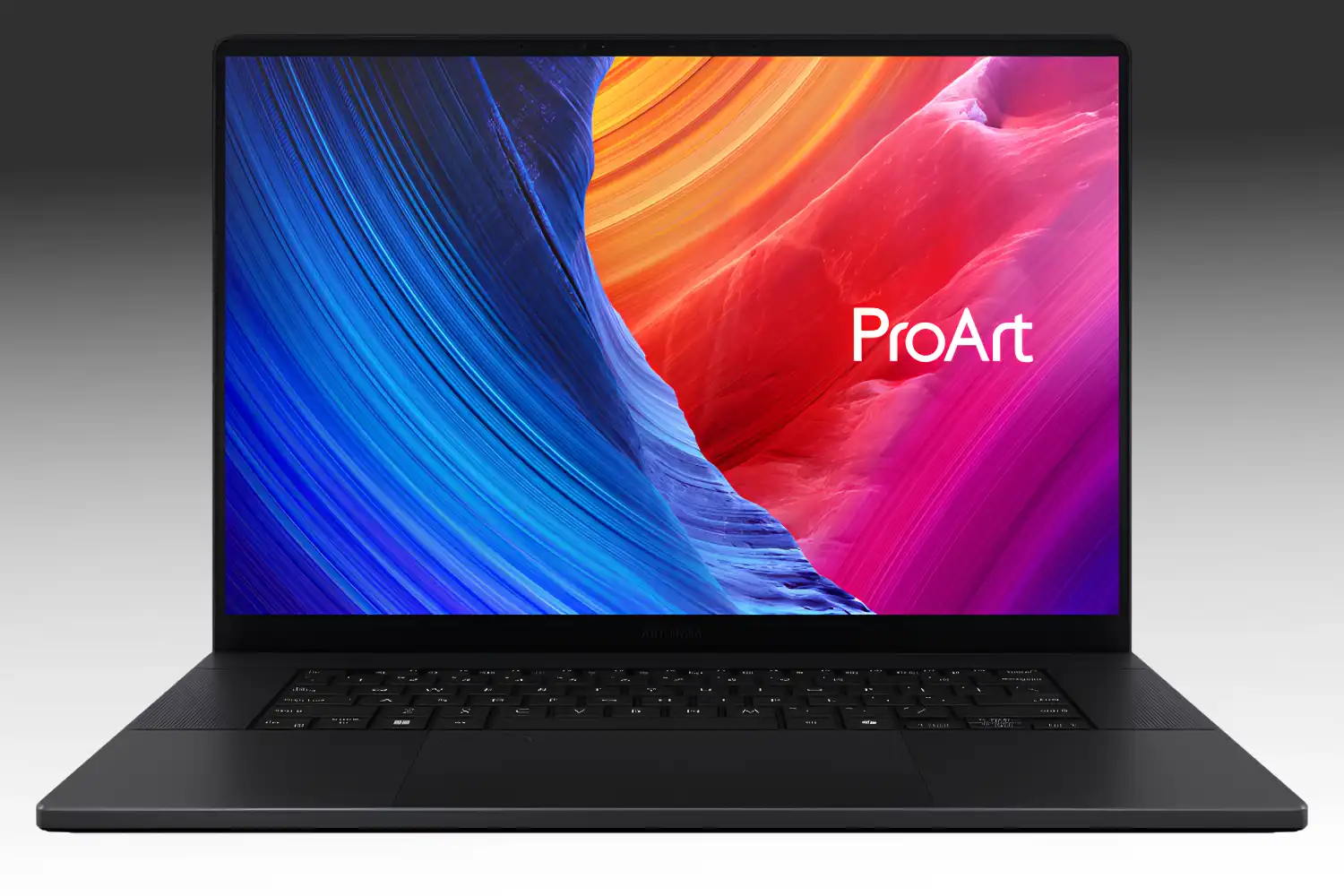
A 15.6-inch or 16-inch screen with at least QHD (2560 x 1440) resolution is the sweet spot for portable architecture work. Color accuracy matters for material selection and client presentations: look for displays that cover 100% sRGB and at least 95% DCI-P3. OLED panels offer the best contrast and color accuracy, with the ASUS ProArt P16’s 4K OLED being a strong reference point. IPS panels remain a solid, more affordable alternative. Avoid TN panels entirely.
Top Laptop Configurations for Architects
The table below compares five laptop configurations suited to different architectural workflows and budgets. Each configuration reflects real hardware available in 2026.
Laptop Configuration Comparison for Architects
| Configuration Tier | CPU | GPU / VRAM | RAM | Best For |
|---|---|---|---|---|
| Student / Budget | Intel Core Ultra 5 245HX or AMD Ryzen AI 7 350 | RTX 5050 / 8 GB | 16 GB | AutoCAD, SketchUp, light Revit |
| Mid-Range | Intel Core Ultra 7 255HX or AMD Ryzen AI 9 HX 370 | RTX 5060 / 8 GB | 32 GB | Revit, Rhino, Enscape |
| Professional | Intel Core Ultra 9 275HX or AMD Ryzen AI 9 HX 470 | RTX 5070 Ti / 12 GB | 32 GB | Large BIM, Lumion, Twinmotion |
| Workstation | Intel Core Ultra 9 290HX Plus or AMD Ryzen AI 9 HX 475 | RTX 5080 / 16 GB or RTX 5090 / 24 GB | 64 GB | Multi-model BIM, V-Ray, 3ds Max |
| Apple Ecosystem | Apple M5 Pro or M5 Max | Integrated (shares unified memory) | 24 GB (M5 Pro) up to 128 GB (M5 Max) unified | SketchUp, Vectorworks, Rhino for Mac |
A few things stand out in this comparison. The mid-range tier (RTX 5060, 32 GB RAM) covers the widest range of workflows for the money. Most architects working in small to mid-size firms will find this configuration handles 90% of daily tasks without trouble. The workstation tier only becomes necessary when you are regularly opening models with hundreds of linked files or running heavy GPU rendering jobs locally.
📌 Did You Know?
A growing number of architecture firms now issue gaming laptops to staff instead of traditional mobile workstations. Gaming laptops with RTX 5060 or 5070 GPUs often deliver rendering performance comparable to workstation-class machines for less money, and Architizer’s annual laptop guide for architects lists several gaming models alongside mobile workstations.
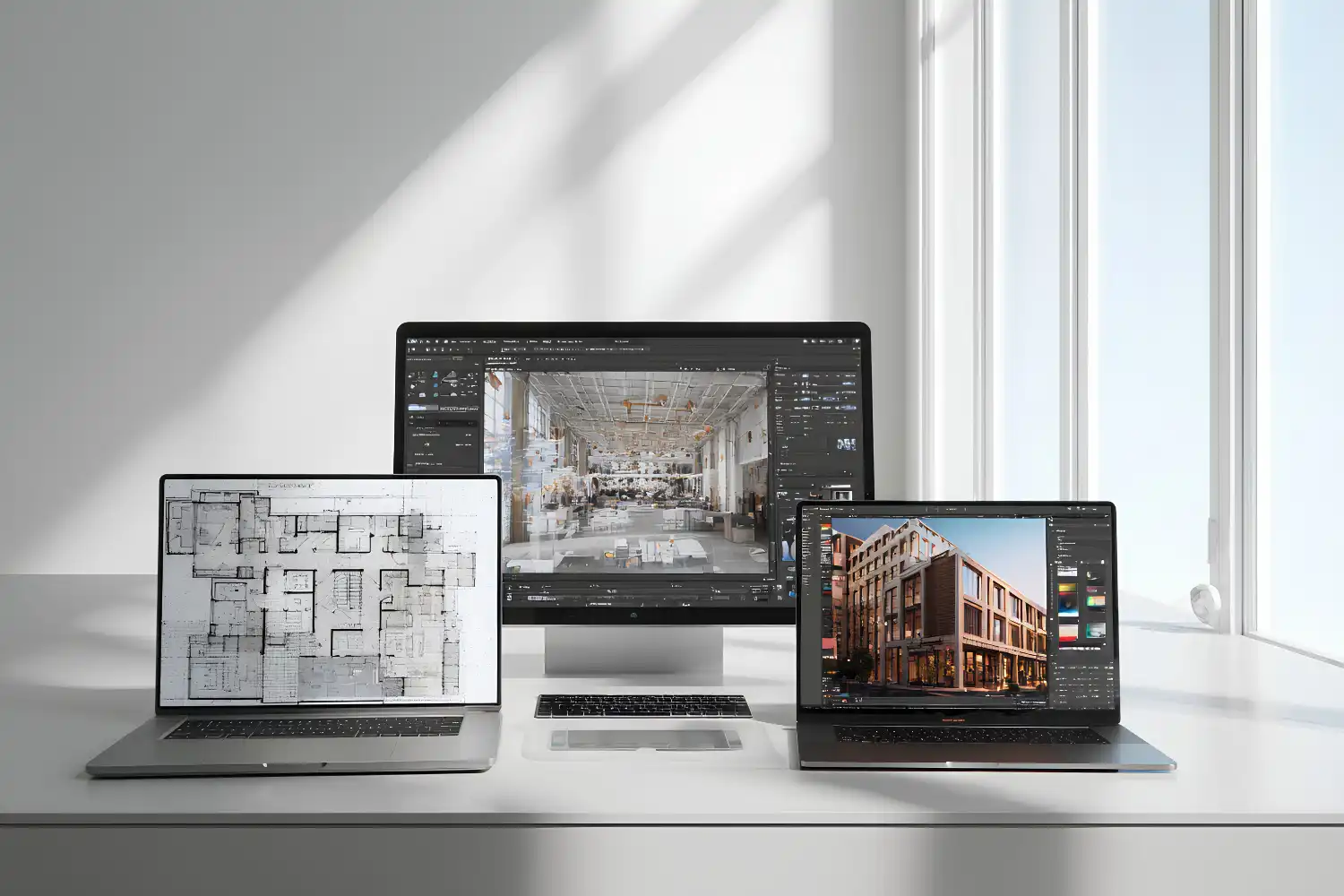
How to Match Your Laptop to Your Workflow
The right configuration depends on your specific software stack. If your firm uses Autodesk tools like Revit and AutoCAD as its primary platform, stick with Windows. Revit does not run natively on macOS, and running it through Parallels or Boot Camp introduces performance penalties and compatibility risks that are not worth accepting on a production machine.
If your workflow centers on SketchUp, Rhino, Vectorworks, or Adobe Creative Suite, an Apple MacBook Pro with M5 Pro or M5 Max is a strong option. The unified memory architecture means the GPU shares the full memory pool, which helps with large textures and complex scenes even without a discrete NVIDIA card. Battery life on Apple Silicon also outlasts most Windows laptops by a wide margin, which matters for architects who move between the office, site visits, and client meetings.
Students entering architecture school should check their program’s software requirements before buying. Many accredited programs mandate Revit, which locks you into Windows unless you plan to run a virtual machine. A mid-range Windows laptop with an RTX 5060 and 32 GB RAM covers every program a typical B.Arch curriculum throws at you, from AutoCAD through ArchiCAD and SketchUp to Lumion and Grasshopper.
For architects who spend significant time on AI-driven visualization and rendering, GPU power should be the top priority. AI rendering tools like Stable Diffusion and ControlNet run locally on your GPU, and 8 GB VRAM is the bare minimum for useful output quality. Investing in 12 GB VRAM, which in the RTX 50 laptop line means an RTX 5070 Ti or the 12 GB version of the RTX 5070, opens up higher-resolution generation and more complex scene processing.
Thermal performance is one factor many buyers overlook. A laptop that hits its thermal limits under sustained load will throttle its CPU and GPU, delivering paper specs that never show up in practice. Look for independent reviews that test sustained performance over 30-minute rendering jobs, not just short benchmark bursts.
Where to Go From Here
Your Next Step: List every piece of software you use in a typical project week, check each program’s recommended (not minimum) system requirements on the developer’s site, and compare those requirements against the configuration tiers in the table above. That ten-minute exercise will tell you exactly which tier fits your work and prevent you from overspending or underbuying.











Leave a comment