



Table of Contents Show
Essential plugins for SketchUp turn a simple 3D modeler into a full architectural production tool. The right extensions handle rendering, terrain modeling, section cutting and component management so you spend less time on repetitive tasks and more time on design. Below are the ones that consistently deliver real time savings in practice.
SketchUp’s built-in toolset is intentionally minimal. That simplicity is part of why the software is so fast to learn, but it also means core architectural tasks like generating photorealistic visuals, creating accurate site topography or automating door and window placement require outside help. The SketchUp Extension Warehouse hosts thousands of extensions, and sorting through them can eat up the time you are trying to save. The list below narrows it down to sketchup plugins that working architects rely on daily.
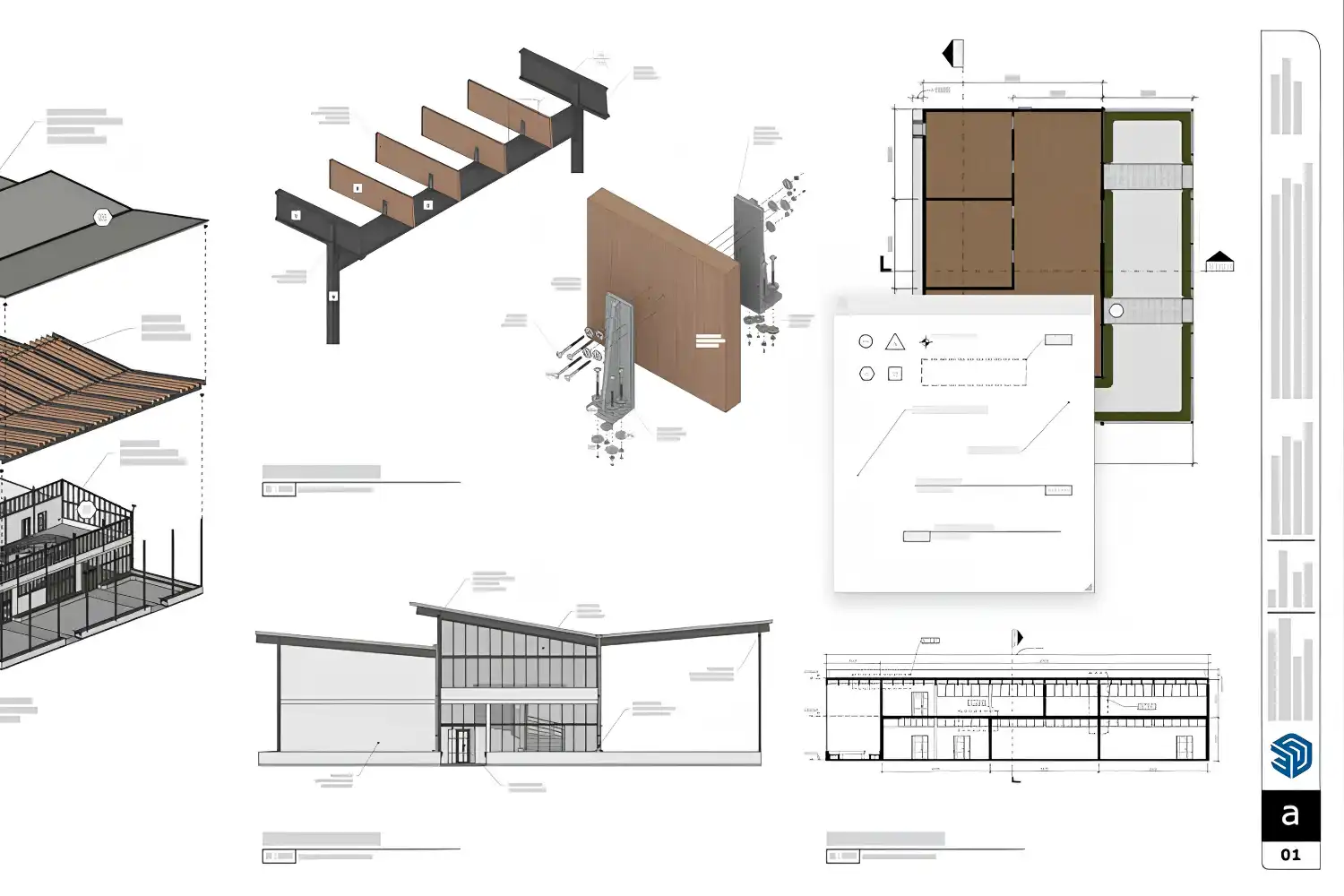
Modeling and Geometry Plugins
Profile Builder 3
Profile Builder 3 is the go-to plugin for SketchUp when you need to quickly generate baseboards, cornices, structural framing or custom extrusions along a path. You draw a profile once, assign it to a path and the extension builds the 3D geometry in seconds. Residential projects with repetitive trim details benefit the most. The paid version adds assembly features that let you combine multiple profiles into a single wall or floor build-up, which removes a lot of manual layering.
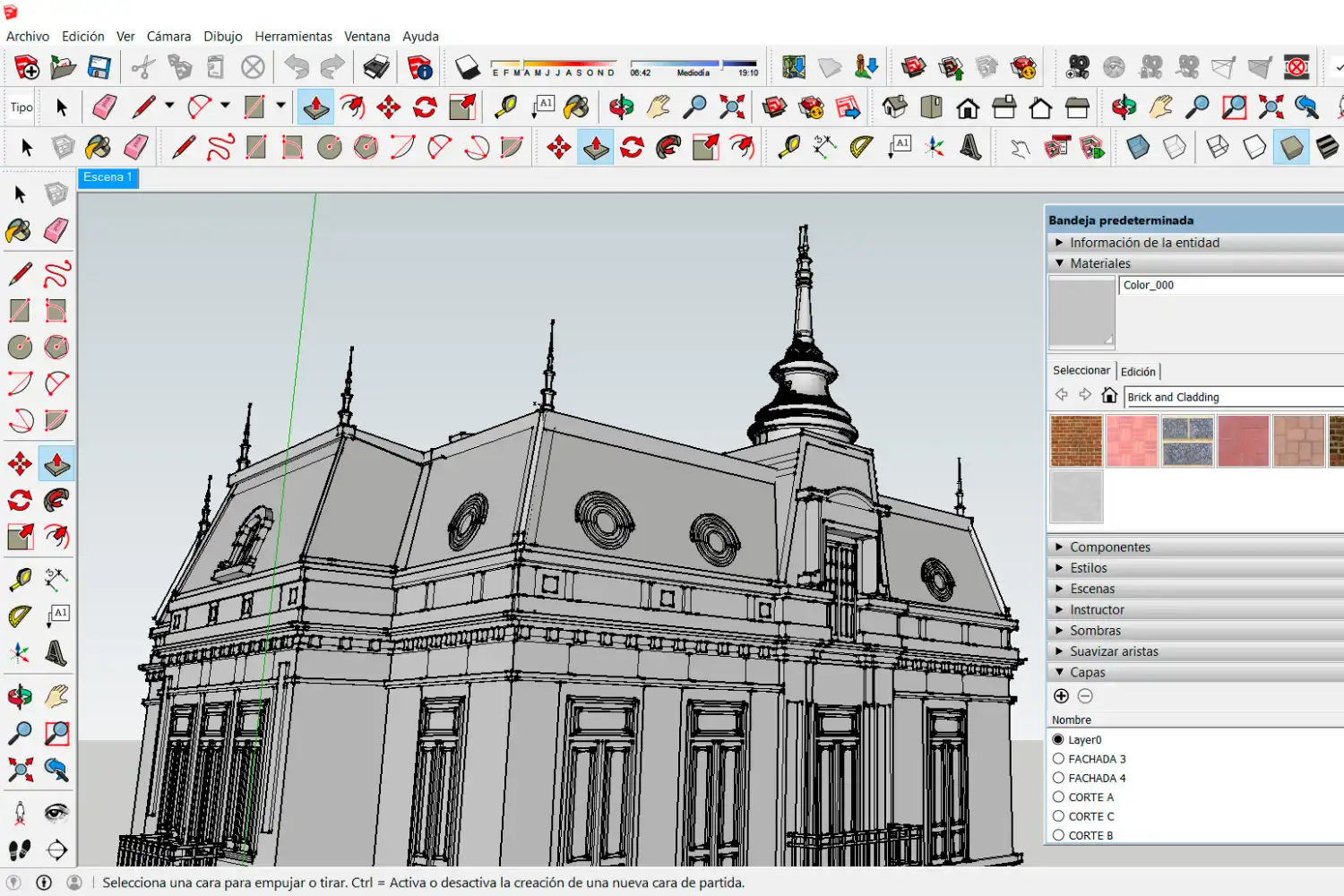
FredoScale and FredoTools
Fredo6’s collection of plugins for SketchUp covers radial bending, tapering, twisting and non-uniform scaling. FredoScale alone handles deformations that would otherwise require rebuilding geometry from scratch. If you work on curved facades, organic roof forms or any shape that falls outside SketchUp’s native push-pull logic, these tools are essential. They install through the Extension Warehouse and require the LibFredo6 library to run.
💡 Pro Tip
Install LibFredo6 before any Fredo plugin. Without this shared library, none of Fredo6’s extensions will load. A common first-time mistake is downloading FredoScale, restarting SketchUp and seeing nothing appear in the toolbar because the dependency is missing.
1001bit Tools
1001bit Tools is a free plugin for SketchUp that automates the creation of architectural elements like stairs, walls with openings, roofs and structural grids. Instead of drawing each stair tread individually, you input rise, run and width and the extension generates the full staircase. For students and small practices that cannot invest in paid extensions, 1001bit covers a surprising amount of ground at no cost.
Best Rendering Plugins for SketchUp
V-Ray for SketchUp
V-Ray remains the industry standard plugin render SketchUp option for photorealistic output. Developed by Chaos, it handles global illumination, physically accurate materials and GPU-accelerated rendering inside the SketchUp viewport. The interactive rendering mode lets you adjust lighting and materials while seeing the result update in near real time. If your firm produces marketing images or competition visuals, V-Ray is hard to replace. The learning curve is steeper than simpler renderers, but the output quality justifies the effort. For a full pipeline walkthrough, see this guide on SketchUp to Lumion workflow for architects, which covers an alternative rendering path.

Enscape
Enscape runs as a real-time sketchup rendering plugin that opens a live-linked visualization window alongside your model. Every change you make in SketchUp appears instantly in the rendered view. This makes it extremely useful during client meetings where you need to test material swaps or lighting changes on the spot. Enscape also supports VR walkthroughs directly from the SketchUp model, which removes the need for a separate export step. The asset library includes vegetation, people and furniture that drop into scenes quickly.
📌 Did You Know?
The SketchUp Extension Warehouse currently hosts extensions built by developers in over 30 countries. Ruby, the programming language behind all SketchUp plugins, has enabled independent developers to build tools that rival features found in much more expensive BIM platforms.
What About AI-Powered SketchUp Extensions?
The sketchup ai plugin category has grown quickly since 2024. D5 Render’s SketchUp integration now includes an AI mode that generates styled rendering variations from your current viewport. You describe a mood or direction, and the tool produces multiple visual options based on your model’s geometry. Veras is another AI-driven option that works inside SketchUp and applies style transfer to your scenes. Both tools sit somewhere between traditional rendering and generative design, and they work best during early design phases when speed matters more than pixel-perfect accuracy. For a broader look at AI visualization options, this comparison of free AI tools for architectural visualization covers standalone and plugin-based options side by side.
Terrain and Site Plugins
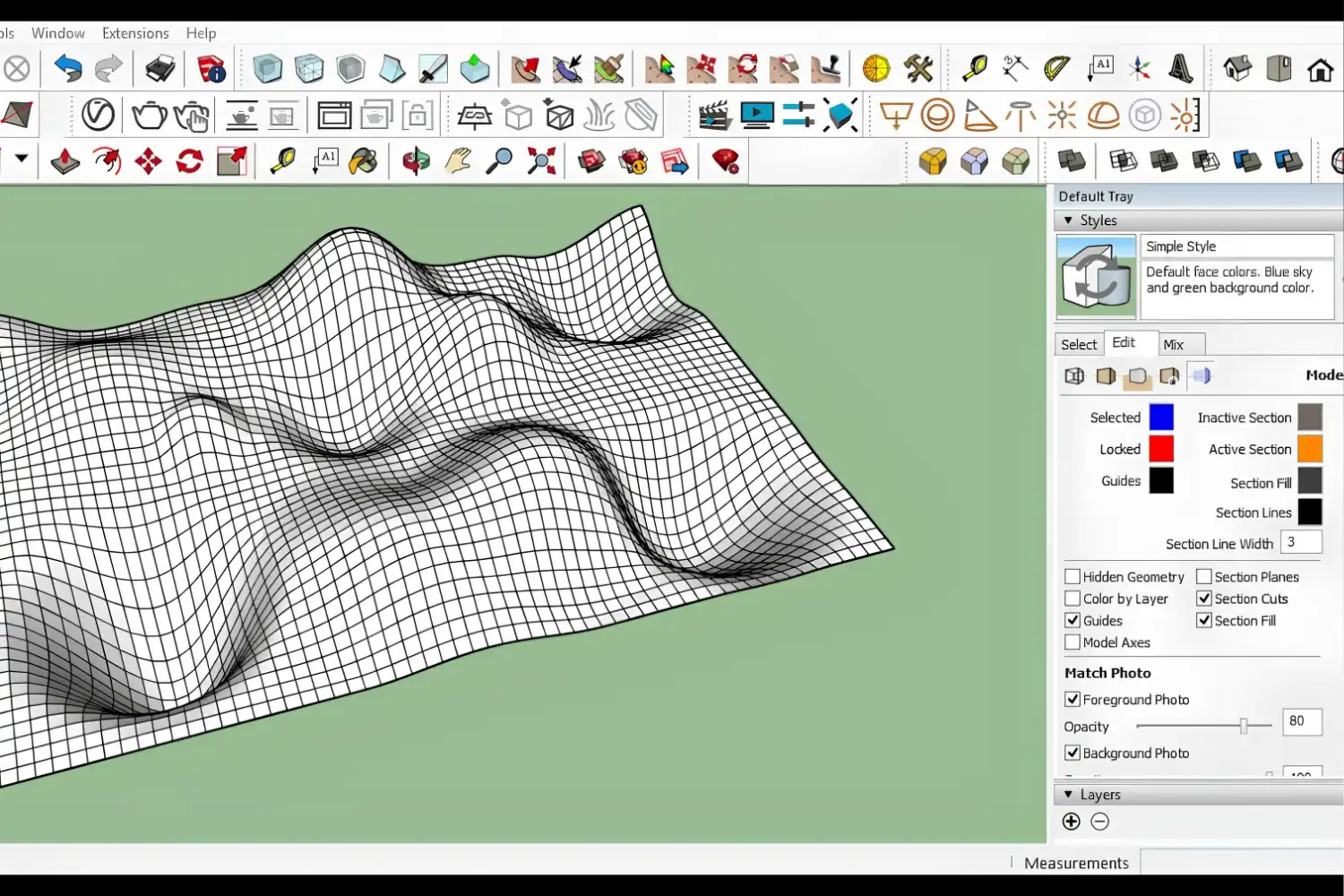
SketchUp’s native sandbox tools are limited. For architects working with real topographic data, two plugins stand out. Artisan Organic Toolset adds subdivision surface modeling to SketchUp, which is useful for sculpting terrain and organic landscape forms. TopoShaper by Fredo6 generates terrain meshes from contour lines imported as DWG or DXF files. Feed it surveyor contours and it produces a usable ground surface in seconds. Both tools save hours compared to manually stitching sandbox surfaces together. If you are looking for ways to bring site data into your model faster, the article on 3D scanning apps for architects covers how phone-based scans integrate with SketchUp.
How to Find and Install SketchUp Plugins
The sketchup plugin warehouse (officially called the Extension Warehouse) is accessible directly from within SketchUp under the Extensions menu. You can browse by category, search by name, and install with a single click. Some extensions, particularly paid ones like V-Ray and Enscape, are distributed through their own websites and installed via .rbz files. In either case, restart SketchUp after installation and check that the new toolbar appears before starting a project.
Managing extensions matters as much as choosing them. Too many active plugins SketchUp loads at startup will slow down your launch time and occasionally cause conflicts. Keep only the extensions you use regularly enabled, and disable the rest through SketchUp’s Extension Manager. This is especially important on older machines or laptops where memory is limited.
🔢 Quick Numbers
- SketchUp’s Extension Warehouse hosts hundreds of free and paid extensions across architecture, interiors and construction (Trimble, 2026)
- V-Ray for SketchUp supports GPU rendering that can reduce render times by up to 10x compared to CPU-only mode (Chaos, 2025)
- The global BIM market reached USD 10.1 billion in 2026, driving demand for SketchUp plugins that bridge the gap between conceptual modeling and BIM workflows (Market Research Future, 2026)
Comparison of Popular SketchUp Plugins
The table below summarizes the key differences between the most-used rendering and modeling extensions:
| Plugin | Category | Price | Best For |
|---|---|---|---|
| V-Ray | Rendering | Paid (subscription) | Photorealistic stills and marketing visuals |
| Enscape | Real-time rendering | Paid (subscription) | Live client presentations and VR walkthroughs |
| D5 Render (Lite) | AI rendering | Free tier available | Quick concept renders with AI style options |
| Profile Builder 3 | Modeling | Paid (one-time) | Custom extrusions, assemblies, trim details |
| 1001bit Tools | Modeling | Free | Stairs, walls, roofs, structural grids |
| FredoScale | Geometry | Free | Bending, tapering, twisting geometry |
| TopoShaper | Terrain | Free | Generating terrain meshes from contour lines |
Video: Top SketchUp Extensions for Architecture
This video from TheSketchUpEssentials walks through dozens of architecture-focused extensions, including several mentioned above, with installation and workflow demonstrations.
Where to Go From Here
Your Next Step: Open SketchUp, go to Extensions > Extension Warehouse and install one free plugin from this list today. 1001bit Tools or FredoScale are the fastest to set up and will give you an immediate sense of how much time extensions save before you commit to paid options. If you are also evaluating which modeling software fits your workflow best, this ArchiCAD vs SketchUp comparison breaks down the key differences. For broader visualization strategies, check out the overview of architectural visualization tools and workflows that covers the full pipeline from modeling to final output.










Leave a comment