



Table of Contents Show
Architecture case studies for your website are detailed project stories that show the brief, your design process, the built solution, and the results. Unlike a gallery of renders, a strong case study explains the thinking behind a project, which is what turns a casual visitor into a qualified client inquiry.
Most architecture websites show plenty of attractive images and very little substance. A visitor sees a render, admires it for two seconds, and leaves with no idea what you actually did or whether you could solve their problem. A case study fixes that. It gives each project a clear arc, so prospective clients understand your value before they ever fill out a contact form. Here is how to build project pages that read well and earn work.

What Makes an Architecture Case Study Compelling?
A compelling architecture case study answers one question for the reader: can this practice handle a project like mine? It does that by pairing strong visuals with a clear account of the problem, the constraints, and the decisions that shaped the result. A render shows what a building looks like. A case study shows how you think, which is far more persuasive to a paying client.
This is the gap between a portfolio image and a project page that earns work. The best examples of strong architecture portfolios read like short stories with a beginning, a middle, and a measurable end. They give context first, then walk the reader through how the brief became a finished space.
The Anatomy of a Strong Architecture Case Study
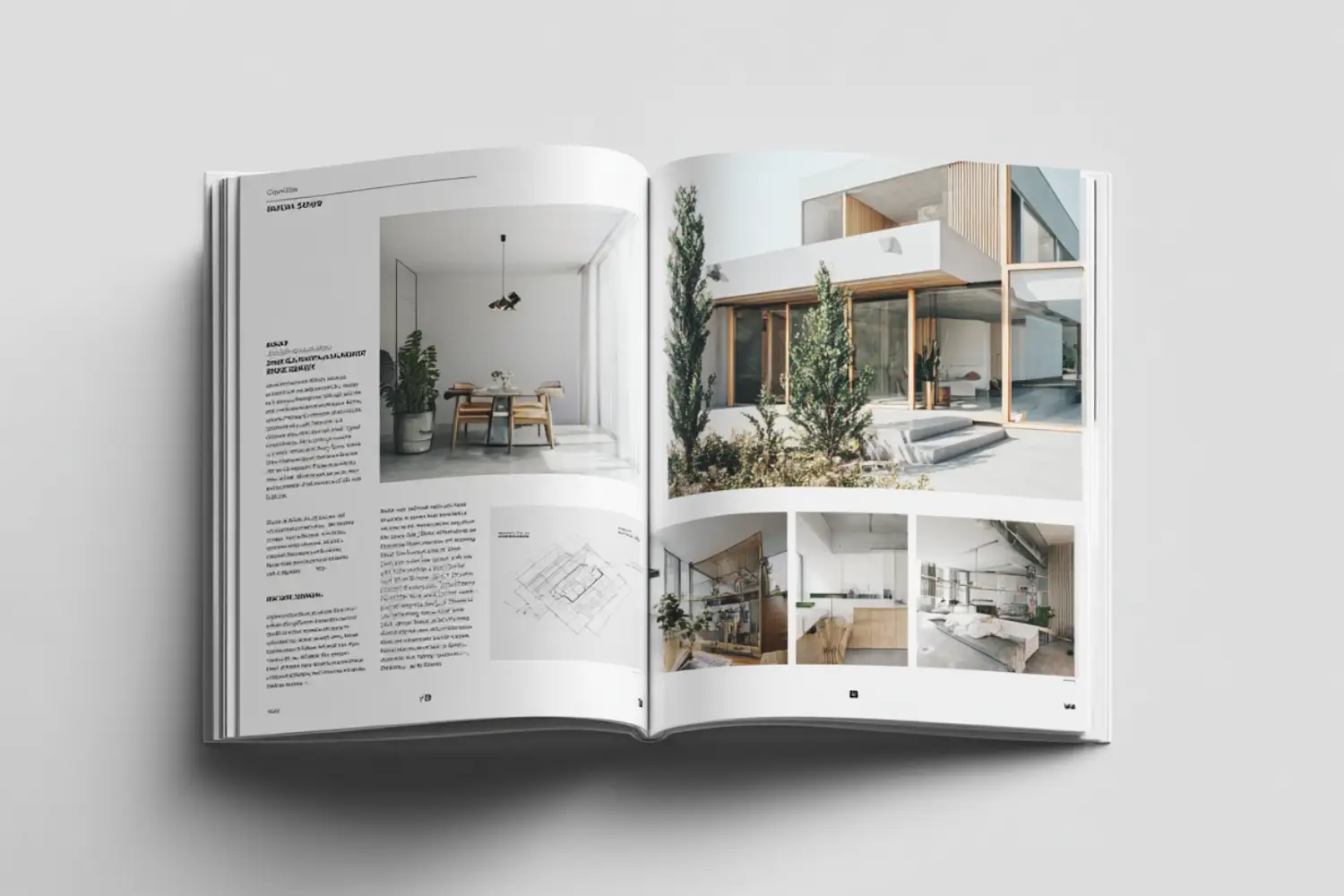
Every effective case study follows roughly the same skeleton, whether the project is a house or a hospital. You set up the problem, explain your approach, present the solution, and close with the result. The UX field describes this same structure as a project case study built around process and business impact, and the logic carries over directly to architecture. The table below breaks that structure into parts you can reuse for any project.
Case Study Structure at a Glance
Use these sections as a repeatable template for each project page:
| Section | What It Covers | How to Make It Concrete |
|---|---|---|
| The Brief | Client goals, site, budget, and constraints | Name the real limitation you had to solve |
| The Challenge | The hardest problem in the project | State it in one sentence a client would recognise |
| The Process | Concepts, iterations, and key decisions | Show sketches and the options you rejected |
| The Solution | The built or proposed design | Tie each feature back to the brief |
| The Outcome | Results, metrics, and client response | Use numbers wherever you honestly can |
💡 Pro Tip

Lead each case study with the constraint, not the concept. Opening with “a steep, north-facing site with a tight budget” immediately signals to a prospective client that you handle real-world problems. Saving that constraint for paragraph four buries the most persuasive part of the story.
For longer projects, a clear table of contents and section structure lets visitors jump to the part they care about and signals that the page is organised.
How to Choose Which Projects to Feature
You do not need every project on your site. You need the few that match the work you want more of. If you are chasing cultural commissions, one museum or gallery case study earns more than five residential ones. Curation is a positioning decision, not a storage problem.
Aim for depth over volume. A handful of fully developed case studies beats a long grid of thumbnails, a point echoed in most architecture portfolio guides and in ArchDaily’s tips on presenting your work. When you do build out the project list, prioritise variety in scale and program so visitors see range without losing focus.
⚠️ Common Mistake to Avoid
Filling a website with every project you have ever touched. A page crowded with average work drags down the strong projects sitting next to it. Clients tend to judge you by your weakest visible project, so cut anything you would not be proud to discuss in a meeting.

Writing the Narrative and Choosing the Right Visuals
A case study is equal parts writing and image selection. The writing carries the reasoning. The visuals carry the proof. When they work together, the page feels credible. When the text is generic and the images are purely decorative, the page feels empty.
Write for the client, not for an awards jury. Describe the problem in language a non-architect understands, then explain how each design move answered it. The essential elements of a project narrative come down to objective, process, and outcome, and strong design narratives tie that story to performance, daylight, circulation, or cost. Keep captions specific. “Operable timber screen cuts west-facing solar gain by roughly 30 percent” tells a client far more than “facade detail.”
On the image side, sequence matters. Open with one hero shot, then move through concept diagrams, process sketches, plans, and finished photography in the order a story would unfold. Before-and-after pairs and process shots are especially persuasive because they make your contribution visible. For ideas on layout and visual identity, ArchDaily’s collection of strong portfolio designs is a useful reference.
💡 Pro Tip
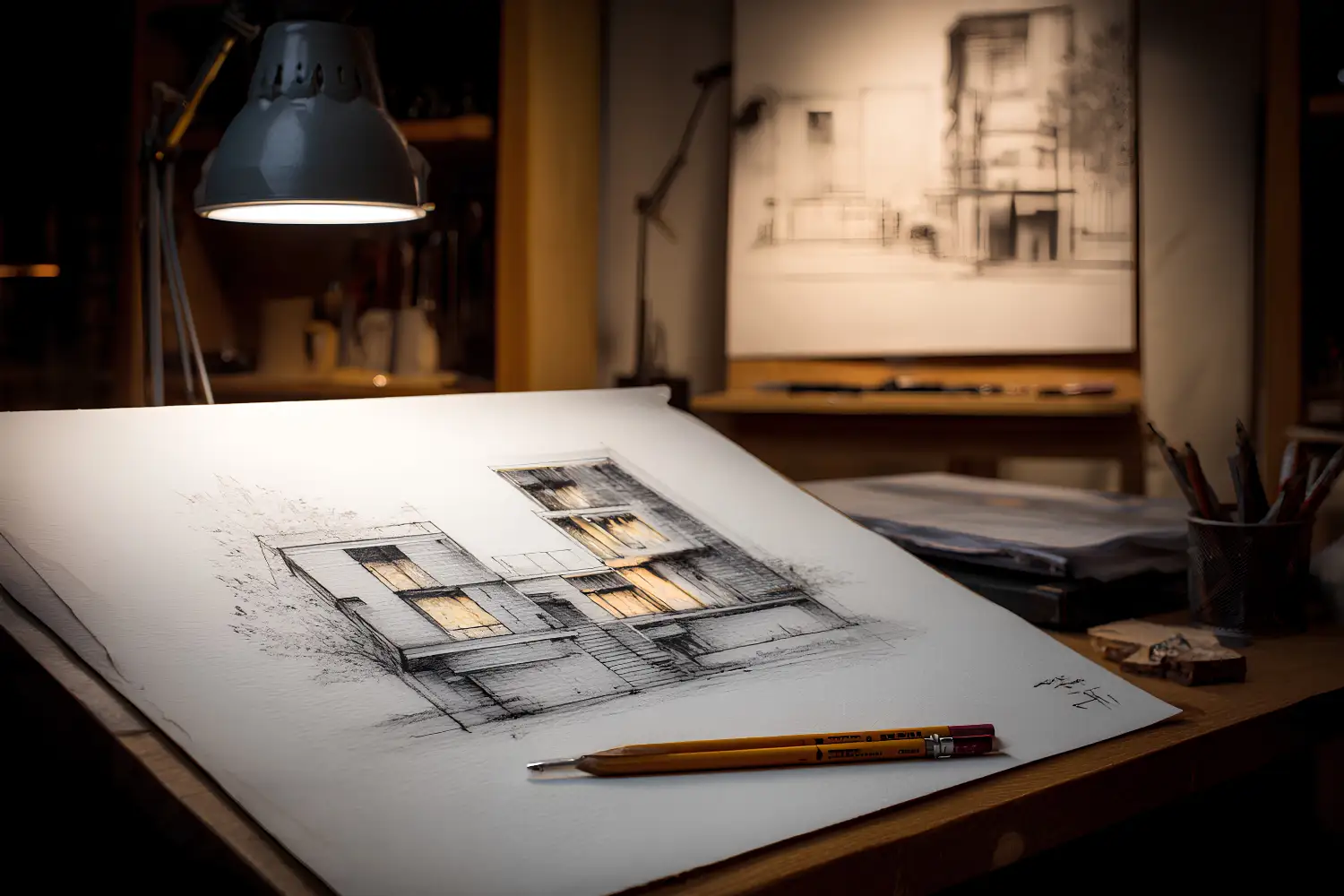
Include at least one work-in-progress image per case study, such as a rough concept sketch, a study model, or a redlined drawing. Polished renders prove the outcome, but process images prove the thinking, and clients hire you for the thinking.
Optimizing Case Study Pages for Search and Clients
Architecture case studies for your website only generate work when visitors can find them and act on them. That is where the website side matters. Each project should live on its own page with a descriptive URL, a clear title, and a short summary near the top so both readers and search engines understand the project quickly.
A few practical steps go a long way: write a unique title and meta description per project, add descriptive alt text to every image, compress large files so pages load fast on mobile, and link related projects to each other. End each case study with a single clear next step, whether that is a contact form or a link to a related service. For more on web versus print specs and file handling, the portfolio tips guide covers resolution and delivery in detail.
Credibility signals help too. Real client names used with permission, project locations, and professional affiliations such as membership in a body like the American Institute of Architects reassure visitors that the work is genuine. These small trust cues often matter as much as the design itself when someone is deciding whether to reach out.

Build Every Case Study on the Same Framework
Consistency is what makes a set of project pages feel professional. When every case study answers the same five questions in the same order, visitors learn how to read your site fast, and you spend less time deciding what to write. The five parts in the structure table above work for a competition entry, a built project, or a student studio piece.
Lead With the Story, Then the Drawings
Renders attract, but process convinces. A visitor who sees a striking facade thinks “nice.” A visitor who reads why that facade steps back to shield a courtyard from afternoon sun understands how you think. Open each case study with the problem and the idea, then let the images carry the detail.
Architects have always been storytellers, a point ArchDaily makes in its look at visualization as a storytelling tool, where the strongest work is structured like an argument rather than a slideshow. The same discipline that shapes a clear design concept and narrative carries straight into how you write the page. For real examples of project pages that pair a story with strong images, these architecture portfolio examples are worth studying.
Show Proof of Impact, Not Just Intent
Claims are cheap, but evidence is not. A case study becomes credible when it includes something beyond your own opinion of the work: a metric, a client quote, or a clear before and after. Numbers do not have to be dramatic. “Cut corridor area by 18 percent to add two studios” is more persuasive than “efficient planning.”
⚠️ Common Mistake to Avoid
Assuming the work speaks for itself. Plenty of architects publish beautiful images with one generic sentence and no context, then wonder why the page never turns into an enquiry. Visitors cannot see the brief, the budget, or the constraints you worked within, so if you leave them out, the achievement stays invisible. Add the problem, the decision, and the result.
A short client testimonial or a note on how the finished building performs adds weight without adding length. For a fuller checklist of what a strong project set should contain, this architecture portfolio guide covers selection and updating in depth.
Write So People Can Scan, Not Study
Most visitors will not read your case study word for word. They scan. Build the page so the important points survive a ten second skim: short paragraphs, clear subheadings, and captions that mean something on their own.
📌 Did You Know?
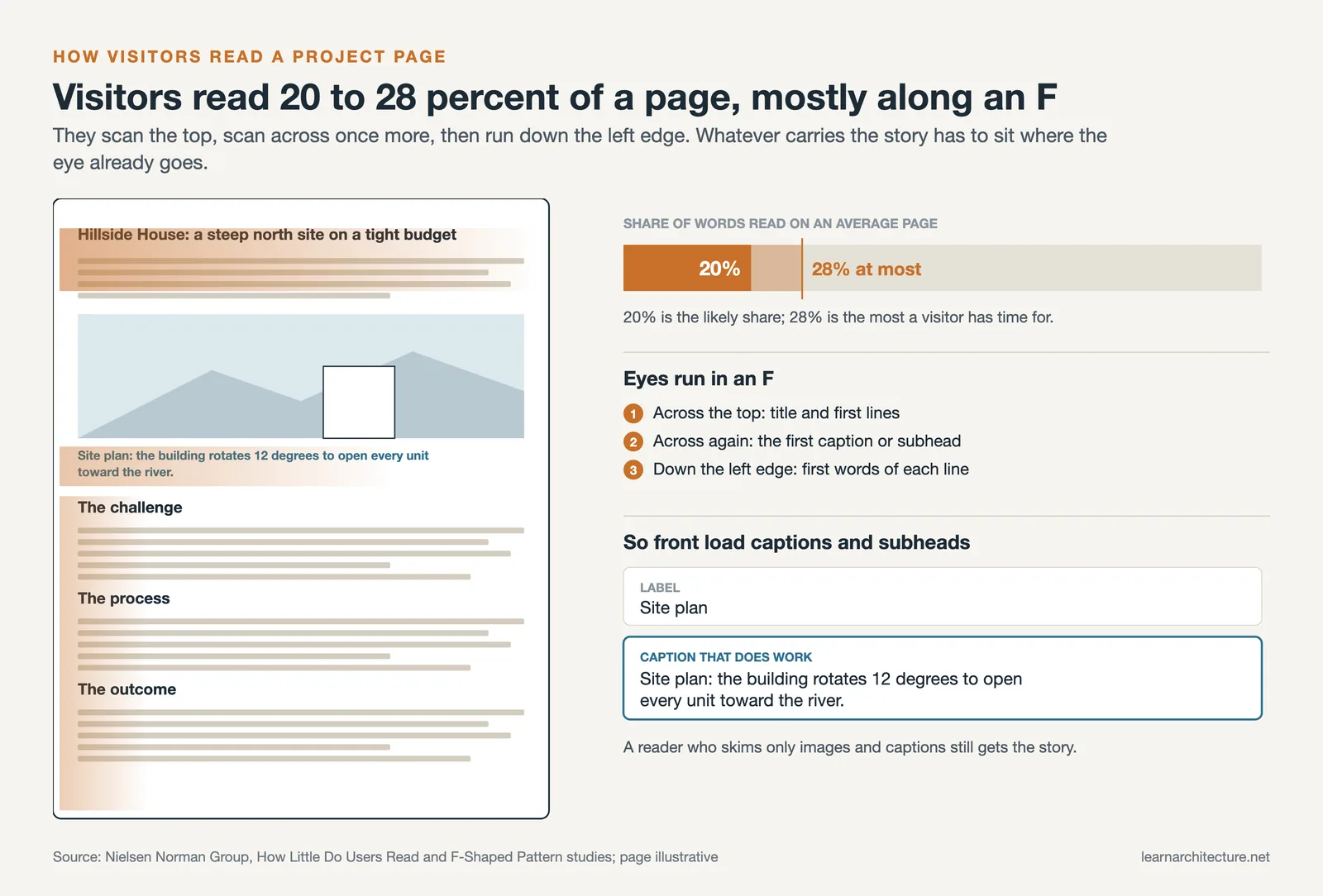
On an average web page, people read at most 28 percent of the words, and 20 percent is more likely, according to reading time research by the Nielsen Norman Group. Readers also tend to move in an F-shaped pattern, concentrating on the top of the page and the left edge of each line.
That behavior, first mapped in the Nielsen Norman Group’s F-shaped reading study, has a direct effect on project pages. Front-load each section with the point, and start subheadings and captions with words that carry meaning. A reader skimming down the left side should still understand what the project is.
💡 Pro Tip
Write captions that do work, not labels. Replace “Site plan” with “Site plan: the building rotates 12 degrees to open every unit toward the river.” Someone who only looks at your images and captions should still come away with the story.

Frequently Asked Questions
How do I present a project I only partly worked on?
State your specific contribution plainly, name the practice and team, and focus the write-up on the parts you handled. Honesty about scope builds more trust than implying you led the whole project, and experienced reviewers can usually tell the difference.
How many case studies should an architecture website have?
Quality beats quantity. Most practices do well with five to eight fully developed case studies that represent their best and most relevant work. A focused set is easier to maintain and makes a stronger impression than a large, thin gallery.
How long should an architecture case study be?
Long enough to tell the story, short enough to stay scannable. A range of 400 to 800 words paired with strong visuals works for most projects. Use subheadings and captions so readers can skim and still grasp the key decisions.
What is the difference between a case study and a project gallery?
A gallery shows finished images with minimal context. A case study explains the brief, the process, and the outcome behind those images. The gallery shows what you made. The case study shows how and why, which is what persuades clients.
Do I need client permission to publish a project as a case study?
Often yes, especially for private residential work or projects under confidentiality terms. Confirm what you are allowed to show and name before publishing, and when in doubt, anonymise the client and location rather than risk a breach of trust.
Where to Go From Here
Your Next Step: Pick one finished project you are proud of and rewrite its page using the five-part structure above: brief, challenge, process, solution, outcome. Get a single case study right, then use it as the template for the rest of your site.









Leave a comment