


Table of Contents Show
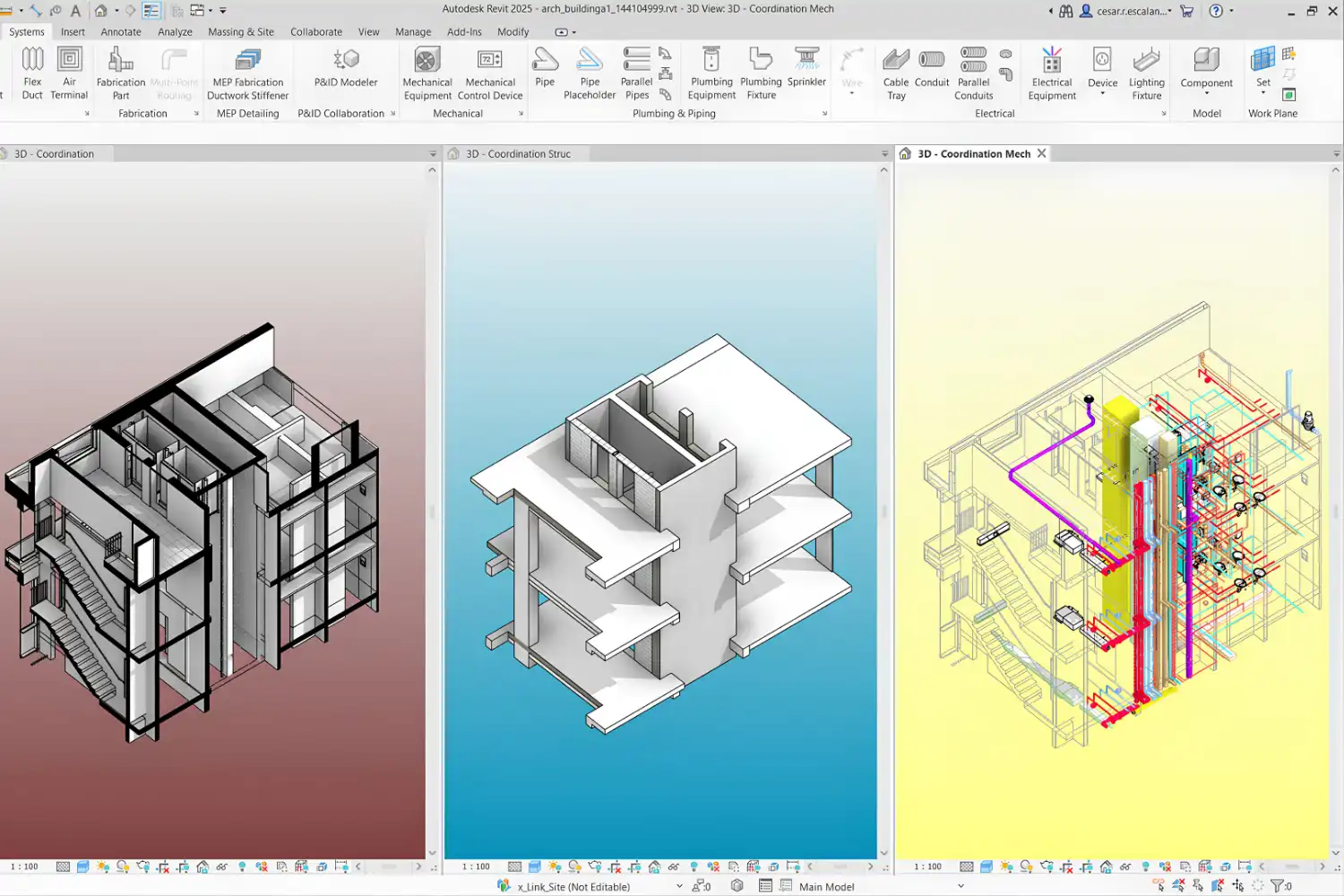
Revit vs ArchiCAD is the most common BIM software decision facing architecture firms today. Revit, developed by Autodesk, dominates the North American market and large multi-discipline projects, while ArchiCAD, built by Graphisoft, has a strong following in Europe and among small to mid-size studios that prioritize design flexibility. Your choice between them will affect how you model, document, collaborate, and deliver projects.
Both platforms have matured considerably over the past decade, but they still reflect different design philosophies. Revit treats the building as a database-driven assembly where every element carries structured data for scheduling, analysis, and coordination. ArchiCAD approaches the model more like a digital drawing board, giving architects greater freedom during early design phases while still producing full BIM documentation. The sections below break down where each platform excels so you can match the software to your workflow.
Revit Architecture vs ArchiCAD: Core Modeling Approach
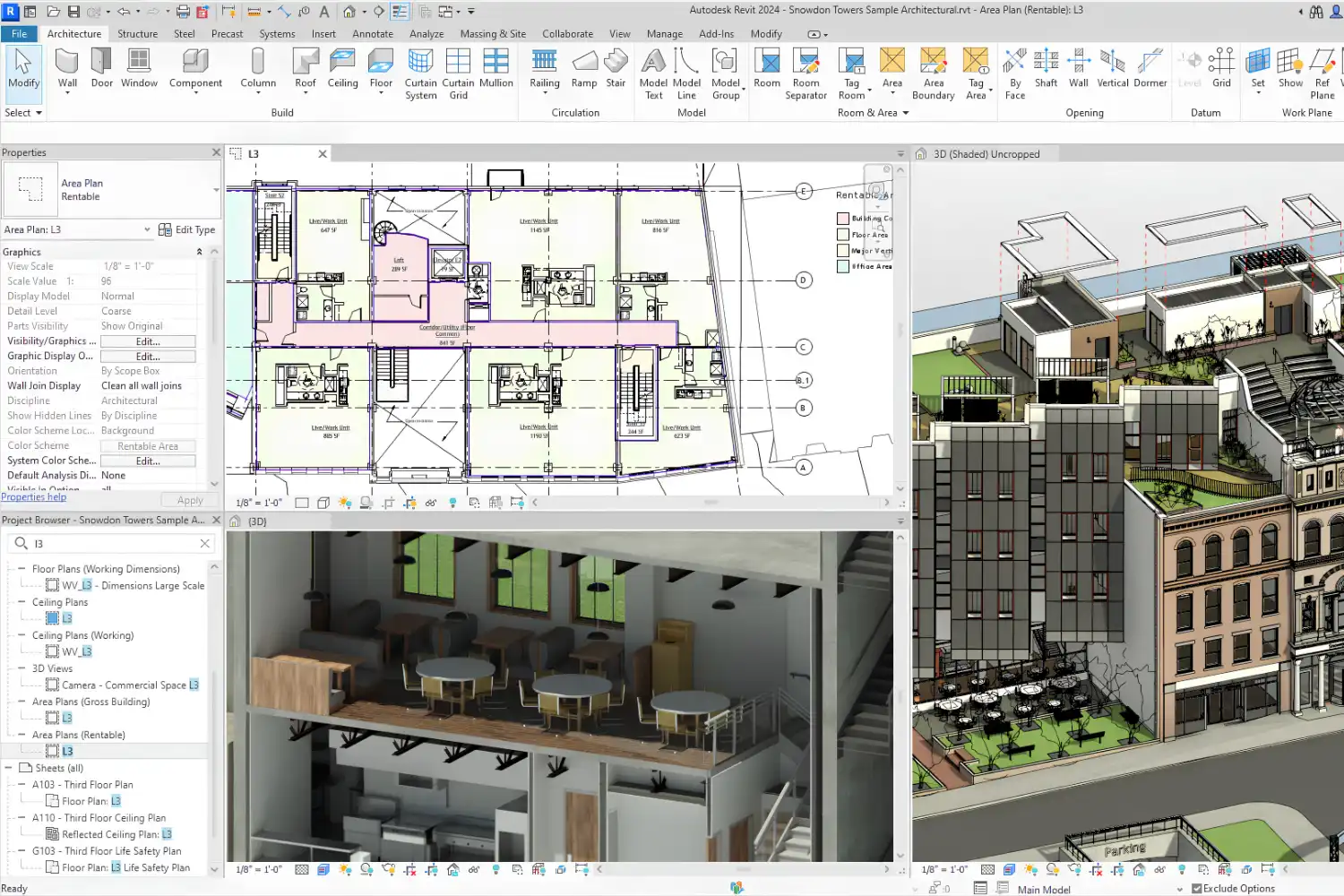
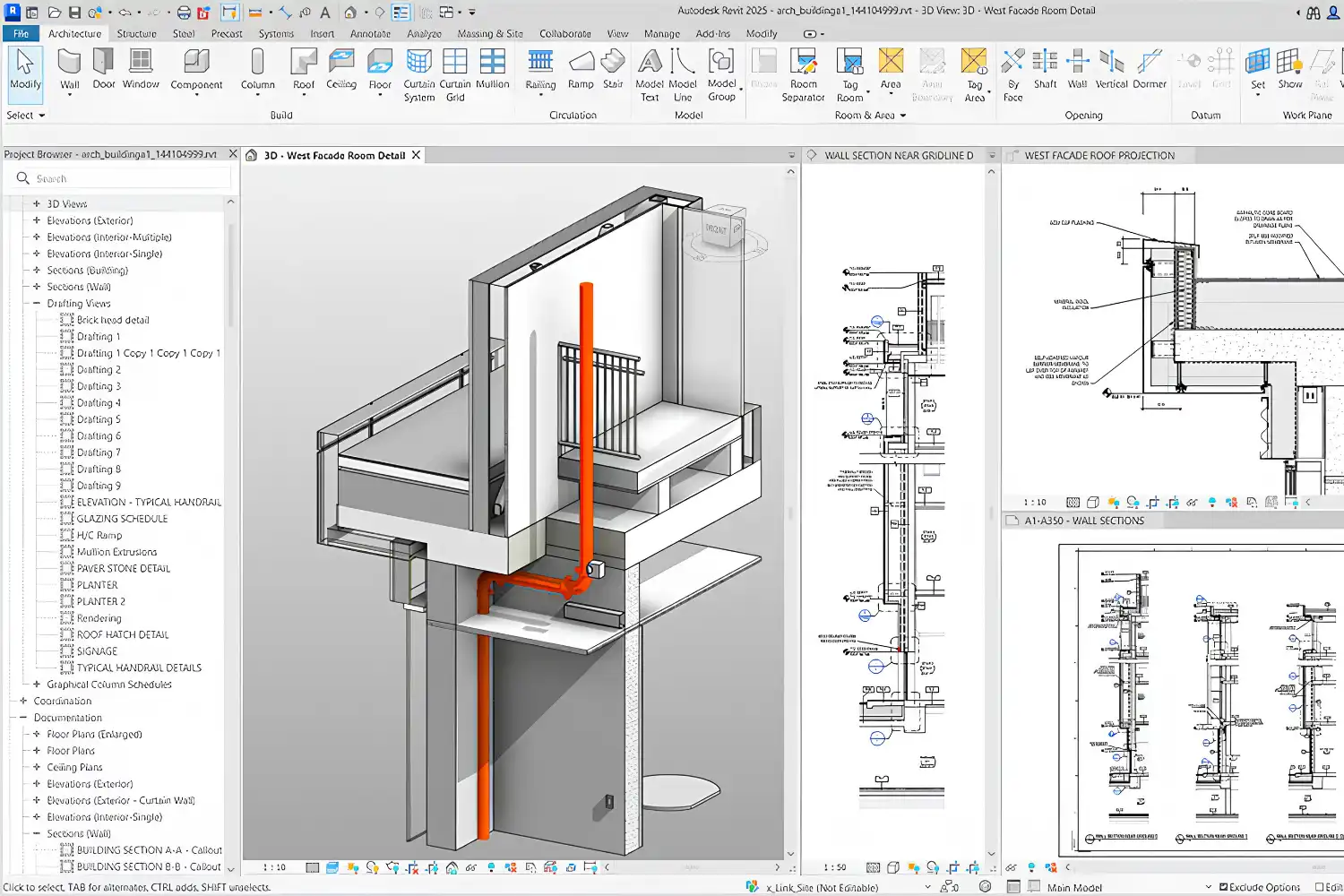
Revit uses a strictly parametric system. Walls, floors, roofs, and structural members are defined by type parameters, and changing one instance of a type updates every occurrence across the model. This consistency is valuable on large projects where hundreds of similar elements need to stay coordinated. The trade-off is that freeform exploration during concept design can feel restrictive, since every element must fit into the parametric framework from the start.
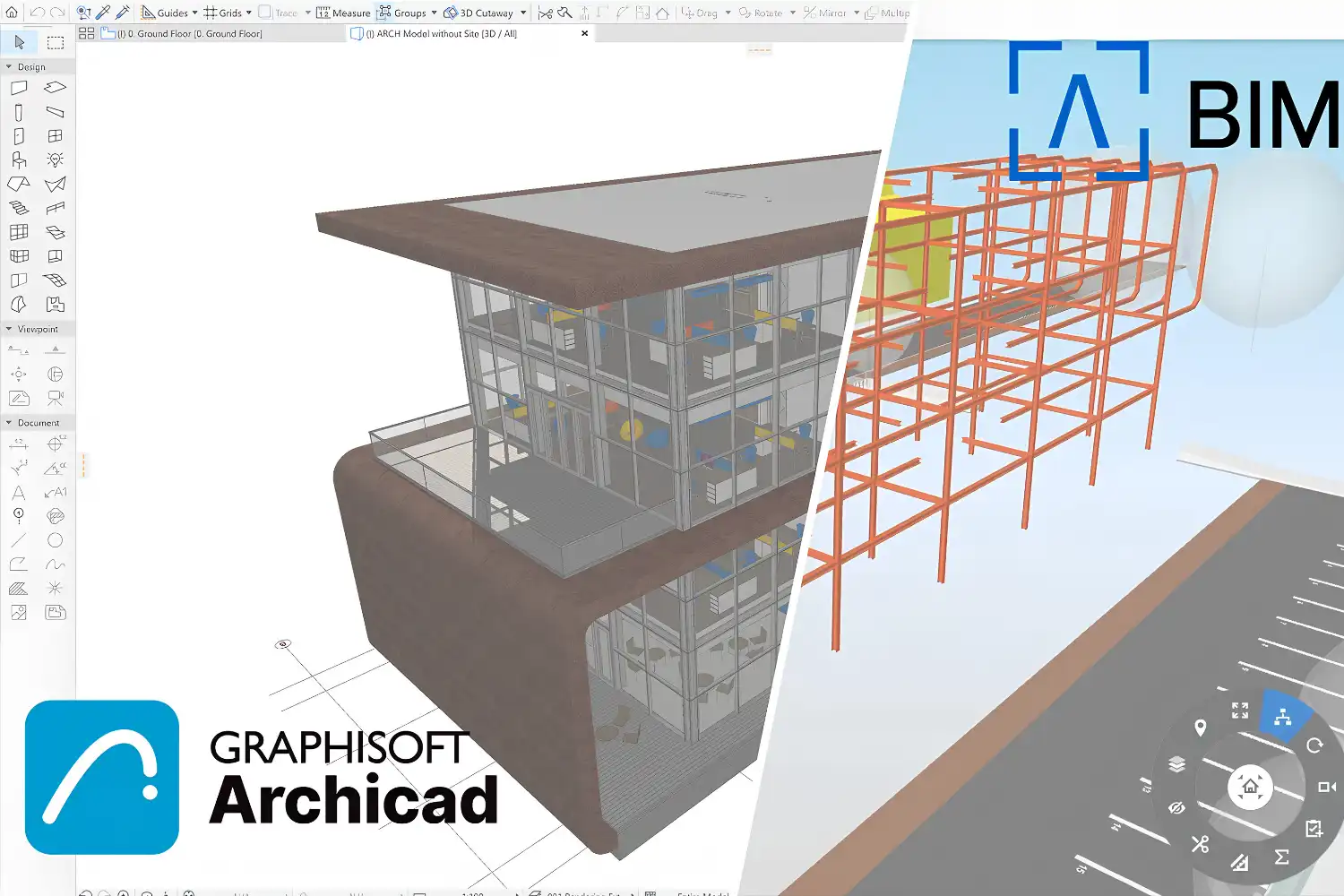
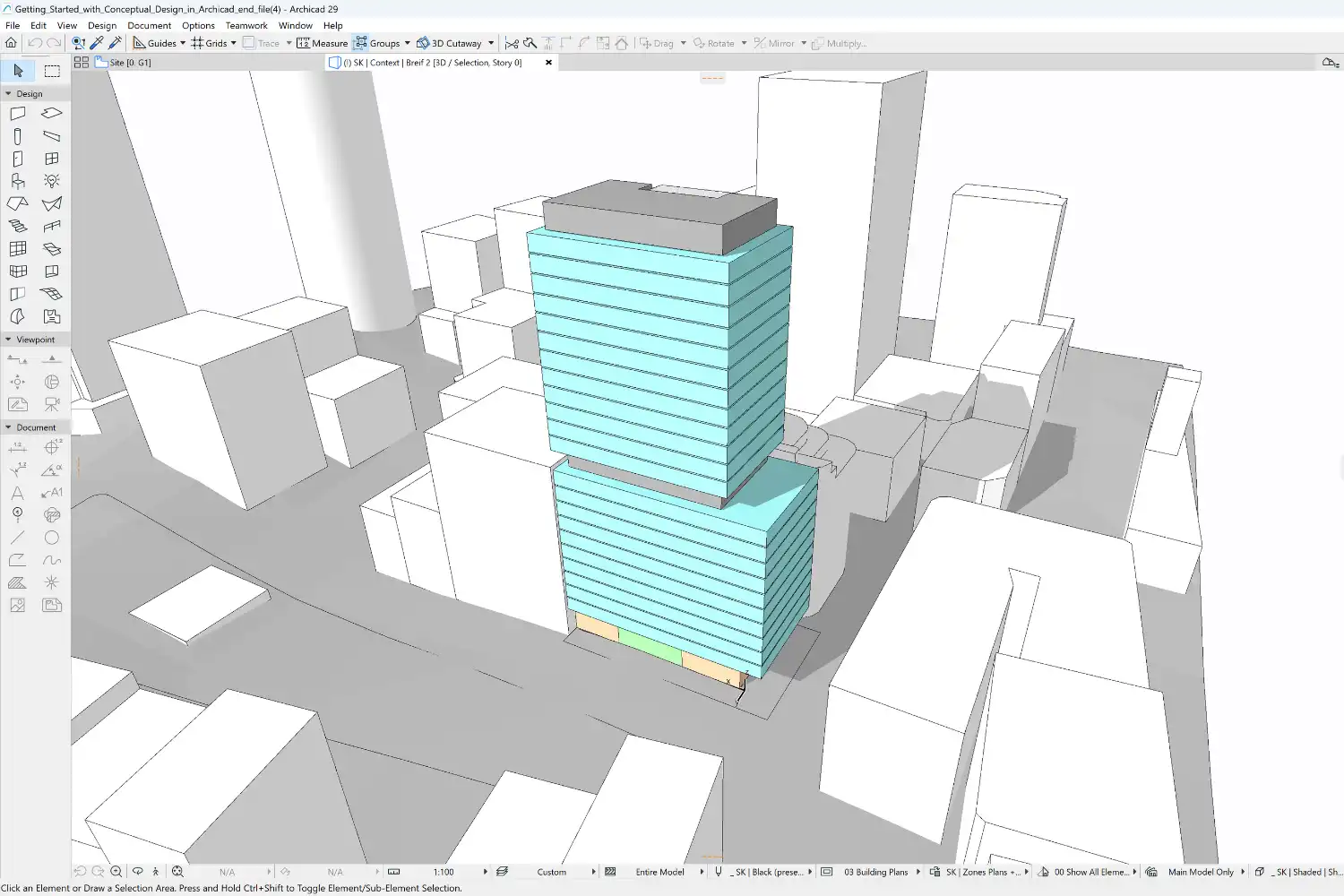
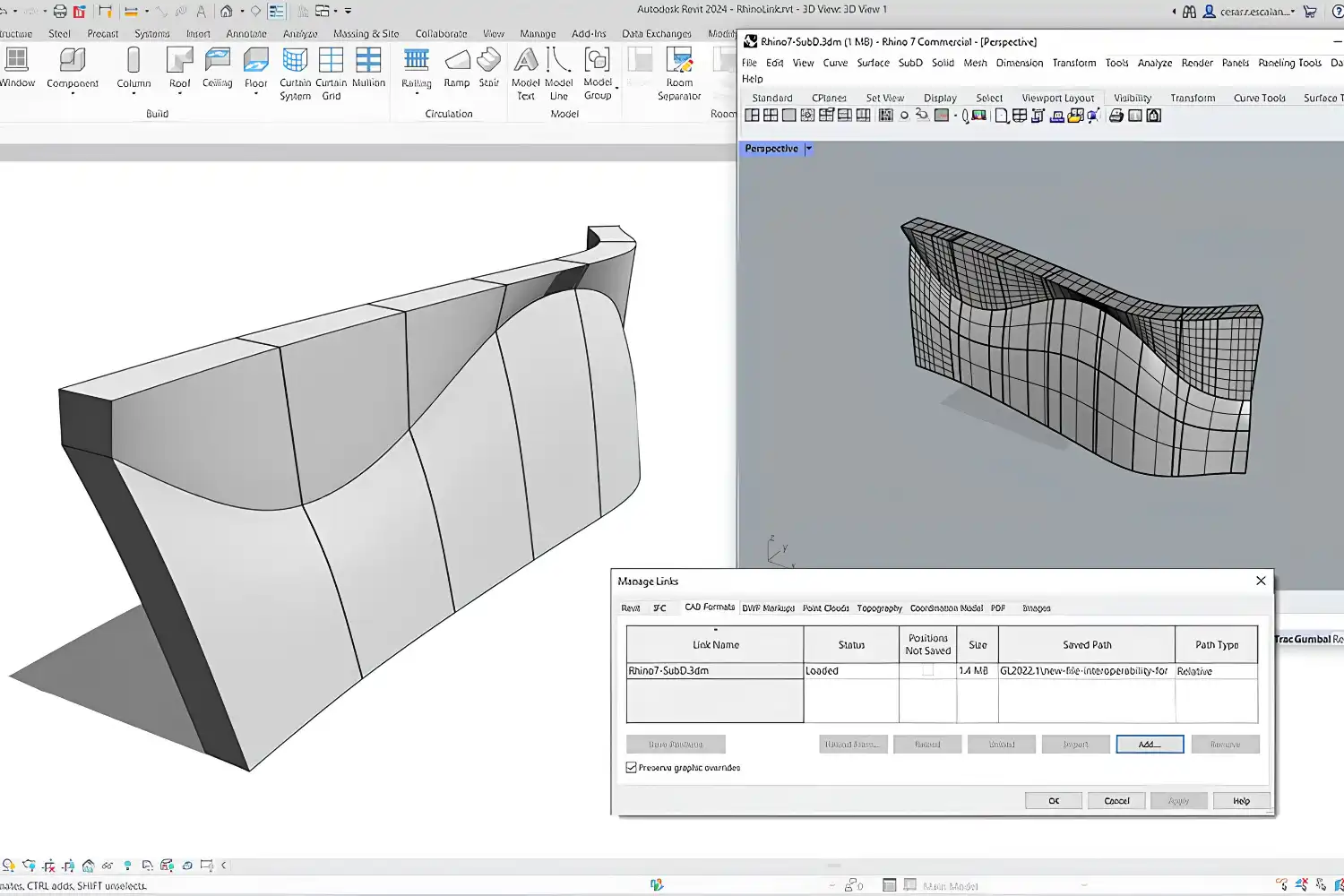
ArchiCAD takes a different path. Its Morph tool and direct-editing capabilities let architects sketch loose geometry early on and refine it into BIM-ready elements later. This approach suits studios that begin projects with physical models or hand sketches and want to carry that freedom into the digital environment. For a broader look at how various modeling tools compare, the overview of best 3D architectural design software covers additional options across the spectrum.
💡 Pro Tip
If your firm regularly collaborates with structural and MEP consultants who already use Revit, switching to ArchiCAD creates a file-exchange bottleneck. IFC export from ArchiCAD works, but native Revit-to-Revit linking is still faster and more reliable for clash detection on complex multi-discipline projects.
Collaboration and Teamwork
Revit’s worksharing model uses a central file stored on a local server or in Autodesk’s cloud platform. Team members check out worksets (groups of elements), make changes locally, and synchronize back to the central file. This system works well for large teams, but it requires reliable network infrastructure. File sizes on big projects can exceed several hundred megabytes, and synchronization conflicts are common when worksets are not clearly assigned.
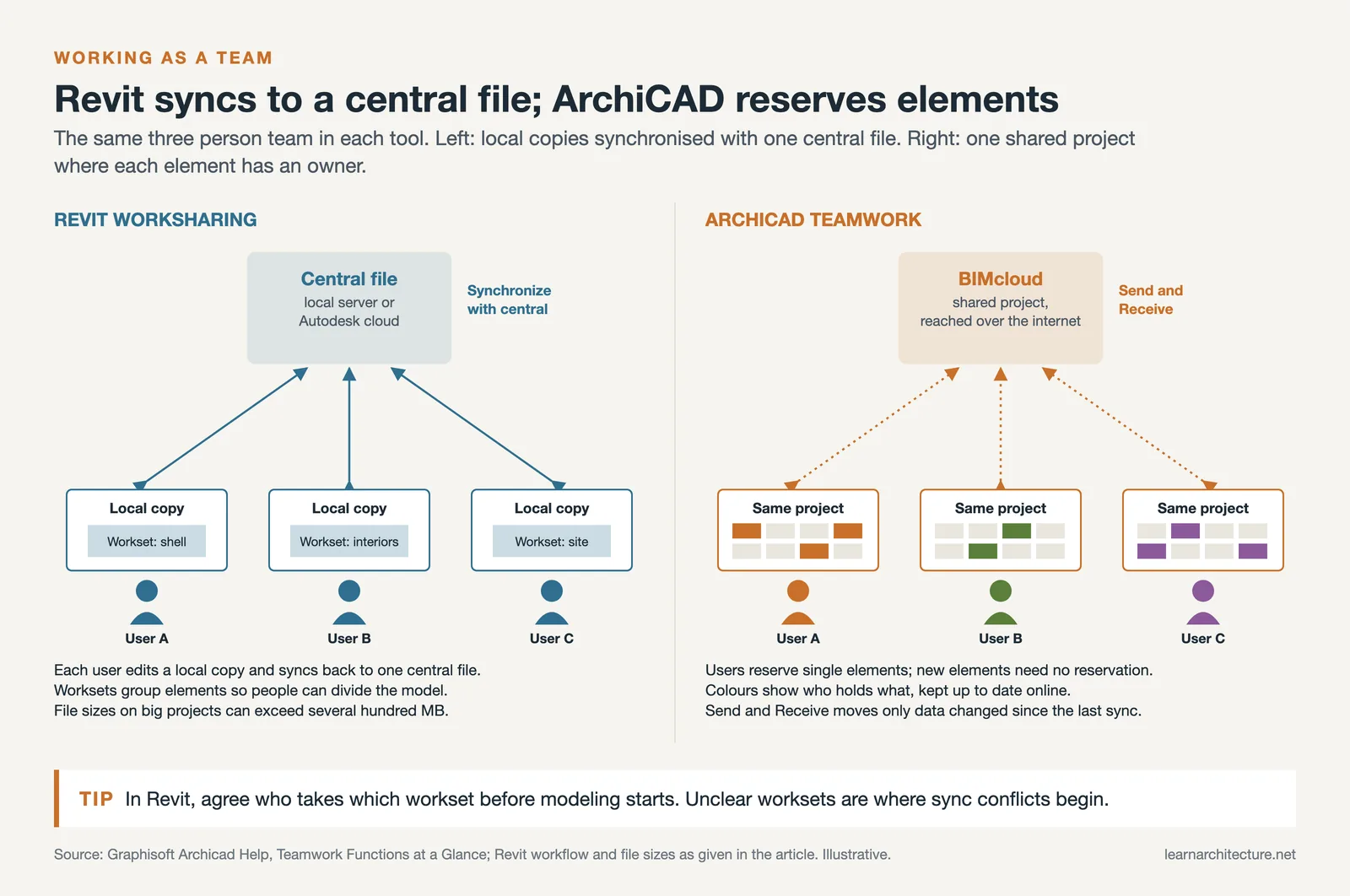
ArchiCAD’s Teamwork system, powered by BIMcloud, takes a different approach. Instead of locking entire worksets, it lets team members reserve individual elements. This finer level of control reduces conflicts, and the delta-based synchronization only transfers changed data, which keeps sync times short even over slower connections. Small firms with remote team members often find ArchiCAD’s collaboration model more practical.
How Does File Sharing Differ Between Revit and ArchiCAD?
Revit files (.rvt) are Autodesk’s proprietary format, and the only way for non-Revit users to view them without conversion is through free viewers like Autodesk Viewer or Navisworks Freedom. ArchiCAD saves in its own .pln format but has been a long-standing supporter of open BIM standards, particularly the IFC (Industry Foundation Classes) format. Graphisoft co-founded buildingSMART and has invested heavily in IFC compatibility, which means ArchiCAD models tend to translate more cleanly when sharing with firms on different platforms. For mobile review of either format, the roundup of BIM viewer apps for tablets covers your options.
Revit vs ArchiCAD for Interior Design
Interior designers working within architecture firms will find both platforms capable, but the experience differs. Revit offers a massive library of manufacturer-specific families (furniture, fixtures, equipment) that carry real product data. Sites like BIMobject and BIMsmith host tens of thousands of free Revit families ready for download. If your interior design workflow depends on specifying exact products from catalogs, Revit’s ecosystem is hard to match. The guide to free Revit family download sites lists the best sources.
ArchiCAD counters with stronger built-in visualization. Its real-time 3D navigation and CineRender engine (based on Cinema 4D technology) produce presentation-quality images without leaving the application. For interior designers who need to show clients realistic material previews during design meetings, ArchiCAD’s visual feedback loop is faster than Revit’s default rendering pipeline. Revit users typically rely on external renderers like Enscape, Lumion, or V-Ray to achieve similar results.
Autodesk Revit vs ArchiCAD: Pricing and Platform Support
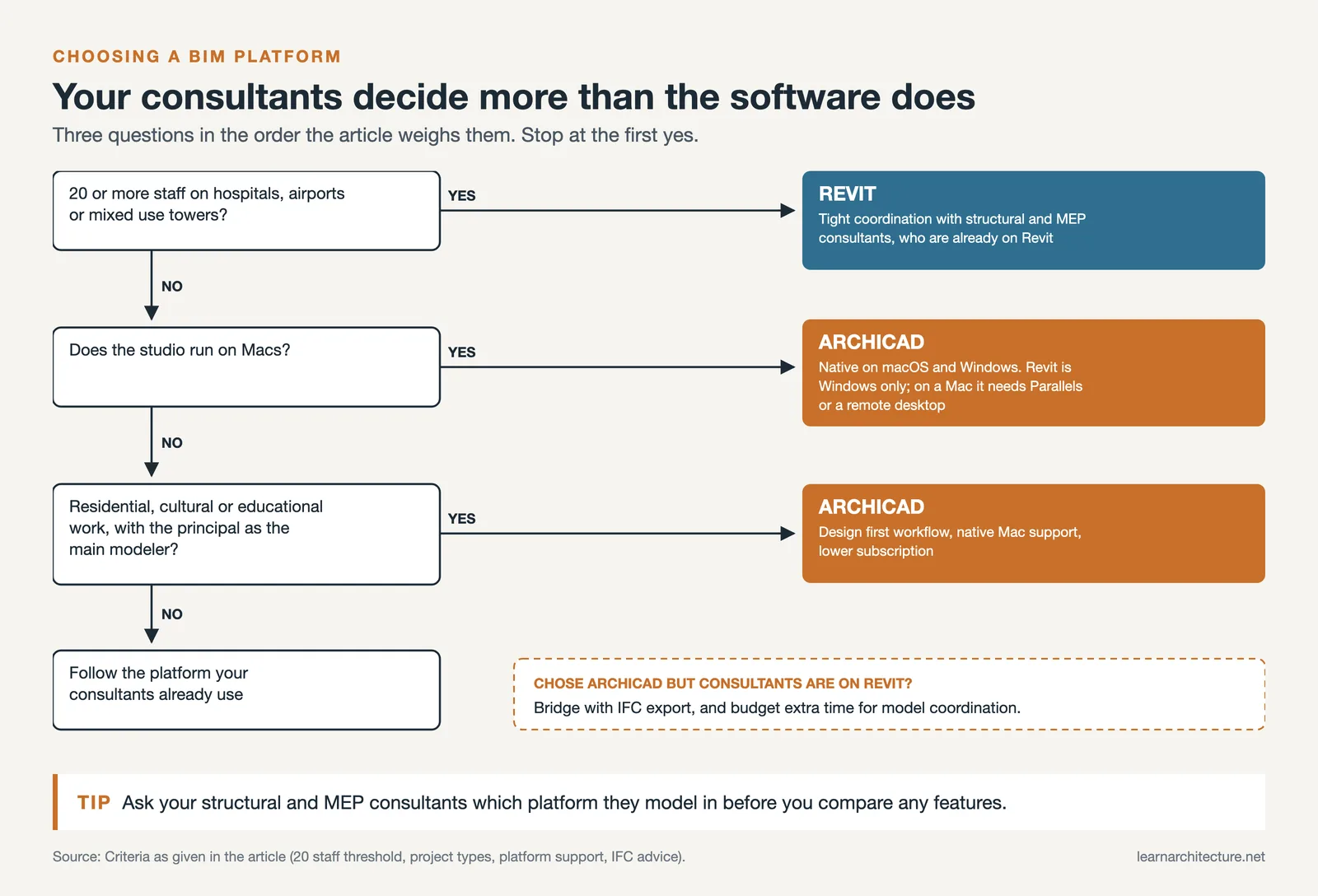
Revit runs exclusively on Windows. There is no native macOS version, so Mac users must run it through Parallels Desktop or a cloud-based remote desktop, both of which add complexity and performance overhead. ArchiCAD offers full native versions for both Windows and macOS, making it the default BIM choice for studios built around Apple hardware. Our list of Mac apps for architects covers ArchiCAD alongside other macOS-compatible tools.
On pricing, both platforms have moved toward subscription models. Revit is part of the Autodesk AEC Collection, which bundles it with AutoCAD, Navisworks, Civil 3D, and other tools. A single-user annual subscription for the AEC Collection costs roughly $3,410/year (2026 US pricing). ArchiCAD Studio subscriptions start at $2,414/year for a single seat (US pricing as of September 2026), with Graphisoft still offering perpetual licenses in some regions until they are phased out after 2026, an option Autodesk no longer sells. Students and educators can access both platforms free of charge through Autodesk Education and Graphisoft’s educational program.
🔢 Quick Numbers
- ArchiCAD was first released in 1987 and is widely regarded as the first BIM software for personal computers (Graphisoft company history)
- Revit holds an estimated 40% global BIM market share, with even higher adoption rates in North America (NBS Digital Construction Report, 2023)
- ArchiCAD runs natively on both Windows and macOS; Revit supports Windows only (Autodesk system requirements, 2026)
Feature Comparison: Revit vs ArchiCAD
The table below summarizes the key differences between Autodesk Revit and Graphisoft ArchiCAD across the categories that matter most to practicing architects.
| Feature | Revit | ArchiCAD |
|---|---|---|
| Operating System | Windows only | Windows and macOS |
| Modeling Approach | Strictly parametric, database-driven | Flexible direct modeling with Morph tool |
| Multi-Discipline Support | Architecture, Structure, MEP in one platform | Architecture-focused; MEP via add-on |
| Teamwork Model | Workset-based central file sharing | Element-level reservation via BIMcloud |
| IFC / openBIM Support | Supported but not primary focus | Strong, Graphisoft co-founded buildingSMART |
| Built-in Rendering | Basic; most firms use external plugins | CineRender engine built in |
| Scripting / Automation | Dynamo visual scripting, .NET API | GDL scripting, Python via Grasshopper-Archicad connection |
| Pricing (approx. annual) | ~$3,410/year (AEC Collection) | ~$2,414/year (Studio subscription, Sept 2026) |
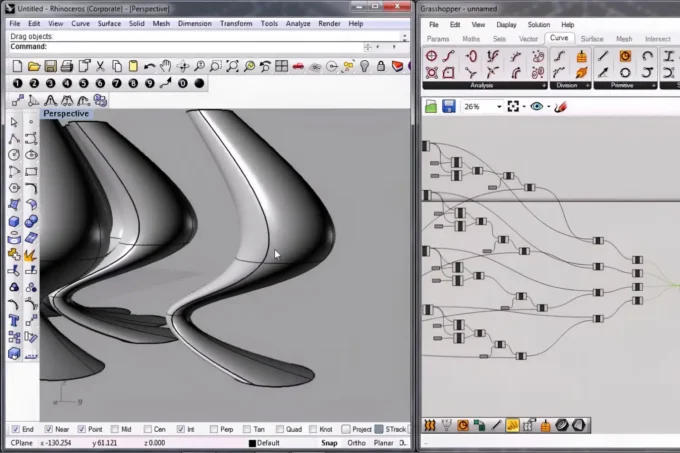
For firms that also use parametric design tools like Grasshopper or Dynamo alongside their BIM platform, the guide to parametric design tools for architects explains how each scripting environment integrates with Revit and ArchiCAD respectively.
Which BIM Software Fits Your Practice Best?
The right choice depends less on which software is “better” in the abstract and more on your specific circumstances. Firms with 20+ staff working on hospitals, airports, or mixed-use towers will almost certainly need Revit. These project types demand tight multi-discipline coordination between architects, structural engineers, and MEP consultants, and Revit’s market dominance in those sectors means your consultants are already on the platform. Fighting that ecosystem creates more friction than any ArchiCAD advantage could offset.
⚖️ Pros & Cons at a Glance
✔️ Revit Strengths: Largest BIM ecosystem, strong multi-discipline coordination, massive family/content library, Dynamo scripting
✖️ Revit Weaknesses: Windows only, steep learning curve, large file sizes, no perpetual license
✔️ ArchiCAD Strengths: Native macOS support, intuitive design workflow, efficient collaboration on small teams, strong IFC export
✖️ ArchiCAD Weaknesses: Smaller third-party content library, limited MEP tools, lower market share in North America
Small and mid-size studios doing residential, cultural, or educational projects have more flexibility. ArchiCAD’s design-first workflow, native Mac support, and lower subscription cost make it attractive for practices where the principal architect is also the primary modeler. If your consultants work in Revit, ArchiCAD’s strong IFC export can bridge the gap, though you should budget extra time for model coordination. For architects still evaluating their broader software toolkit, the essential apps for architects roundup covers tools beyond BIM that complement either platform.
Where Revit Pays Off Most
The 20+ staff threshold above comes down to three project situations, each tied to a specific Revit capability.
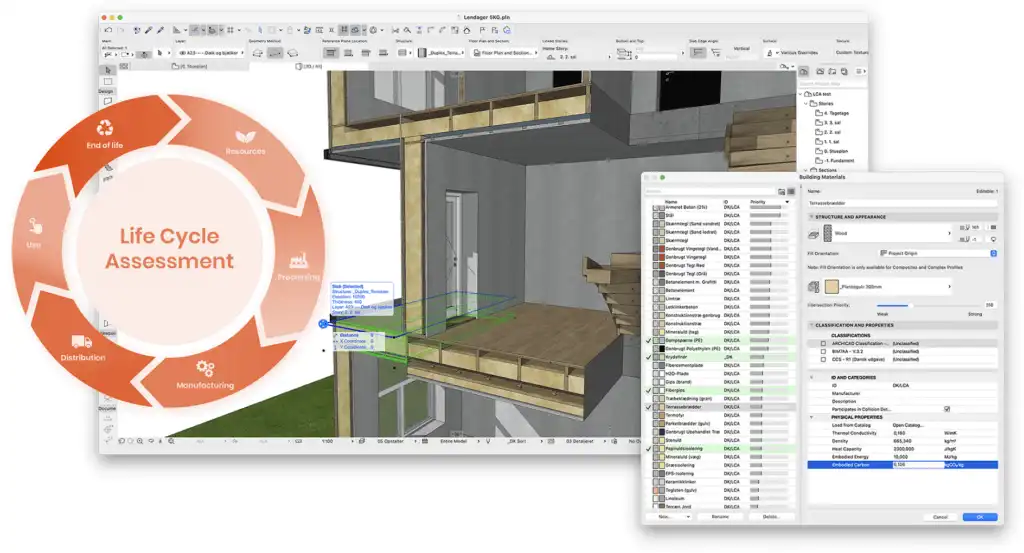
- Large projects with many stakeholders. On hospitals and commercial complexes, the parametric model updates every view and schedule at once, and Autodesk’s cloud collaboration platform, the successor to BIM 360 sold as Autodesk Forma (formerly Autodesk Construction Cloud) as of September 2026, lets stakeholders open and update the same files, which reduces errors and makes progress easier to track.
- Complex structure. For high-rises and bridges, adaptive components and detailed reinforcement modeling, together with the link to Autodesk Robot Structural Analysis, let engineers iterate on difficult geometry without rebuilding the model.
- Mixed-use and other multi-discipline work. Worksharing keeps architectural, structural and MEP models aligned in a single project file, and built-in clash detection catches conflicts between them before they reach site.
Frequently Asked Questions
Is ArchiCAD better than Revit?
Neither platform is objectively better; they optimise for different practices. ArchiCAD tends to win for small to mid-size studios, Mac-based offices, and architects who want design freedom in early concept stages. Revit tends to win for large firms, multi-discipline projects, and any office whose structural and MEP consultants already work in Revit. The deciding factor is usually your collaborators, not the software itself.
Is ArchiCAD BIM software?
Yes. ArchiCAD is a full BIM application and is widely regarded as the first BIM software built for personal computers, released by Graphisoft in 1987. It produces a data-rich 3D model that generates coordinated plans, sections, elevations, and schedules. Graphisoft also co-founded buildingSMART, the body behind the open IFC standard, so ArchiCAD is a BIM tool with a particularly strong open-standards record.
What is the main difference between Revit and ArchiCAD?
The core difference is modelling philosophy. Revit treats the building as a strictly parametric database where changing a type updates every instance of it across the model. ArchiCAD behaves more like a digital drawing board, letting you sketch loose geometry with tools such as Morph and convert it into BIM-ready elements later. Revit favours consistency at scale; ArchiCAD favours flexibility during design.
Which costs more, Revit or ArchiCAD?
Revit is the more expensive of the two as normally purchased. Revit is sold inside the Autodesk AEC Collection at roughly $3,410 per year for a single-user subscription (2026 US pricing), while an ArchiCAD Studio subscription starts at $2,414 per year per seat (US pricing as of September 2026). Graphisoft still offers perpetual licences in some regions until they are phased out after 2026; Autodesk no longer sells them. Both platforms are free for students and educators.
Is ArchiCAD easier to learn than Revit?
Most architects find ArchiCAD’s early stages gentler, because you can model intuitively before committing to a rigid parametric structure. Revit demands that you understand families, types, and instances before you can model efficiently, which makes the first few weeks steeper. Over a full project the gap narrows considerably, and the deeper skills, thinking in coordinated BIM data, transfer between both.
Which has the larger market share, Revit or ArchiCAD?
Revit is substantially larger. It holds an estimated 40% of the global BIM market according to the NBS Digital Construction Report, with markedly higher adoption in North America. ArchiCAD’s share is strongest in Europe and among small to mid-size practices. Market share matters mainly because it determines how easily you exchange native files with consultants.
Which is better for interior design, Revit or ArchiCAD?
It depends on whether you specify products or sell visuals. Revit has a far larger library of manufacturer-specific families carrying real product data, so it suits interior workflows built on catalogue specification. ArchiCAD’s built-in CineRender engine produces presentation-quality images without leaving the application, which is faster when you need realistic material previews live in a client meeting.
Can Revit and ArchiCAD exchange files?
Yes, through IFC, though not perfectly. ArchiCAD has invested heavily in IFC and its models generally translate cleanly to other platforms. Revit’s native .rvt format is proprietary, and non-Revit users need a converter or a free viewer such as Autodesk Viewer or Navisworks Freedom. Native Revit-to-Revit linking remains faster and more reliable than IFC round-trips for clash detection on complex multi-discipline work.
Where to Go From Here
Still weighing tools? Two more head-to-head comparisons cover the neighbouring decisions: SketchUp vs Rhino 8 for conceptual modelling, and Lumion vs Twinmotion vs Enscape for real-time rendering.
Your Next Step: Download the free trial of both Revit and ArchiCAD, then model one of your recent completed projects in each platform over a weekend. Comparing workflows on a project you already know eliminates the guesswork and gives you a direct, experience-based answer about which tool fits the way you actually design.
















Leave a comment