



Table of Contents Show
Mac apps every architect should have range from full BIM platforms like Archicad and Vectorworks to lightweight modeling tools, rendering engines, and project management software. The right combination depends on your project stage, team size, and whether you need native Apple Silicon performance or can work through a virtual machine.
Architects who use Mac face a different software landscape than their Windows counterparts. Some industry-standard tools run natively on macOS, while others require workarounds or alternatives. This list focuses on 10 architecture apps for Mac that cover the full design workflow, from early sketching through construction documentation and client presentations. Every app listed here either runs natively on macOS or has a reliable Mac-compatible version, and each one earns its spot by solving a real problem in architectural practice.

BIM and CAD: The Core Architecture Apps for Mac
Building Information Modeling and CAD tools form the backbone of professional practice. For Mac users, the choices are more limited than on Windows, but the options that do exist are strong.

1. Archicad
Archicad by Graphisoft has the deepest Mac heritage of any major BIM application. It was originally built for Macintosh in the 1980s and continues to offer full native macOS support, including optimization for Apple Silicon chips. The software handles the complete architectural workflow: conceptual design, detailed modeling, documentation, and publishing. Its Open BIM approach supports IFC file exchange, which makes collaboration with engineers on other platforms straightforward. Archicad’s Teamwork feature lets multiple architects work on the same project file simultaneously with real-time conflict detection. If your office is Mac-based and needs a true BIM platform, Archicad is the most natural fit. For a deeper look at how it compares to other modeling tools, see our ArchiCAD vs SketchUp comparison.
2. Vectorworks Architect
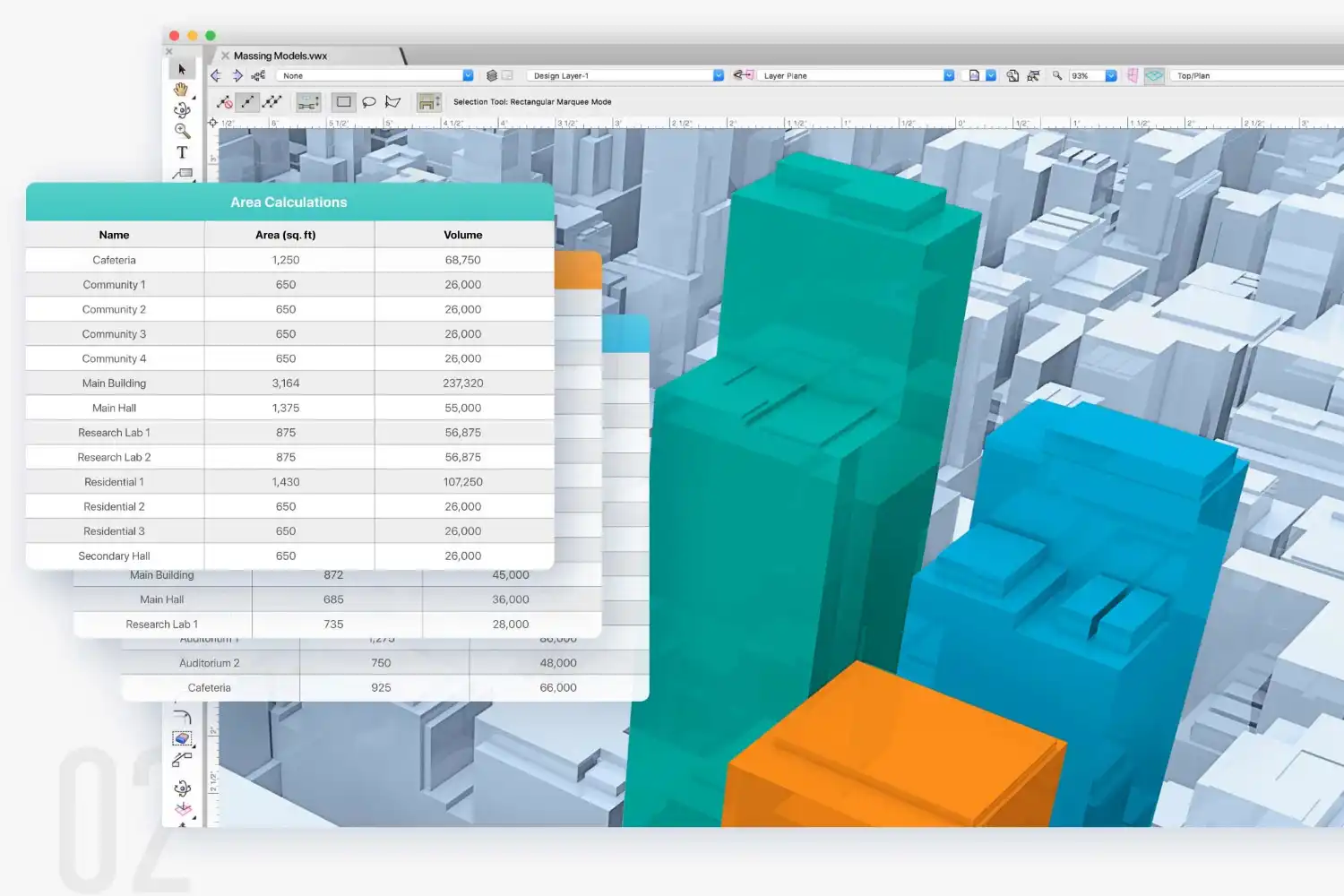
Vectorworks Architect is another BIM platform built with Mac users in mind. The software has offered macOS support since its early days as MiniCAD and runs natively on Apple Silicon. Vectorworks combines 2D drafting, 3D modeling, and BIM documentation in a single application. Its hybrid drawing environment lets you switch between 2D plan views and 3D model space without losing data fidelity. The Energos energy analysis tool is built in, giving you quick performance estimates during the design phase. Vectorworks also integrates with Enscape and Twinmotion for real-time rendering, and its Datasmith export supports Unreal Engine workflows.
💡 Pro Tip
If your office collaborates with Revit users, both Archicad and Vectorworks support IFC exchange. However, test your IFC roundtrip early in the project. Material mappings and custom parameters sometimes need manual cleanup on import, and catching these issues during schematic design saves significant rework later.
3D Modeling and Design: Best Architecture Apps for Mac
Not every task needs a full BIM platform. For concept design, client presentations, and visualization, lighter 3D modeling tools often work faster and with less overhead.
3. SketchUp
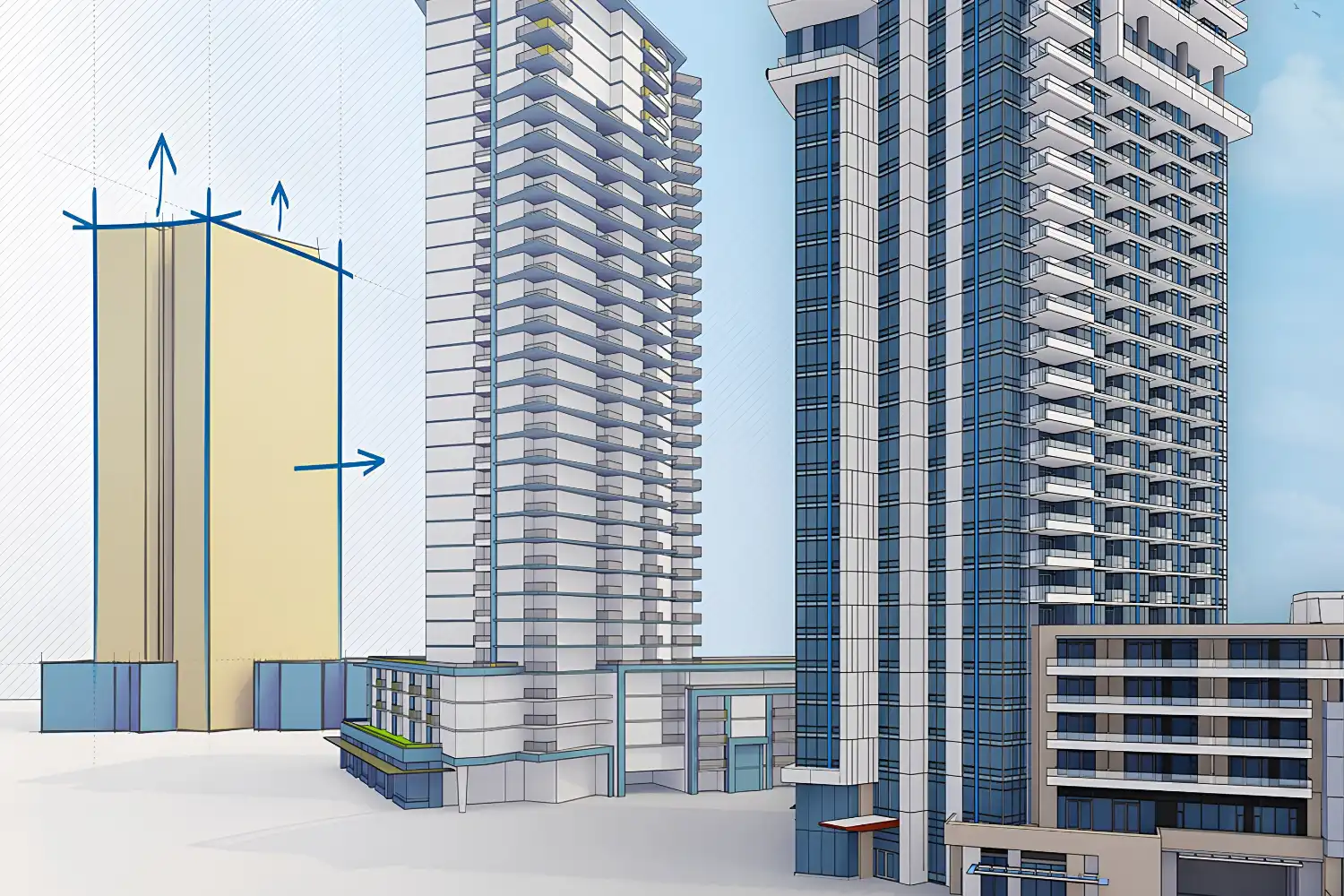
SketchUp runs natively on Mac and remains one of the most accessible 3D modeling tools for architects. Its push-pull interface lets you turn 2D shapes into 3D forms quickly, which makes it ideal for early-stage design when ideas are still fluid. The 3D Warehouse offers millions of pre-built components (furniture, fixtures, vegetation) that speed up scene building. SketchUp’s LayOut tool generates construction documents from 3D models with dimensioning and annotations. The free web-based version covers basic modeling, while SketchUp Pro adds solid modeling, dynamic components, and DWG import/export. For architects looking for architecture apps for Mac free, SketchUp’s browser version is a solid starting point. Our guide to the best 3D architectural design software includes a broader comparison of SketchUp against other platforms.
4. Rhino (Rhinoceros 3D)
Rhino has offered a native Mac version for years, and it handles complex freeform geometry better than most alternatives. Its NURBS-based modeling engine produces highly accurate surfaces, which matters for projects with curved facades, organic forms, or custom fabrication. Grasshopper, Rhino’s visual scripting environment, opens up parametric and algorithmic design workflows directly on Mac. If you work with computational design or need to produce geometry for CNC milling and 3D printing, Rhino is the standard. Pricing follows a one-time perpetual license model rather than a subscription, which some firms prefer.
⚠️ Common Mistake to Avoid
Many architects assume that buying an Autodesk subscription on Mac gives them access to Revit. It does not. Revit remains a Windows-only application. If your office requires Revit for BIM coordination, you will need a Parallels virtual machine or a cloud-based remote desktop solution. Boot Camp is no longer supported on Apple Silicon Macs. Factor this into your hardware and software budget before committing.
5. Blender
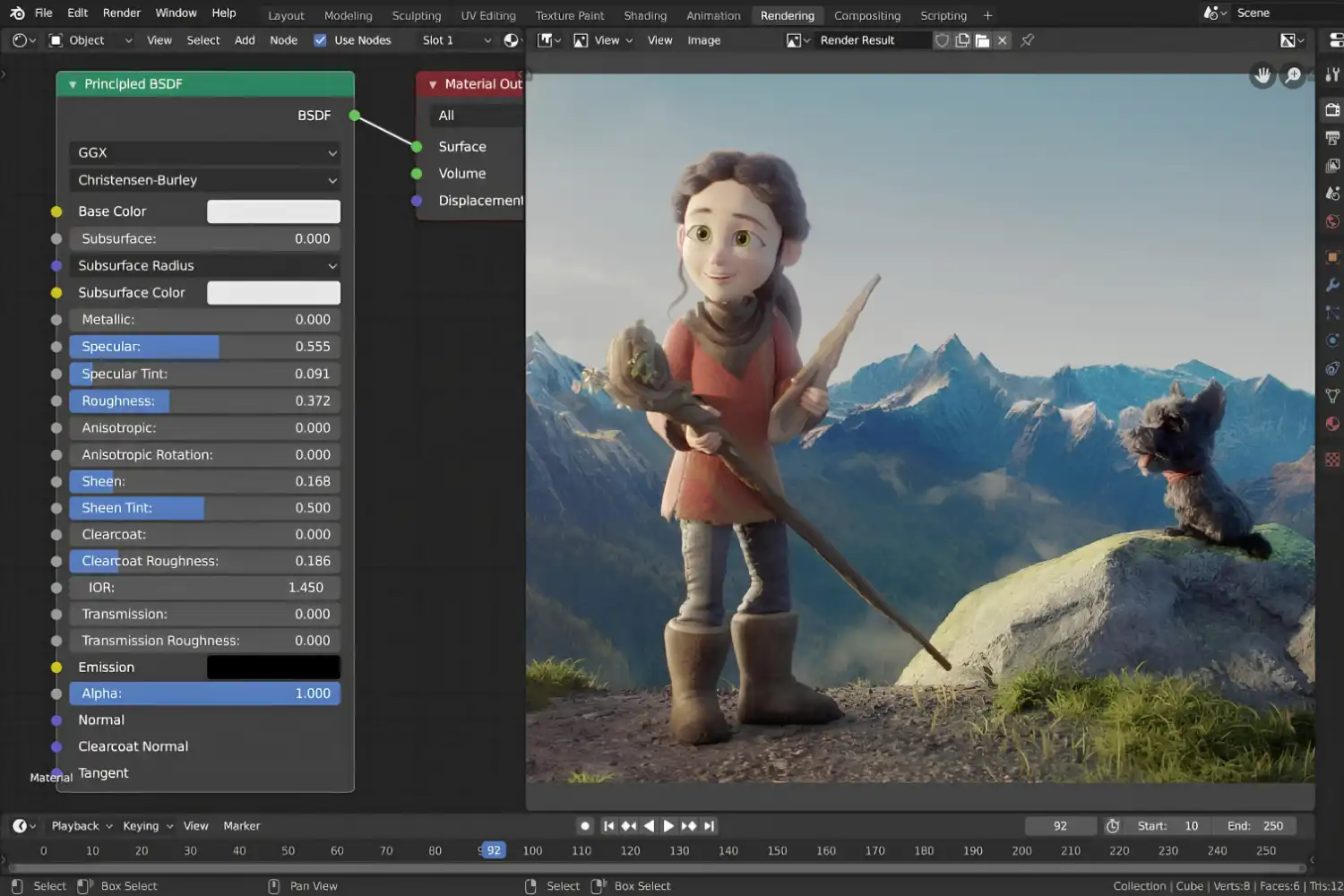
Blender is a free, open-source 3D creation suite that runs natively on macOS, including Apple Silicon. While it started in the visual effects and animation world, a growing number of architects use it for visualization, conceptual modeling, and even parametric design through its Geometry Nodes system. Cycles, the built-in photorealistic renderer, eliminates the need for a separate rendering application. Blender also supports import from common architectural formats like OBJ, FBX, and DXF. For architects seeking a powerful architecture design app for Mac without subscription fees, Blender is hard to beat. Our list of free architectural digital tools covers additional options.
Rendering and Visualization on Mac
Rendering on Mac depends on your GPU and the software you choose. Apple Silicon Macs use integrated GPUs that perform well with Metal-optimized renderers but lack support for CUDA, which some popular engines rely on. The apps below work natively on macOS and produce professional-quality output.
6. Enscape
Enscape is a real-time rendering plugin that now supports macOS through SketchUp and Vectorworks integration. It produces walkthroughs, still images, and panoramas directly from your model without exporting to a separate application. The Mac version uses Apple’s Metal API for GPU acceleration. Enscape’s strength is speed: you can show a client a rendered walkthrough of their project in the same meeting where you make design changes. Since early 2025, Enscape has been part of the Chaos ecosystem alongside V-Ray, which gives subscribers access to additional rendering options. For a broader look at visualization tools, check our article on architectural visualization tools and workflow.
7. Twinmotion
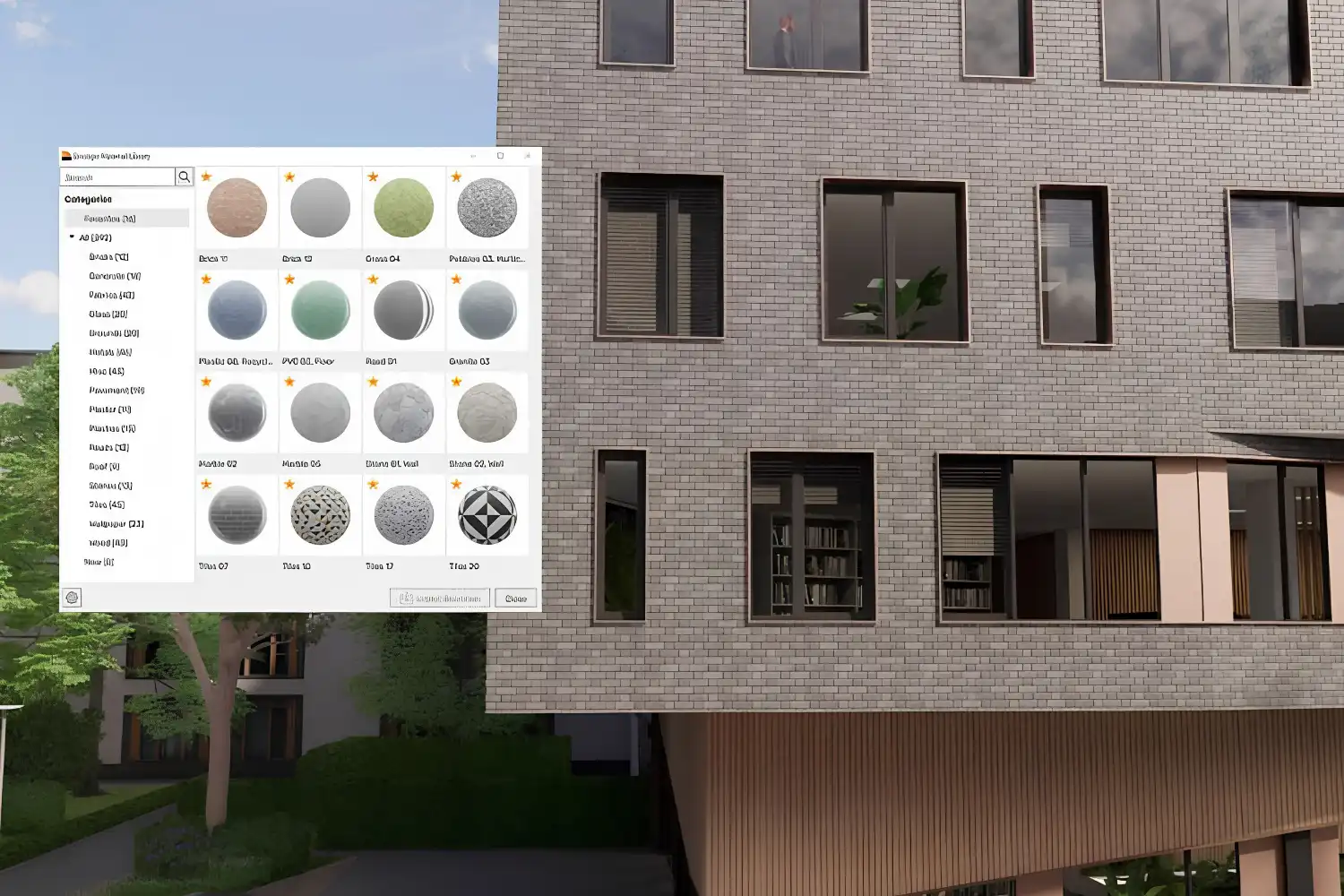
Twinmotion by Epic Games is a real-time visualization tool built on Unreal Engine technology that runs on macOS. It is free for non-commercial use and offers a low entry barrier for architects who need quick, high-quality renderings. Twinmotion supports direct import from Archicad, Vectorworks, SketchUp, Rhino, and Revit (via Datasmith). Its material library, lighting presets, and vegetation assets let you build a convincing scene quickly. The Presenter feature creates interactive presentations that clients can view in a web browser without installing software.
🎓 Expert Insight
“The Mac has always been the creative platform. With Apple Silicon, we’re finally seeing architecture software catch up to the hardware.” — Jared Banks, AIA, Author of “ArchiCAD and Mac”
Banks has documented the Archicad-Mac relationship extensively, and his observation reflects a broader trend: as Apple Silicon delivers faster performance per watt, more architecture software vendors are investing in native macOS builds rather than treating Mac as an afterthought.
Sketching and Presentation: Architectural Drawing Apps for Mac
Digital sketching and presentation tools fill the gap between napkin sketches and finalized construction drawings. These mac apps for architecture focus on the early, expressive phases of design.
8. Morpholio Trace
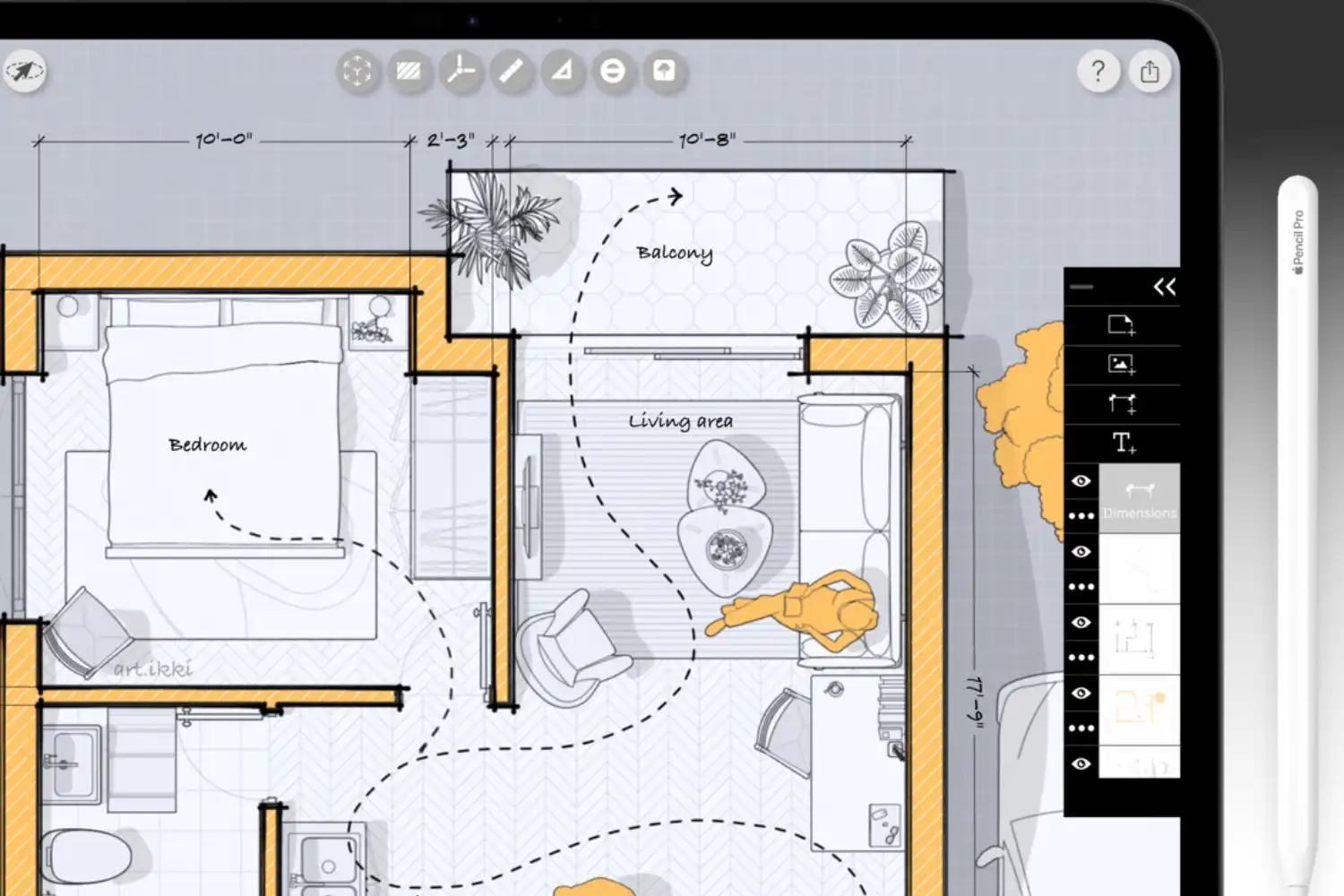
Morpholio Trace was designed specifically by and for architects. Available on macOS and iPadOS, it replicates the feel of sketching on trace paper while adding scaled rulers, perspective guides, stencil libraries, and protractors. You can import PDFs, images, or maps and sketch over them at accurate scale. During construction administration, the app handles fast markup of drawing sets and site photos. Trace supports DXF export, so your sketches can flow into AutoCAD, Rhino, or other CAD software. If you use both a MacBook and an iPad, Trace syncs your work across devices through iCloud. Our essential apps for architects article covers Morpholio Trace and similar tools in more detail.
What About AutoCAD on Mac?
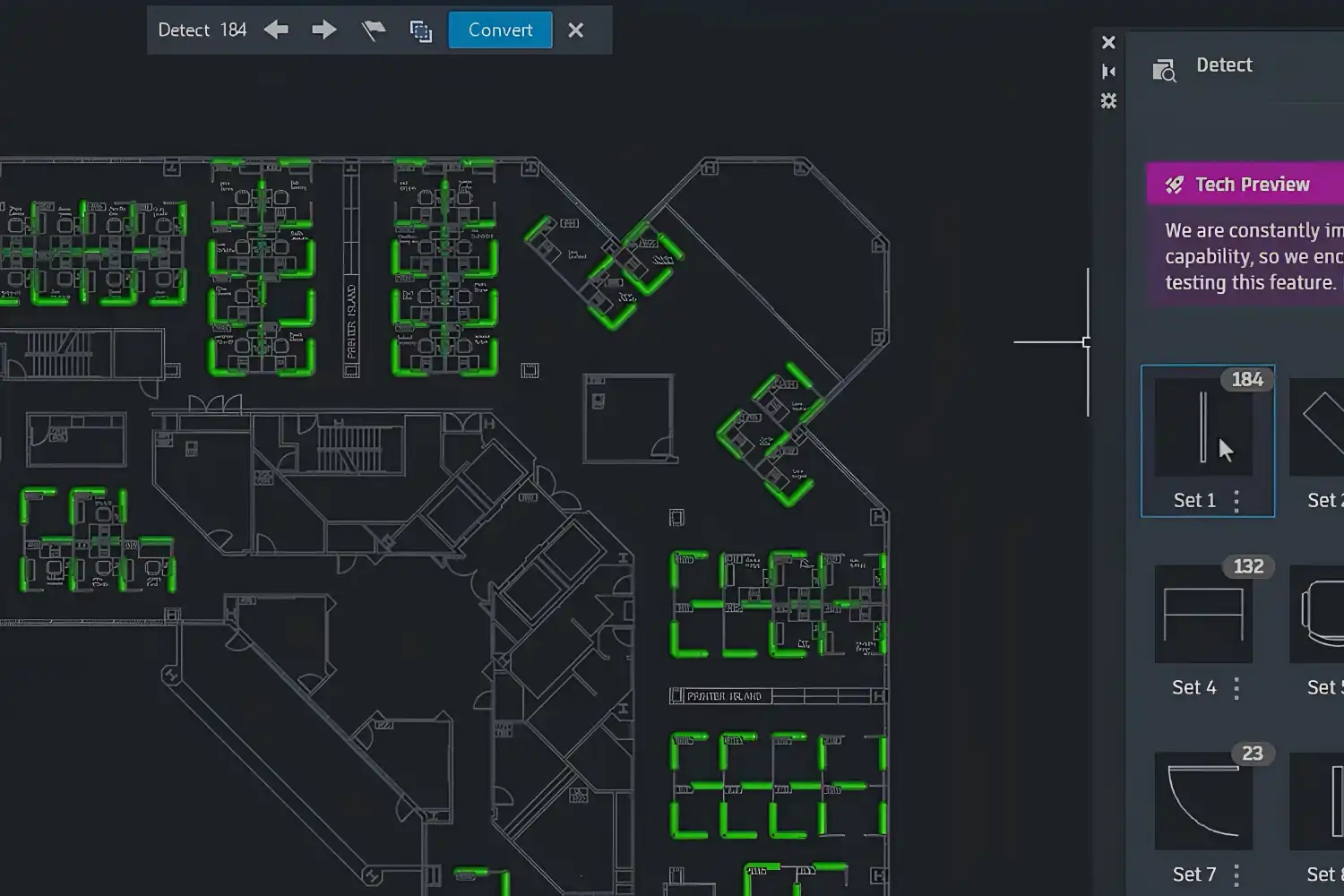
AutoCAD has a dedicated Mac version, though it has historically lagged behind the Windows version in feature parity. Autodesk has been closing that gap with recent updates, and the Mac edition now supports most core 2D drafting and 3D modeling features. If your workflow depends on DWG files and you need a native macOS architectural drawing app for Mac, AutoCAD for Mac is a functional option. Keep in mind that some industry-specific toolsets (Architecture, MEP) are only available on Windows. For a full breakdown of Autodesk’s product lineup, see our top Autodesk apps for architects article.
Project Management and Productivity
Design tools only cover part of an architect’s workflow. Staying organized across deadlines, deliverables, and team communication requires a different set of apps.
9. Notion
Notion works as a flexible workspace for project tracking, meeting notes, specification databases, and team wikis. Architects use it to build project dashboards that link RFIs, submittals, drawing logs, and schedules in one place. Its database feature lets you create custom views (table, board, calendar, timeline) of the same data, which is useful when different team members need different perspectives on a project’s status. Notion runs natively on macOS and syncs across all devices.
10. Shapr3D
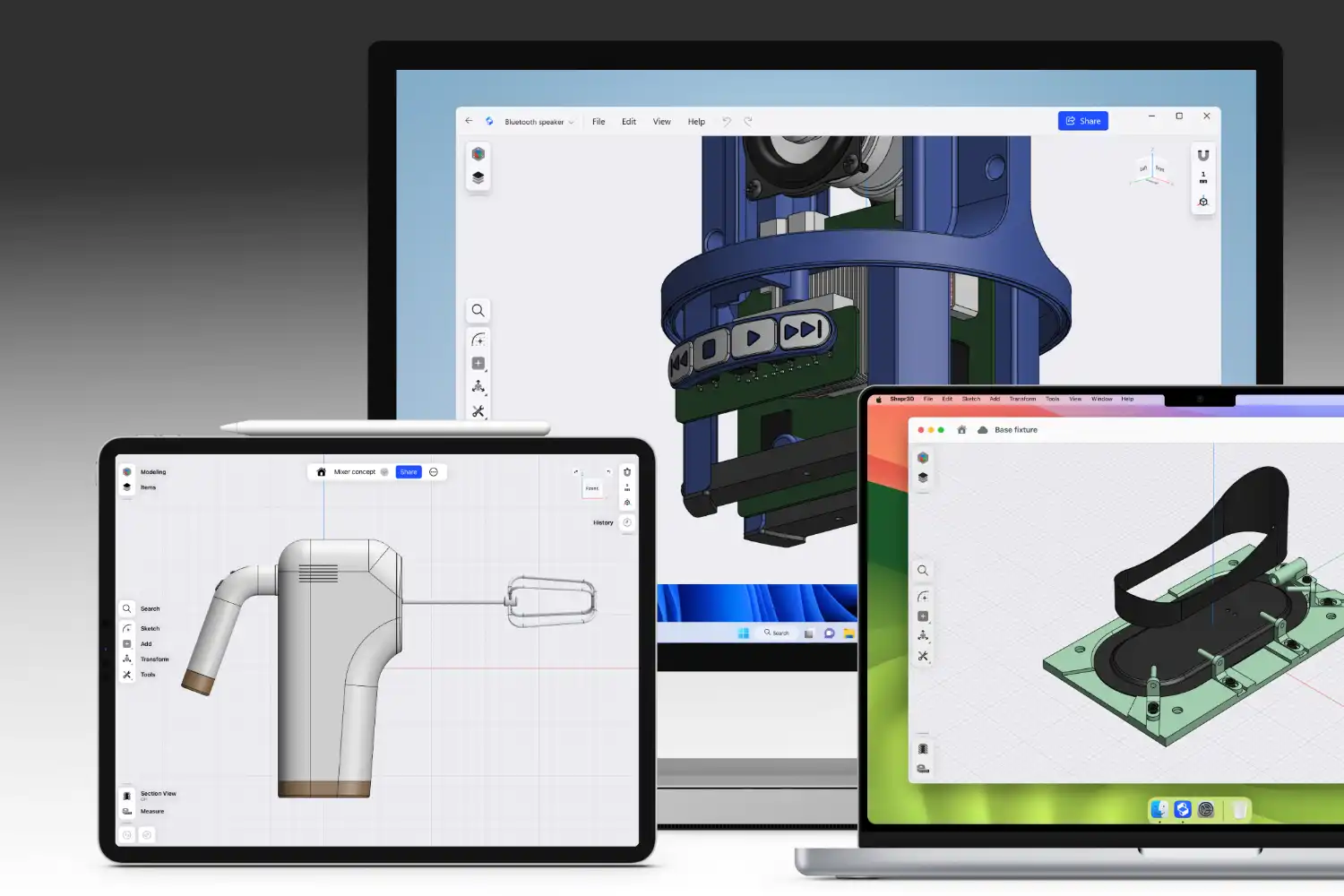
Shapr3D is a direct modeling CAD application built on the Siemens Parasolid kernel, the same engine behind SolidWorks. Available on macOS, iPadOS, and Windows, it lets architects move between devices without losing capability. Shapr3D supports both direct and history-based parametric modeling, making it suitable for developing detailed building components, custom furniture, and facade studies. It exports to STEP, DWG, and DXF, ensuring compatibility with standard architectural CAD software. For architects who value portability and quick modeling without the overhead of a full BIM platform, Shapr3D is a strong mac architecture app worth considering.
💡 Pro Tip
Before investing in any architecture software for Mac, check whether it runs natively on Apple Silicon (M-series chips) or through Rosetta 2 translation. Native apps generally use less energy and run faster. You can verify this by opening Activity Monitor, adding the “Kind” column, and checking whether the app shows as “Apple” or “Intel.” Running too many Intel-translated apps simultaneously will drain your battery and increase fan noise on laptops.
Comparison Table: Top Architecture Apps for Mac at a Glance
The following table summarizes the key details of each application covered in this list:
| App | Category | Apple Silicon Native | Pricing Model | Best For |
|---|---|---|---|---|
| Archicad | BIM | Yes | Subscription / Perpetual | Full BIM workflow on Mac |
| Vectorworks Architect | BIM | Yes | Subscription / Perpetual | Hybrid 2D/3D BIM drafting |
| SketchUp | 3D Modeling | Yes | Subscription (Free web version) | Concept design, client presentations |
| Rhino | 3D Modeling | Yes | One-time perpetual license | Complex geometry, parametric design |
| Blender | 3D Modeling / Rendering | Yes | Free, open-source | Visualization on a budget |
| Enscape | Real-time Rendering | Yes (Metal API) | Subscription | Quick walkthroughs from live models |
| Twinmotion | Real-time Rendering | Yes | Free (non-commercial) / Paid | Fast scene building, client presentations |
| Morpholio Trace | Sketching / Markup | Yes | Freemium (Pro subscription) | Concept sketching, site markup |
| Notion | Project Management | Yes | Free / Paid tiers | Project tracking, team documentation |
| Shapr3D | Direct CAD Modeling | Yes | Freemium / Subscription | Quick CAD modeling, portability |
Video: Top Mac Apps for Architects and Designers
This video walks through five popular apps for architects working on Apple hardware, covering practical use cases for each tool in a design workflow.
📌 Did You Know?
Archicad was first released for the Apple Macintosh 128K in 1984, making it one of the first BIM applications ever created. Graphisoft developed it in Budapest, Hungary, and it predates AutoCAD’s first Windows version by several years. The software has maintained uninterrupted Mac support for over 40 years.
How to Choose the Right Architecture App for Mac
Picking the best architecture apps for Mac depends on three factors: what your office already uses, what stage of design you spend the most time in, and how much you are willing to pay. If your firm handles full BIM projects and collaborates with consultants, Archicad or Vectorworks will serve you better than SketchUp. If you are a solo practitioner focused on residential projects and client presentations, SketchUp paired with Enscape or Twinmotion covers a lot of ground without the complexity of a full BIM platform.
Budget also matters. Blender, SketchUp Free, and Twinmotion (non-commercial) give you professional-grade tools at no cost. Rhino’s perpetual license means you pay once and own the software, which appeals to architects who dislike subscription models. If you are exploring AI-powered rendering options to speed up your concept presentations, our guide on AI tools for architectural visualization covers the latest options that work on Mac.
The Mac platform has matured significantly for architecture work since Apple introduced its M-series chips. Software that once ran slowly through emulation now performs on par with, or better than, equivalent Windows machines. The 10 apps listed here represent the strongest options available to architects on macOS right now, and each one has earned its place through daily use in real architectural practice.












Leave a comment