



Table of Contents Show
Mac apps for architects span full BIM platforms, lightweight 3D modelers, rendering engines, and free CAD tools. The right choice depends on your project phase, team size, and whether you need construction documentation, conceptual modeling, or visualization on macOS. This guide covers eight of the strongest options available in 2026.

BIM and CAD Platforms for Mac
Building Information Modeling and CAD software form the core of professional architectural work. Not every major platform runs natively on macOS, so choosing the right one starts with checking compatibility. The three strongest options for Mac-based architects are Archicad, Vectorworks Architect, and AutoCAD for Mac.
Archicad: The Original Mac BIM Platform
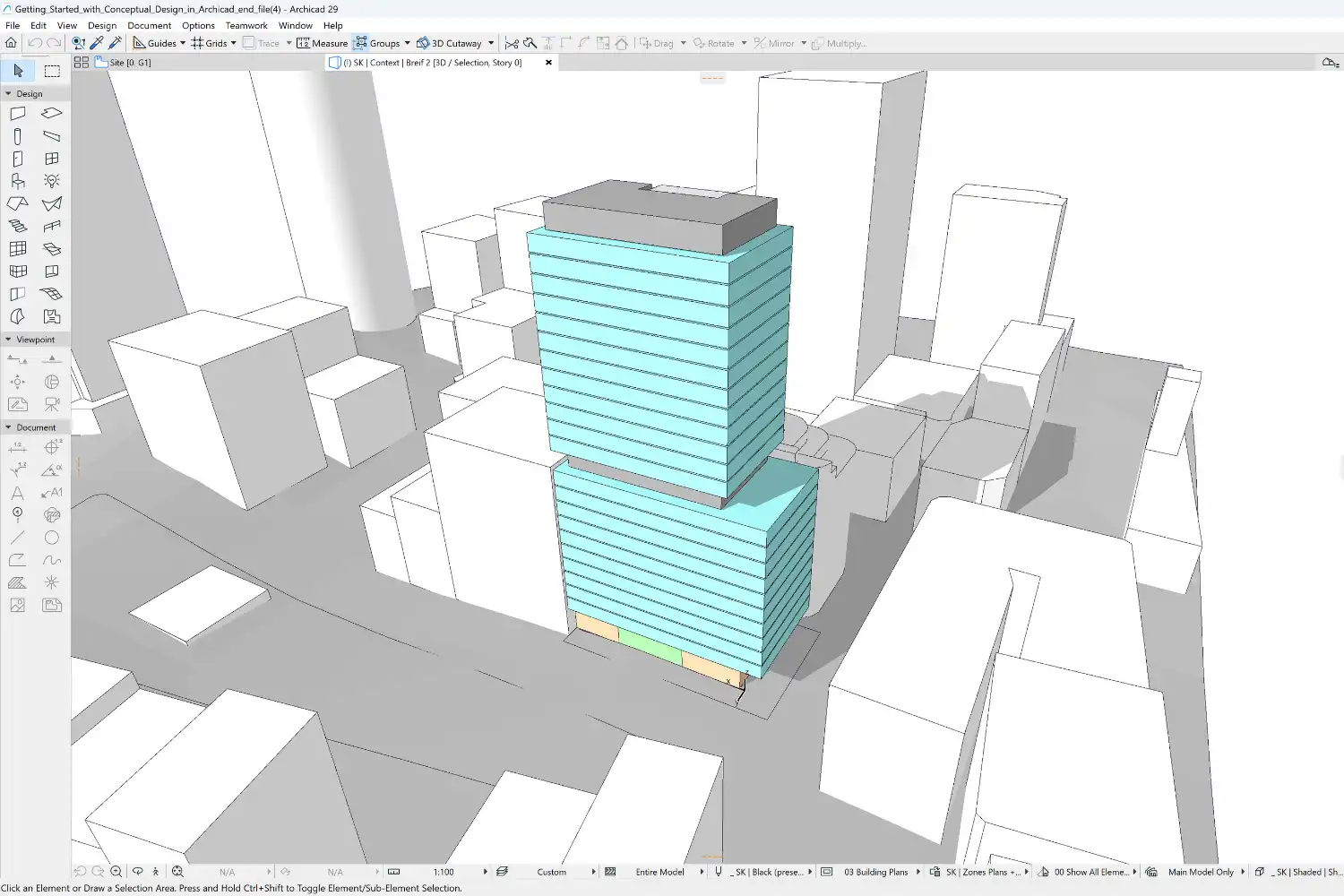
Archicad by Graphisoft was originally built for Macintosh in the 1980s and remains one of the few major BIM applications with full native macOS support, including optimization for Apple Silicon chips. It covers the entire architectural workflow from conceptual design through detailed modeling, documentation, and publishing. Its Open BIM approach supports IFC file exchange, which simplifies collaboration with engineers and consultants on other platforms. Archicad’s Teamwork feature allows multiple architects to work on the same project file at the same time with real-time conflict detection.
For firms already invested in Apple hardware, Archicad is the most complete architecture app for Mac that covers both design and documentation without workarounds. If you want a detailed comparison with other modeling tools, our ArchiCAD vs SketchUp breakdown covers the differences in depth.
💡 Pro Tip
Before purchasing any architectural design app for Mac, check whether the developer offers native Apple Silicon support or only Intel compatibility through Rosetta 2. Native apps run significantly faster and use less battery on M-series MacBooks. Archicad, SketchUp, and Vectorworks all ship native Apple Silicon builds as of 2026.
Vectorworks Architect
Vectorworks Architect has deep Mac roots and offers a hybrid 2D/3D workflow. Architects can switch between drafting and modeling in the same environment, and its parametric tools generate floor plans, sections, and elevations from 3D models automatically. Changes in one view update all related drawings. The software also includes built-in rendering through its Renderworks engine, so many projects go from model to presentation without a third-party renderer. Vectorworks supports IFC, DWG, and SketchUp file formats for interoperability.
Small to mid-sized firms that want BIM capability with strong visualization in a single Mac-native package often find Vectorworks Architect to be the best architecture design app for Mac in their category.
AutoCAD for Mac
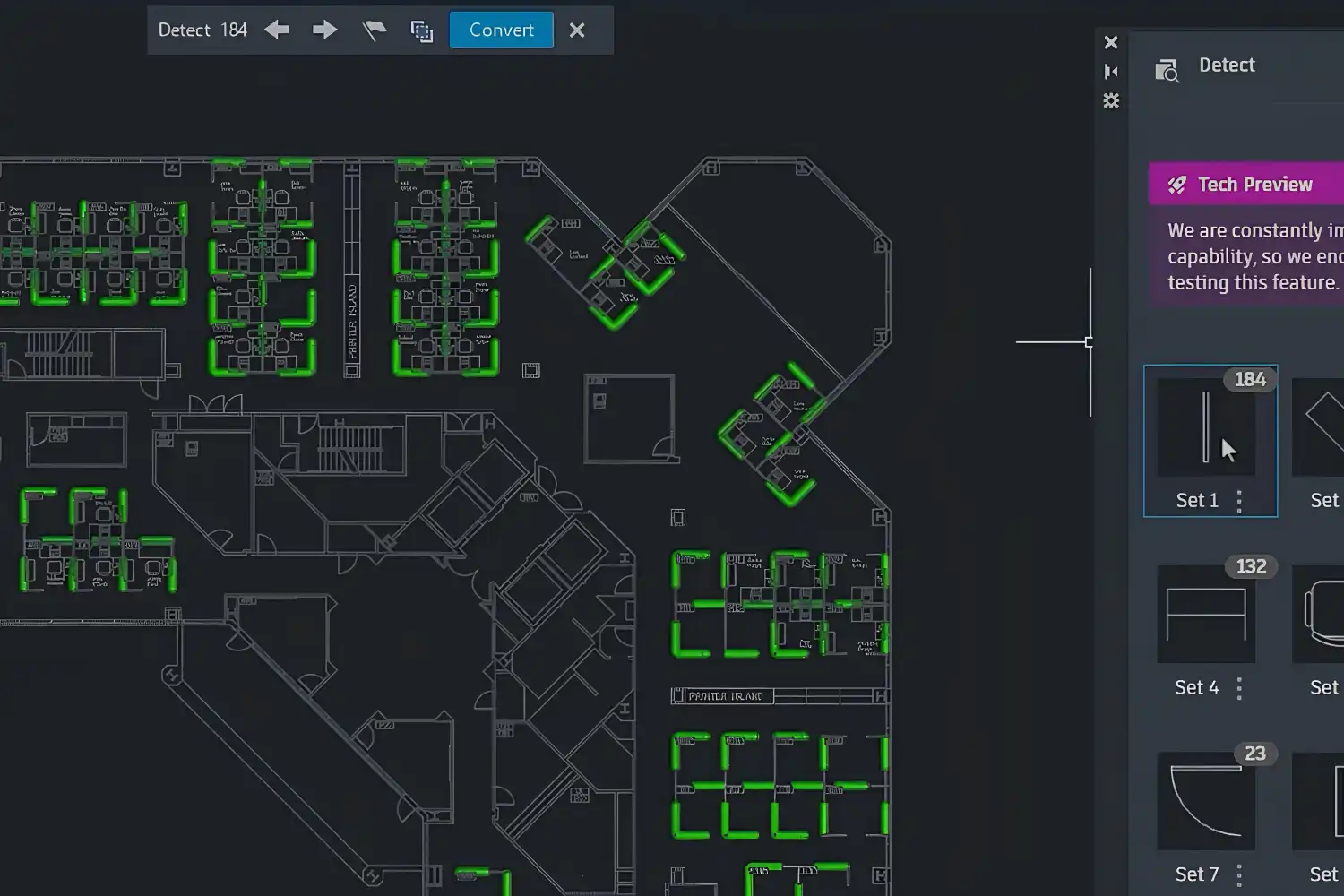
AutoCAD for Mac supports Apple Silicon natively and covers 2D drafting along with basic 3D modeling. The Mac version lacks some features found in the Windows edition (notably no full plugin ecosystem), but it handles standard drafting, annotation, and DWG file management well. For offices that rely on AutoCAD for documentation while using other tools for 3D design, the Mac version works as a capable drafting station. Our guide to Autodesk apps for architects covers AutoCAD and Revit in more detail.
⚠️ Common Mistake to Avoid
Many architects assume that an Autodesk subscription on Mac gives them access to Revit. It does not. Revit remains Windows-only, and with Boot Camp no longer available on Apple Silicon Macs, running Revit requires Parallels, a cloud-based virtual machine, or a separate Windows workstation. Factor this into your hardware and software budget before committing to an Autodesk subscription for macOS.
Architectural Drawing and 3D Modeling Apps for Mac
Not every task requires a full BIM platform. For conceptual design, client presentations, and visualization, lighter 3D modeling tools often get the job done faster. Two architectural drawing apps for Mac stand out: SketchUp and Rhino.
SketchUp
SketchUp runs natively on Mac and remains one of the most accessible 3D modeling tools for architects. Its push-pull interface turns 2D shapes into 3D forms quickly, making it ideal for early design stages when ideas are still fluid. The 3D Warehouse provides millions of pre-built components (furniture, fixtures, vegetation) that speed up scene building, and SketchUp’s LayOut tool generates construction documents from 3D models with dimensioning and annotations.
The free web-based version covers basic modeling, while SketchUp Pro adds solid modeling, dynamic components, and DWG import/export. For architects who need fast conceptual models and client-facing presentations, SketchUp is hard to beat as an architecture app for Mac. For more on how it compares with other modeling platforms, see our guide to 3D architectural design software.
Rhino for Mac
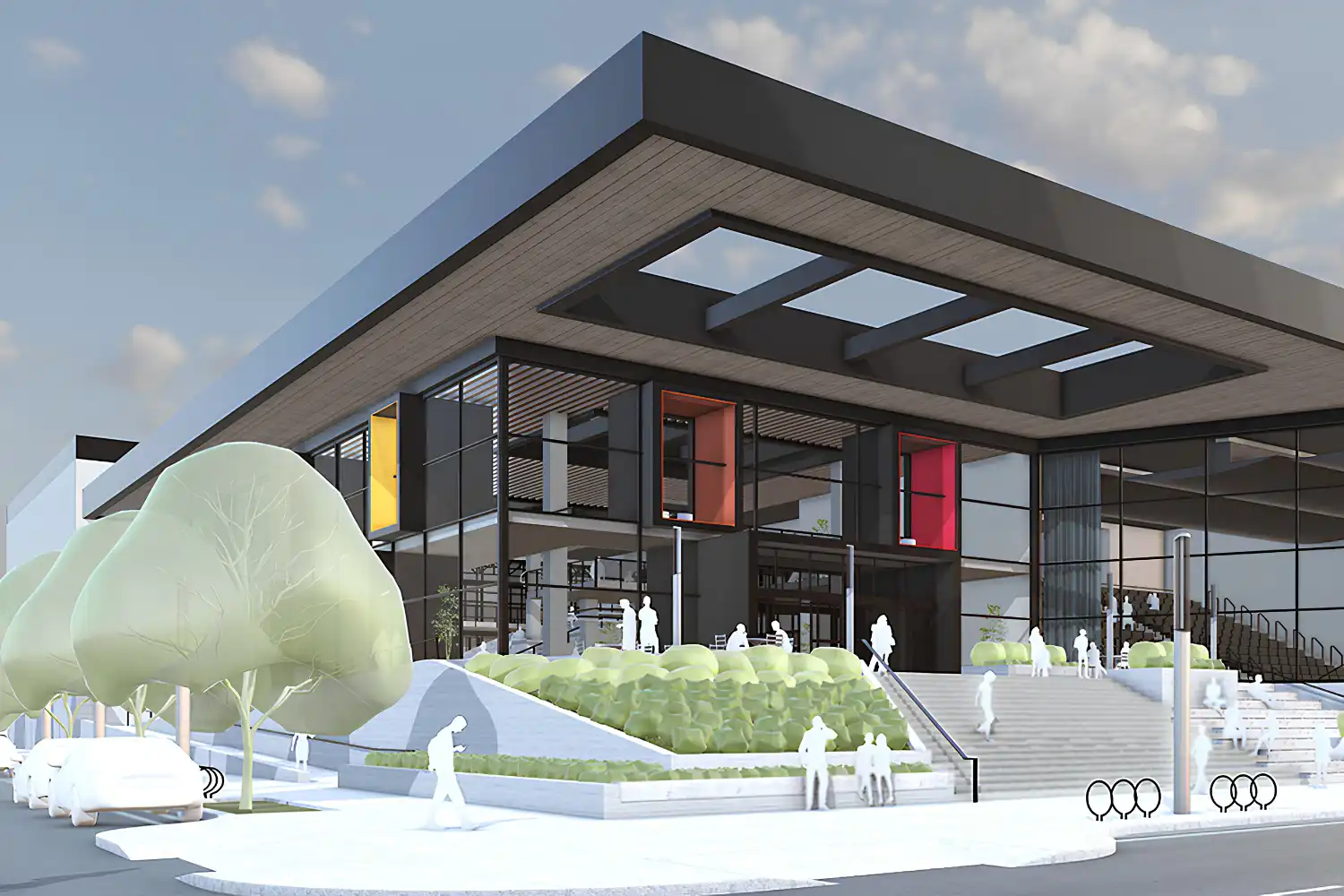
Rhino has offered a native Mac version for years and handles complex freeform geometry better than most alternatives. Its NURBS-based modeling engine produces highly accurate surfaces, which matters for projects with curved facades, organic forms, or custom fabrication. Grasshopper, Rhino’s visual scripting plugin, opens up parametric and algorithmic design workflows directly on Mac. If you work with computational design or need geometry for CNC milling and 3D printing, Rhino is the standard tool.
Pricing follows a one-time perpetual license model rather than a subscription, which many independent architects and smaller firms prefer for long-term cost control.
🎓 Why It Matters
Grasshopper has become one of the most widely used visual scripting environments for computational design in architecture, and it ships with Rhino on both Windows and Mac.
This reflects why Rhino’s Mac version has become essential for architects working with parametric and algorithmic design. The combination of precise NURBS modeling and Grasshopper scripting gives Mac users access to workflows that were once limited to Windows-based studios.
Architectural Rendering Apps for Mac
Rendering on Mac depends heavily on your GPU and the software you choose. Apple Silicon Macs use integrated GPUs optimized for Metal, but they lack CUDA support, which some popular rendering engines rely on. Picking the right renderer means checking Metal compatibility before committing.

Enscape works on Mac through Archicad, Rhino, SketchUp and Vectorworks and provides real-time walkthroughs directly inside your modeling environment. For architects who want instant visual feedback during the design process, this plugin-based approach avoids the step of exporting to a separate rendering application. Twinmotion, owned by Epic Games, also runs on Mac and uses Unreal Engine technology for real-time visualization. It imports models from Archicad, SketchUp, Rhino, and Revit (via exchange files), and its drag-and-drop material and vegetation libraries make scene setup fast.
One notable gap: D5 Render, a real-time ray tracing engine that has become popular with architects, currently requires Windows. Mac users can reach it only through Parallels, which adds an overhead layer to exactly the kind of GPU-bound work you would want running natively. If D5 is central to your visualization pipeline, that is worth knowing before you commit to Mac hardware.
For a deeper look at rendering options and how AI-powered tools are changing visualization workflows, check our guide to AI rendering tools for architects.
💡 Pro Tip
If you rely on V-Ray, version 7 adds Metal GPU rendering on macOS Sonoma and newer. Corona Renderer runs on macOS inside Cinema 4D, but it is a CPU-only renderer, so Metal does not apply. However, render times on Apple Silicon GPUs can still lag behind equivalent NVIDIA cards running CUDA. For heavy production rendering, some Mac-based studios keep a Windows render node in the office or use cloud rendering services like Chaos Cloud to offload final-quality frames.
Free and Budget-Friendly Architecture Apps for Mac
Cost matters, especially for students, freelancers, and small practices. Several capable tools are available at no cost on macOS.
Blender is a free, open-source 3D creation suite that runs natively on Mac, including Apple Silicon. It covers modeling, rendering (Cycles and EEVEE engines), animation, and basic CAD-like precision tools. Blender’s rendering quality rivals paid alternatives, and its active community produces architecture-specific add-ons, asset libraries, and tutorials. The learning curve is steeper than SketchUp, but architects who invest the time gain a tool that handles everything from massing studies to photorealistic marketing renders without a subscription fee. For more on affordable options, see our article on affordable 3D architectural modeling software.
LibreCAD is another free, open-source option, focused on 2D CAD. It supports DXF as its primary file format and can export to SVG and PDF. For architects who mainly need 2D drafting capabilities (floor plans, sections, simple details) without AutoCAD’s price tag, LibreCAD covers the basics. It lacks 3D modeling and BIM features, but it handles straightforward technical drawing tasks on Mac, Windows, and Linux.
📌 Did You Know?
Blender’s Cycles rendering engine uses path tracing, the same core technique behind production renderers used in Hollywood visual effects. In skilled hands, a free tool like Blender can produce client-ready architectural visualizations.
How to Choose the Right Architecture App for Mac
Picking the best architecture app for Mac comes down to matching software to your actual workflow rather than chasing feature lists. A solo practitioner doing residential renovations has different needs than a 30-person firm producing complex commercial buildings.
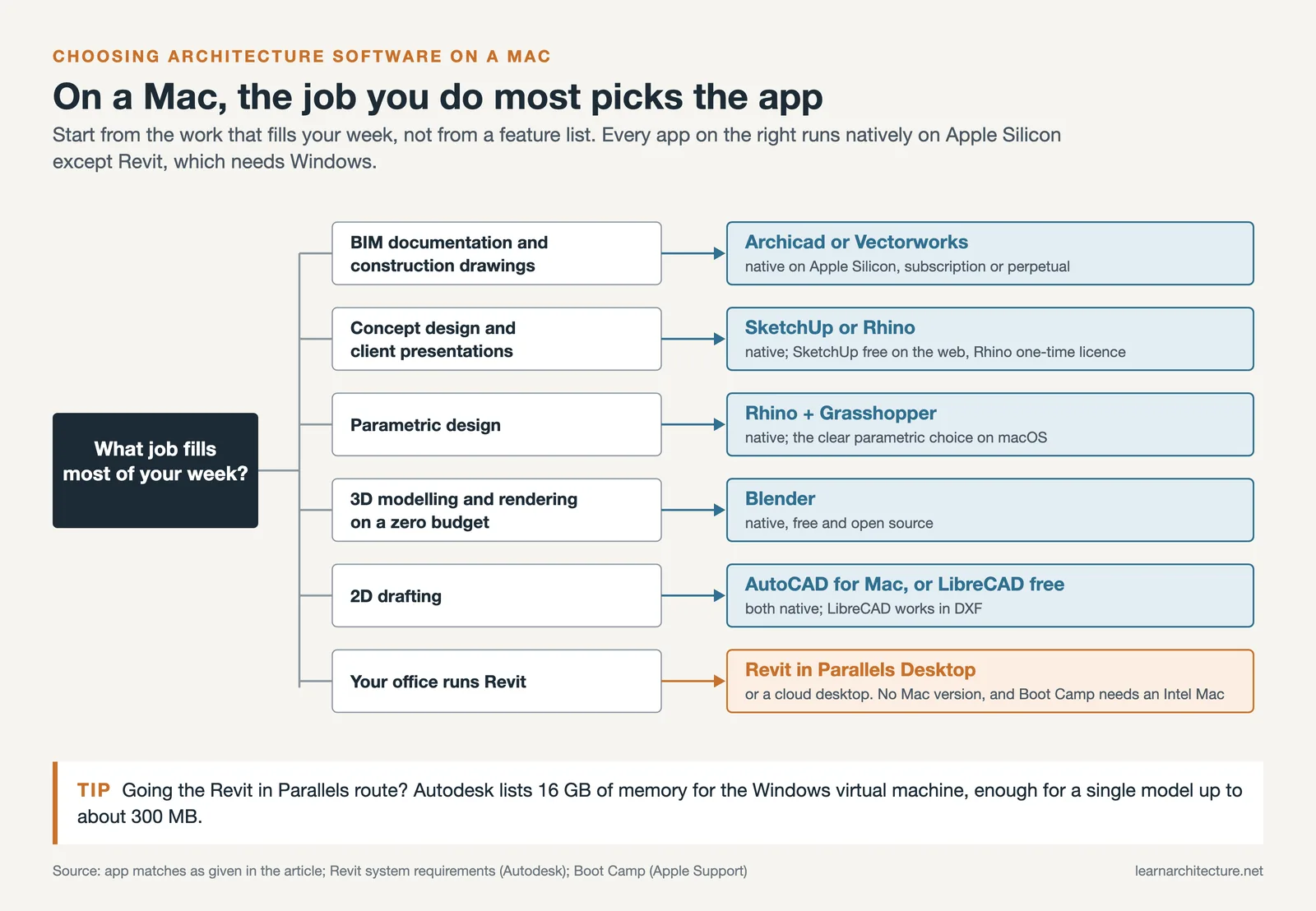
If your work centers on BIM documentation and construction drawings, Archicad or Vectorworks give you the most complete Mac-native experience. For conceptual design and fast client presentations, SketchUp or Rhino will serve you better. If you need parametric design capabilities, Rhino with Grasshopper is the clear choice on macOS. And if budget is your primary constraint, Blender offers surprising depth at zero cost.
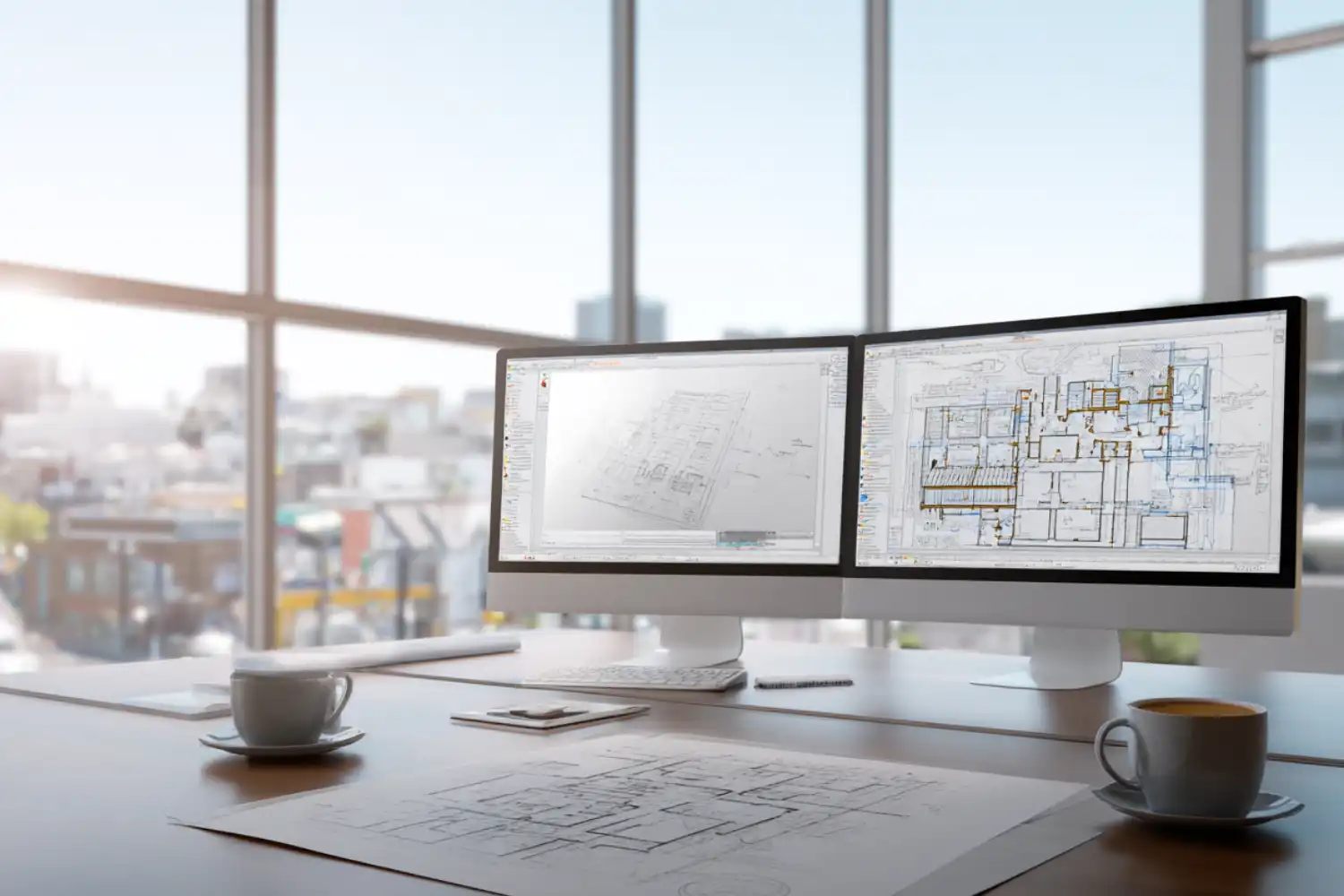
Comparison of Mac Apps for Architects
The table below summarizes the key differences across eight architectural design apps for Mac:
| Software | Category | Apple Silicon Native | Pricing Model | Best For |
|---|---|---|---|---|
| Archicad | BIM | Yes | Subscription / Perpetual | Full BIM workflow on Mac |
| Vectorworks Architect | BIM | Yes | Subscription / Perpetual | Small to mid-sized firms |
| AutoCAD for Mac | CAD | Yes | Subscription | 2D drafting, DWG workflows |
| SketchUp | 3D Modeling | Yes | Free (web) / Subscription (Pro) | Conceptual design, presentations |
| Rhino | 3D Modeling / Parametric | Yes | One-time perpetual license | Complex geometry, parametric design |
| Enscape | Rendering (plugin) | Yes (via host app) | Subscription | Real-time walkthroughs |
| Blender | 3D Modeling / Rendering | Yes | Free (open source) | Budget-friendly modeling and rendering |
| LibreCAD | 2D CAD | Yes | Free (open source) | Basic 2D drafting |
Video: Choosing Apps for Architecture in 2026
This video from Sketch Design Craft covers five apps that architects and designers find most useful for their daily work, including SketchUp, Morpholio Trace, and Notion for project management.
Frequently Asked Questions
Can I run Revit on a Mac?
Not natively; Autodesk has never released a Mac version of Revit. The working options are Parallels Desktop, which runs Windows in a virtual machine, or a cloud-based remote desktop service. Boot Camp is no longer available on Apple Silicon Macs, since it only ever supported Intel processors. If you go the Parallels route, budget at least 16 GB of RAM for usable performance, and more for large models.
What is the best architecture program for Mac?
For a complete BIM workflow including construction documentation, Archicad is the strongest Mac-native option and has been built for the platform since the 1980s. Vectorworks Architect is the better fit for small to mid-sized firms that want BIM plus strong built-in visualization in one package. For conceptual design and client presentations, SketchUp; for complex geometry and parametric work, Rhino with Grasshopper. There is no single best program, only the one that matches the stage of work you spend most of your time in.
Is there architectural drafting software for Mac?
Yes. AutoCAD for Mac runs natively on Apple Silicon and handles 2D drafting and DWG workflows, though it lacks the full plugin ecosystem of the Windows edition. Vectorworks Architect offers a hybrid 2D and 3D drafting environment. For free 2D drafting, LibreCAD covers floor plans, sections and basic technical drawings using DXF as its native format.
What is the best free CAD app for architects on Mac?
It depends on whether you need 2D or 3D. For 2D drafting, LibreCAD is the strongest free option, supporting DXF and exporting to SVG and PDF. For 3D modelling and rendering, Blender offers far more capability at no cost, including the Metal-accelerated Cycles renderer, though it asks for more time to learn. SketchUp Free, the browser version, sits between the two with accessible 3D modelling and no installation.
Is a MacBook powerful enough for architectural software?
For most work, yes. MacBooks with M-series chips from the M1 Pro upward handle Archicad, Vectorworks, SketchUp, Rhino and Blender comfortably. For large BIM models or heavy rendering, a MacBook Pro with at least 32 GB of unified memory is the sensible floor. The one real limitation is not raw power but architecture: the integrated GPU is efficient with Metal-based renderers, and CUDA-dependent engines will not run on it at all.
Which Mac apps for architects support Apple Silicon natively?
As of 2026: Archicad, Vectorworks, AutoCAD for Mac, SketchUp, Rhino and Blender all ship native Apple Silicon builds. Running natively rather than through Rosetta 2 translation means noticeably better performance and lower power draw on M-series machines. Before buying any architectural design app for Mac, it is worth confirming native support rather than assuming it, since the picture has changed quickly over the past few years.
Final Thoughts
The Mac software landscape for architects has improved significantly over the past few years. Apple Silicon performance, combined with growing native support from major developers, means that most architectural workflows can now run entirely on macOS. The gap between Mac and Windows options still exists (Revit remains the most notable absence), but it is narrower than it has ever been. Start with the tools that match your current project needs, and expand your toolkit as your practice grows. For a broader look at architecture apps beyond the Mac ecosystem, our essential apps for architects guide covers mobile and cross-platform tools as well.













Leave a comment