


Table of Contents Show
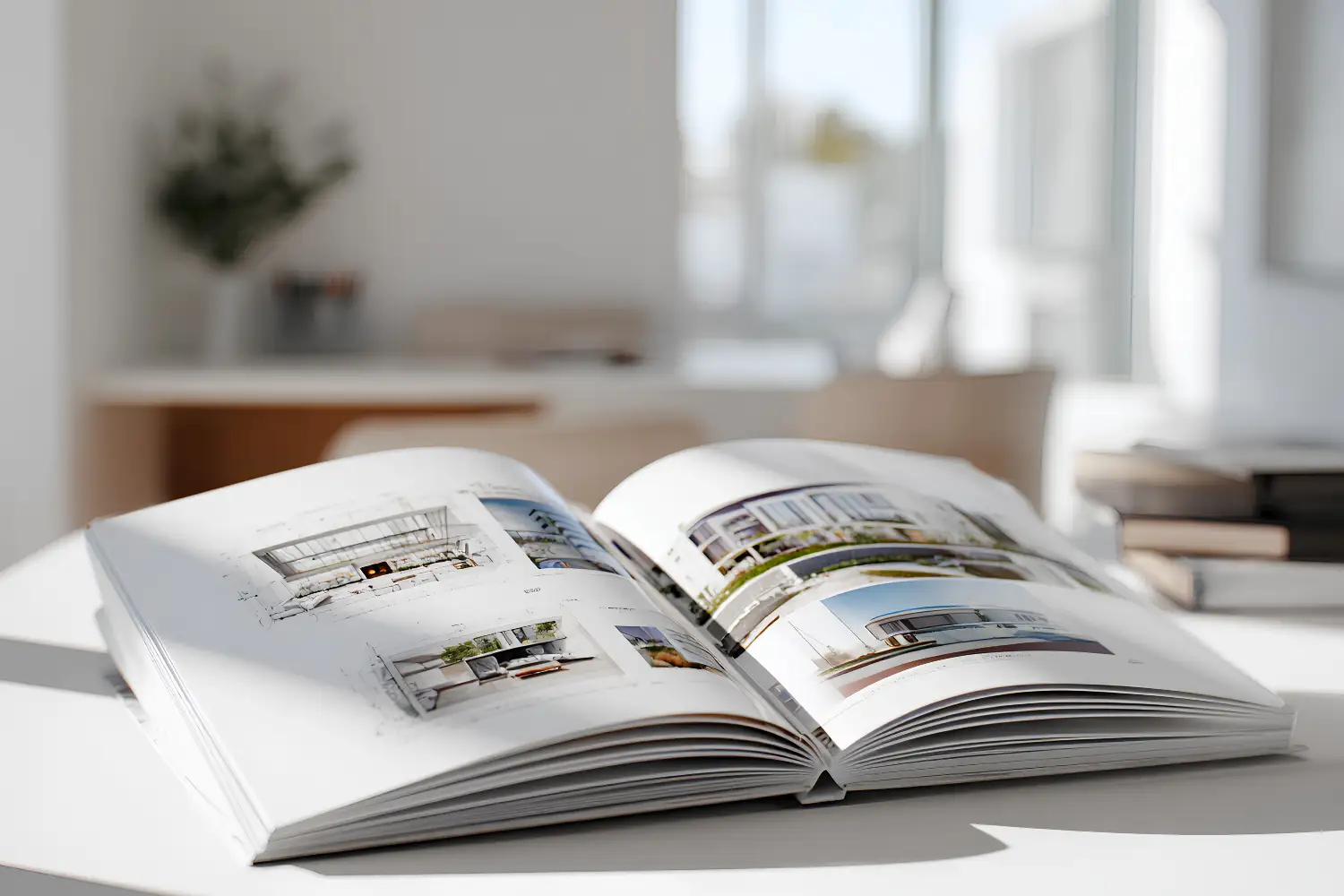
Architecture portfolio layouts come together fastest in Adobe InDesign, the page-layout tool built for multi-page documents. Set up a master page system, work on a consistent grid, place your drawings as linked images, then export print and screen versions from the same file. This approach keeps every spread aligned and your file easy to update.
Your portfolio is the document that decides interviews before you say a word. The software you build it in shapes how polished it looks and how quickly you can adapt it for each application. InDesign gives architects precise control over typography, image placement, and page structure, which is why it remains the default choice for serious portfolio work. Here is how to use it well, from first document to final PDF.
Why InDesign Is the Standard for Architecture Portfolio Layouts
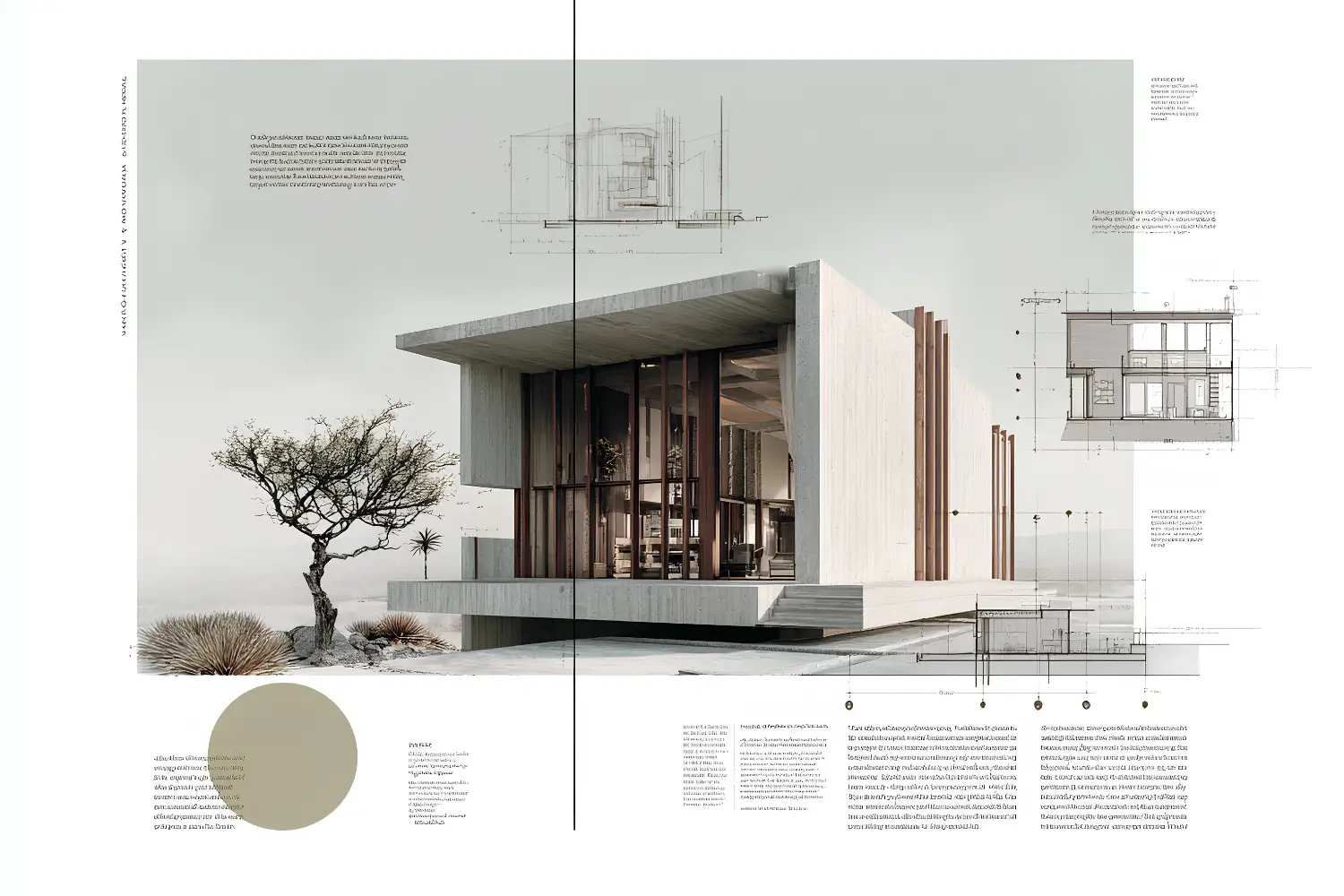
InDesign handles long documents the way a spreadsheet handles numbers. Its master page system, paragraph styles, and links panel are designed for projects that run dozens of pages and change often. For architects, that means you can keep a single portfolio file and reorder, swap, or restyle projects without rebuilding anything. Adobe positions InDesign as its layout and publishing application, separate from the image and vector tools in the same suite.
The other reason is output. A portfolio usually needs two forms: a high-resolution version for printed interview books and a compressed version for email and online applications. InDesign produces both from one document, so you are not maintaining separate files. For a wider view of how layout fits into the whole process, our architecture portfolio tips cover curation, file specs, and delivery alongside design.

InDesign or Illustrator for Architects?
For assembling a multi-page portfolio, InDesign is the right tool, while Illustrator suits single-page graphics like diagrams or a custom title page. Most architects use both: Illustrator and Photoshop to prepare individual elements, InDesign to bring everything together into spreads. The table below shows where each Adobe program fits in portfolio work.
| Adobe Tool | Best Use in a Portfolio | Multi-Page Layout |
|---|---|---|
| InDesign | Assembling full portfolios, spreads, and booklets | Yes, with master pages and facing pages |
| Illustrator | Vector diagrams, custom cover pages, logos | No, works in single artboards |
| Photoshop | Editing renders and photos before placing them | No, raster image editing |
How to Set Up Your InDesign Document
Start with File then New, and choose your page size and orientation. A4 or US Letter in landscape suits most architectural work because plans, sections, and renders tend to be horizontal, though square formats also read cleanly, as portfolio format guidance from NewSchool of Architecture notes when weighing layout shapes. Turn on facing pages so you design in spreads, the two-page view a reader sees when the portfolio is open. Designing one page at a time is the most common setup error, since it ignores how the eye travels across the gutter.
💡 Pro Tip
Build your parent pages (called master pages in older versions) before placing a single project. Define margins, a running footer, and automatic page numbers once, and every new spread inherits them. Setting up a reusable template early means you never rebuild the layout when you tailor the portfolio for a different firm.
Next, set your margins and columns. A three or four column grid gives you enough structure to align images and text while leaving room to break the grid intentionally on feature spreads. Set up paragraph styles for your project titles, body text, and captions now, so typography stays consistent across every page. For more on the structural choices behind a strong document, our guide on how to build an architecture portfolio walks through layout and cover design step by step.
📐 Technical Note
For a printed portfolio, set the document to CMYK color mode with a 3 mm bleed on all edges, and keep important text at least 10 mm inside the trim line. Coated matte stock between 150 and 200 gsm balances image quality with durability during handling at an interview.
Designing Layouts That Hold Together
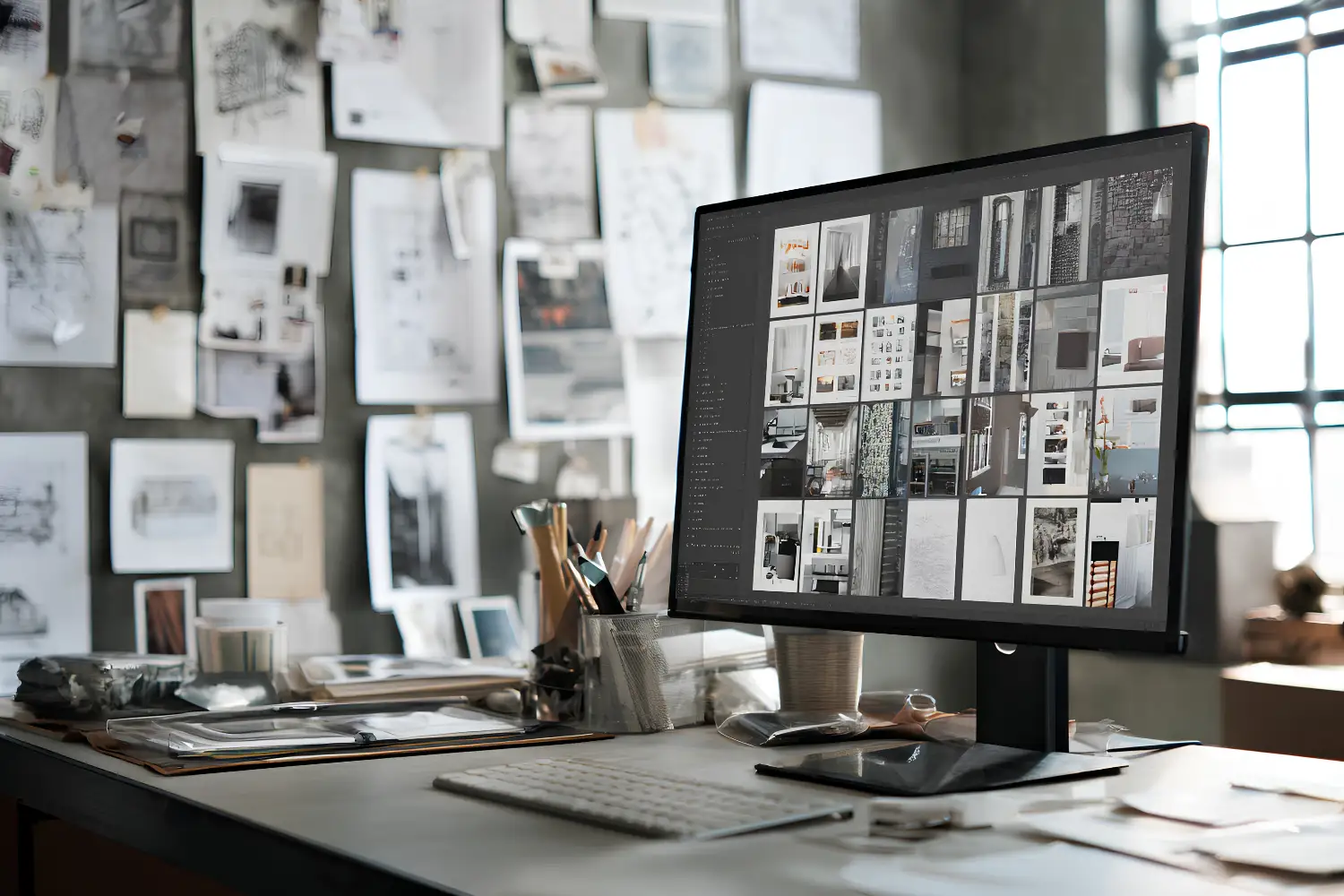
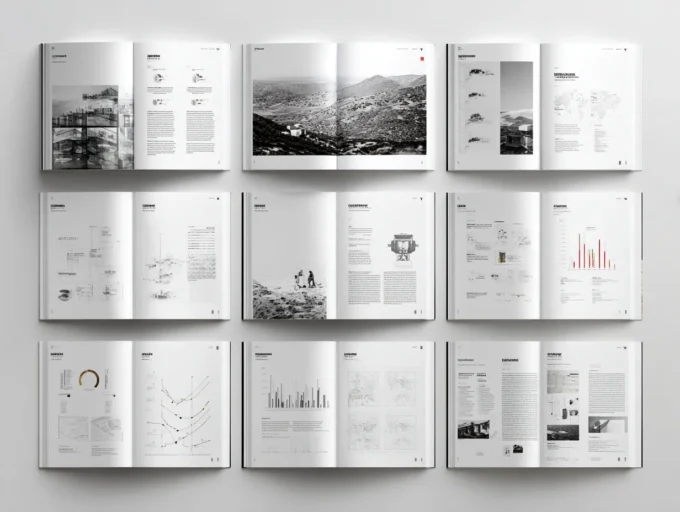
Strong architecture portfolio layouts work as a system, not a series of one-off pages. Establish a visual language early: one or two typefaces, a fixed color for titles, and consistent spacing. Carry it through every spread so the portfolio reads as one coherent piece rather than a folder of unrelated work. Align text to a baseline grid so lines of type sit on the same horizontal rhythm across facing pages.
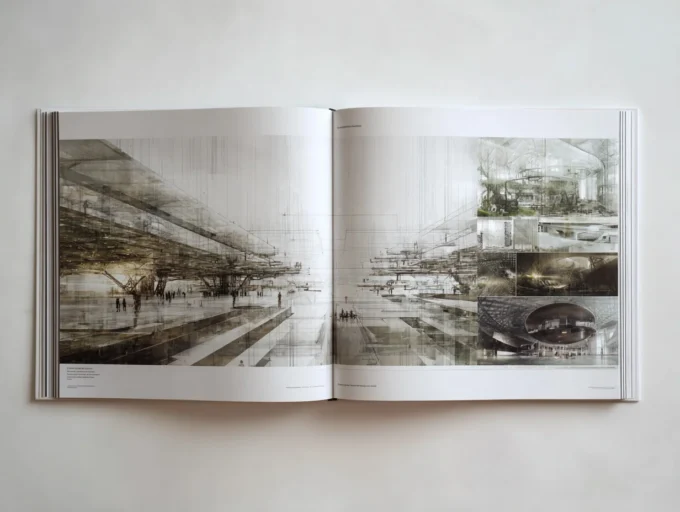
White space is part of the design, not wasted space. ArchDaily’s guidance on portfolio presentation makes the point that cluttered pages hide content and that images need room to breathe. Give your strongest project the opening spread and a full bleed image if it earns one. Our collection of the best architecture portfolios shows how varied layouts handle the same balance of image and text.
⚠️ Common Mistake to Avoid
Cramming every drawing onto each page to fill space. Dense spreads bury your best work and signal weak editing to reviewers who scan quickly. Build a consistent column grid, leave generous white space, and let each project hold its own spread instead of fighting for room with three others.
Placing Images, Drawings, and Renders
Always add images with File then Place rather than copy and paste. Place links the image to its original file instead of embedding a low-quality copy, which keeps your file lean and your drawings sharp. Keep all source images in one folder next to your InDesign file so the links never break when you move the project.
Check placed images in the Links panel, which lists the effective resolution of each one at its current size. Aim for around 300 ppi at print size and at least 150 ppi for screen-only PDFs. A render that looks fine on screen can turn soft in print if you scale it up past its real resolution.
💡 Pro Tip
Add captions as a separate text layer with a single paragraph style, not baked into the image. Good captions describe what a drawing shows and what you did, not just “site plan.” This keeps the work readable when a reviewer skims, and lets you restyle every caption at once.
For a fuller toolkit beyond Adobe, our roundup of digital tools every architecture student needs covers rendering, modeling, and presentation software that feeds into your InDesign layouts.

Exporting for Print and Digital
When the layout is done, export through File then Export, and choose Adobe PDF. Use the built-in export presets to make two versions without keeping separate documents. Choose High Quality Print or Press Quality for the version you will print, and Smallest File Size, adjusted up slightly, for the version you email.
For online applications, aim to keep your PDF under about 10 MB so it clears email and upload limits, while keeping text live rather than flattened to images. Adobe’s InDesign learn and support resources include step-by-step export tutorials if you want to fine tune compression. Name the file clearly, such as Lastname_Firstname_Portfolio_2026.pdf, so it is easy to find on a busy reviewer’s desktop. The table of contents and page numbers you set up earlier carry through automatically, which our guide to an architecture portfolio table of contents covers in more detail.
Where to Go From Here
Your Next Step: Open InDesign, create a new landscape document with facing pages turned on, and build one master page with your margins and page numbers before adding any projects. Getting that template right first makes every spread after it faster to design.
Frequently Asked Questions
Is InDesign or Illustrator better for an architecture portfolio?
InDesign is better for the portfolio as a whole because it handles multi-page documents, master pages, and facing-page spreads. Illustrator is better for individual vector elements like diagrams, maps, or a custom cover. Most architects prepare graphics in Illustrator or Photoshop, then place them into an InDesign layout.
What page size should an architecture portfolio be in InDesign?
A4 or US Letter in landscape orientation works for most architectural portfolios because plans and renders are usually horizontal. Square formats are also popular for their clean, distinctive proportions. Check each firm or school’s submission rules first, since some specify a page size or limit.
How do I keep my InDesign portfolio file small enough to email?
Export a second PDF using a smaller-file preset and target under about 10 MB. Place images at the resolution you actually need rather than embedding full-size renders, and keep text live instead of flattening pages to images. Maintain a separate high-resolution PDF for printing.
Can I use a free alternative to InDesign for my portfolio?
Yes. Figma, Affinity Publisher, and even well-structured presentation software can produce a clean portfolio, and many architects use them successfully. InDesign remains the industry standard for precise typography and print output, but the most important factor is a consistent layout, whichever tool you choose.











Leave a comment