


Table of Contents Show
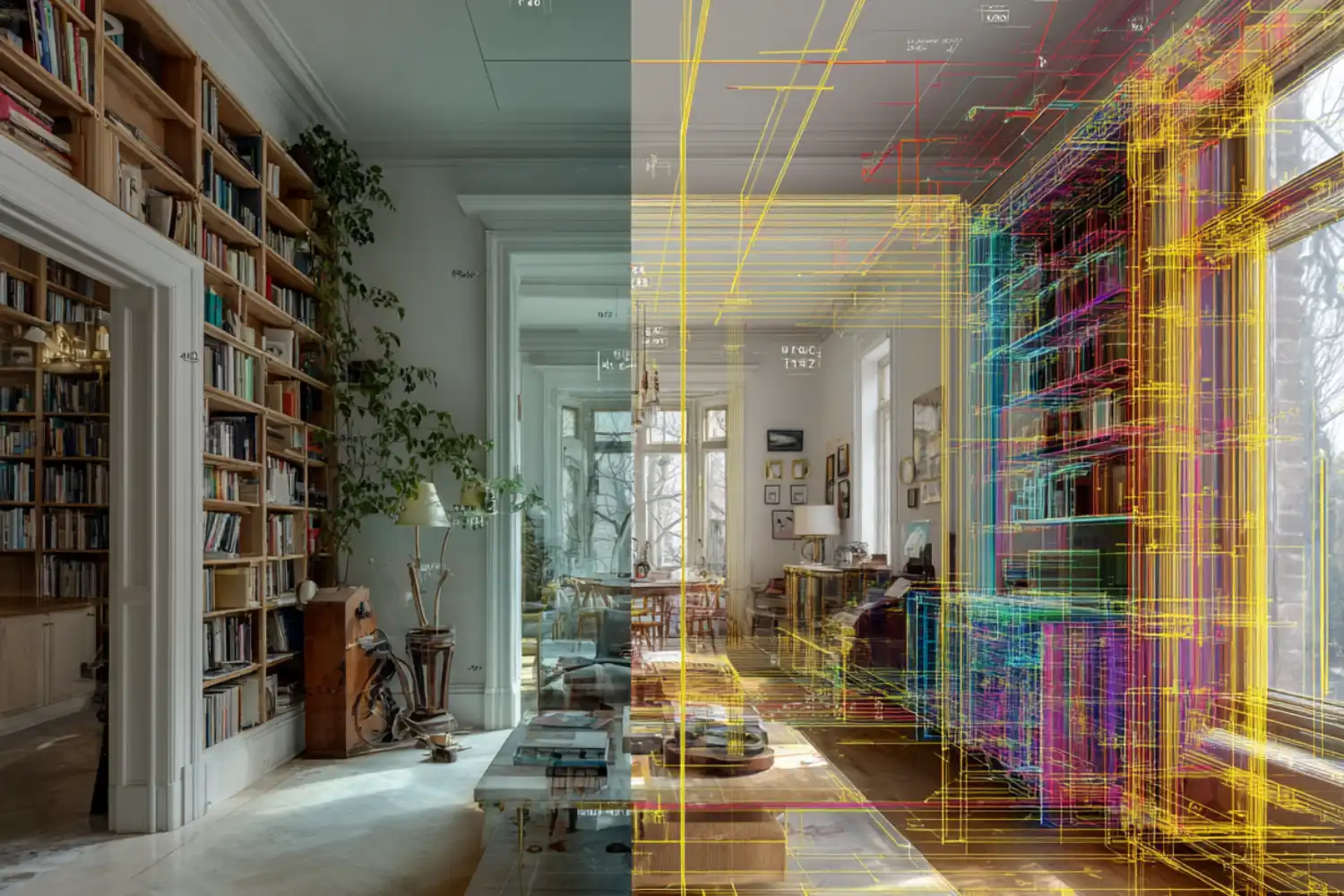
The Best 3D-Scanning Apps for capturing as-built models combine LiDAR or photogrammetry with export formats that drop straight into Revit, AutoCAD, SketchUp, or Rhino. For architects, renovation pros, and AEC teams, the right scan to 3D app turns a 20-minute site visit into a layered point cloud or mesh that replaces hours of tape-measure work.
As-built documentation used to mean two people, a laser distance meter, and a sketchpad. Today, an iPhone Pro or LiDAR-equipped iPad can capture a 500 m² floor to within roughly 1 to 2 percent in under ten minutes. The challenge is no longer whether your phone can scan, but which top 3D scanning apps actually produce files your design software can use without painful cleanup. This guide compares the most reliable options for architects working on existing-conditions surveys, retrofits, and heritage documentation, and complements our broader guide to essential apps for architects.
What Makes a 3D-Scanning App Suitable for As-Built Capture?
Not every scan to 3D app belongs in an architectural workflow. A good as-built tool needs three things: dimensional accuracy you can trust, export formats your CAD or BIM stack accepts, and the ability to capture a full room (or building) without breaking the model into unstitchable fragments. Casual AR scanners optimised for sharing on social media usually fail on at least two of those criteria.
The technology under the hood matters as well. LiDAR scanners on Pro-tier iPhones and iPads project infrared pulses and measure return time, producing depth data in low light that typically lands within 1 to 2 percent of a tape measurement. Photogrammetry apps stitch dozens of overlapping photos into a textured mesh, which works on any phone but struggles with featureless walls. Newer Gaussian splatting modes capture realistic light and reflection but are not metrically reliable for construction documentation. For a deeper look at how these capture methods pair with professional hardware, our guide to tech tools for 3D scanning in architecture covers terrestrial scanners and drone-mounted options alongside mobile workflows.
💡 Pro Tip
Before you scan a room, switch on every light source and pull blinds open. LiDAR tolerates dim conditions, but photogrammetry fallbacks (used when a wall is too far away or too reflective) need even illumination to register feature points. A single bright lamp casting hard shadows is worse than no lamp at all.
Accuracy Benchmarks Architects Should Expect
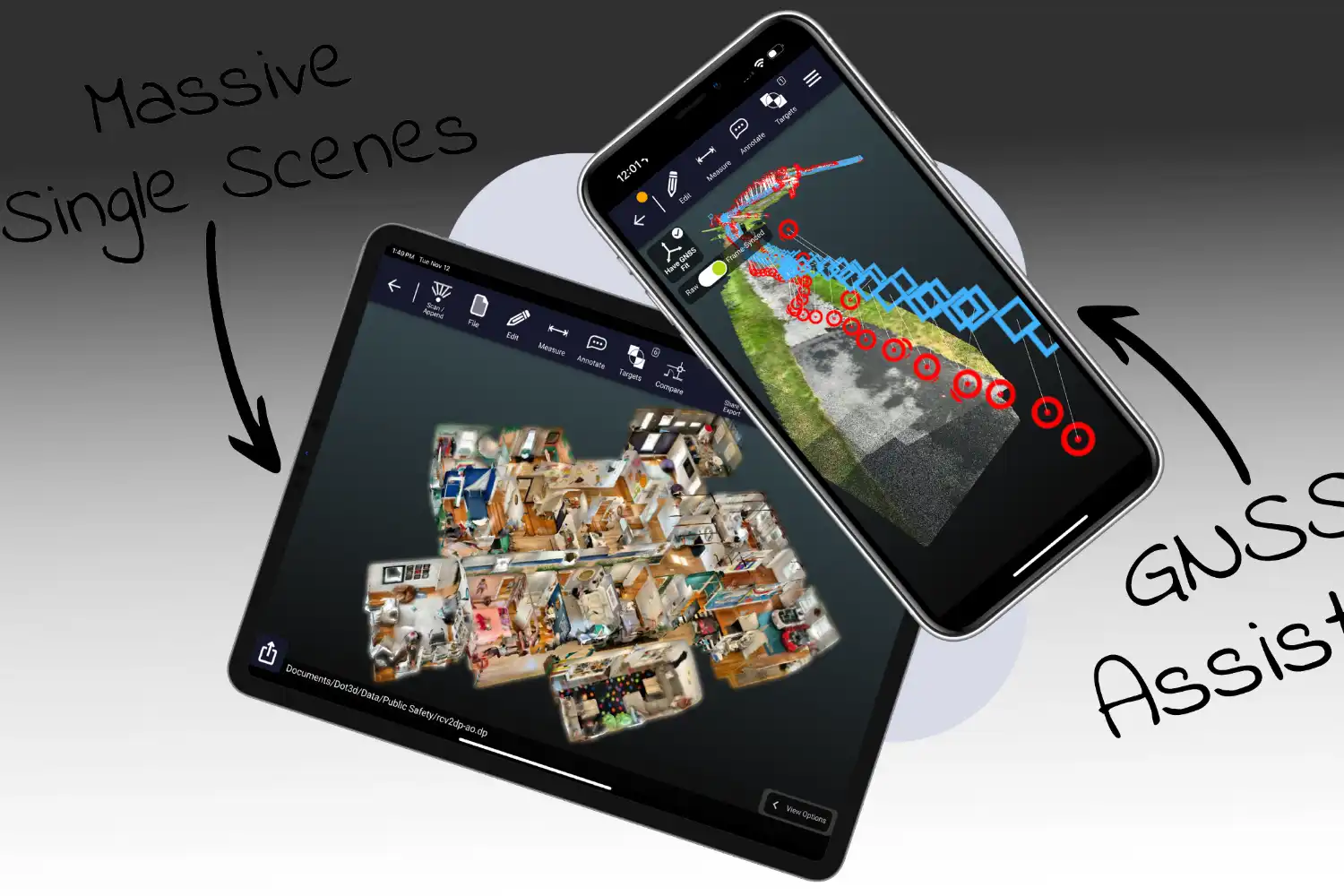
Most LiDAR-based phone apps deliver measurements within 1 to 2 percent of a tape verification on a typical residential room. Canvas reports that most measurements in its CAD output fall within 1-2% of what users can verify manually with a tape measure, laser distance meter, or existing blueprint. SiteScape claims inch-level accuracy at the building scale, with Multi-Scan supporting captures up to 5,000 ft² or 500 m². For most renovation work, this is acceptable. For structural retrofits, conservation projects, or heritage documentation, terrestrial laser scanners (TLS) with sub-millimeter accuracy still hold the upper hand.
📐 Technical Note

Apple’s iPhone Pro and iPad Pro LiDAR sensors have an effective range of approximately 5 meters. Beyond that distance, depth data becomes unreliable and photogrammetry fallback takes over. For rooms taller than 5 m (double-height living rooms, lofts, atria), capture the upper portion separately by walking the perimeter at a higher elevation if possible, or accept that ceiling geometry will be approximated.
The Best 3D-Scanning Apps for As-Built Workflows
The top 3D scanning apps below cover the practical range of architectural use cases: from quick interior surveys to full building documentation, from free hobbyist tools to professional services that deliver CAD-ready files. Each entry notes the platform, output formats, and the type of project it actually fits.
1. Polycam: The Most Versatile Scan 3D App
Polycam is the most widely used iPhone 3D scanner app for architectural and design work, available on iOS, Android, and the web. It supports LiDAR, photogrammetry, 360° captures, and Gaussian splats from a single interface, which is rare. Polycam offers photogrammetry and Gaussian splat conversion of everyday photos into 3D models that can be exported to applications including Blender and SketchUp.
For as-built work specifically, the LiDAR Room mode is the relevant feature. It captures interior spaces in seconds and exports to OBJ, GLTF, USDZ, STL, FBX, DAE, and PLY. The Pro tier adds DWG, DXF, and floor plan generation, which is what most architects actually need. Polycam suits firms that want one app that handles object scans, room scans, and quick concept captures without juggling tools.
2. SiteScape: Building-Scale Capture for AEC Teams
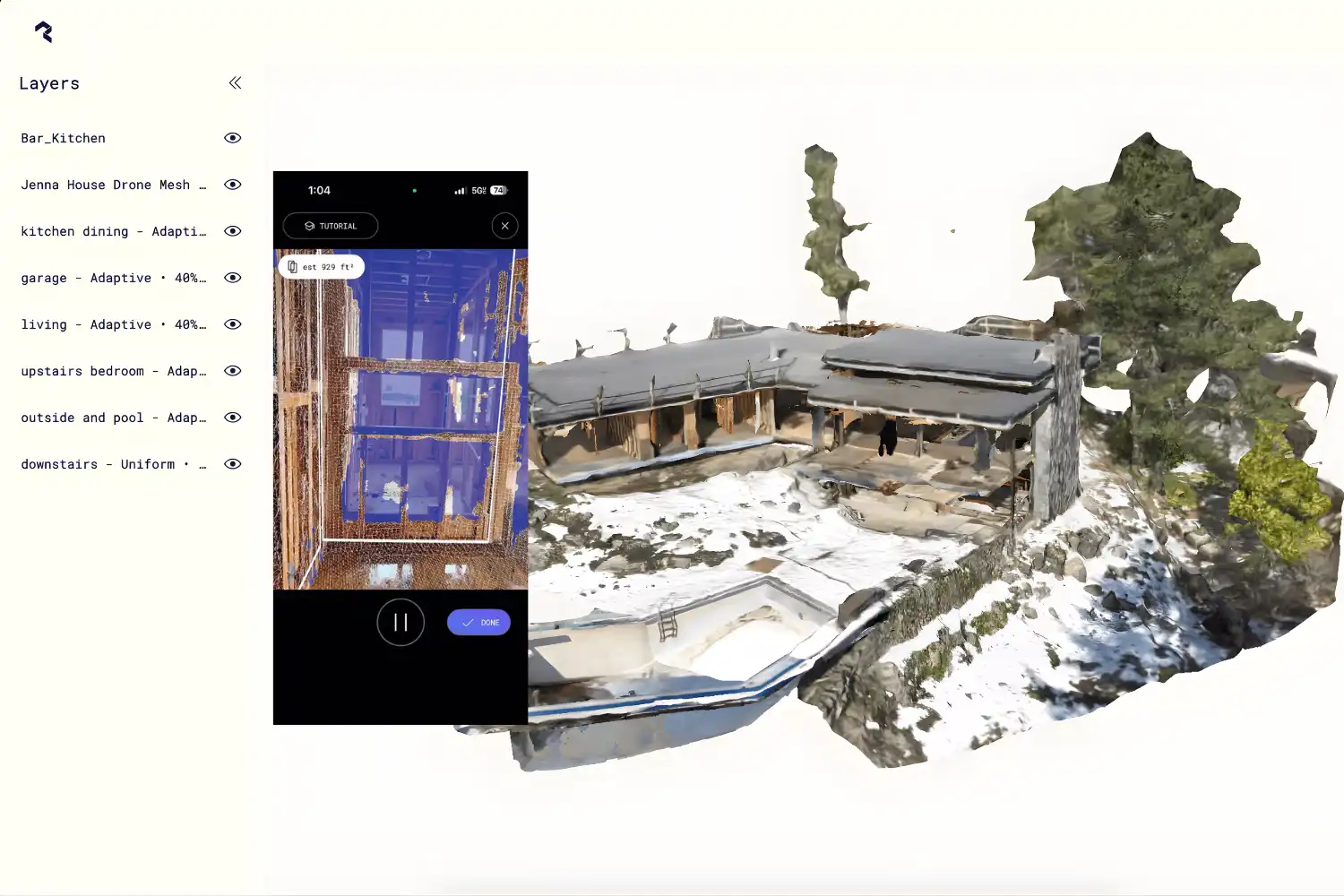
SiteScape by FARO is purpose-built for construction and architecture workflows. It exports industry-standard RCP, E57, and PLY point cloud files that import directly into Revit, AutoCAD, ArchiCAD, SketchUp, Navisworks, and Revizto. SiteScape exports RCP, E57, and PLY files designed to connect existing conditions to design software and reduce drafting time.
The standout capability is Multi-Scan, which stitches up to ten neighboring scans into a single point cloud covering an entire building floor. For project teams already on FARO’s terrestrial scanner ecosystem, file compatibility is seamless. The free tier handles individual room scans well enough for small projects.
3. Canvas: As-Built CAD Files Delivered for You
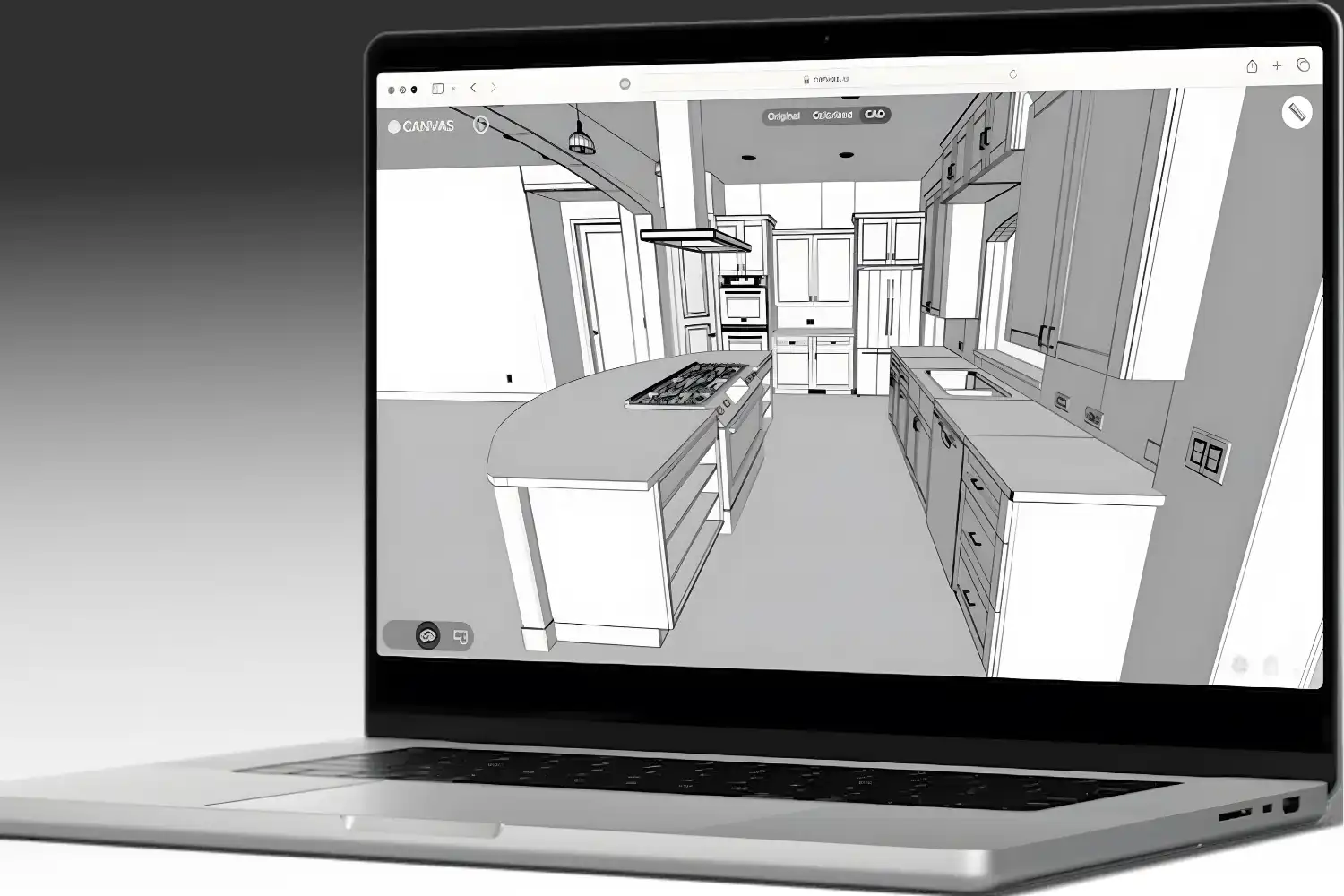
Canvas takes a different approach. You scan with the iPhone or iPad app, send the raw scan to Canvas’s processing service, and they return a layered, editable CAD file in Revit (RVT), AutoCAD (DWG), SketchUp (SKP), or PDF format. Canvas typically turns around spaces under 1,000 sqft in 2 business days, with files delivered as labeled, layered as-builts compatible with Revit and AutoCAD.
This is the right tool when you need a finished as-built model rather than raw point cloud data. The cost per square foot is real, but compared with traditional measured surveys it usually wins. Remodelers, interior designers, and small architecture firms without a dedicated scan-to-BIM team get the most value here.
4. Scaniverse: A Free Scan 3D App Android and iOS Option
Scaniverse, owned by Niantic Spatial, is a fully free scan 3D app android and iOS users can run with no scan limits. It supports LiDAR, photogrammetry, and Gaussian splatting, with on-device processing that works offline. Scaniverse exports meshes in OBJ, FBX, GLB, USDZ, and LAS formats, with splats exportable to PLY or the SPZ format.
For architects, Scaniverse is best as a fast capture tool for quick site visits or reference scans. It is not built specifically for as-built BIM workflows (no DWG or RVT export), but mesh files import cleanly into Rhino, Blender, or SketchUp for reference use. The price point (zero) makes it easy to test alongside paid alternatives.
5. Magicplan: When You Need Floor Plans, Not Models
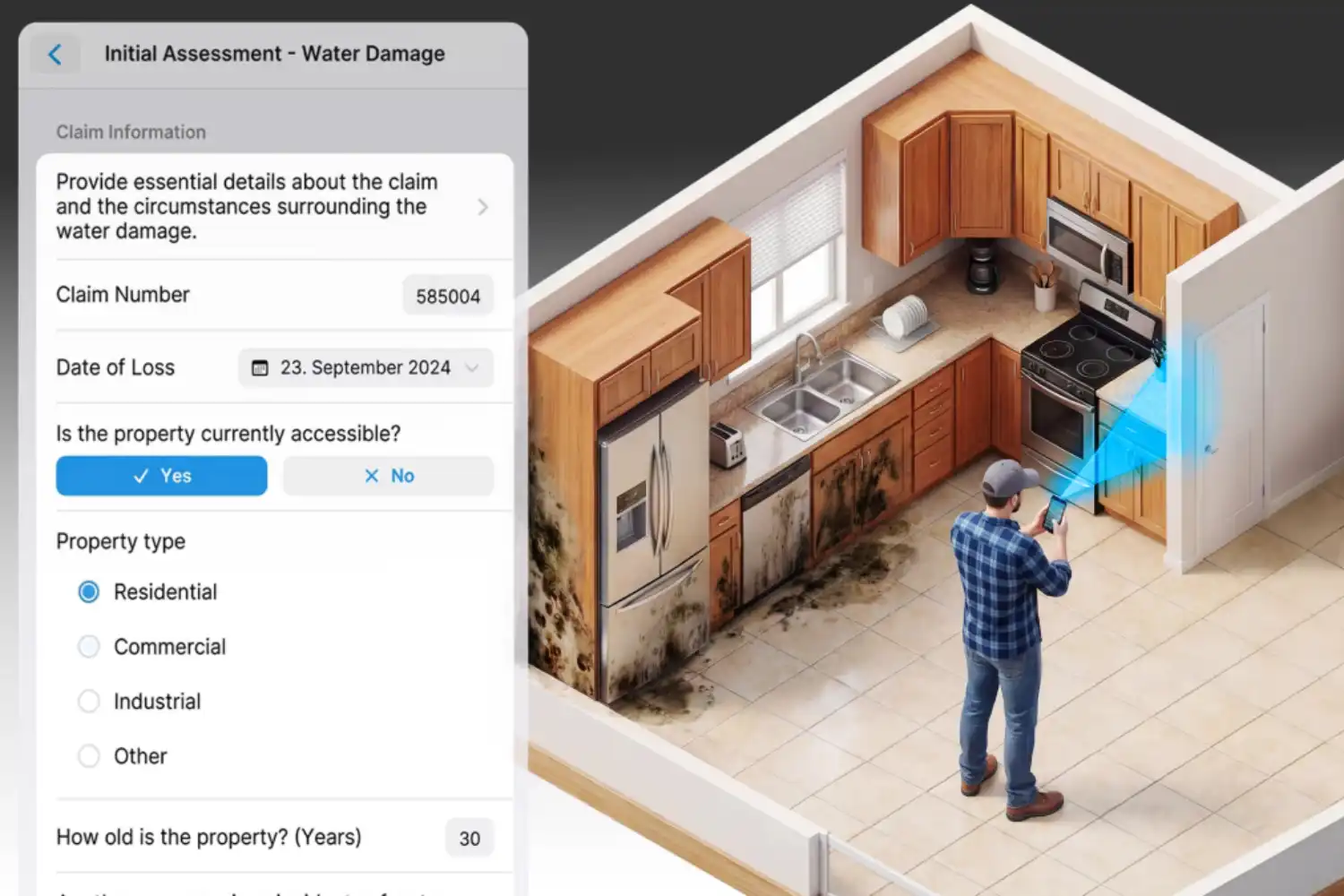
Magicplan uses LiDAR (where available) and AR to generate 2D floor plans, room layouts, and basic 3D models in real time. Magicplan uses iPhone LiDAR Auto-Scan to detect walls, doors, windows, and objects in real time as the user walks through a room. Output formats include PDF, DXF, JPG, and SVG floor plans plus 3D model exports.
This is the right pick for restoration contractors, real estate appraisers, and anyone whose deliverable is a measured floor plan rather than a point cloud or BIM model. It does not replace a true scan to 3D model app for design development, but for documentation and quoting, it is faster than any alternative.
6. 3D Scanner App: The Most Format-Friendly Free Tool
3D Scanner App by Laan Labs is one of the most flexible free tools for iOS LiDAR devices. It captures rooms, objects, and outdoor spaces, then exports to OBJ, USDZ, STL, GLB, PLY, FBX, DAE, and even point cloud formats including LAS, PTS, XYZ, and E57. The free tier covers most casual use; advanced exports unlock through one-time in-app purchases rather than a subscription.
This app suits architects and students who want to experiment with LiDAR capture and post-process in CloudCompare, Recap, or Rhino without committing to a paid subscription. The interface is utilitarian rather than polished, but the export options are unmatched at this price.
7. Dot3D: Professional Reality Capture for Larger Sites
Dot3D Pro by DotProduct is built for technical users who need accurate large-area capture. It works with iOS LiDAR devices and dedicated handheld scanners, exports to industry-standard point cloud formats (PLY, E57, LAS), and integrates with major AEC software. The pricing reflects its professional positioning.
If your firm runs scan-to-BIM as a regular service line and needs more control than Polycam or SiteScape provide, Dot3D is worth evaluating. For occasional as-built work, it is overkill.
Comparison of the Best 3D-Scanning Apps
The table below summarizes the practical differences between the seven scanning 3D app options covered above:

| App | Platform | Capture Method | Key Export Formats | Best For |
|---|---|---|---|---|
| Polycam | iOS, Android, Web | LiDAR, photo, 360°, splat | OBJ, FBX, USDZ, DXF, DWG (Pro) | Versatile all-rounder |
| SiteScape | iOS LiDAR only | LiDAR | RCP, E57, PLY | Building-scale BIM workflows |
| Canvas | iOS LiDAR only | LiDAR + service | RVT, DWG, SKP, PDF | Done-for-you as-builts |
| Scaniverse | iOS, Android | LiDAR, photo, splat | OBJ, FBX, GLB, USDZ, LAS, PLY | Free quick captures |
| 3D Scanner App | iOS LiDAR | LiDAR, photo | OBJ, USDZ, FBX, LAS, E57, PTS | Format flexibility on a budget |
| Magicplan | iOS, Android | LiDAR, AR | PDF, DXF, JPG, SVG floor plans | 2D floor plans & quotes |
| Dot3D Pro | iOS LiDAR, hardware | LiDAR + sensors | PLY, E57, LAS | Professional reality capture |
Video: How to Capture a Building with iPhone LiDAR
The short video below from FARO shows how SiteScape’s Multi-Scan feature stitches multiple iPhone LiDAR scans into a single building-scale point cloud, illustrating the kind of as-built capture process described above.
What About a Scan Architecture 3D AR App or Unreal Engine 3D Scan App?
A few specialised tools sit outside the main as-built category but come up in searches. AR-based scan architecture 3D AR app options like measure-and-place tools (the iOS Measure app, IKEA Place) help with quick spatial checks but do not produce as-built models. They belong in a different bucket entirely.
For an unreal 3D scanning app or unreal engine 3D scan app workflow, architects typically capture with Polycam, Scaniverse, or a dedicated LiDAR scanner, then import the resulting mesh or point cloud into Unreal Engine via Datasmith or direct FBX/OBJ import. Unreal itself is not a scanner; it is the visualization environment that consumes scan data. The Reality Capture pipeline (now part of Epic Games) handles photogrammetric processing for high-fidelity scans destined for Unreal-based archviz or VR walkthroughs.
🎓 Expert Insight
For most renovation projects, an iPhone Pro with a good scanning app is within tolerance for everyday layout decisions. Where you need millimeter accuracy, bring in a terrestrial scanner.
This reflects a common practice in firms that have integrated mobile scanning over the past three years. The phone-based scan to 3D app handles existing-conditions documentation, while professional gear is reserved for facade surveys, heritage work, and structural assessments where tolerances are tighter.
Dedicated 3D Scanners: When a Phone Is Not Enough
Everything above assumes a phone or tablet is doing the capture. For a large share of architectural work that is the right call, but there is a point where dedicated hardware stops being optional. Knowing where that line sits saves both wasted survey budget and the worse outcome of building on a scan that was never accurate enough.
Terrestrial laser scanners
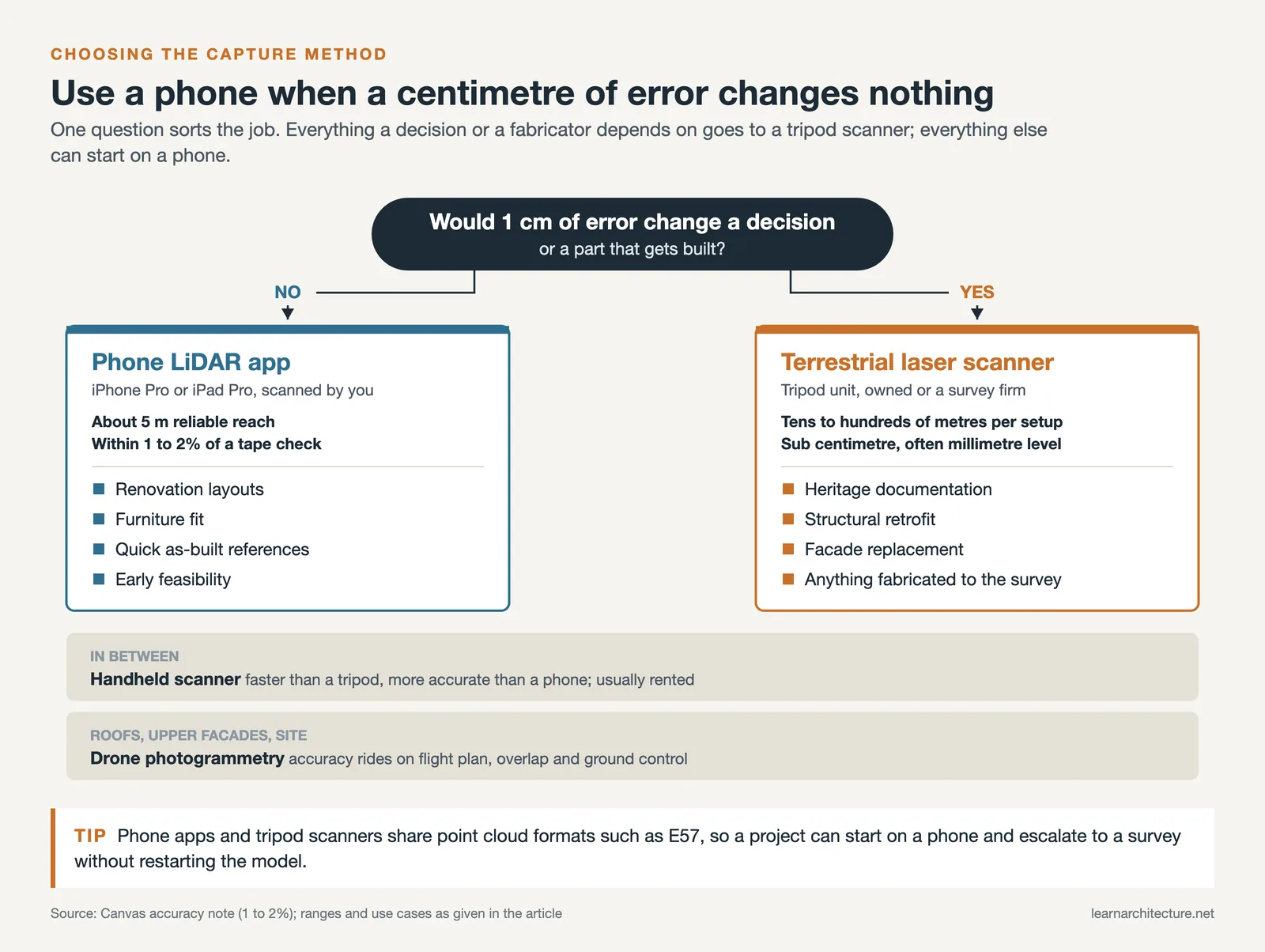
Tripod-mounted units from FARO, Leica and Trimble are the professional standard for existing-conditions work that has to hold up. They deliver sub-centimetre and often millimetre-level accuracy, cover ranges of tens to hundreds of metres from a single position, and register multiple setups into one coordinate system. The trade-off is cost, weight, setup time per station, and a point cloud large enough to need real processing. Use them for heritage documentation, structural assessment, facade surveys, and any project where a dimensional error becomes a construction claim.
Handheld and mobile scanners
Handheld units sit between a phone and a tripod scanner: faster to cover a space than station-by-station setup, more accurate than phone LiDAR, less accurate than a tripod-mounted unit. They suit interior fit-out surveys and complex geometry where walking the space is quicker than repositioning a tripod. For most architectural practices these are a rental rather than a purchase.
Photogrammetry and drone capture
Photogrammetry builds geometry from overlapping photographs rather than from a laser, which makes it the cheapest route into 3D capture and the only practical one for roofs, facades above ground level, and site context. Drone-mounted capture extends the same technique across whole sites. Accuracy depends heavily on flight planning, overlap and ground control, so results vary far more between operators than laser scanning does.
The decision in one line
Use a phone when a centimetre of error changes nothing, hardware when it changes something. Renovation layouts, furniture fit, quick as-built references and early feasibility all sit comfortably in phone territory. Heritage work, structural retrofit, facade replacement and anything that will be fabricated to the survey belong to a terrestrial scanner, whether you own one or bring in a survey firm. The file formats are the same either way, so a project can start on a phone and escalate to hardware without restarting the workflow.
How to Choose the Right Scan to 3D App for Your Project
The right tool depends on three questions: what platform you carry, what file format your design software needs, and how much hand-holding you want during processing.
If you already have an iPhone Pro or iPad Pro with LiDAR, your shortlist starts with Polycam, SiteScape, Canvas, or 3D Scanner App. If you are on Android, your options narrow significantly: Polycam and Scaniverse are the realistic picks, both relying on photogrammetry rather than LiDAR for most Android phones. For full Revit or AutoCAD integration, SiteScape (point cloud) and Canvas (finished CAD files) are the two strongest options. For quick floor plans without modeling, Magicplan wins. Once your scan is in CAD, the next decision is visualization, where tools like our reviewed D5 Render turn point clouds and meshes into client-ready imagery.
⚠️ Common Mistake to Avoid
Treating a Gaussian splat as a measured as-built. Splat captures look photoreal and are great for client presentations or VR review, but they are not metrically reliable. For dimensions you will draw against, use the LiDAR or photogrammetry mesh output, not the splat. Confirm key dimensions with a laser distance meter before you start modeling.
Workflow: From Scan to Revit, AutoCAD, or SketchUp
A typical as-built capture follows the same pattern regardless of which app you choose. Walk the space slowly at a consistent pace, keep the phone perpendicular to walls when possible, and overlap each pass by 30-50%. After capture, the app processes the scan on-device or in the cloud and outputs a mesh or point cloud.
From there, the file goes into your CAD or BIM software. Point clouds (RCP, E57) attach as a reference layer in Revit and AutoCAD, where you trace walls, doors, and openings on top. Meshes (OBJ, FBX) import into SketchUp, Rhino, or Blender as 3D references. For firms layering AI-driven rendering on top of scanned geometry, our comparison of AI tools for architectural visualization shows how scan-derived models feed into modern presentation pipelines.
How Much Do These 3D-Scanning Apps Cost?
Pricing varies widely. Free tiers exist on Polycam, Scaniverse, SiteScape, 3D Scanner App, and Magicplan, though export formats and scan size limits often push professionals to paid tiers. Polycam Pro and SiteScape Pro typically run on monthly or annual subscriptions in the tens of dollars per month range. Canvas charges per square foot of scanned space, which makes it cost-comparable to traditional measured surveys for small projects. Dot3D Pro is the highest-cost option and targets dedicated reality capture professionals.
Pricing for these scanning 3D app options changes frequently. Check each developer’s website (Polycam, SiteScape, Canvas, Scaniverse, Magicplan, Dot3D) for current rates and tier features before committing.
Frequently Asked Questions About the Best 3D-Scanning Apps
Which iPhone supports LiDAR-based 3D scanning?
LiDAR scanning is supported on iPhone 12 Pro, 13 Pro, 14 Pro, 15 Pro, 16 Pro, 17 Pro and their Pro Max variants, plus iPad Pro models with the LiDAR sensor. Standard (non-Pro) iPhones do not have LiDAR and must rely on photogrammetry-based apps for 3D capture.
Can I get a scan 3D app Android with LiDAR functionality?
Most Android phones do not include LiDAR sensors. A scan 3D app android user typically relies on photogrammetry, which works on any phone with a decent camera but requires more careful capture technique and even lighting. Scaniverse and Polycam are the most reliable options for Android-based 3D scanning, with Polycam adding cloud-based photogrammetry processing for higher-quality output.
How accurate are phone-based 3D scans for as-built models?
Phone-based LiDAR scans typically deliver dimensional accuracy within 1-2% of physical measurements for typical residential rooms. This is acceptable for most renovation, interior design, and existing-conditions documentation work. For projects requiring sub-centimeter accuracy (heritage restoration, structural assessment, facade surveys), terrestrial laser scanners remain the professional standard.
Can I export scans directly to Revit or AutoCAD?
Yes, with the right app. SiteScape exports RCP point clouds, which Revit, AutoCAD, and Navisworks link natively, plus E57 files that are indexed to RCP through ReCap first. Canvas delivers fully editable RVT, DWG, and SKP files as a service. Polycam Pro adds DWG and DXF export. Other apps export OBJ or FBX meshes, which work in Rhino, Blender, and SketchUp but require conversion for direct Revit use.
Is a free 3D scanning app good enough for professional work?
Free tiers of Scaniverse, SiteScape, 3D Scanner App, and Polycam handle casual scanning and small projects well. For professional as-built deliverables (multi-room scans, point cloud exports to BIM software, or layered CAD output), paid tiers or services like Canvas typically pay for themselves quickly through time savings on site measurement and modeling.






Leave a comment