


Table of Contents Show
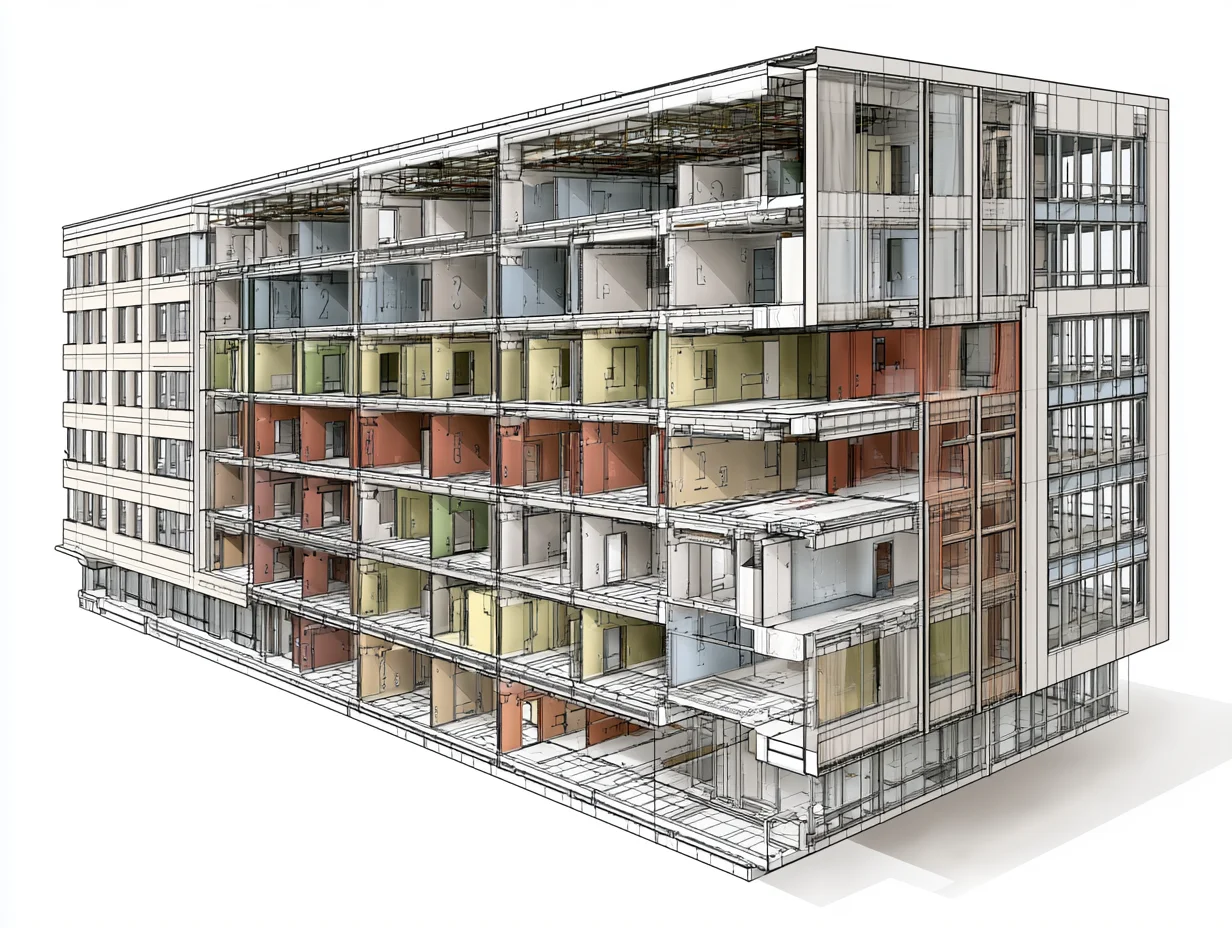
An introduction to computational design shows architecture students how to generate and control building forms through rules, algorithms, and parameters instead of drawing every line by hand. Rather than fixing a single shape, you define relationships between variables, and the software builds the geometry and updates it the moment those inputs change.
What Is Computational Design in Architecture?

Computational design in architecture is a method where geometry comes from algorithms and variable inputs rather than manual drafting. You set parameters such as panel sizes, solar angles, or structural spans, and the system produces forms that follow those rules. Change one input, and the whole model responds. That single behavior is what separates computational workflows from traditional drawing.
It helps to see computational design as a family of related approaches. Parametric design defines relationships between parts. Algorithmic design uses ordered, step-by-step logic to build form. Generative design sets goals and lets the computer produce many options to compare. Parametric architecture sits at the center of this family, so it is usually the first concept students meet.
The shift goes deeper than software. Computational design turns design intent into a system you can adjust and test, which changes how architects make decisions on a project. A closer look at how computational methods reshape architectural practice shows this move from drafting fixed drawings to building flexible, testable models.
How Is Computational Design Different From Traditional CAD?
Traditional CAD and BIM capture a decision you have already made. You draw a wall, a slab, a window, and the file records that chosen solution. Computational design works earlier in the process. Instead of committing to one option and redrawing to test another, you build a definition that can produce hundreds of versions, then read how each one performs against daylight, structure, cost, or site rules.
A short example makes the gap clear. To test five facade patterns in CAD, you draw five facades. With a computational definition, you build the logic once, then move a slider to sweep through every pattern while the panels rebuild automatically. The first method draws results. The second one generates them.
Why Computational Design Matters for Architecture Students
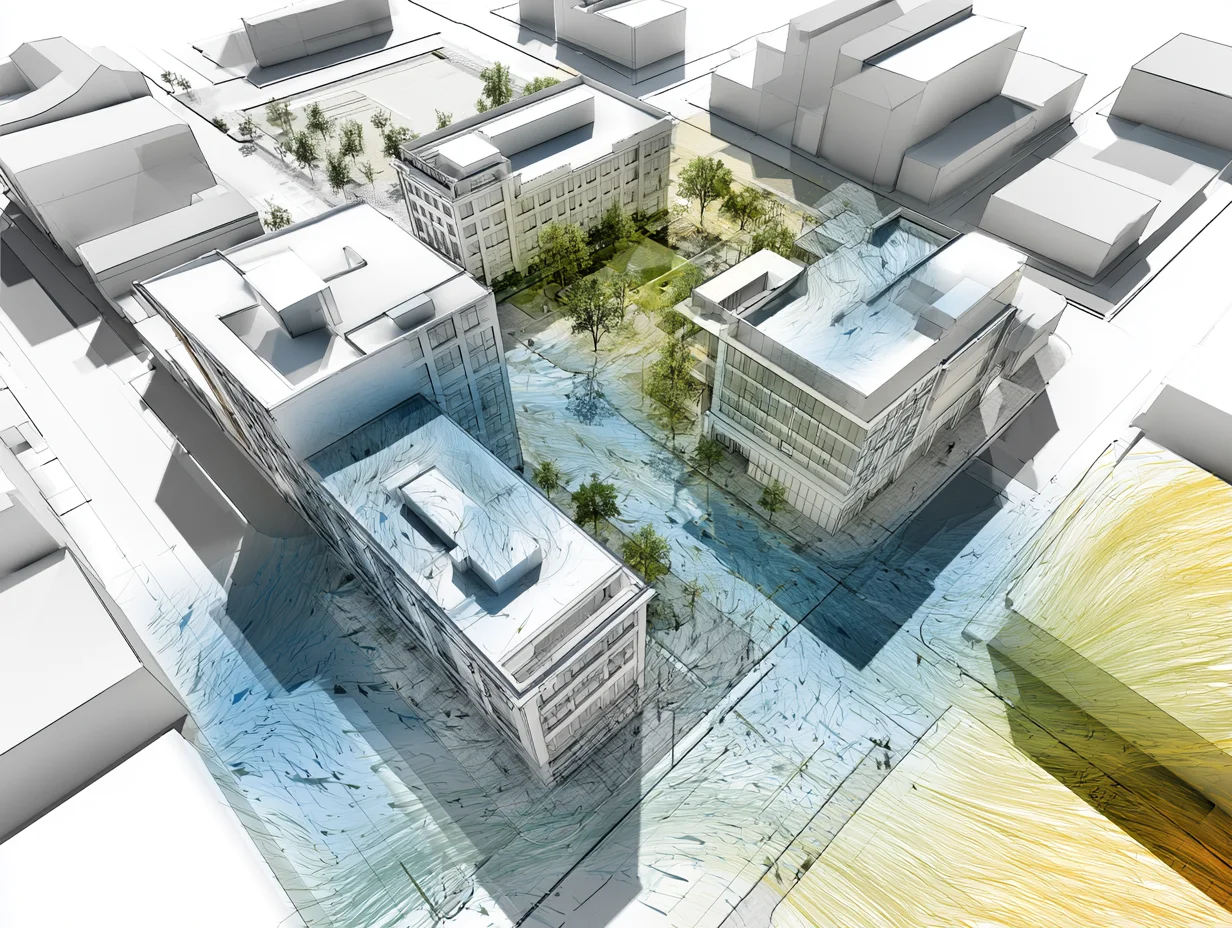
Computational design for architecture students is no longer a niche specialty. It is becoming part of the standard toolkit. Studios increasingly expect parametric models, and job listings for design roles often ask for Rhino and Grasshopper by name. Learning these skills early gives your portfolio a technical depth that purely manual work rarely shows.
The payoff is more than employability. Computational thinking lets you solve problems that manual methods struggle with, like rationalizing a curved surface into buildable panels or optimizing a layout against several constraints at once. Students who understand why these skills matter in practice tend to approach studio projects with sharper, more testable ideas.
Core Concepts Every Beginner Should Know
Computational design basics rest on a few ideas that carry across every tool. Get these straight, and the software becomes much easier to learn.
Parametric thinking means designing with relationships instead of fixed measurements. You decide how parts depend on each other, so adjusting one value updates everything connected to it. Algorithms are the ordered steps that turn those inputs into geometry, whether you build them visually or write them in code.
Two more ideas round out the foundation. Data-driven design uses real inputs, such as sun position, wind, structural loads, or site boundaries, to shape form with evidence rather than guesswork. Generative design goes a step further: you define goals and constraints, and the computer produces and ranks many solutions for you to choose from.
⚠️ Common Mistake to Avoid
Many students treat computational design as memorizing which buttons to press in Grasshopper. The software keeps changing, but the underlying thinking does not. Focus first on the logic of defining rules and relationships, and the specific components will start to make sense far faster than rote memorization ever allows.
Computational Design Tools for Students
You do not need every program on this list. Most students start with one visual scripting tool, learn the logic, then branch out. The table below compares the main computational design tools for students, with notes on what each does best and how steep the climb is.
Comparison of Popular Computational Design Tools
| Tool | Runs With | Best For | Learning Curve |
|---|---|---|---|
| Grasshopper | Rhino | Freeform geometry, facades, fabrication | Moderate |
| Dynamo | Revit | BIM automation, data-driven workflows | Moderate |
| Houdini | Standalone | Procedural, urban-scale geometry | Steep |
| Geometry Nodes | Blender | Free procedural modeling, visualization | Moderate |
Grasshopper is the most common starting point in architecture schools. It runs inside Rhino as a visual editor where you drag components onto a canvas and wire them together, with no coding required. That approach, as its Grasshopper overview notes, opened parametric modeling to designers who had never written a line of code. For a structured walkthrough of how the two work together, see this guide to Grasshopper and Rhino for architects.
If your studio works in Revit, Dynamo brings the same node-based logic into a BIM environment, which is useful for automating documentation and editing model data. Houdini and Blender’s Geometry Nodes sit at the procedural end, handling large or complex geometry that other tools strain under. A wider breakdown of parametric design tools covers pricing and use cases in more detail.
📌 Did You Know?
Grasshopper began in September 2007 as a free experimental plugin for Rhino called Explicit History, written by David Rutten at Robert McNeel and Associates. It stayed a free download for nearly a decade before being bundled directly into Rhino, and that long free period helped it become the standard computational design tool in architecture schools worldwide.
How to Start Learning Computational Design
For most students, an introduction to computational design starts with one visual scripting tool rather than the whole field at once. Pick Grasshopper, learn how visual scripting works, and rebuild simple things you already understand before reaching for complex geometry.
A workable path looks like this: learn the interface and basic components, follow a structured beginner course, recreate a few real definitions step by step, then apply what you know to an actual studio task. Joining an active community speeds this up, since most problems you hit have already been solved and shared. Beyond Grasshopper, it helps to know which other digital tools architecture students rely on, so your computational work connects to the rest of your workflow.
💡 Pro Tip
Before tackling a complex parametric facade, rebuild something you have already modeled by hand, like a simple staircase or a panel grid, as a Grasshopper definition. Recreating a known result teaches you the logic of components and data flow without the pressure of solving a brand new design problem at the same time.
Treat the skill as a long-term investment. The architects who get the most out of computational design are the ones who keep practicing on real work. For a sense of where this can lead, this look at building a career around computational design shows how the skill set opens up specialized roles.
Where to Go From Here
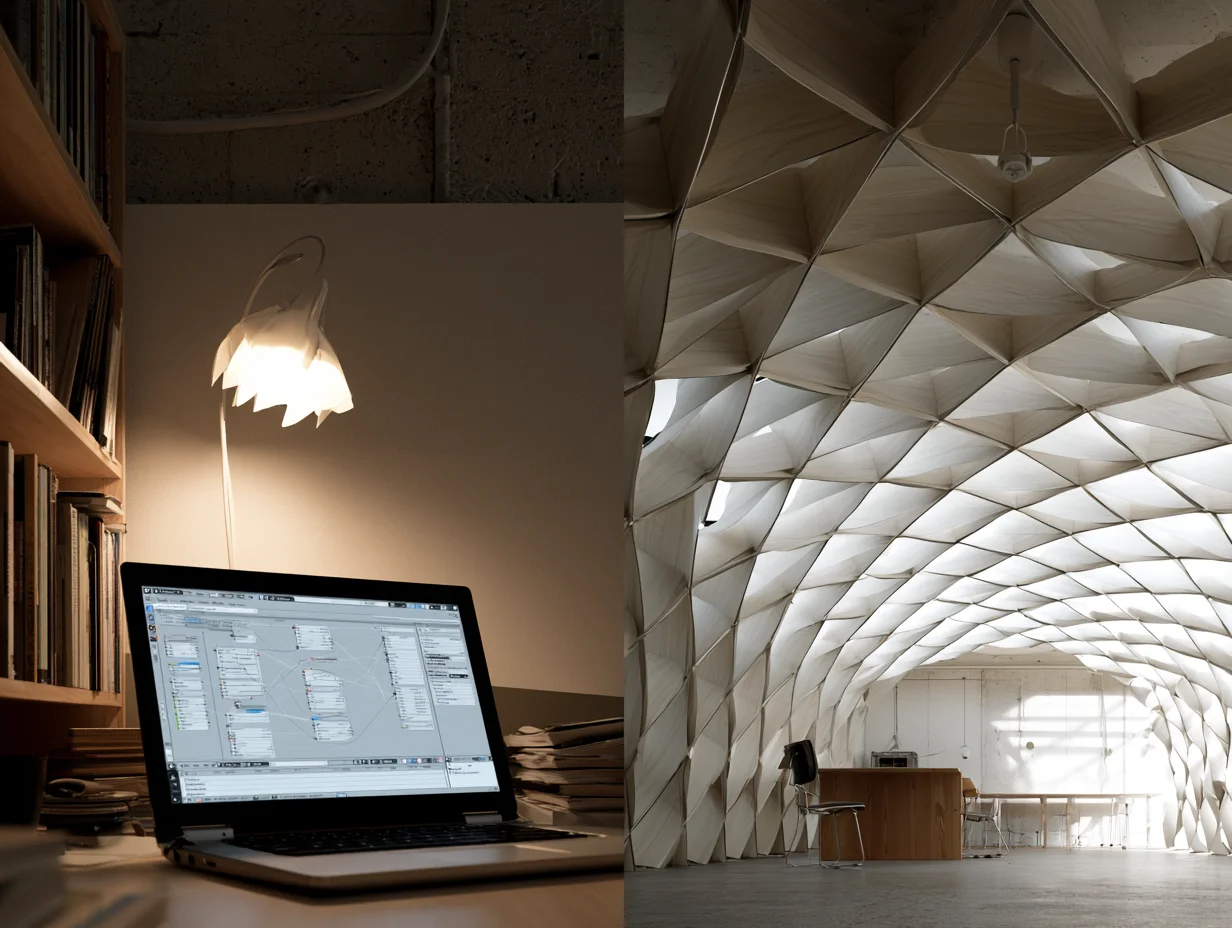
Your Next Step: Install Rhino’s free trial, open Grasshopper, and rebuild one object from a past studio project as a parametric definition this week. A single finished exercise teaches more than hours of watching tutorials, and it leaves you with a working file you can keep building on.
Frequently Asked Questions
Do you need to know how to code to learn computational design?
No. The most common entry tools, Grasshopper and Dynamo, are node-based, so you build logic by connecting components on a canvas instead of writing code. Coding with Python becomes useful later for advanced tasks, but beginners can do a great deal with visual scripting alone.
What is the best computational design software for beginners?
Grasshopper for Rhino is the usual starting point in architecture schools because of its visual interface and large learning community. If your studio is built around Revit, Dynamo is a strong alternative that brings similar logic into a BIM workflow.
Is computational design the same as parametric design?
They overlap but are not identical. Parametric design, which defines relationships between variables, is one part of computational design. Computational design is the broader term that also covers algorithmic and generative methods, simulation, and optimization.
How long does it take to learn computational design?
You can grasp the basics and build simple definitions within a few weeks of steady practice. Real fluency, where you reach for computational methods naturally on studio work, usually takes several months of applying the tools to actual projects.











Leave a comment