



Table of Contents Show
An essential software toolkit for freelance architects includes a BIM or 3D modeling platform, a rendering engine, 2D drafting software, project management and invoicing tools, and a portfolio or presentation application. The right combination depends on project types, client expectations, and budget, but a lean stack of five to eight tools covers most independent practices.
Running a solo architecture practice means wearing every hat: designer, project manager, bookkeeper, and marketing department. The software you choose directly affects how much time you spend on design versus administration. Unlike architects at large firms who rely on IT departments and enterprise licenses, freelancers need tools that are affordable, interoperable, and practical enough to run on a single workstation.
This guide breaks down the software toolkit for freelance architects into clear categories, with specific recommendations, pricing context, and workflow advice drawn from how independent practitioners actually work.
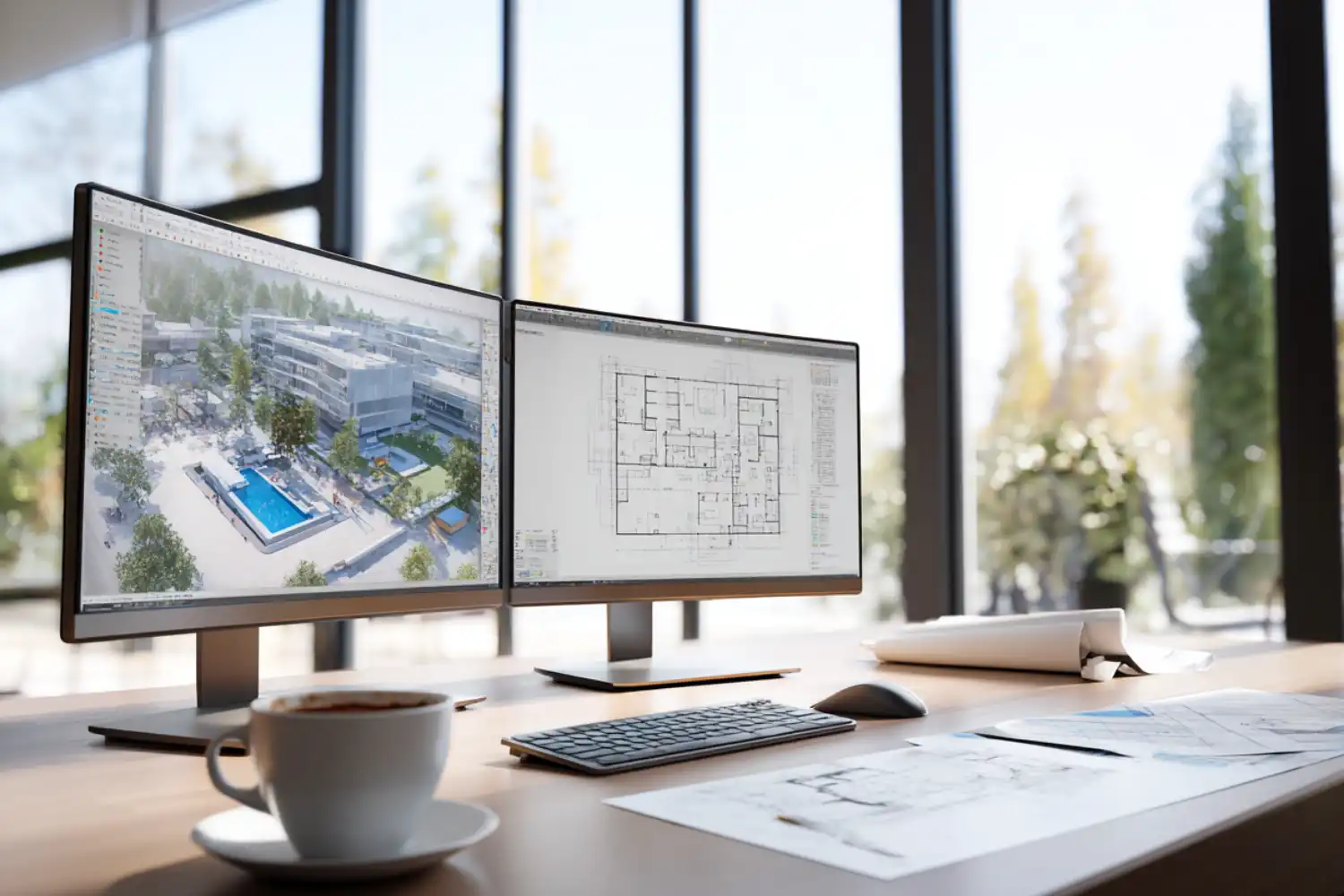
BIM and 3D Modeling Software
Building Information Modeling has become the standard for professional architectural documentation. According to the 2024 AIA Firm Survey Report, 100% of large architecture firms use BIM for billable work, and that expectation increasingly extends to freelance consultants who collaborate with larger teams.
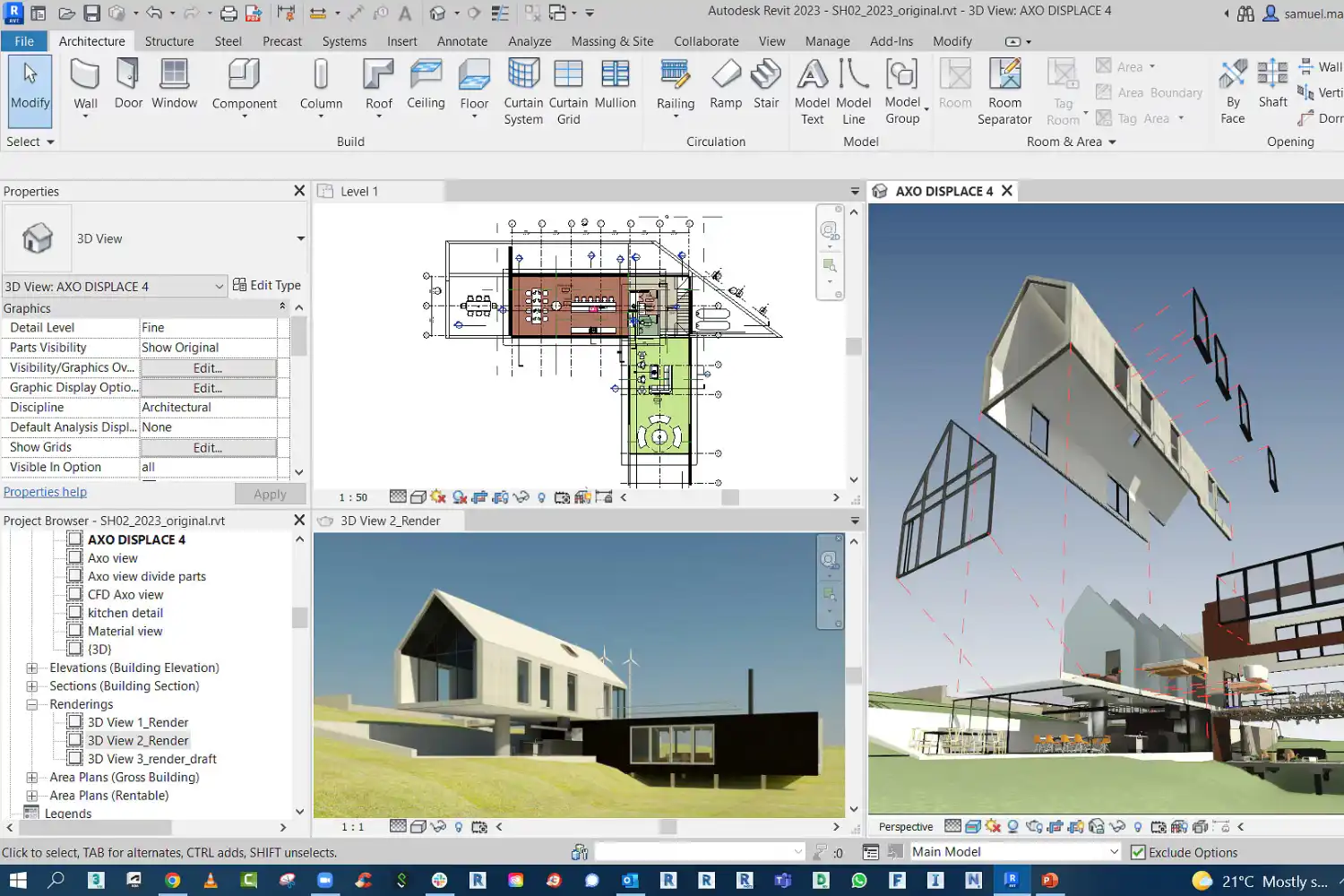
For freelance architects, the two most practical BIM options are Autodesk Revit and Graphisoft ArchiCAD. Revit dominates the U.S. market and is the default when clients or consultants expect native .rvt file exchange. ArchiCAD runs natively on macOS and tends to feel more intuitive for architects coming from a design-focused background. Both generate floor plans, sections, elevations, and schedules from a single model, saving hours of manual drafting.
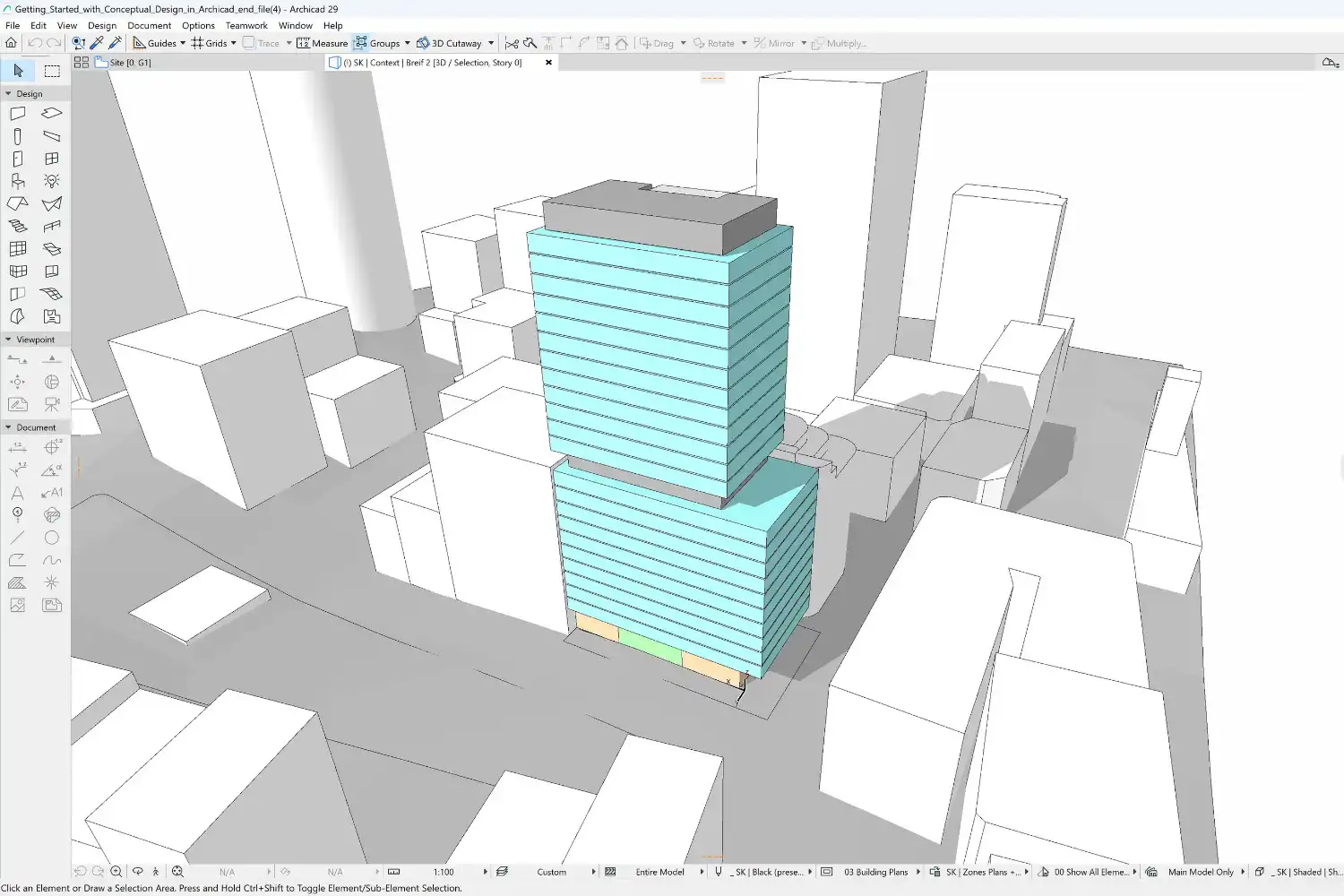
If your projects are smaller in scale or you focus on early-stage concept work, SketchUp Pro offers a faster on-ramp. Its push-pull modeling approach lets you build a recognizable 3D form in minutes, which is ideal for client presentations and initial feasibility studies. SketchUp Pro costs around $399 per year, while SketchUp Studio (bundled with V-Ray) runs about $859 annually (as of September 2026). For a deeper comparison, see our guide on ArchiCAD vs SketchUp.
💡 Pro Tip
If most of your collaborators use Revit but you prefer working on a Mac, consider running Revit through a cloud-based virtual desktop like Frame or Parsec rather than buying a dedicated Windows machine. This keeps your hardware investment low while maintaining full .rvt file compatibility with engineering consultants.
2D Drafting and Technical Documentation
Even with BIM handling most documentation, freelance architects still need a reliable 2D drafting tool for detail work, site surveys, and files received from older projects. AutoCAD remains the industry standard for .dwg files, though its subscription cost (roughly $1,975 per year for the full version) can sting for a one-person office. AutoCAD LT, at around $550 per year, handles most 2D drafting needs without the 3D features.
Budget-conscious freelancers should also consider BricsCAD, which reads and writes .dwg files natively and offers a perpetual license option starting around $700. For architects who only need occasional 2D drafting, the free and open-source LibreCAD can cover simple tasks without any licensing cost.
Rendering and Visualization Tools
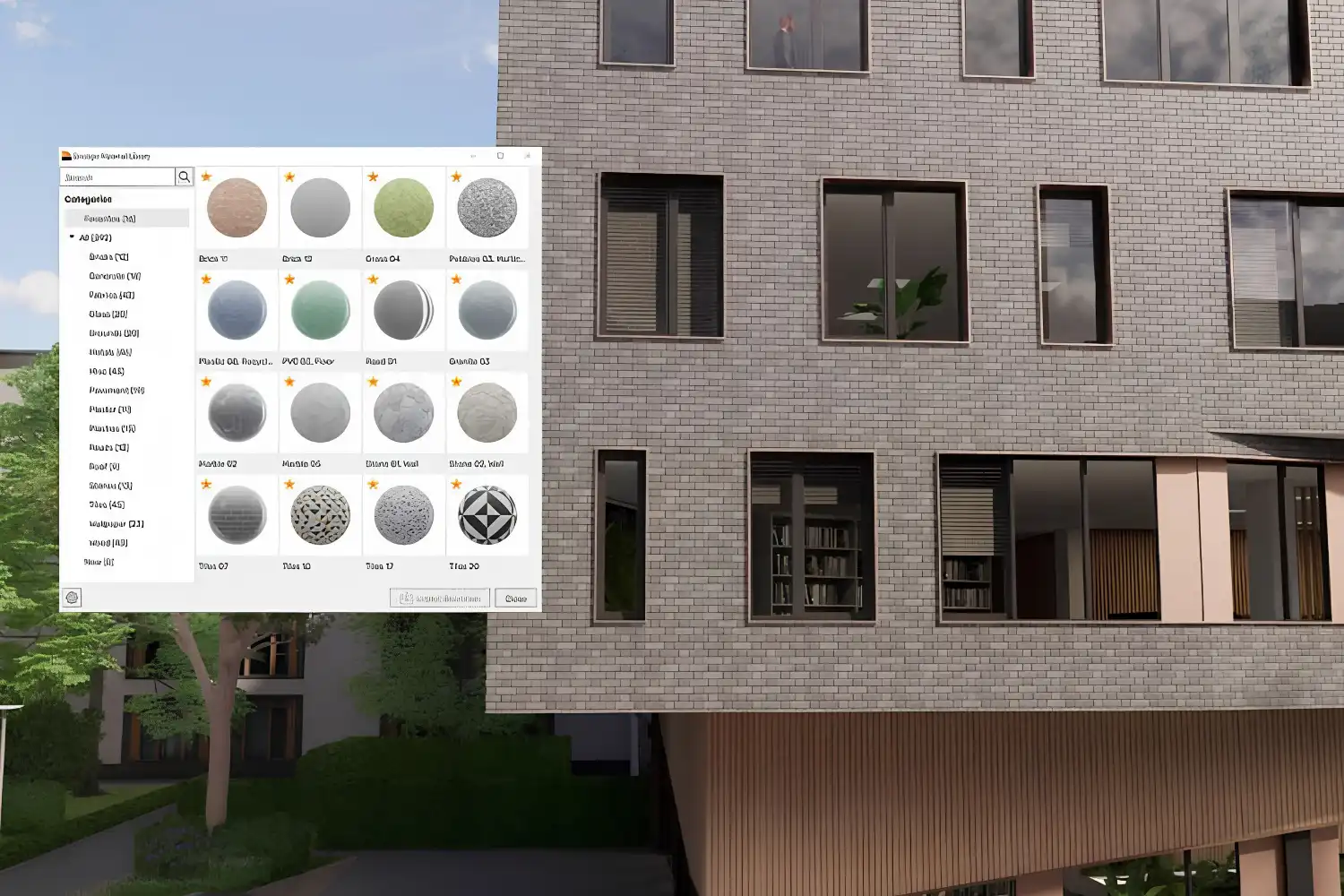
Client-facing visuals win projects. For freelance architects, rendering software needs to produce professional-quality images without requiring a render farm or hours of scene setup. The two most popular options in 2026 are Enscape and V-Ray, both now under the Chaos umbrella.
Enscape works as a real-time rendering plugin for Revit, SketchUp, ArchiCAD, Rhino, and Vectorworks. You get walkthrough-quality visuals while you design, which makes it particularly useful during client meetings. V-Ray produces higher-fidelity output but requires more setup time and rendering patience. Many freelancers start with Enscape for speed and add V-Ray when a project demands photorealistic marketing images.
AI-powered visualization tools are also entering the workflow. Platforms like Veras (integrated with the Chaos ecosystem) generate presentation-quality images from text prompts applied to your 3D model. For a broader overview, check our guide on AI tools for architectural visualization.
🎓 Expert Insight
“Enscape enables designers like me who’re not super good at V-Ray renderings to create renderings quickly. The walkthrough feature is super helpful to walk clients through the building during design presentations.”
Joann Lui, AIA, Architect and Product Marketing Manager at Monograph
This reflects a common pattern among freelancers: choosing rendering tools based on speed and integration with existing software rather than maximum visual fidelity. When you are the only person in the office, every hour spent on post-production is an hour not spent designing.
What About Post-Production Software?
Adobe Photoshop and Adobe InDesign round out the visual communication side of a freelance architect’s toolkit. Photoshop handles image editing, render touch-ups, site plans, and presentation graphics. InDesign is better suited for laying out multi-page documents like design reports, competition boards, and client proposals. Photoshop is included in Adobe’s Photography plan, but InDesign is not; it needs its own subscription or the full Creative Cloud Pro plan.
Some freelancers substitute Affinity Photo and Affinity Publisher to avoid the Adobe subscription model entirely, as both offer one-time purchase pricing and handle most of the same tasks.
How to Choose Between Subscription and One-Time Software
Subscription software (Revit, AutoCAD, Adobe CC) spreads cost over time and guarantees automatic updates. One-time purchases (Rhino, BricsCAD, Affinity) cost more upfront but eliminate recurring fees. For freelancers with uneven income, subscriptions can feel risky during slow months. A practical approach is to subscribe to your primary design tool and buy perpetual licenses for secondary software you use less frequently.
⚠️ Common Mistake to Avoid
Many freelance architects subscribe to the full Autodesk AEC Collection when they only use Revit and AutoCAD. At roughly $4,055 per year, the collection includes Civil 3D, Navisworks, and other tools most solo practitioners never open. Check whether individual subscriptions or Revit alone (around $3,575/year) cover your actual needs before committing to the bundle.
Project Management and Collaboration
Freelancers juggling multiple clients need a system to track deadlines, deliverables, and communication. Dedicated architecture project management platforms like Monograph combine time tracking, fee management, and project phases in one dashboard designed for architects. Monograph ties hours to project budgets so you can see whether a project is profitable in real time.
For simpler needs, general-purpose tools work well too. Notion functions as a flexible workspace for project notes, task lists, meeting minutes, and file organization. Trello or Asana handle task-based workflows with visual boards. Most freelancers find that a single tool covering tasks, notes, and time tracking is more practical than piecing together three separate apps.
Cloud storage and file sharing are equally critical. Google Drive, Dropbox, or iCloud keep project files accessible from anywhere and simplify sharing large BIM models or drawing sets with consultants and clients.
Accounting and Invoicing Software
Financial management is where many freelance architects lose time and money. A proper accounting tool tracks income, expenses, taxes, and client invoices in one place. QuickBooks and Xero are the two most common choices for small practices. Both connect to bank accounts, generate invoices, and produce reports that simplify tax filing.
For architects who only need invoicing without full accounting features, FreshBooks offers a simpler interface with time tracking built in, which is useful if you bill hourly. Whichever tool you pick, the key is to separate business and personal finances from day one, as this single habit saves hours during tax season and protects you during audits.
How Much Should a Freelance Architect Budget for Software?
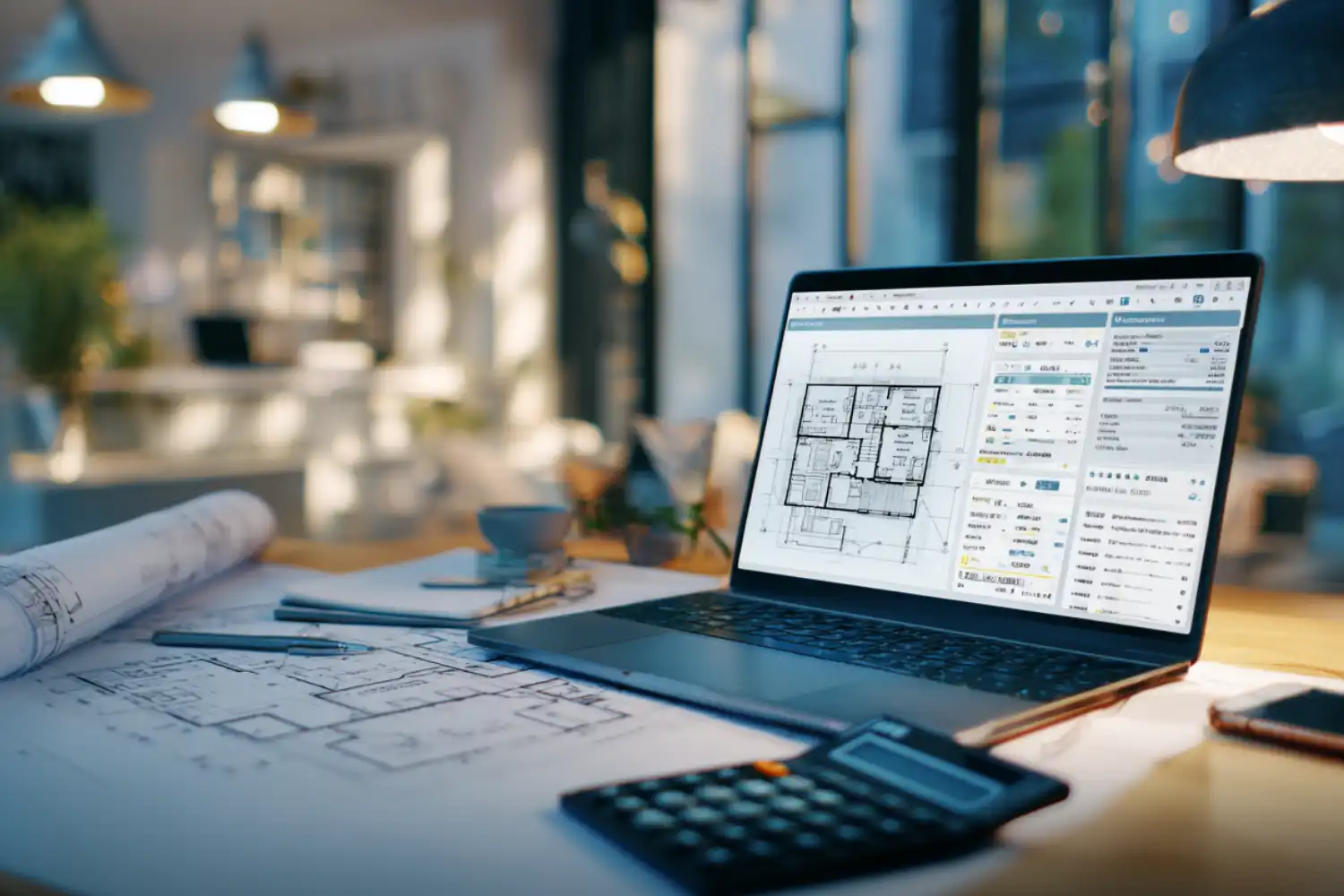
A realistic annual software budget for a solo architecture practice ranges from about $1,350 to $8,000 depending on tool choices. A minimal stack (SketchUp Pro, Enscape, FreshBooks Lite, Notion Plus) costs around $1,350 per year (as of September 2026). A full BIM-based stack (Revit, AutoCAD, V-Ray, Adobe CC, QuickBooks, Monograph) runs about $7,300 at the prices below, and more with a full Creative Cloud plan. The table below shows approximate pricing for common tools.
Freelance Architect Software Cost Comparison
The following table compares approximate annual costs for popular software tools across each category of a freelance architect’s toolkit.
| Category | Tool | Approx. Annual Cost | Best For |
|---|---|---|---|
| BIM / 3D Modeling | Revit | ~$3,575 | Full BIM documentation |
| BIM / 3D Modeling | ArchiCAD | ~$2,800/yr (subscription) | Mac-native BIM workflows |
| 3D Modeling | SketchUp Pro | ~$399 | Concept design, client presentations |
| 2D Drafting | AutoCAD LT | ~$550 | 2D drafting and .dwg compatibility |
| Rendering | Enscape | ~$575 | Real-time client walkthroughs |
| Rendering | V-Ray | ~$540 (Solo) | Photorealistic final renders |
| Post-Production | Adobe CC (Photography) | ~$240 | Image editing, presentations |
| Project Management | Monograph | ~$480 | Architecture-specific PM and billing |
| Accounting | QuickBooks Simple Start | ~$456 | Invoicing, expenses, tax prep |
Prices are approximate as of mid-2026 and vary by region, promotions, and licensing tier. Always verify current pricing on each vendor’s website before purchasing.
Portfolio and Presentation Tools
Your portfolio is your most powerful marketing tool as a freelance architect. Adobe InDesign remains the standard for creating polished PDF portfolios with full control over layout and typography. For web-based portfolios, platforms like Squarespace or Cargo offer architect-friendly templates without requiring coding skills.
When preparing project submissions or competition entries, Canva can fill a gap for quick social media graphics, while InDesign handles the heavy lifting for print-quality boards. For more detailed portfolio guidance, see our architecture portfolio guide and our tips on building a portfolio that gets noticed.
📌 Did You Know?
According to hiring data compiled by ArchDaily, most reviewers at architecture firms spend an average of 10 to 15 minutes on a portfolio during initial screening. That means every page in your portfolio needs to earn its place, and the software you use to produce it matters less than the clarity and curation of the work itself.
AI Tools Entering the Freelance Workflow
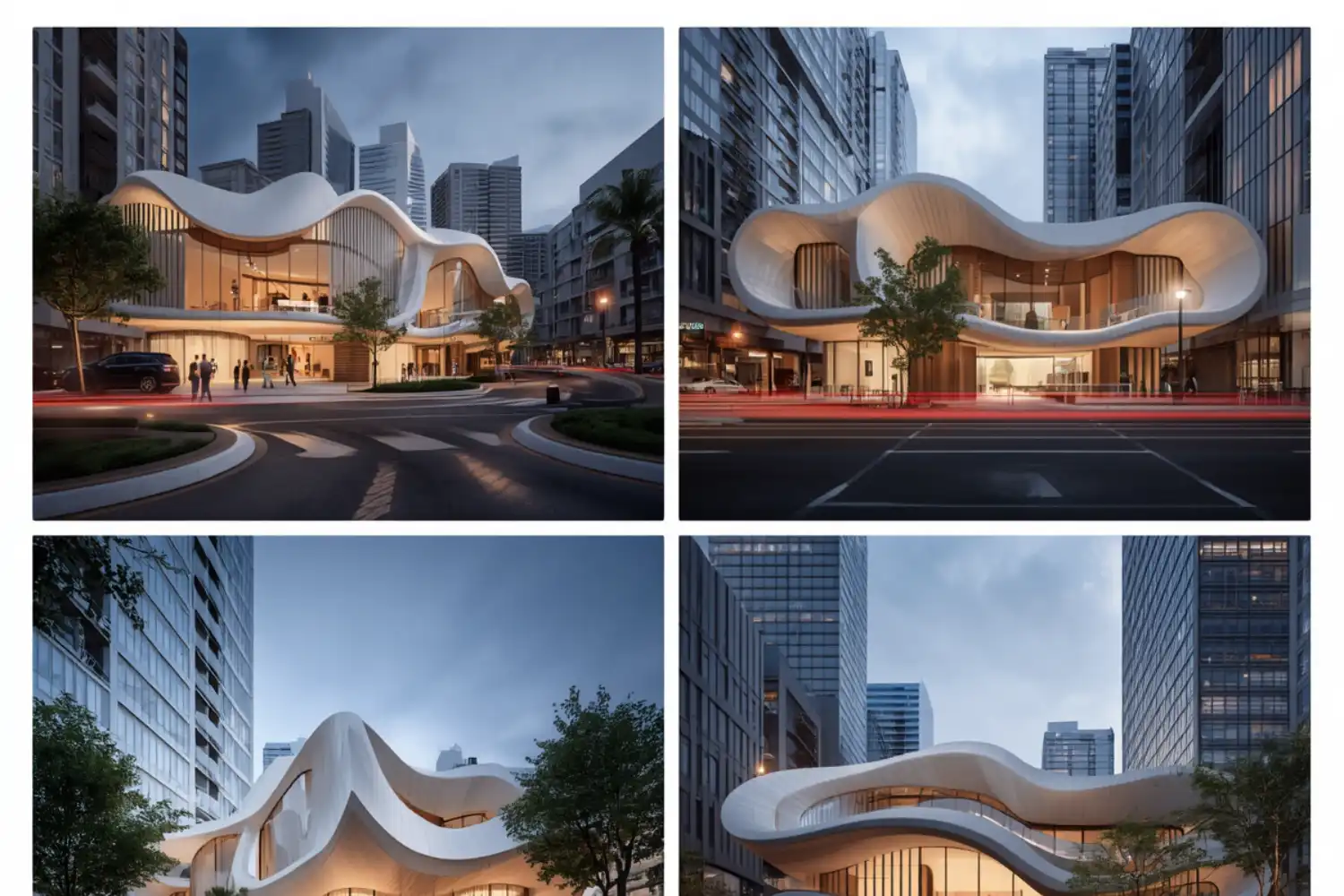
AI-powered software tools for freelance architects are expanding rapidly. The 2024 AIA Firm Survey found that one-third of firms of all sizes now use AI in day-to-day work. For solo practitioners, AI tools are most practical for visualization (Veras, Midjourney for concept explorations), writing (drafting project descriptions, proposals), and site analysis (platforms like Autodesk Forma for solar and wind studies).
The tools are still maturing, but freelancers who experiment with AI for repetitive tasks like generating material schedules, writing specification outlines, or producing early concept imagery can reclaim hours each week. For a detailed look at the options, see our guide on AI tools every architect should know.
💡 Pro Tip
When using AI image generators like Midjourney for client presentations, always label the output as “concept exploration” or “design mood study.” Presenting AI-generated visuals as final renders can mislead clients about material choices and spatial proportions, creating problems later in the project.
Building Your Stack: A Practical Approach
The biggest mistake freelancers make with software is buying everything at once. Start with the tools your current projects demand. If you are doing residential renovations, SketchUp and Enscape may be all you need for modeling and visualization. If you are subcontracting on larger commercial projects, Revit becomes non-negotiable because consultants expect .rvt files.
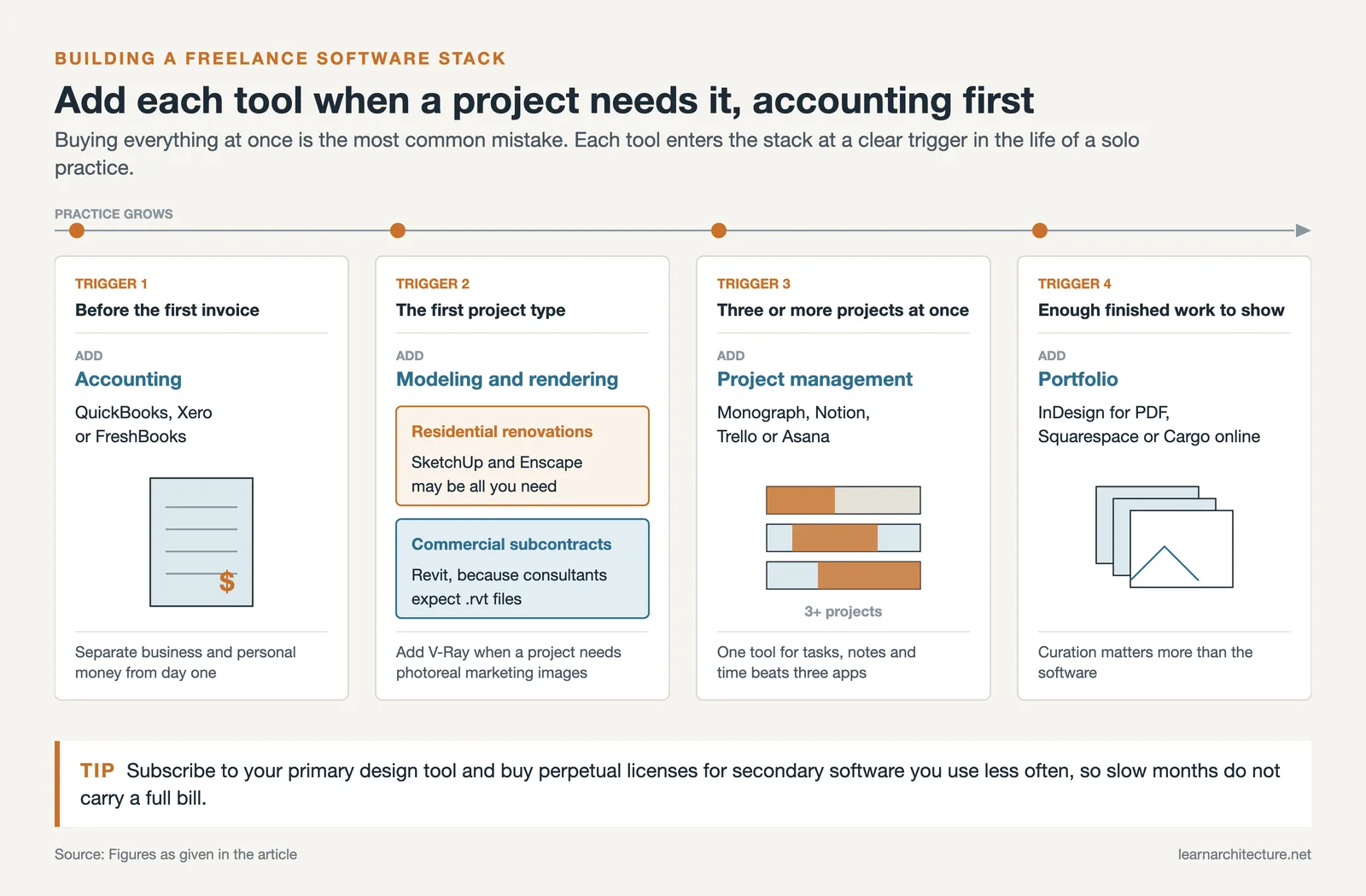
Add tools as your practice grows. Accounting software should come early (ideally before your first invoice). A portfolio tool can wait until you have enough completed projects to show. Project management apps become critical once you are handling three or more concurrent projects.
For a broader look at starting and growing a freelance architecture career, our articles on becoming a freelance architect and tips for freelancing as an architect cover business structure, client acquisition, and pricing strategies.
✅ Key Takeaways
- A freelance architect’s software toolkit should cover five categories: BIM/3D modeling, 2D drafting, rendering, project management, and accounting.
- Revit and ArchiCAD are the leading BIM platforms, while SketchUp Pro serves concept-heavy practices at a lower cost.
- Enscape offers the fastest path to client-ready visuals for solo practitioners; V-Ray adds photorealistic quality when projects demand it.
- Separate business finances from personal accounts early and use accounting software like QuickBooks or Xero from day one.
- Build your stack gradually based on project needs rather than subscribing to every tool at once.
Final Thoughts
The right software toolkit for freelance architects is not about having the most tools. It is about choosing the right combination that matches your project types, your clients’ expectations, and your budget. A lean, well-chosen stack lets you spend more time designing and less time troubleshooting, converting files, or wrestling with software you rarely use. Start with what your projects require today, stay open to new tools as they prove useful, and invest your software budget where it directly improves your output or saves you time.














Leave a comment