


Table of Contents Show
AI rendering uses artificial intelligence algorithms to generate photorealistic architectural visuals from sketches, 3D models, or text prompts. Unlike traditional rendering, which requires hours of manual scene setup, material assignment, and ray tracing, AI rendering compresses this process into seconds or minutes, giving architects faster feedback and more design options at every project stage.
If you have ever spent an entire afternoon waiting for a single V-Ray frame to finish, you already understand why AI rendering is gaining ground so quickly. The technology is not replacing traditional visualization pipelines overnight, but it is reshaping how architects approach concept presentations, client meetings, and design iteration. This guide breaks down what AI rendering actually does, which tools are worth testing, and how to fit them into a real architectural workflow without unrealistic expectations.
What Is AI Rendering in Architecture?
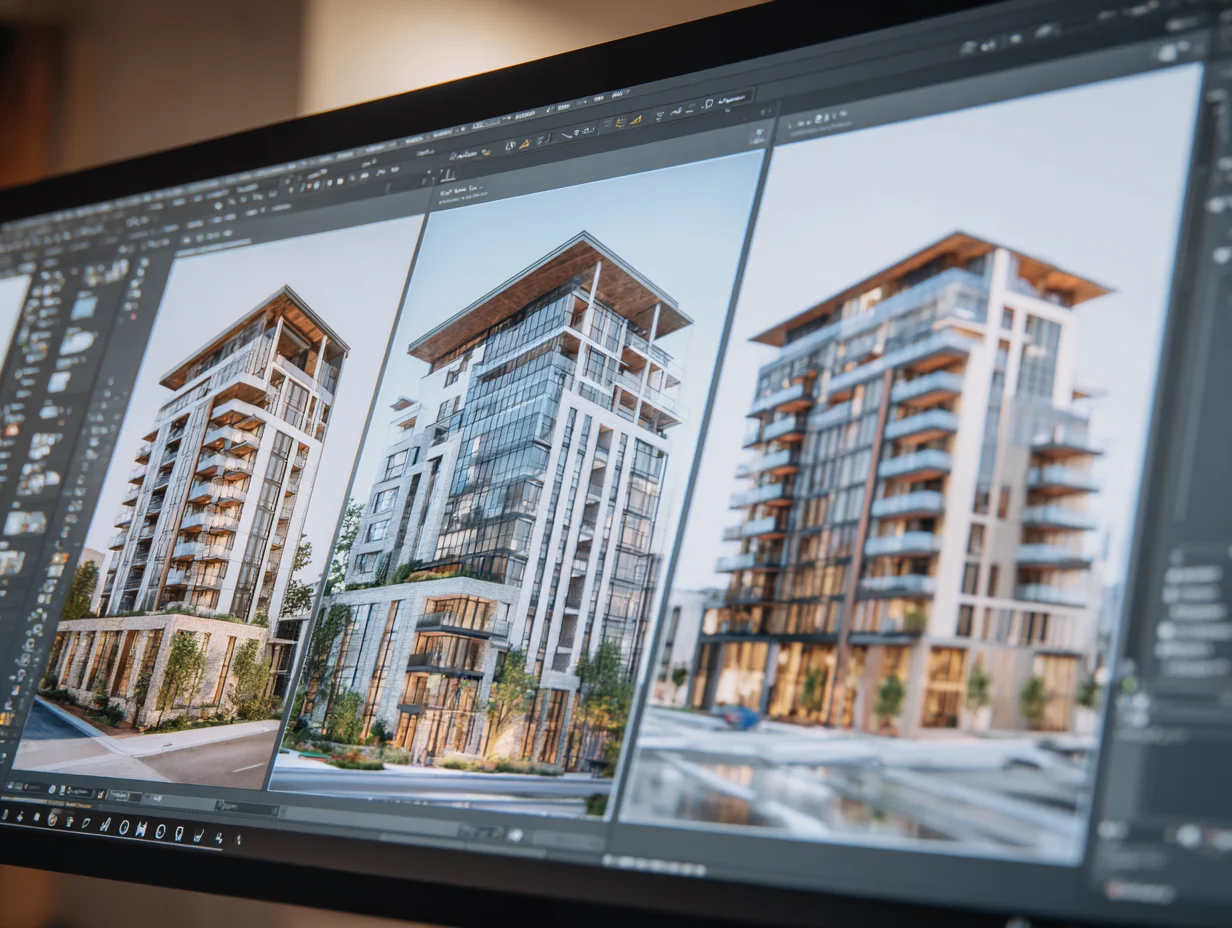
AI rendering refers to software that applies machine learning models to produce architectural images. Some tools generate visuals from text descriptions alone. Others sit inside your BIM application and apply style, lighting, and atmosphere to live model geometry. The core difference from conventional rendering is speed and automation: tasks that once required a dedicated visualization specialist, including material mapping, lighting setup, and post-production, can now be handled partially or fully by the AI.
There are three broad categories of ai rendering tools used in architecture today. BIM-integrated plugins like Veras by Chaos connect directly to Revit, Rhino, or SketchUp and reference your actual model geometry. Standalone sketch-to-render platforms like LookX and ReRender AI accept uploaded images or sketches and return styled renders. Text-to-image generators like Midjourney produce concept imagery from written prompts but have no connection to your model data.
Each category serves a different stage of the design process. Understanding which type fits your workflow matters more than chasing the tool with the most impressive sample gallery. For a deeper breakdown of tool categories and pricing, see our guide to AI tools for architectural visualization.
💡 Pro Tip
Start testing AI rendering at the massing study stage rather than waiting for design development. A rough SketchUp or Rhino model fed through Veras or D5 Render gives clients something tangible to react to in minutes, cutting revision cycles before you commit to detailed modeling.
How Does AI Rendering Differ from Traditional Rendering?
Traditional architectural rendering follows a linear pipeline: build a detailed 3D scene, assign materials and textures, configure lighting, set camera angles, and send the scene to a render engine like V-Ray, Corona, or Enscape. Depending on scene complexity and hardware, a single high-resolution image can take anywhere from 20 minutes to several hours. Animations multiply that time dramatically.
AI rendering software shortcuts much of this pipeline. Instead of manually configuring every material and light source, the AI interprets style cues from text prompts, reference images, or preset atmosphere settings. The output arrives in seconds to minutes rather than hours. The trade-off is control: traditional rendering gives you pixel-level precision, while AI rendering prioritizes speed and iteration over exact accuracy.
For practical purposes, most architecture firms are finding that a hybrid approach works best. AI tools handle early concept imagery and rapid iteration, while traditional renderers produce the final marketing-grade visuals. A detailed look at AI rendering tools for architects on learnarchitecture.net covers how firms blend both approaches.
Comparison of AI Rendering vs Traditional Rendering
The following table highlights the key differences between AI and traditional rendering workflows.
| Feature | AI Rendering | Traditional Rendering |
|---|---|---|
| Render Time | Seconds to minutes | Minutes to hours |
| Geometry Accuracy | Varies by tool (model-linked plugins are more accurate) | Exact match to 3D model |
| Material Control | AI-interpreted from prompts or presets | Manual PBR material setup |
| Learning Curve | Low to moderate | Moderate to steep |
| Best For | Concept design, rapid iteration, client feedback | Final presentations, marketing, construction documentation |
| Cost | Free to $50/month for most tools | $200–$1,000+/year for professional licenses |
📌 Did You Know?
According to a Chaos and Architizer survey of 1,227 architecture professionals, 67% reported satisfaction with AI-generated renderings during initial design phases. However, only 30% considered them adequate for later-stage presentations where geometry accuracy is critical.
Best AI Renderers for Architects in 2026
The best ai renderer for your practice depends on your existing software stack and the project stage where you need the most help. Here are the tools that have proven most useful across different workflow scenarios.
BIM-Integrated AI Rendering Plugins
Veras by Chaos connects to Revit, Rhino, SketchUp, Archicad, and Vectorworks through a plugin. You describe the desired atmosphere and materials using text prompts, and Veras applies those instructions directly to your model geometry. The Geometry Override slider controls how much the AI departs from your design, which is useful for balancing creative exploration with accuracy. Veras works well for architects who need quick concept renders that stay connected to real building data.
D5 Render is a real-time ray tracing renderer with built-in AI features including PBR Material Snap (which generates full material sets from a single reference photo) and AI Atmosphere Match. It connects to SketchUp, Revit, Rhino, ArchiCAD, 3ds Max, Blender, and Cinema 4D through free LiveSync plugins. D5 offers a free Community edition, making it accessible for students and small firms. Our in-depth D5 Render review covers its performance, pricing, and workflow fit in detail.
Standalone Sketch-to-Render Platforms
Platforms like ReRender AI and LookX accept uploaded sketches or basic 3D views and return styled architectural renders. These tools are useful when you want to test visual directions without spending time on full model setup. LookX focuses on early-concept iteration by letting you upload reference images and apply style transfers. ReRender AI works as a browser-based tool that accepts SketchUp and Revit exports directly.
Text-to-Image Generators
Midjourney remains one of the most widely used ai architecture rendering tools among professionals focused on early-stage concept imagery. Its outputs have a distinctive artistic quality suited for mood boards, competition entries, and brainstorming sessions. The key limitation is that Midjourney outputs are completely disconnected from your model geometry, so proportions and structural logic may not be accurate. For a closer look at how Midjourney and similar tools compare, see our roundup of AI tools every architect should know.
🎓 Expert Insight
“We use AI rendering specifically in schematic design to test spatial ideas quickly. It is not about replacing our visualization team but giving the design team direct access to visual feedback before we invest in detailed modeling.” — Licensed architect with 12+ years of practice experience
This reflects a growing pattern across mid-sized firms: AI rendering is entering workflows not as a replacement for traditional tools but as a complement that speeds up early design decisions.
How to Choose the Right AI Rendering Software
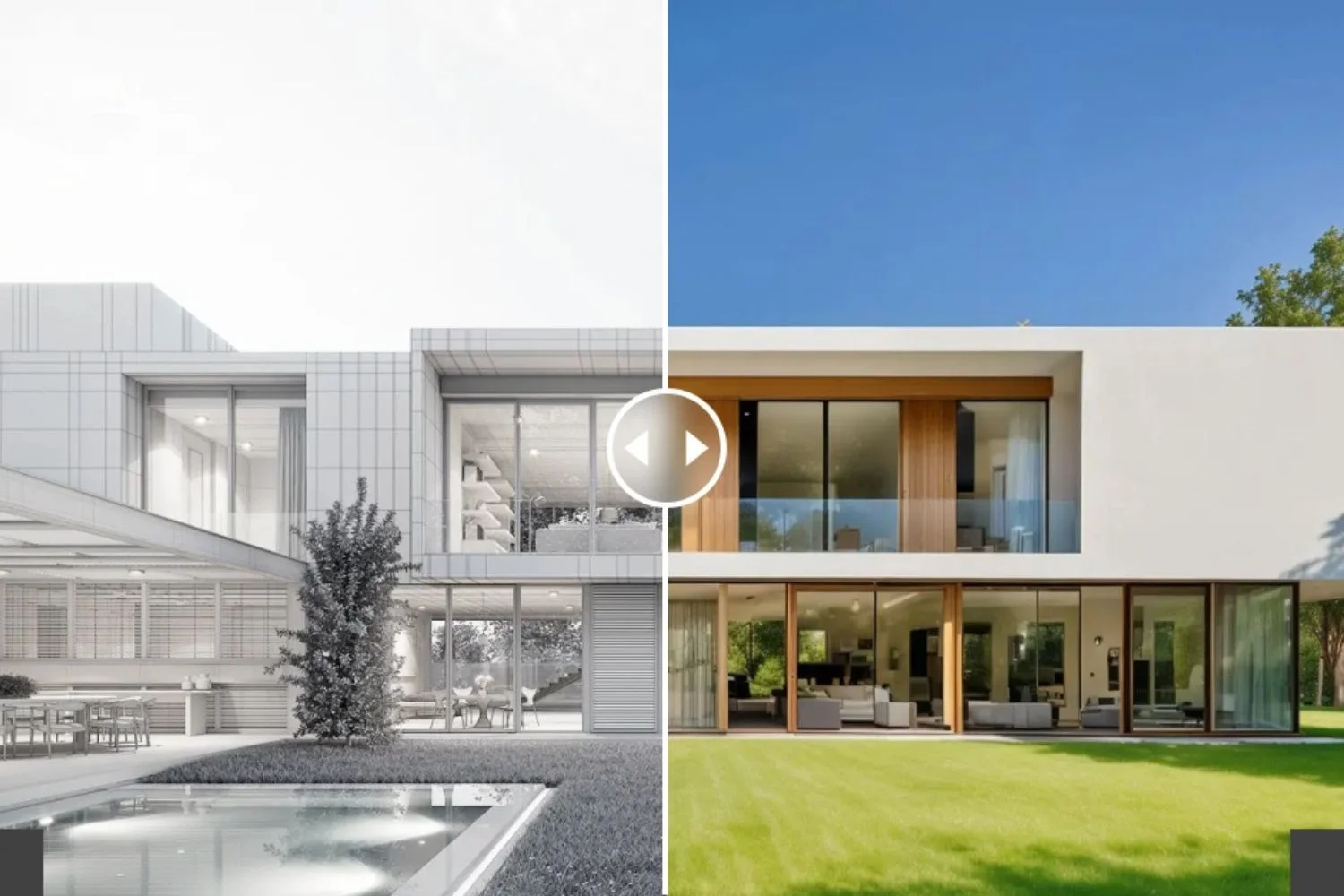
Picking the right ai rendering software comes down to three questions. First, what modeling software does your team already use? A Revit-based practice benefits from Veras or D5 Render with LiveSync, while a SketchUp-heavy studio might start with Enscape or LookX. Second, what project stage needs the most help? If concept presentations eat up your visualization capacity, text-to-image tools offer the fastest relief. If you need faster turnaround on client-ready renders, BIM-integrated plugins are the better investment. Third, what is your budget? Several strong options, including D5 Community, Stable Diffusion, and Blender’s built-in renderer, cost nothing.
Avoid the mistake of evaluating AI rendering tools based solely on their sample galleries. Those images are produced by experienced users with polished prompts and carefully selected outputs. Test each tool with your own models and your own prompts to get a realistic picture of what the output will look like in your day-to-day work.
⚠️ Common Mistake to Avoid
Many beginners treat AI-generated renders as final deliverables and present them to clients without context. AI renderings can invent windows, alter proportions, or add structural elements that do not exist in your design. Always pair AI renders with your actual floor plans or sections, and label them as “concept visualizations” rather than accurate representations of the built outcome.
Step-by-Step: Your First AI Render
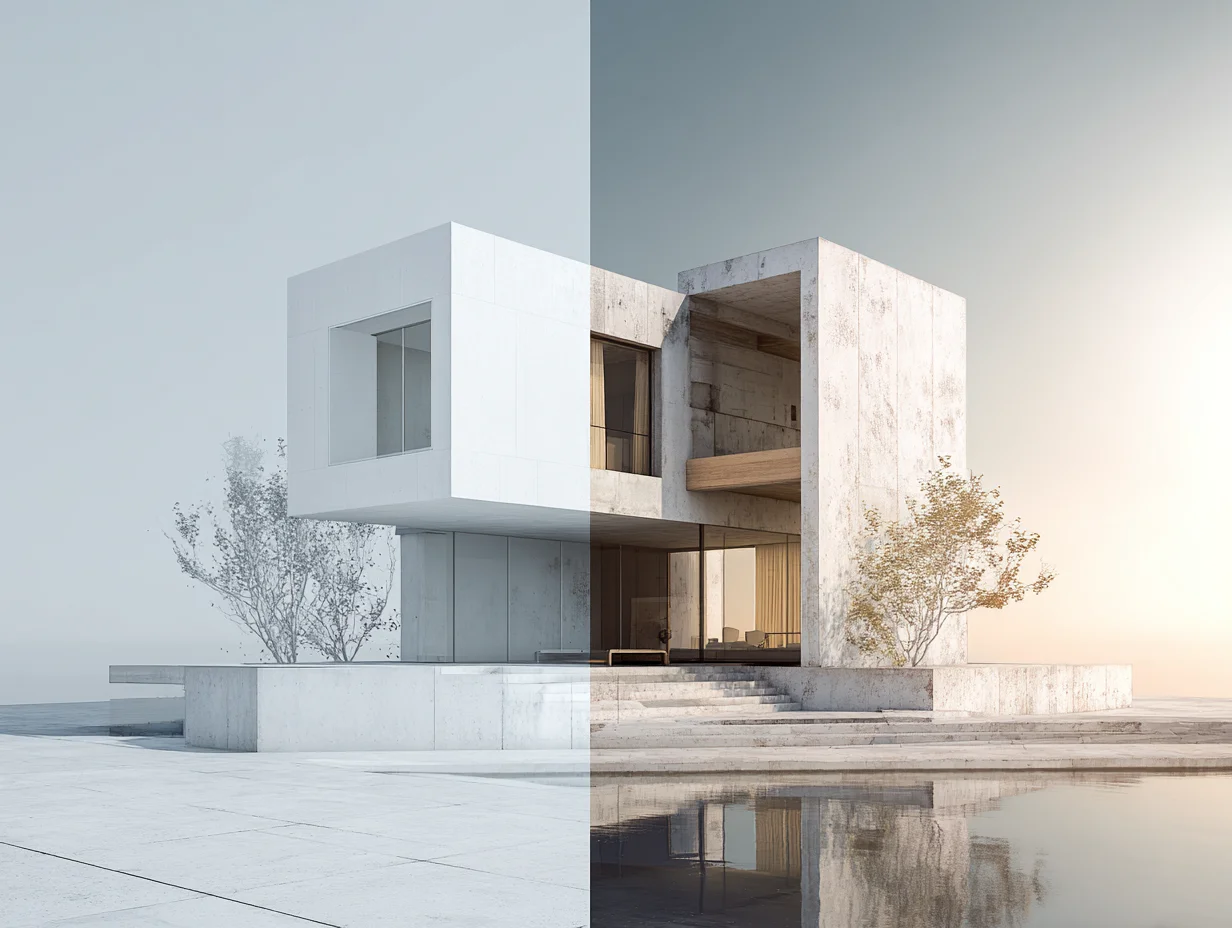
Getting your first architecture ai rendering result does not require advanced skills. Follow this basic workflow to produce a usable concept render within minutes.
Start with a simple 3D model. A basic massing model in SketchUp or Rhino is enough. You do not need detailed interiors, applied materials, or configured lighting. Export the model view as a PNG or JPEG, or if you are using a BIM-integrated tool, connect through the LiveSync plugin.
Next, choose your tool. For a first attempt, D5 Render Community edition (free) or ReRender AI (browser-based, three free renders daily) are the lowest-friction options. If you prefer text-to-image, Midjourney requires a paid subscription and runs through Discord or its web interface.
Write your prompt or select a preset style. Be specific about materials, lighting conditions, and atmosphere. “Modern residential exterior, white concrete and warm wood cladding, golden hour lighting, garden foreground” will produce better results than “nice house render.” For BIM-integrated tools, adjust the style strength slider to keep the output close to your geometry.
Review the output critically. Check for structural impossibilities, altered proportions, and invented details. Run two or three iterations with adjusted prompts before selecting your best result. Save the prompt text alongside the image so you can reproduce similar results later.
💡 Pro Tip
Keep a prompt library. Every time you get a result you like, save the exact prompt text, the tool used, and the settings applied. Over weeks, you will build a reference set that makes future renders faster and more consistent. Many firms maintain shared prompt documents so the entire team can draw on proven formulas.
Where AI Rendering Fits in the Design Workflow
AI rendering architecture tools are most valuable in three moments of the design process. During the schematic design phase, text-to-image generators and sketch-to-render platforms help test visual directions without committing hours to detailed modeling. During design development, BIM-integrated plugins produce quick renders that keep pace with evolving model geometry. During client presentations, AI renders serve as supplementary visuals that communicate mood, material palette, and spatial character alongside your technical drawings.
The technology is less suited for construction documentation visuals, marketing materials that require exact material and furniture specifications, or competition submissions where judges expect precise architectural accuracy. For those deliverables, traditional renderers like V-Ray, Corona, or Enscape remain the standard. Understanding this boundary helps you invest time in the right tool for each task. Our guide on how to use AI in architecture design covers workflow integration in greater depth.
Video: AI Rendering Tools for Architects
This video by Melos Azemi walks through four practical AI rendering tools and demonstrates real-time workflows relevant to architectural visualization.
AI Rendering Limitations and What to Watch For
AI renderings look impressive at first glance, but they carry specific risks that architects need to manage. The most common issue is geometric inaccuracy. Text-to-image tools like Midjourney can change window counts, alter facade proportions, or introduce structural elements that would be impossible to build. Even model-linked tools like Veras may soften edges or shift geometry depending on the style strength setting.
Copyright and intellectual property questions around AI-generated images are still evolving. Some competition organizers and clients have started requesting disclosure of AI tool usage. If you plan to use ai renderings in published materials or submissions, check the licensing terms of the tool you used and any applicable client or competition requirements.
Hardware requirements vary. Cloud-based tools like ReRender AI and Midjourney run on remote servers, so your local machine does not matter. GPU-dependent tools like D5 Render require a dedicated NVIDIA graphics card with at least 6 GB of VRAM for usable performance. Before committing to a tool, verify that your workstation meets the minimum specifications.
🔢 Quick Numbers
- The global AI rendering market was valued at $2 billion in 2025 and is projected to reach $4.94 billion by 2029, growing at a 25.3% CAGR (Research and Markets, 2025)
- 67% of architecture professionals reported satisfaction with AI renderings during initial design phases (Chaos and Architizer Survey, 2024)
- The generative AI in architecture market is expected to grow from $2.07 billion in 2026 to $8 billion by 2030 at a 40.2% CAGR (Research and Markets, 2026)
✅ Key Takeaways
- AI rendering generates architectural visuals in seconds to minutes instead of hours, using machine learning to automate material, lighting, and style decisions.
- Three tool categories exist: BIM-integrated plugins (Veras, D5 Render), standalone sketch-to-render platforms (LookX, ReRender AI), and text-to-image generators (Midjourney, Stable Diffusion).
- The best results come from a hybrid approach: AI for early concepts and rapid iteration, traditional renderers for final marketing-quality deliverables.
- Always label AI-generated images as concept visualizations and pair them with actual architectural drawings to prevent client misunderstandings.
- Start with free tools like D5 Community or ReRender AI to test the technology before investing in paid subscriptions.
Final Thoughts
AI rendering for architecture is not a future possibility; it is a working tool that thousands of firms already use daily. The technology is strongest in early design stages where speed and iteration matter more than pixel-perfect accuracy. As the tools improve and more plug directly into BIM workflows, the gap between AI-generated and traditionally rendered output will continue to narrow. The architects who benefit most are those who test these tools now, learn their strengths and limits firsthand, and build them into their processes before they become an expected standard.
For more on AI-powered design tools beyond rendering, explore our guide on AI-powered architecture design software and the full architectural visualization workflow breakdown.
FAQ
What is the best free AI rendering tool for architecture students?
D5 Render Community edition is one of the strongest free options. It offers real-time ray tracing, AI-powered material generation, and LiveSync with popular modeling software including SketchUp, Revit, and Rhino. Stable Diffusion is another free option for text-to-image generation, though it requires more technical setup.
Can AI rendering replace traditional rendering software like V-Ray?
Not yet for all use cases. AI rendering excels at concept-stage visualization and rapid iteration, but traditional renderers still produce more accurate and controllable results for final presentations, marketing materials, and construction documentation. Most firms use both in parallel.
How long does it take to learn AI rendering as a beginner?
Most architects can produce their first usable AI render within an hour of signing up for a tool like D5 Render or ReRender AI. Becoming proficient with prompt writing and understanding how to control output quality typically takes two to four weeks of regular practice.
Do I need a powerful computer for AI rendering?
It depends on the tool. Cloud-based platforms like Midjourney and ReRender AI run on remote servers, so any computer with a web browser works. Local tools like D5 Render require a dedicated NVIDIA GPU with at least 6 GB of VRAM. Check each tool’s system requirements before downloading.
Is AI-rendered imagery acceptable for architecture competitions?
Policies vary by competition. Some organizers now require disclosure of AI tool usage, while others have placed restrictions on AI-generated submissions. Always check the specific competition guidelines before including AI renders in your entry.








Leave a comment