


Table of Contents Show
AI tools for architectural visuals let architects generate photorealistic renders, concept images, and design variations in minutes rather than hours. These platforms range from BIM-integrated plugins that read your 3D model geometry to standalone image generators that turn text prompts into atmospheric scenes, each suited to a different stage of the design workflow.
The speed at which AI is changing architectural practice has made visualization one of the fastest-moving categories in design technology. A 2024 survey by Chaos and Architizer covering 1,227 architecture professionals found that 46% already use AI tools in their projects, with an additional 23% planning to adopt them soon. For most firms, visualization is where AI adoption begins.
But choosing the right tool is harder than it looks. Some AI architecture tools generate beautiful images that ignore your actual building geometry. Others stay faithful to your 3D model but offer limited style control. The five tools below cover the full spectrum, from concept-stage exploration to design development renders, so you can match each one to the project phase where it adds real value.
1. Midjourney: Best AI Architecture Tool for Concept Imagery
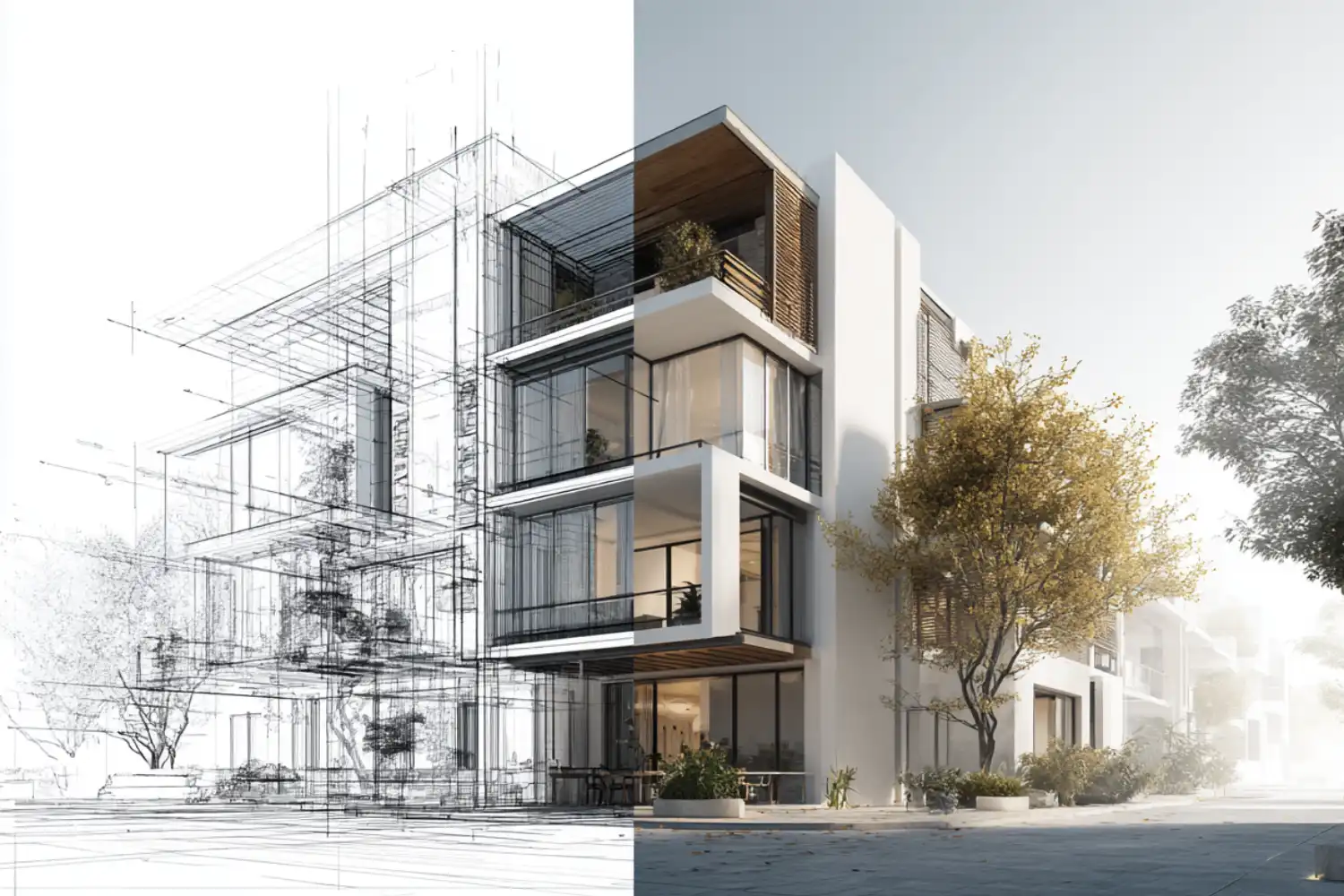
Midjourney remains the most popular text-to-image AI tool among architects focused on early-stage concept visuals. You describe a scene through a text prompt, specifying materials, lighting, perspective, and mood, and the platform generates images with a distinctive artistic quality that works well for mood boards, competition entries, and client brainstorming sessions.
The strength of Midjourney lies in its atmospheric output. Architect and AI artist Hassan Ragab has demonstrated how skilled prompting can push concept ideation far beyond what standard reference searches offer, blending architectural styles and testing spatial ideas at speed. For firms that need to show clients a visual direction before any 3D modeling begins, Midjourney fills that gap effectively.
⚠️ Common Mistake to Avoid
Many architects present Midjourney-generated images to clients without clarifying that these are concept explorations, not renderings of the actual design. Because the AI invents geometry, proportions, and structural details, clients can fixate on elements that were never part of the real project. Always label AI-generated visuals as “concept explorations” and show your actual floor plans or sections alongside them.
The main limitation is that Midjourney outputs are completely disconnected from your model geometry. The AI may alter proportions or introduce structural impossibilities. Pricing starts at $10/month for the Basic plan, with higher tiers offering faster generation and more concurrent jobs.

2. Veras: Best AI Tool for Architecture Rendering Within BIM
Veras, developed by EvolveLAB and now part of the Chaos ecosystem, works as a plugin for Revit, SketchUp, Rhino, Vectorworks, and Archicad. Instead of generating images from scratch, Veras applies materials, lighting, and environmental effects onto your existing 3D model. This keeps proportions and spatial relationships intact, which is critical once you move past the concept phase.
The Geometry Override Slider is what sets Veras apart from other AI tools for architecture design. Set it low, and you get a faithful interpretation of your design with new materials and atmospheric effects. Set it higher, and Veras takes more creative liberties, which is useful for early massing studies. The Render Seed feature locks in a style so you can apply it across multiple views, keeping your entire presentation deck visually consistent.
💡 Pro Tip
Start using Veras at the massing study stage rather than waiting for design development. Quick conceptual renders from rough SketchUp or Rhino models give clients something tangible to react to, which reduces revision cycles later. Most firms report the best results with a hybrid approach: AI renders for early presentations, traditional renderers like V-Ray for final marketing shots.
Veras is available as a standalone subscription or bundled with Enscape through the ArchDesign Collection. This combination gives you both real-time rendering and AI visualization in one package.
3. D5 Render: Best Free AI Architectural Rendering Tool
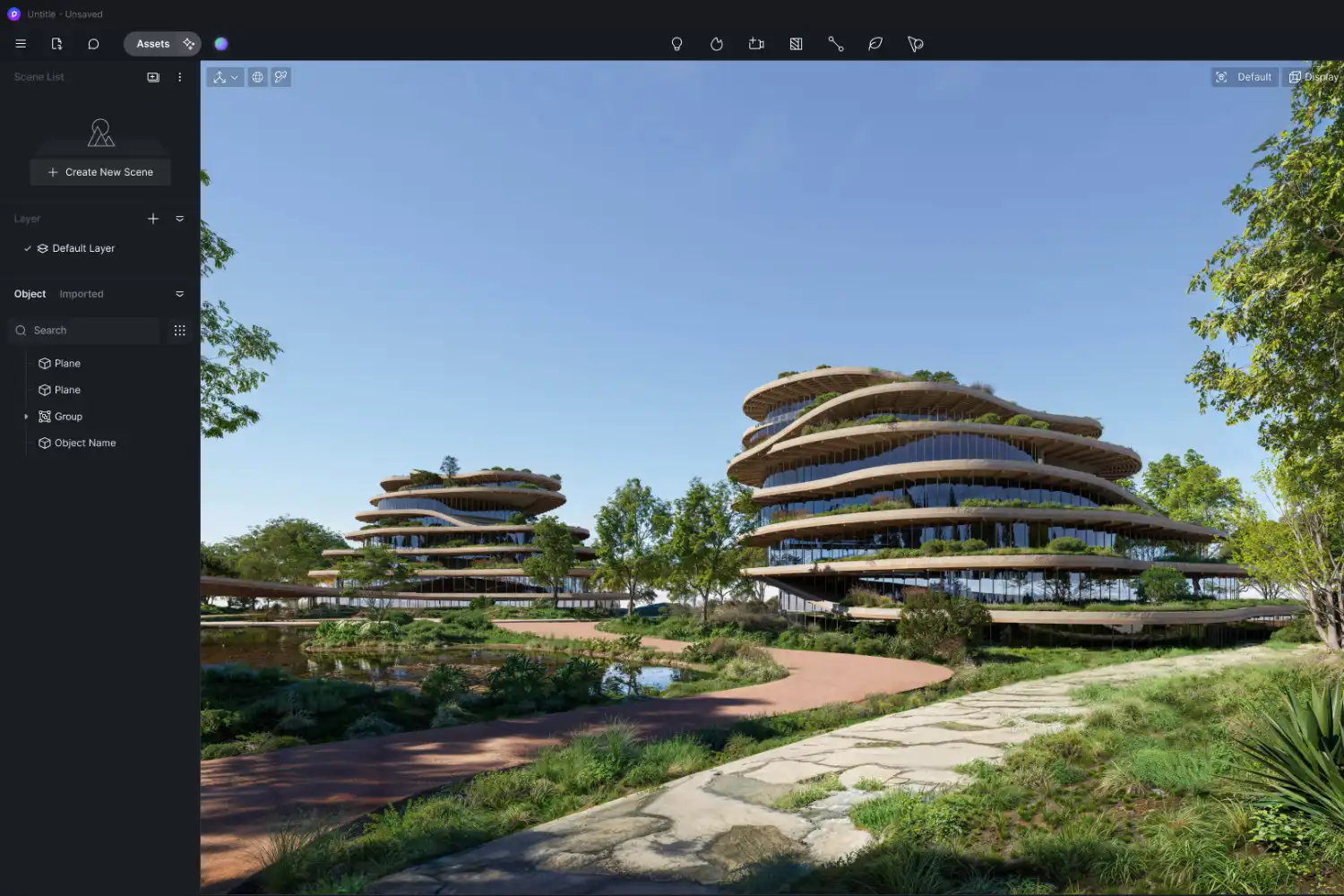
D5 Render combines GPU-accelerated real-time rendering with a growing set of AI features: generated texture maps, an AI enhancer for upscaling output quality, style transfer, atmosphere matching, and inpainting for quick edits. The platform integrates with SketchUp, Rhino, Revit, Blender, and ArchiCAD through its Livesync feature, which pushes real-time updates between your modeling software and the rendering viewport.
What makes D5 Render stand out among architectural AI tools is its free Community version. For students, freelancers, and small firms testing AI-assisted rendering for the first time, D5 offers a genuine entry point with no upfront cost. The asset library includes over 15,000 models, textures, and scene elements, which means you can populate and refine a scene in minutes rather than hours. The Pro version adds higher output resolution, priority rendering, and commercial licensing.
D5 Render fits best during design development, where you need renders that stay connected to your model while still benefiting from AI-driven material and lighting suggestions.
4. Stable Diffusion: Best Open-Source AI Tool for Architecture
Stable Diffusion is the most customizable option on this list. As an open-source platform, it allows architects to train or use specialized model checkpoints tuned for specific architectural styles. Several architecture-focused plugins, including community-built extensions for facade generation and interior styling, are built on this technology.
Firms working with parametric design workflows have found Stable Diffusion especially useful for visualizing algorithmic forms that other AI tools struggle to interpret correctly. The trade-off is a steeper learning curve. You need some comfort with installing local software, managing model files, and writing prompts with technical parameters. For architects willing to invest that setup time, the level of control and zero ongoing subscription cost make it a strong choice.
🔢 Quick Numbers
- 46% of architects already use AI tools in their projects (Chaos & Architizer Survey, 2024)
- 86% of architects using AI report significant time savings (Chaos & Architizer Survey, 2026)
- The generative AI in architecture market is projected to reach $5.85 billion by 2029 (The Business Research Company, 2025)
Stable Diffusion runs locally on your hardware, which means your design data never leaves your machine. For firms handling confidential project work, this privacy advantage is significant. Several AI tools for architects now build on Stable Diffusion’s architecture, including some BIM-integrated rendering plugins.
5. Adobe Firefly: Best AI Tool for Architectural Post-Production
Adobe Firefly integrates into Photoshop and Illustrator through features like Generative Fill, Generative Expand, and text-to-image generation. For architects, Firefly is most useful during the post-production phase: extending backgrounds, swapping materials on rendered images, generating textures, and creating concept art from text prompts without leaving the Adobe environment.
Because Firefly sits inside tools that many architects already use for presentation boards and visualization delivery, it adds AI capability to an existing workflow rather than introducing a new platform. Adobe offers free generative credits with Creative Cloud subscriptions, so firms already paying for Photoshop can start using Firefly immediately.
Firefly works best as a finishing tool rather than a primary render engine. Use it to refine images generated by Midjourney or traditional renderers, adjust vegetation and context in exterior shots, or quickly test material variations on a completed render.

Comparison of AI Tools for Architectural Visuals
The following table breaks down how each tool fits into a typical design workflow:
| Tool | Best For | BIM Integration | Starting Price | Learning Curve |
|---|---|---|---|---|
| Midjourney | Concept imagery, mood boards | None | $10/month | Low |
| Veras | BIM-connected design renders | Revit, SketchUp, Rhino, Archicad | Bundled with Enscape | Low |
| D5 Render | Real-time rendering with AI features | SketchUp, Rhino, Revit, Blender | Free (Community) | Medium |
| Stable Diffusion | Custom style control, privacy | Via community plugins | Free (open-source) | High |
| Adobe Firefly | Post-production, material swaps | None (Photoshop-based) | Included with Creative Cloud | Low |
How to Choose the Right AI Tool for Architecture Rendering
The right tool depends on where you are in the project. For early concept design, text-to-image tools like Midjourney or open-source platforms like Stable Diffusion deliver the fastest results. You can test spatial ideas, lighting moods, and material palettes before opening your CAD software. For design development, BIM-integrated options like Veras or D5 Render maintain a direct connection to your model geometry, so changes in your plans update your renders automatically.

For final presentations, most firms still pair an AI tool with a traditional renderer like V-Ray or Corona. The AI handles rapid iteration during the design phase, while the traditional engine delivers the pixel-perfect control needed for marketing materials. Adobe Firefly then adds a finishing layer during post-production. This hybrid approach is becoming the standard workflow across the industry.
🎓 Expert Insight
“AI rendering is not about replacing the architect’s eye. It is about giving the architect 50 options to choose from instead of three.”
Marco Iannelli, Sonnentag Architektur
Iannelli’s point reflects how many firms now use AI tools for architectural visuals: not as a replacement for professional rendering, but as a way to multiply design options during the iterative phase and arrive at stronger final concepts faster.
Budget also matters. Stable Diffusion and D5 Render’s Community version are free. Midjourney starts at $10/month. Veras comes bundled with Enscape subscriptions. Adobe Firefly is included with existing Creative Cloud plans. For a small firm, you can build a complete AI visualization pipeline for under $30/month by combining a free tool with one paid subscription.
Video: 10 AI Tools Architects Should Know in 2026
This video by Salmaan Mohamed walks through practical AI tools for architects, covering concept design, rendering, and planning workflows with real use cases and no coding required.
What Architects Should Know Before Using AI Visuals
AI-generated architectural images raise questions that firms need to address before adopting these tools at scale. Copyright is the most immediate concern. As of 2026, most jurisdictions require human authorship for a work to receive full copyright protection. Images generated entirely by AI may not qualify, which means they are better suited as internal design aids or concept explorations rather than as final deliverables you plan to license or publish.
Accuracy is another factor. Text-to-image tools like Midjourney can produce structures that look convincing but violate basic engineering principles. BIM-integrated tools like Veras avoid this problem by reading your actual model, but they still apply AI-generated materials and lighting that may not match real-world specifications. Always verify critical details like material finishes and structural elements against your project documentation before presenting AI renders to clients.
For architects building their visual skills alongside AI tools, a strong architectural portfolio still depends on showing your design process, not just polished final images. AI-generated renders work best as supporting material within a broader narrative of your design thinking. Firms reviewing portfolios want to see how you solve problems, and AI visuals are one tool in that communication, not a substitute for it.
The broader landscape of AI architectural visualization tools continues to expand rapidly. New platforms launch regularly, and existing ones push updates that change their capabilities every few months. Checking pricing and features directly on official websites before committing to a subscription is always worth the time.
Pricing and feature availability for AI rendering tools change frequently as these platforms evolve. Always verify current plans on the official websites before committing to a subscription.









Leave a comment