


Table of Contents Show
Digital drawing vs hand drawing is one of the most common debates in architectural practice. Hand sketches bring warmth and spontaneity to early concepts, while digital rendering delivers photorealistic accuracy for client approvals and marketing. The best architects know how to pick the right method for each stage of a project, and the answer is rarely one or the other.
Every architectural presentation has a goal: communicate a design idea to a specific audience at a specific moment. A freehand perspective sketch pinned to a corkboard during a design charrette does something fundamentally different from a ray-traced interior render embedded in a client proposal. Understanding when hand drawing vs digital rendering adds the most value is a skill that separates experienced architects from those who default to one medium out of habit. The sections below break down the strengths of each method, compare them side by side, and offer guidance on matching the medium to the moment.
Why Hand Drawing Still Matters in Architecture
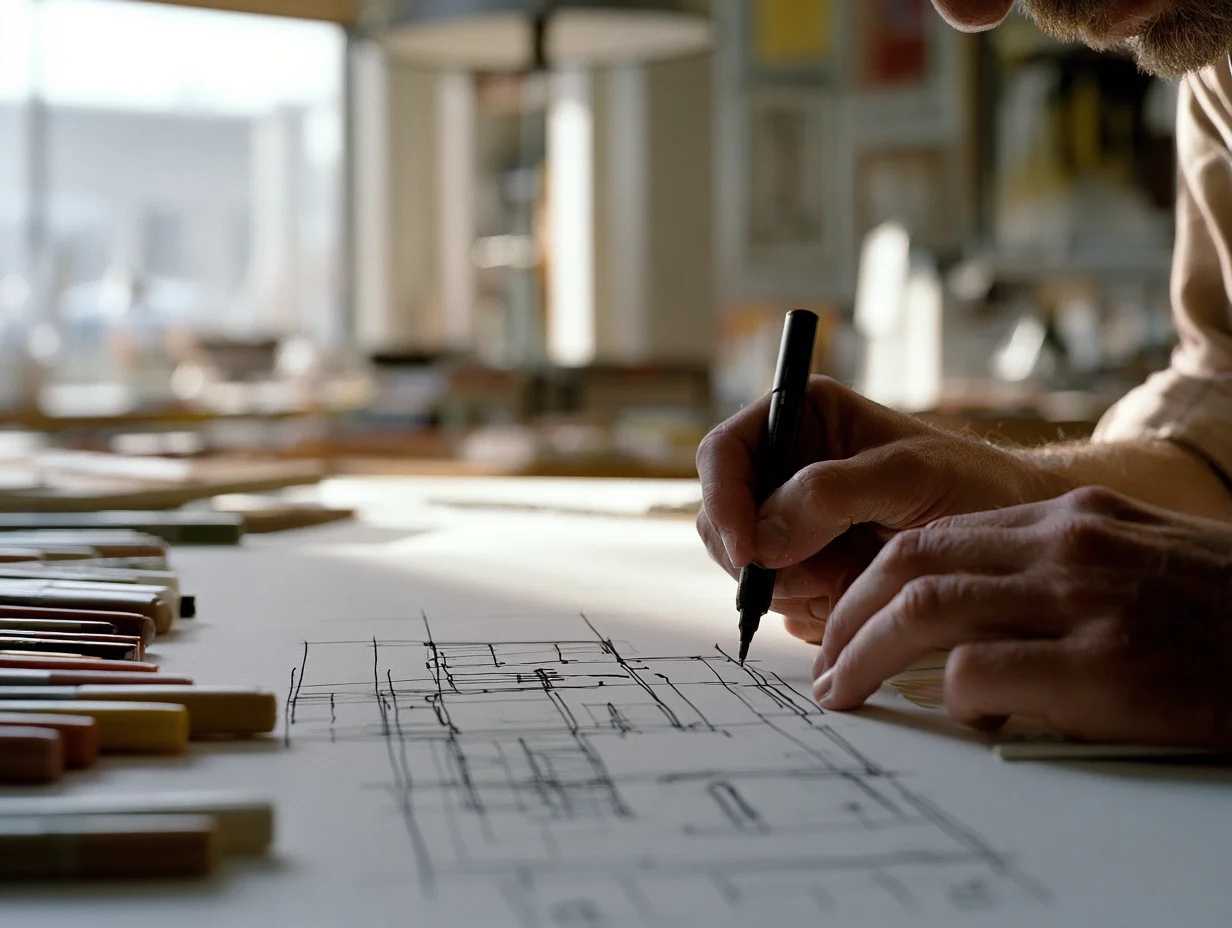
Architectural hand drawing has survived decades of software innovation for a simple reason: it communicates thinking, not just results. When an architect picks up a pen during a meeting, the client watches the idea take shape in real time. That process builds trust and invites collaboration in ways a polished render cannot.
Freehand sketches are also faster for testing spatial ideas. A five-minute section sketch can answer questions about ceiling height, sight lines, or massing that would take an hour to model digitally. During schematic design, speed matters more than polish. Quick sketches let you cycle through options, discard weak ideas early, and move toward a stronger concept without committing to geometry in a 3D model.
💡 Pro Tip
Keep a small sketchbook during client meetings and draw while you talk. Even rough diagrams of circulation paths or view corridors make abstract conversations concrete, and clients often respond more openly to a hand sketch than to a screen they cannot easily modify themselves.
Hand drawing also carries a quality of authorship that digital tools can flatten. A watercolor elevation or a charcoal perspective tells the viewer that a person made deliberate choices about line weight, shadow, and composition. For competition entries, academic juries, and printed portfolios, that personal touch can distinguish your work from dozens of renders that look like they came from the same software preset.
The Strengths of Digital Rendering in Presentations
Digital rendering excels where precision and realism are the priority. Clients who are not trained to read floor plans or sections can immediately understand a photorealistic interior view. For design development and construction documentation phases, rendered images reduce miscommunication by showing exactly what a finished space will look like, down to the tile grout and furniture fabric.
Speed is also shifting in favor of digital tools. Real-time engines like Enscape and Twinmotion produce walkable 3D environments from a Revit or SketchUp model in minutes, and AI-powered visualization tools can generate concept-level renders from a text prompt or a rough sketch. The gap between “quick sketch” and “quick render” is narrowing every year.
Architectural rendering also scales for marketing. A single 3D model can produce exterior views, interior vignettes, aerial perspectives, and animated walkthroughs, all from the same geometry. For developers selling units before construction, that range of output is essential.
Hand Drawing vs Digital Drawing: Side-by-Side Comparison
The table below highlights how hand vs digital drawing compares across the factors that matter most during architectural presentations.
Comparison of Hand Drawing and Digital Rendering
| Factor | Hand Drawing | Digital Rendering |
|---|---|---|
| Speed (concept stage) | Very fast, minutes per sketch | Moderate to slow, depends on model setup |
| Realism | Suggestive, leaves room for interpretation | Photorealistic, accurate materials and lighting |
| Cost | Low (paper, pens, markers) | Higher (software licenses, hardware, render time) |
| Client engagement | High during live sessions | High for remote and asynchronous reviews |
| Revision flexibility | Requires redrawing or tracing overlays | Parametric changes update renders quickly |
| Scalability | Limited to individual drawings | One model produces many views and formats |
| Best project phase | Pre-design, schematic design, charrettes | Design development, approvals, marketing |
⚖️ Pros & Cons at a Glance
✔️ Hand Drawing Pros: Immediate, low cost, invites client collaboration, shows design thinking
✖️ Hand Drawing Cons: Hard to revise, limited realism, difficult to scale for large deliverables
✔️ Digital Rendering Pros: Photorealistic output, easy revisions, multiple views from one model
✖️ Digital Rendering Cons: Higher startup cost, steeper learning curve, can feel impersonal in early meetings
Rendering vs Drawing: Matching the Method to the Project Stage
The debate around rendering vs drawing often frames the two as competitors, but in practice they serve different stages of the same process. Here is a practical breakdown by project phase.
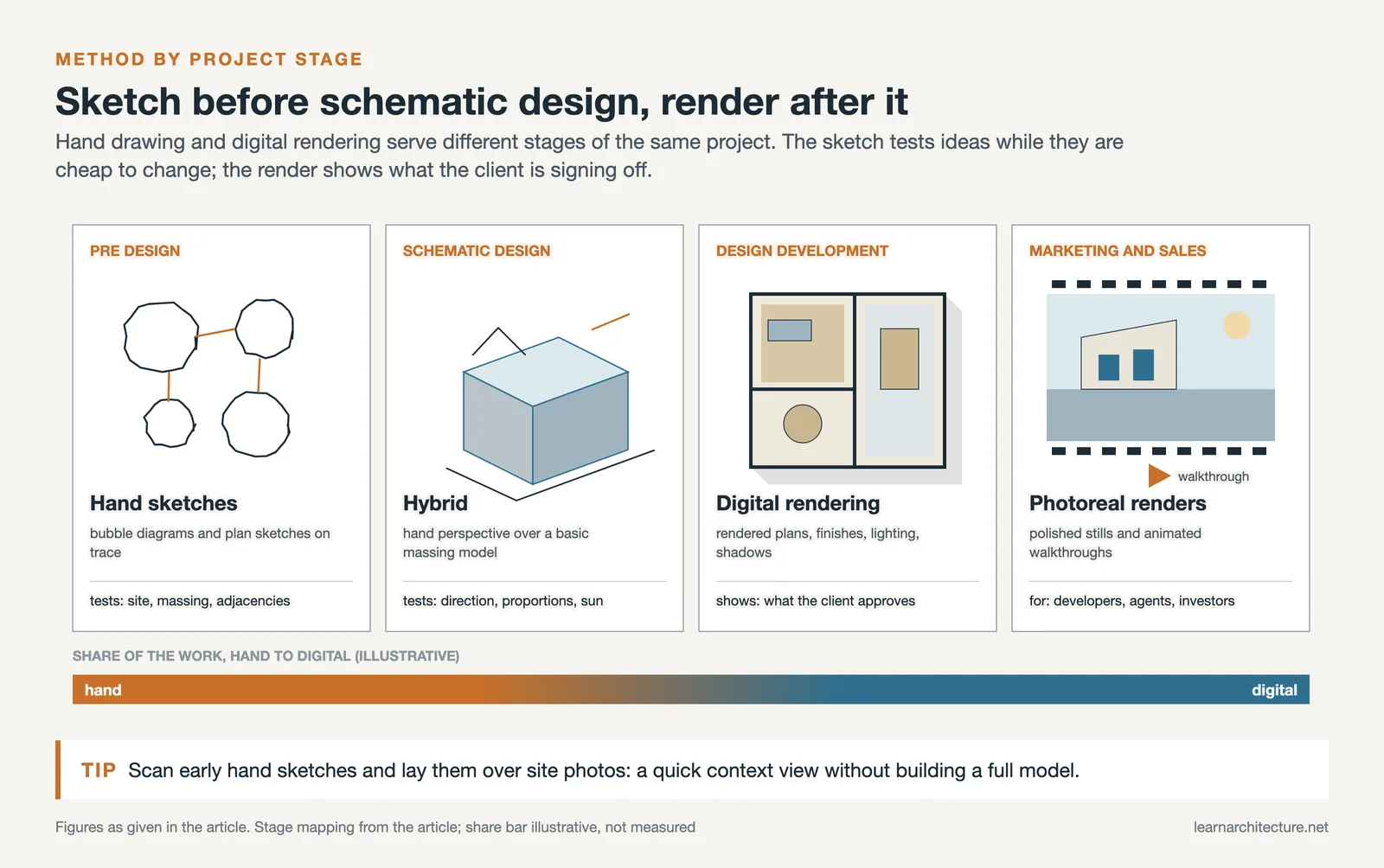
During pre-design and programming, hand sketches are the most efficient tool. You are testing site relationships, massing options, and spatial adjacencies. A quick plan diagram or a bubble sketch drawn on trace paper communicates more than a 3D model at this point. For guidance on spatial planning sketches, see this guide to architectural bubble diagrams.
At the schematic design stage, a hybrid approach works well. Rough hand perspectives can establish the design direction, while a basic 3D massing model confirms proportions and sun angles. Some firms scan their hand sketches and overlay them on digital site photos to produce quick context views without building a full model.
By design development, digital rendering takes the lead. Clients need to see material finishes, fixture selections, and lighting conditions. This is where software like V-Ray, Lumion, or AI rendering tools delivers value. Rendered floor plans with furniture layouts and shadow studies help non-architects understand exactly what they are approving.
For marketing and sales, polished digital rendering is almost always the right choice. Developers, real estate agents, and investment committees expect photorealistic images and animated walkthroughs. A hand sketch in a sales brochure would feel out of place.
How to Combine Both Methods Effectively
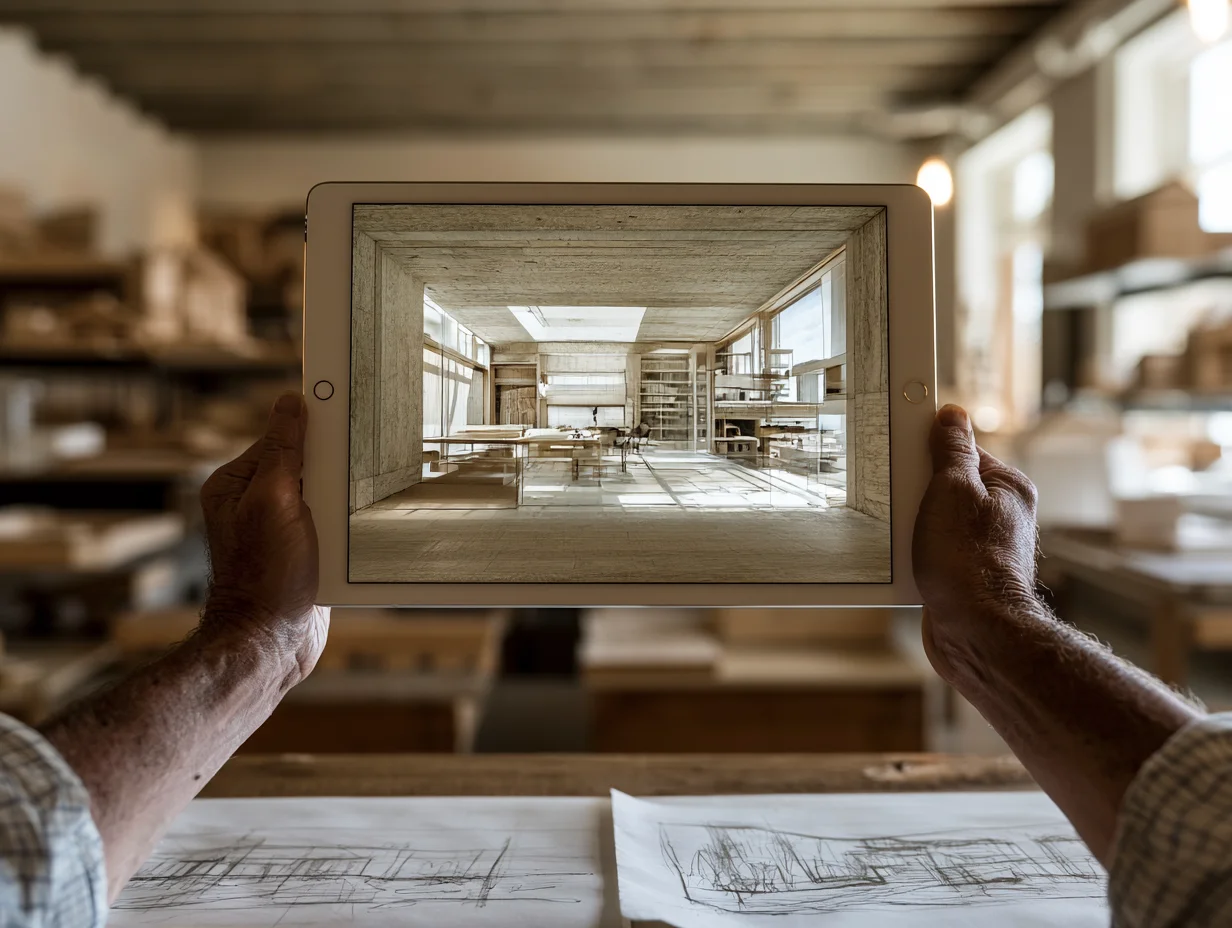
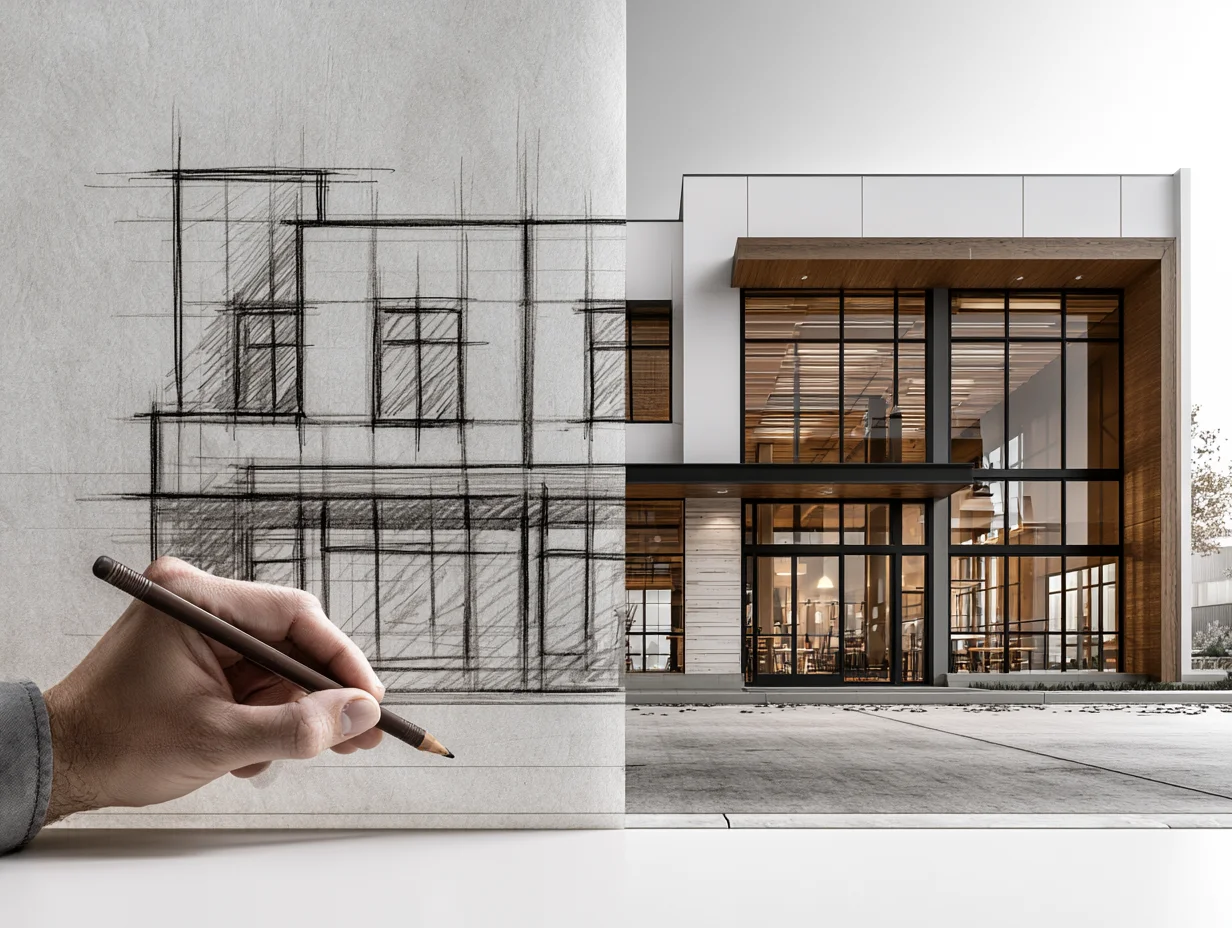
The strongest presentations often mix hand drawing and digital rendering on the same board or slide deck. A hand-drawn concept sketch next to a finished render of the same view tells a compelling story: it shows the journey from idea to resolution and demonstrates the depth of your design process.
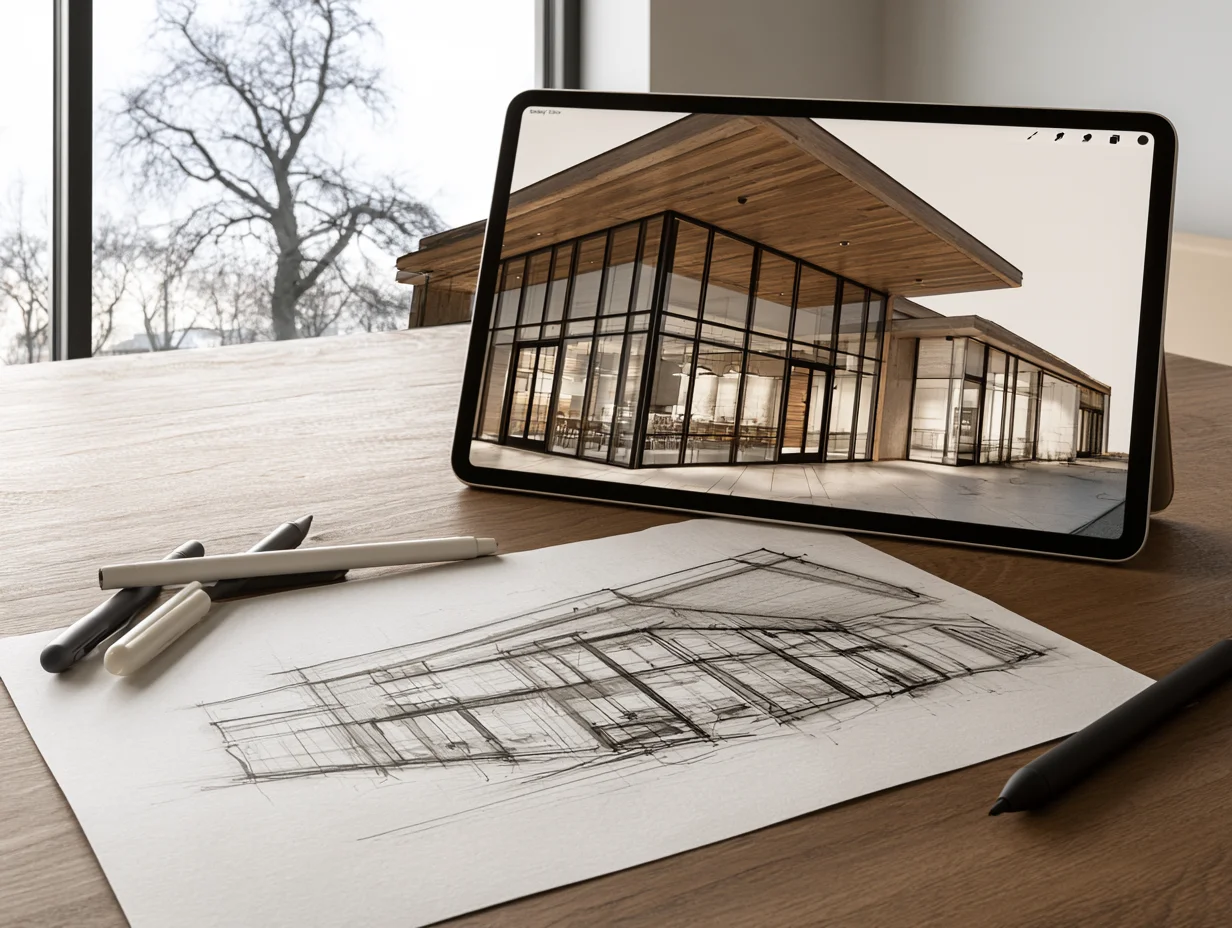
Several practical workflows make this combination easier. Apps like Morpholio Trace let you sketch freehand on an iPad over imported plans, photos, or 3D screenshots, bridging the gap between analog instinct and digital precision. Digital sketching tools such as Procreate and SketchBook replicate pencil and marker textures while keeping files editable and shareable.
Another effective technique is using hand-drawn overlays on top of rendered base images. Start with a basic digital perspective, print it at low opacity, then draw over it with pen and marker to add character. The result sits between a sketch and a render, and it works well for design presentations where you want realism without losing the warmth of a hand-drawn aesthetic.
🏗️ Real-World Example
BIG (Bjarke Ingels Group): BIG regularly combines loose hand-drawn diagrams with polished renders in competition submissions and public presentations. Their concept diagrams, drawn in a simple comic-strip style, explain the design logic behind complex forms, while photorealistic renders show the final vision. This pairing has become a signature of the firm’s storytelling approach and is widely studied in architecture schools.
What About AI in the Hand vs Digital Drawing Debate?
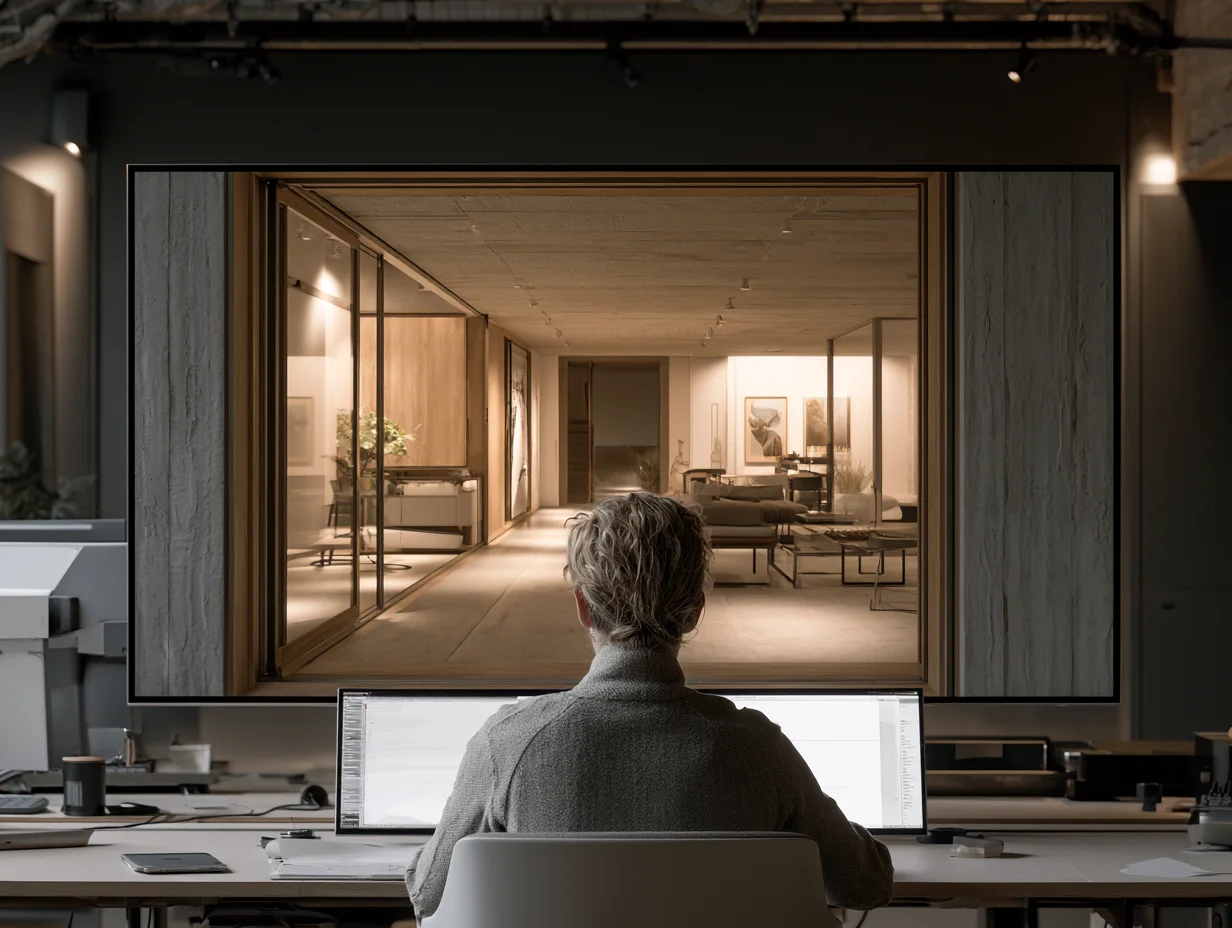
AI image generators and sketch-to-render tools are adding a third option to the digital drawing vs hand drawing conversation. Platforms like Midjourney, Stable Diffusion, and architecture-specific tools such as those covered on ArchDaily can turn a rough hand sketch into a stylized or photorealistic image in seconds.
This changes the workflow rather than replacing either method. An architect can sketch a concept by hand, photograph it, and feed it into an AI tool to generate mood images that test color palettes, material options, or atmospheric conditions. The hand sketch remains the creative origin, but AI accelerates the path from sketch to presentation-ready image. For a detailed look at current options, see this breakdown of free AI tools for architectural visualization.
AI does not eliminate the need for either skill. It still requires a clear design intent as input, and the output often needs manual adjustment to meet architectural accuracy standards. Firms that invest in both strong hand drawing ability and solid digital rendering skills will get the most out of these new tools.
Putting It All Together
Your Next Step: Before your next presentation, map each deliverable to a specific audience and project phase. Assign hand sketches to early concept discussions and internal reviews, then switch to digital rendering for client approvals and marketing materials. Start with one hybrid board that pairs a hand-drawn concept with a rendered final view, and watch how clients respond to seeing the full design story.









Leave a comment