


Autodesk has published two point updates for Revit 2027, versions 2027.3 and 2027.4, and the company’s own summary leads with automation. Autodesk Assistant, the AI panel inside Revit, can now assemble Dynamo graphs from a typed request, while Forma site and daylight tools move further into the model. Below is what each release adds, based on Autodesk’s AEC blog post of 10 November and the 2027.4 update notes published by CADPilot. The capability claims are Autodesk’s.


Autodesk Assistant and Dynamo in Revit 2027
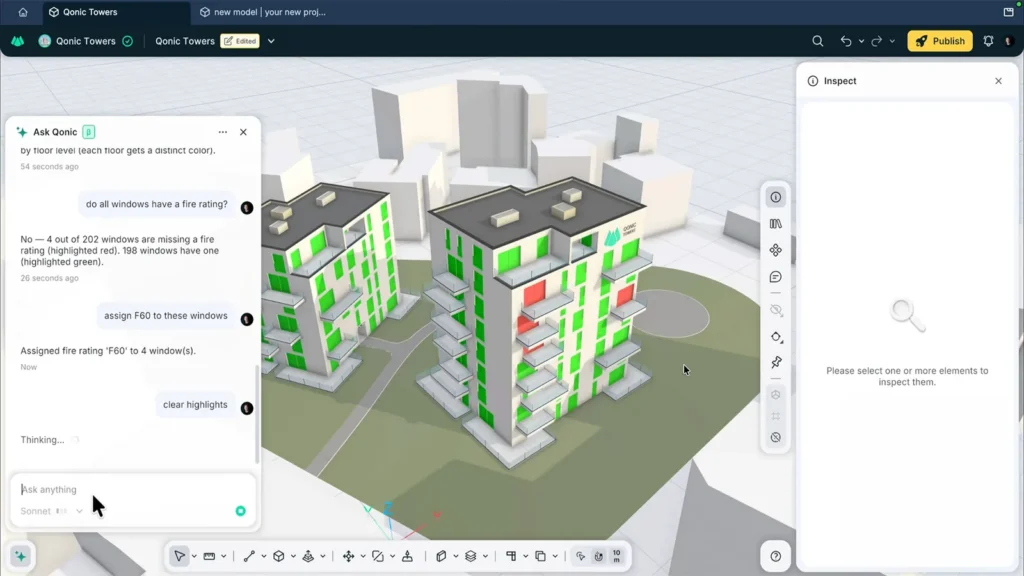
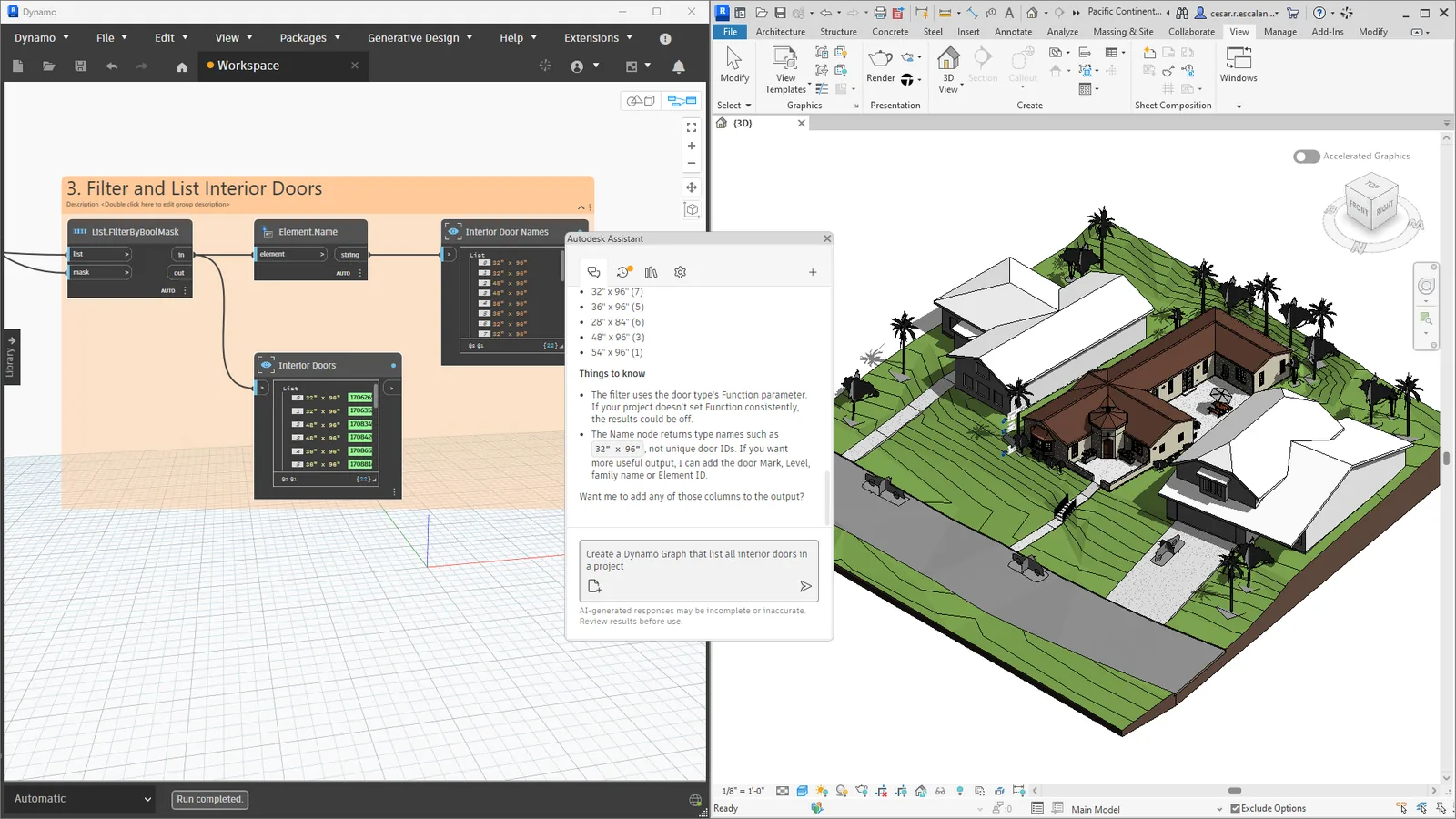
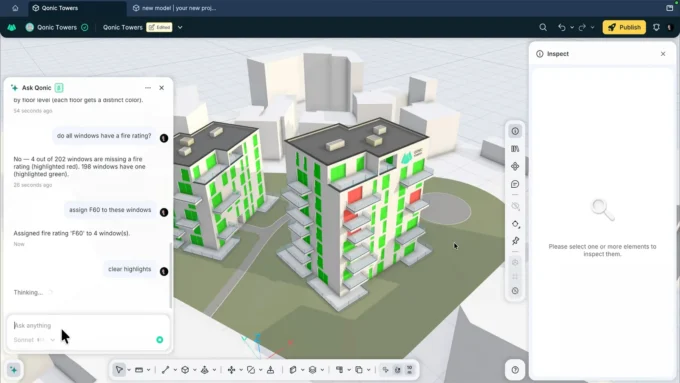
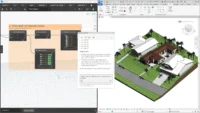
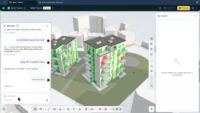
With 2027.3, Revit ships Dynamo 4.2.1 and a technology preview called DynamoMCP, an MCP server built into Dynamo. In practice one chat in the Assistant panel can now act on both the Revit model and an open Dynamo graph. Autodesk’s example asks it to locate doors that lack a fire rating and sort them level by level: the Assistant looks up suitable nodes, places and connects them, runs the graph and groups the output under a name.
Revit 2027.4 moves to Dynamo 4.2.2. Autodesk says graph building is quicker because the graph now runs once for each batch of edits rather than after every single change. New tools let the Assistant read node values, change run modes, find, group and collapse nodes, export screenshots, cancel a run and read Dynamo’s log. Graphs saved through the Assistant keep their layout, groups, notes and renamed nodes.
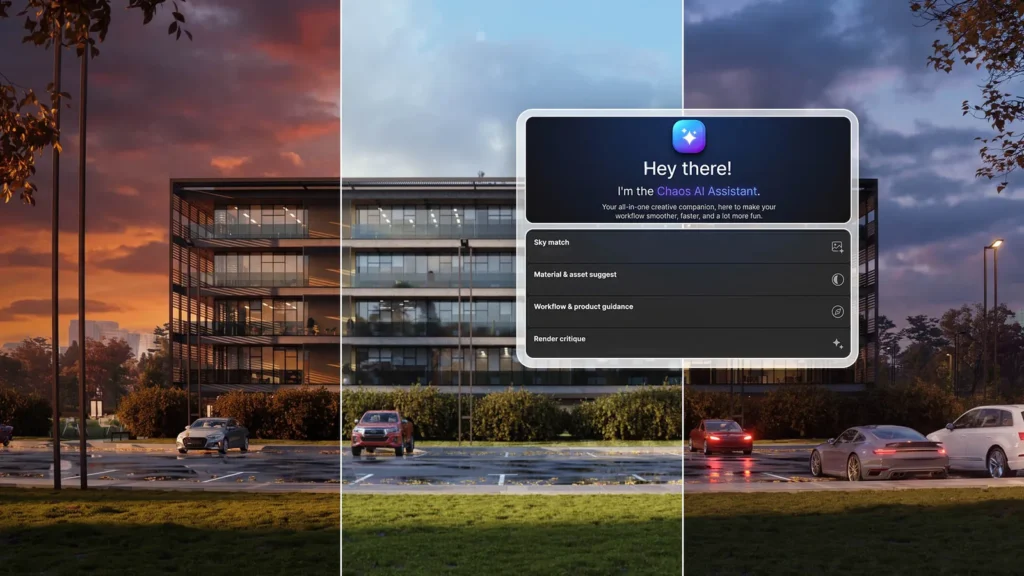
Assistant updates are no longer bound to Revit point releases; since 2027.2 they arrive automatically when ready, and Autodesk says broader management controls are planned. Recent changes include removing schedule filters, grouping and sorting in one request and adjusting graphic overrides in plain language. For traceability, runs are written to the Revit journal, AI edits are labelled in the Undo menu and a Stop button interrupts a request. Separately, Revit Public MCP Server add-ons, also a technology preview, connect clients such as Claude Desktop or Cursor to Revit.
Forma site context and daylight
Revit 2027 is a Forma Connected Client in technology preview, and both updates extend that link. In 2027.3, Draft Geolocation turns an address or a point picked on a map into a custom coordinate system saved to the Survey Point, and road lines from the Forma Data Marketplace load as a coordination model. In 2027.4, Create from Selection converts only a sketched area or selected items of Forma context into native elements, leaving the rest as reference.
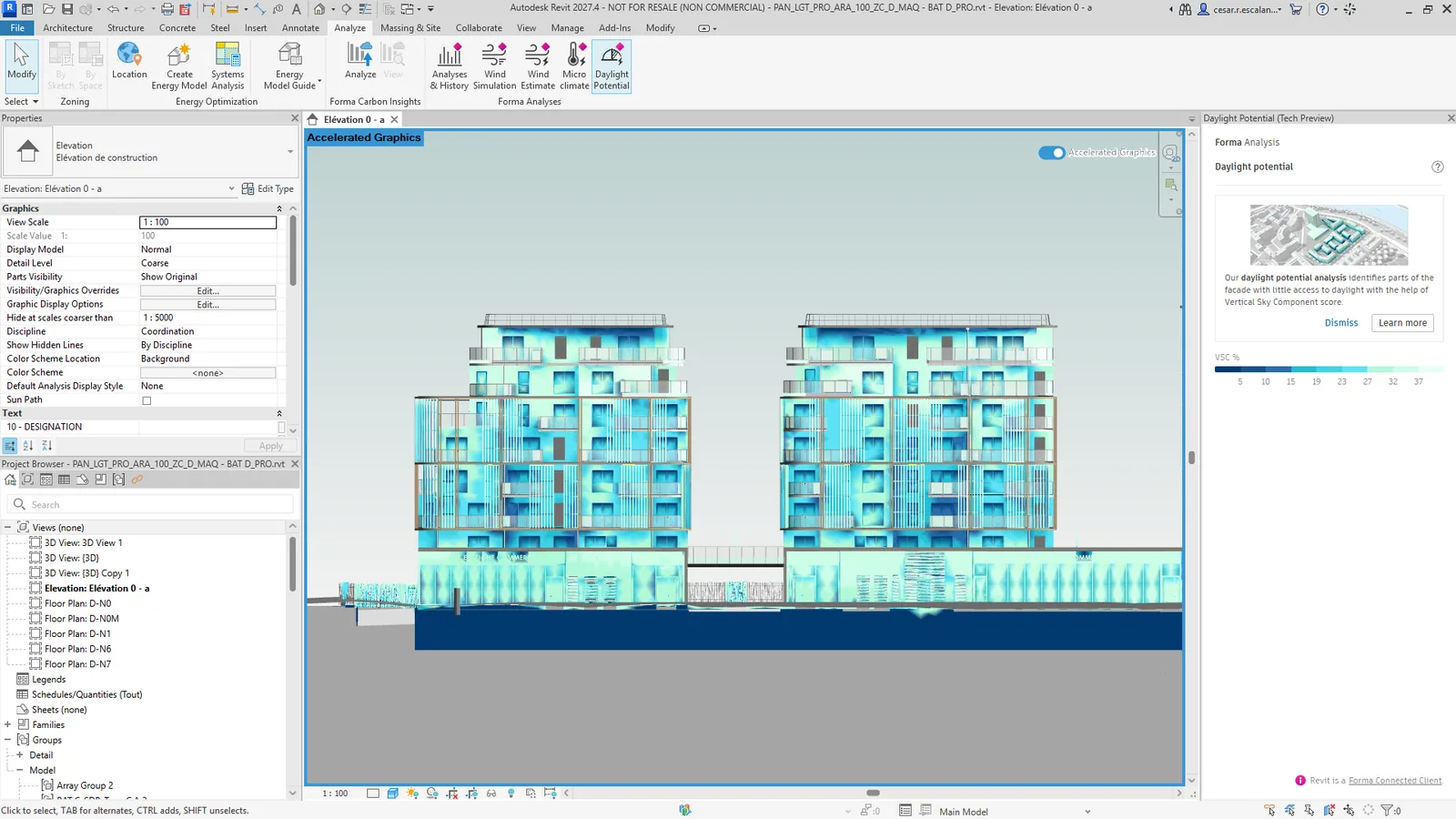
The 2027.4 addition most relevant to facade design is Forma Daylight Potential, which now runs in Revit next to the wind and microclimate analyses. It estimates how much diffuse skylight reaches each point of the facade and shows the result as a coloured heatmap on the building shell, to be rerun after each design change.
Drawings, carbon and what to check before installing
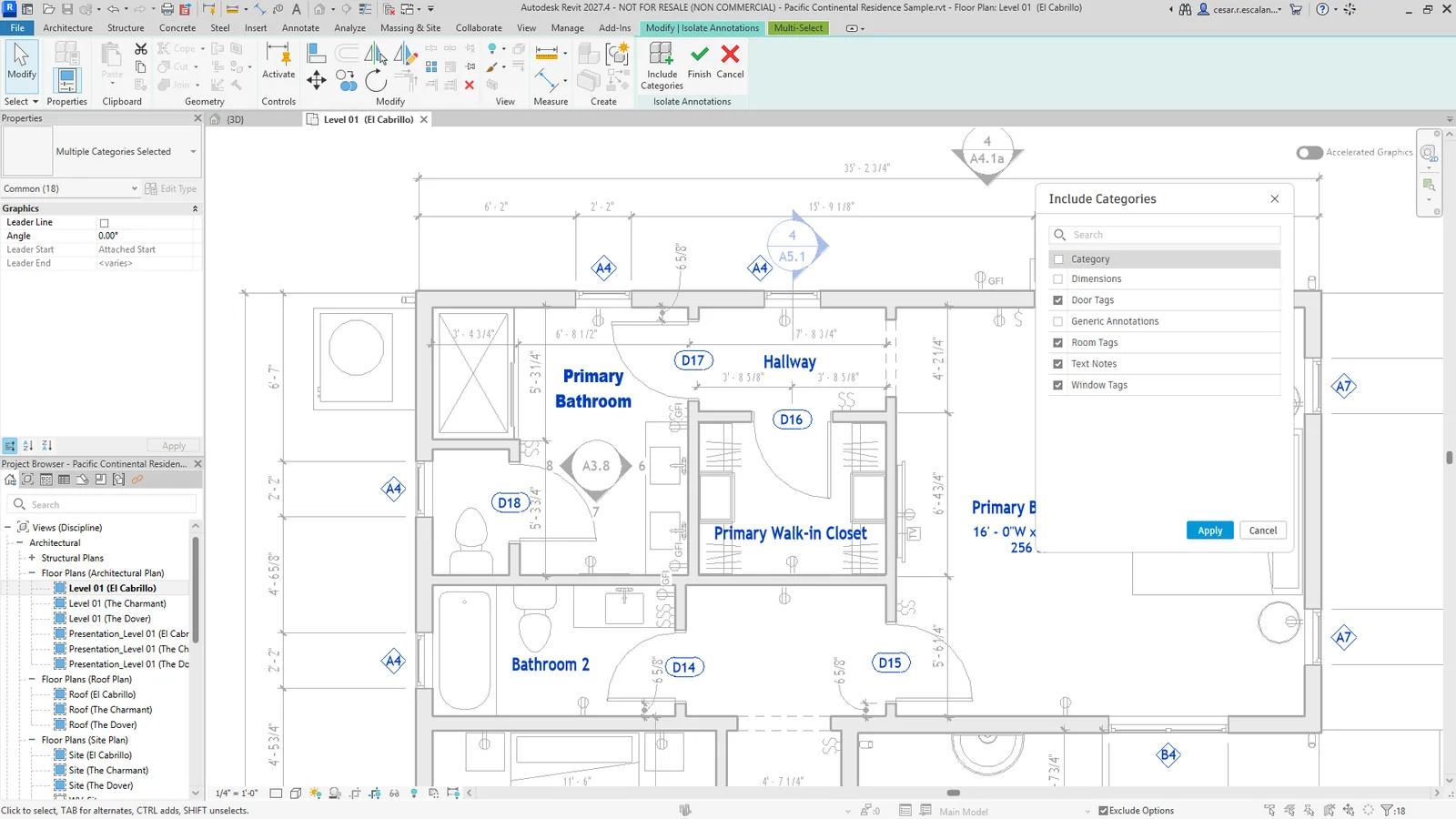
For documentation, 2027.3 adds Isolate Annotations on the Annotate tab, a community request that pushes model elements to halftone so tags can be selected without grabbing walls. Forma Carbon Insights now counts more architectural and MEP categories, such as curtain walls, stairs, ducts and lighting fixtures, and offers 50, 60 and 100 year building lifespan options.
The 2027.4 notes list a long set of fixes, including two FBX SDK vulnerabilities, CVE-2026-10709 and CVE-2026-10710, an updated zlib library and a circuit editing delay that could reach a minute on large electrical models. Practices should plan the rollout: according to the notes, the 2027.4 update cannot be uninstalled, Revit 2027 cannot be returned to its earlier state once it is applied, and installation needs the original install resources. It is offered through Autodesk Access or as a download from the subscription site.












Leave a comment