

Rendering and Visualization Resources Hub
Architectural rendering, from free assets to the final image
Everything Learn Architecture publishes on architectural rendering in one place: free Lumion, Revit, HDRI and texture sources, Lumion settings and workflows, how the main render engines compare, AI rendering tools, post-production in Photoshop and what rendering costs a studio.
Start with free assets →Open the Lumion guides →Updated November 2026
Most read rendering guides
The guides readers open most often from Google search, based on the last 90 days.
- 1
 Top 10 Lumion Effect Download Websites Every Architect Should Bookmark8 min read
- 2Best Free Lumion Asset Library Sources for Architects9 min read
- 3Top 8 Websites for Downloading Free Revit Families11 min read
- 47 Free HDRI Websites Every Architect Should Bookmark for Photorealistic Rendering11 min read
- 5Best Lumion Settings for Ultra-Realistic Architectural Visualization11 min read
A learning route through architectural rendering
New to rendering? Read these nine guides in order, from choosing software to building a realistic scene and finishing the final image.
How the main renderers differ, what real-time rendering is and how AI rendering works.
Add HDRI skies and textures, then tune Lumion settings for realistic light and materials.
Push images toward photorealism, render plans in Photoshop and pick a style for competition exteriors.
Free Assets and Learning Resources
Where to download Lumion effects and assets, Revit families, HDRI skies and texture maps for free, plus YouTube channels that teach visualization.
Guides and examples
 Top 10 Lumion Effect Download Websites Every Architect Should Bookmark
 Best Free Lumion Asset Library Sources for Architects
 Top 8 Websites for Downloading Free Revit Families
 7 Free HDRI Websites Every Architect Should Bookmark for Photorealistic Rendering
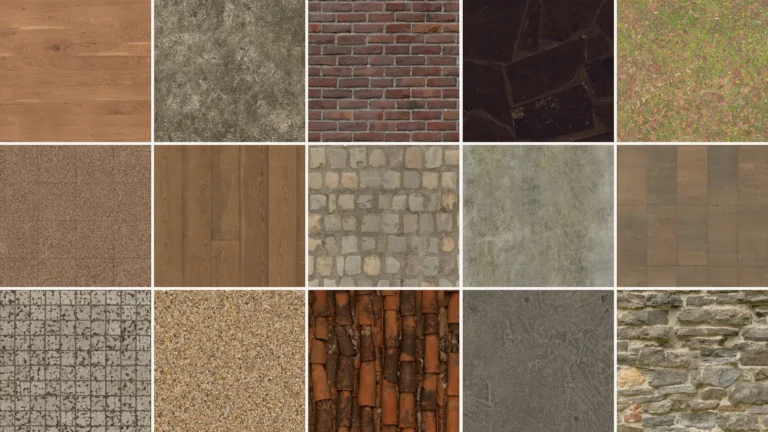 Free Seamless Textures for Architecture: 10 Sites for Wood, Concrete, Stone and Grass Maps
 Top YouTube Architecture Channels for Mastering Visualization Skills
Lumion Settings and Workflows
Settings for realistic output, a full workflow from SketchUp to Lumion, photorealistic interiors and what Lumion offers architects.
Guides and examples
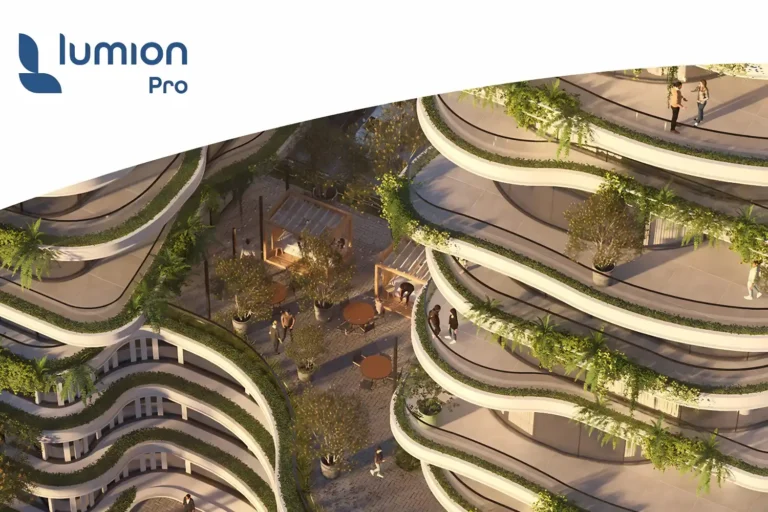 Best Lumion Settings for Ultra-Realistic Architectural Visualization
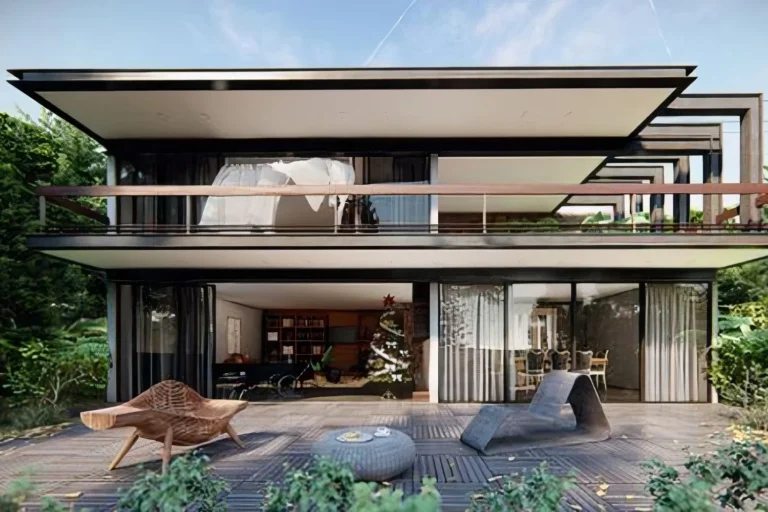 Realistic Lumion Render Workflow: Materials, Lighting, and Composition Explained
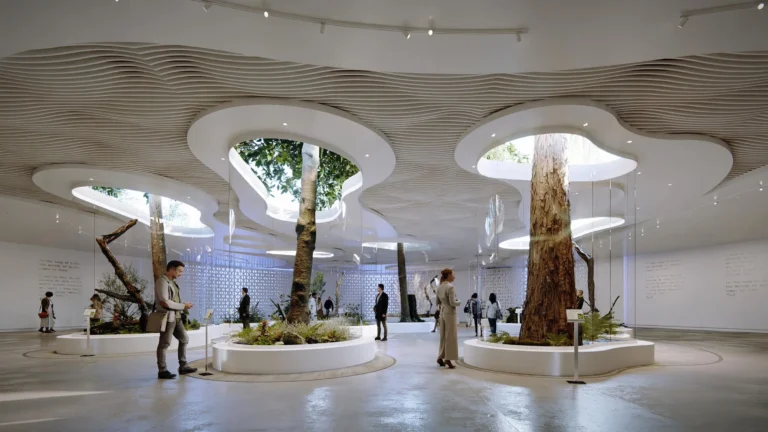 From SketchUp to Lumion: Complete Workflow for Architects
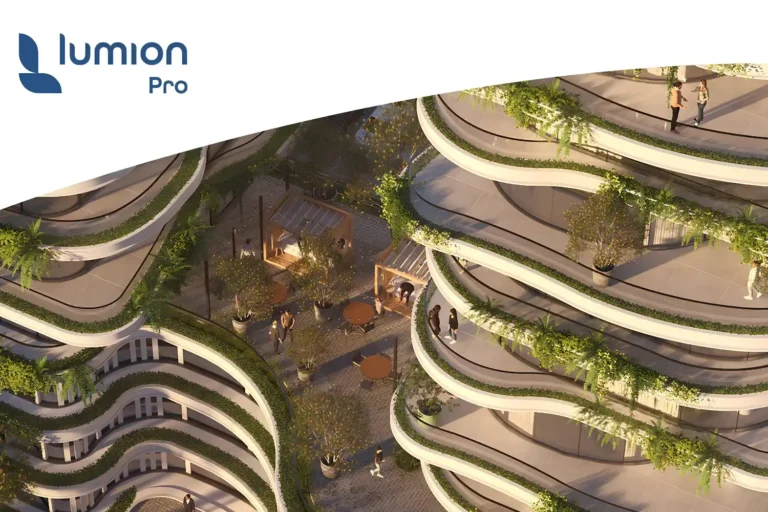 Creating Photorealistic Interiors in Lumion: A Practical Step-by-Step Guide
 Lumion 2024: The Ultimate Tool for Architectural Rendering Architects
 Lumion 3D for Architects: Key Advantages & Uses
Choosing a Render Engine
Real-time renderers, offline engines and free options compared, so you can match the software to your projects, your hardware and your modelling tool.
Guides and examples
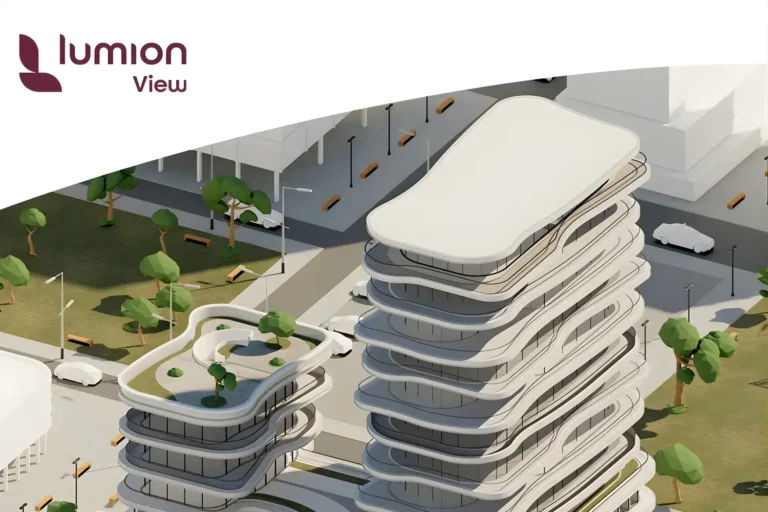 Lumion vs Twinmotion vs Enscape: Which Renderer Fits Your Workflow in 2026?
 V-Ray vs Corona Renderer: Speed, Price, and When to Use Each
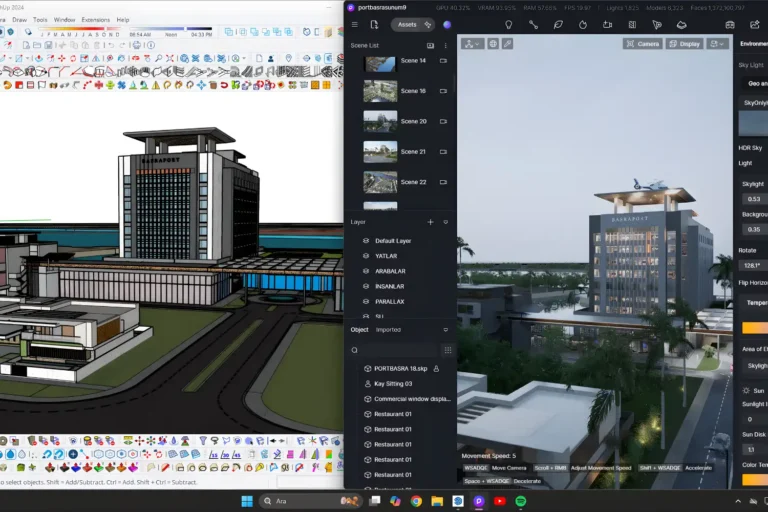 D5 Render Review: Real-Time Ray Tracing Meets AI-Powered Atmosphere
 How to Use Blender for Architectural Visualization: Practical Guide for Architects
 The Complete Guide to Real-Time Rendering in Architecture
 SketchUp vs Rhino 8: Which 3D Modeling Software Should Architects Choose?
AI Rendering Tools
How AI turns sketches, models and prompts into images, which tools are worth trying and how to get a first result.
Guides and examples
 AI Rendering for Architecture: A Practical Beginners Guide for 2026
 Best Free AI Tools for Architectural Visualization in 2026
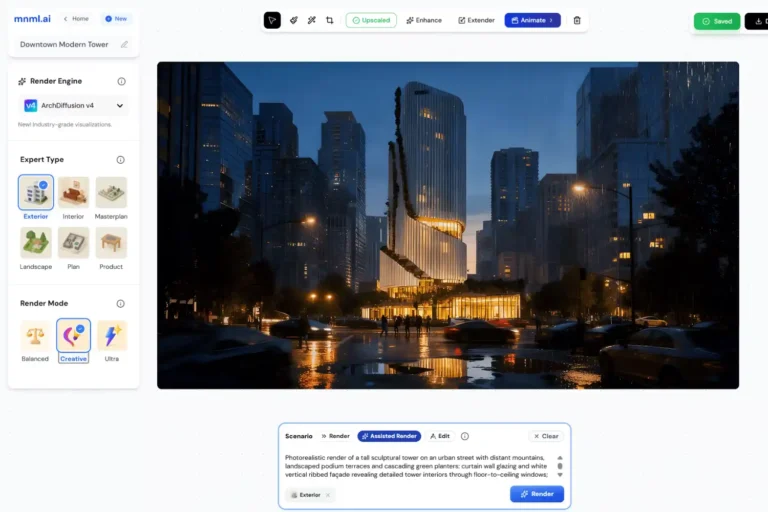 mnml.ai Review: AI Architecture Rendering With 8K Upscaling and Style Transfer
 Comparisons of Best AI-Supported Architectural Design Rendering Software
 Step-by-Step Tutorial: Creating Stunning AI Architectural Renderings
 Transforming Architecture: AI in Design Visualization and Rendering
Photorealism and Post-Production
Make renders read as real, give exteriors a clear style, and finish floor plans and concept images with Photoshop and collage.
Guides and examples



Rendering Costs and Studio Practice
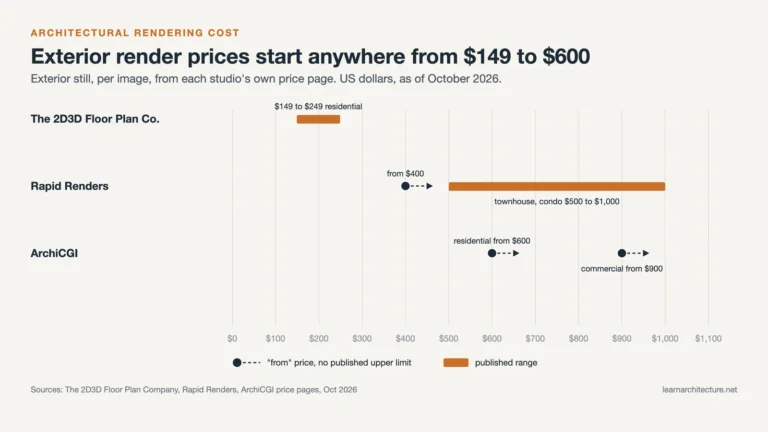
What studios charge for renders, why AI rendering is becoming a skill architects need, and what doing every image in house costs a small office.
Guides and examples
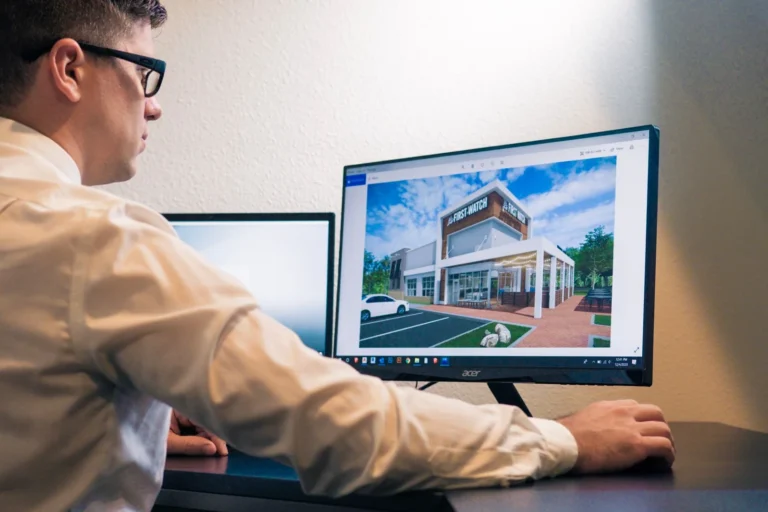
Which renderer fits which job
Each renderer works in a different way. Use this table to shortlist software for your projects, then open the guide for the full comparison.
| Software | How it works | Best for | Guide |
|---|---|---|---|
| Lumion | Standalone app: import the model, then build the scene | Final presentations, exteriors and marketing visuals | Read → |
| Twinmotion | Unreal Engine based, with live sync or standalone scenes | Quick iterations, mixed use and Mac users | Read → |
| Enscape | Plugin that runs inside your modelling software | Design reviews, BIM workflows and interiors | Read → |
| V-Ray | Chaos engine that renders on CPU, GPU or both | Animation, VFX and large or mixed scenes | Read → |
| Corona | Chaos engine on CPU only, with strong defaults | Photorealistic stills and interiors | Read → |
| D5 Render | Real-time ray tracing with free LiveSync plugins | Images, videos and panoramas in seconds or minutes | Read → |
| Blender | Free and open source, with Cycles and EEVEE | Students, freelancers and small firms | Read → |
| AI rendering tools | Predict an image from a sketch, model or prompt | Quick concept images and style studies | Read → |
Frequently Asked Questions
What is architectural rendering?
It is the process of turning a 3D model or drawing into images that show how a design will look. Real-time engines update the image as you work, offline engines calculate each frame, and AI tools predict an image from a sketch, model or prompt.
Which rendering software should I start with?
It depends on your modelling software, your hardware and the kind of images you need. Our comparisons put Lumion, Twinmotion, Enscape, V-Ray, Corona, D5 Render and Blender side by side so you can shortlist one.
Where can I find free assets for rendering?
The free assets section lists sources for Lumion effects and assets, Revit families, HDRI skies and texture maps, plus YouTube channels that teach visualization skills.
Can AI tools replace a render engine?
AI tools produce images quickly from a sketch or model, but the result is a predicted image rather than simulated light. Our AI rendering guides explain how the tools work and how to try them on your own projects.
How much does a rendering cost?
Prices depend on the type of view, the level of detail and the deadline. Our cost guide compares prices that studios publish on their own pricing pages so you can budget with real figures.
Explore more hubs
Every Learn Architecture hub collects the guides and free tools for one subject. Pick the next one for your project.
All free tools →Browse all articles →


