


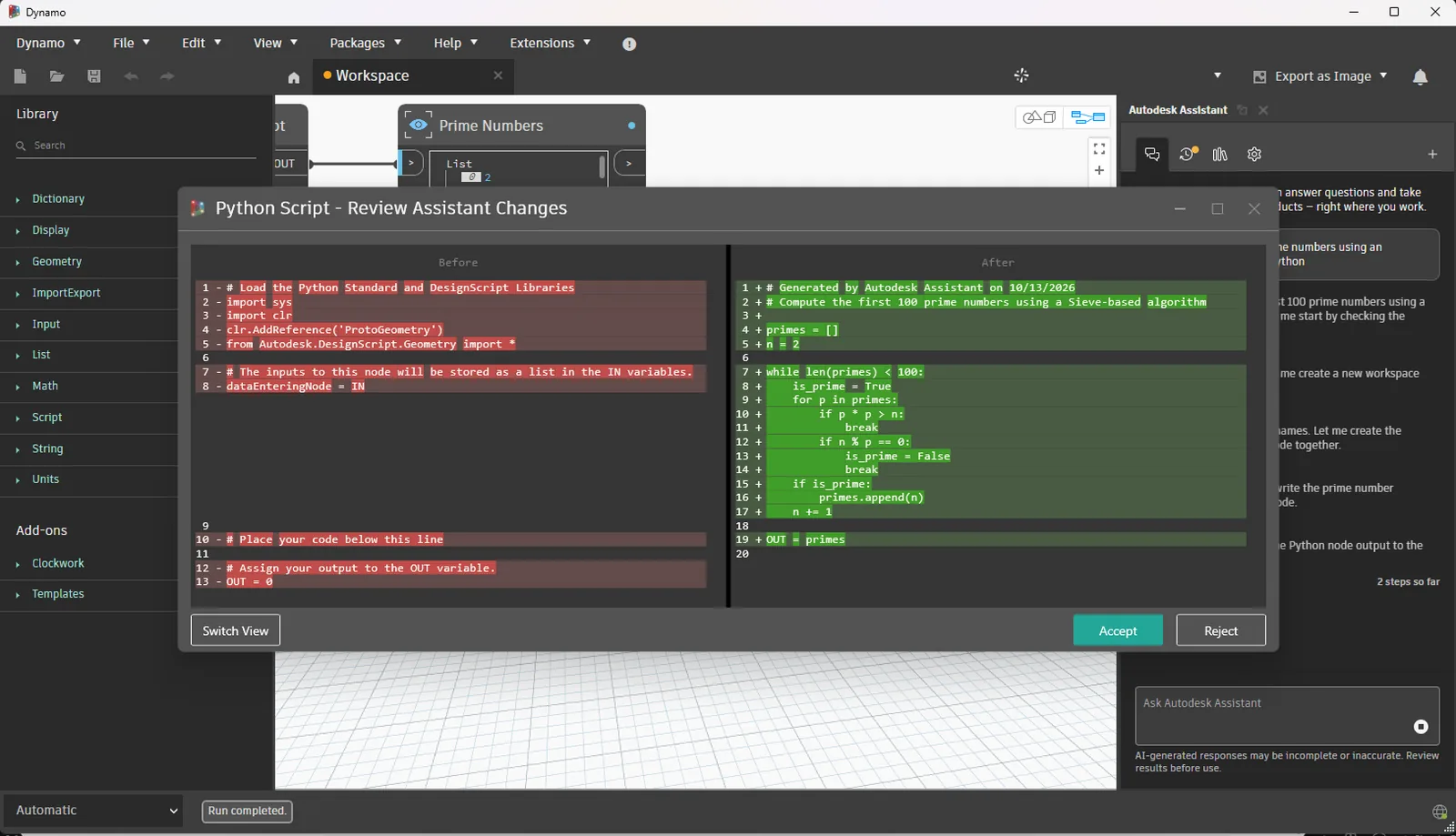
The Dynamo team released Dynamo Core 4.3 on 10 November, and most of the release concerns control over AI. When Autodesk Assistant edits a Python Script node, Dynamo now shows the change before it is kept, and four new DynamoMCP tools widen what the Assistant can do on the canvas. For architects who use Dynamo for repetitive Revit tasks, the review step addresses an obvious worry: code being changed without anyone seeing what changed. The features below are as described by the Dynamo team.
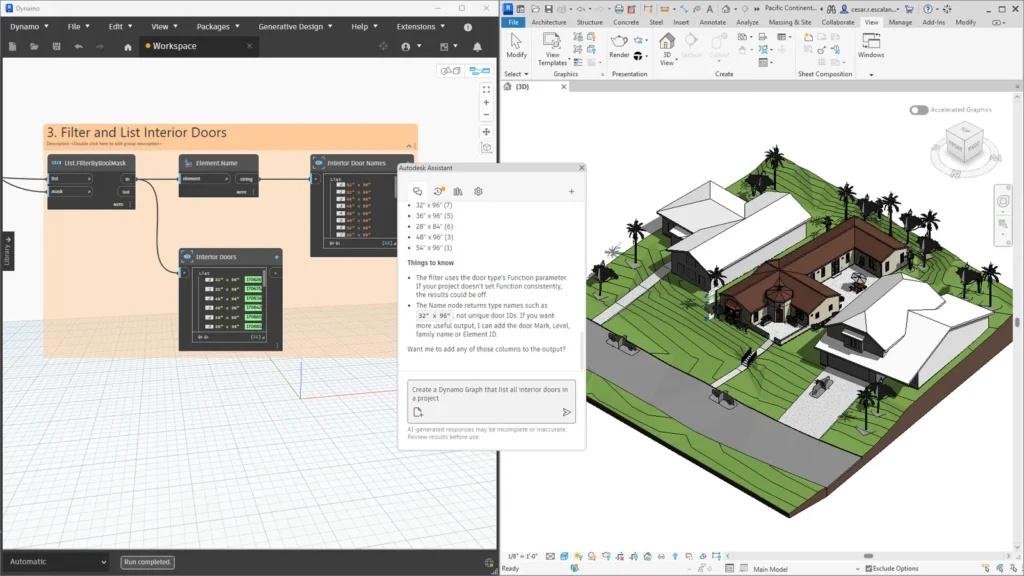 Revit 2027.3 and 2027.4 Let Autodesk Assistant Build Dynamo Graphs and Bring Forma Daylight Analysis Into the Model
 Chaos Builds Veras Into Enscape 4.22 and Adds Image-Based Asset Tools
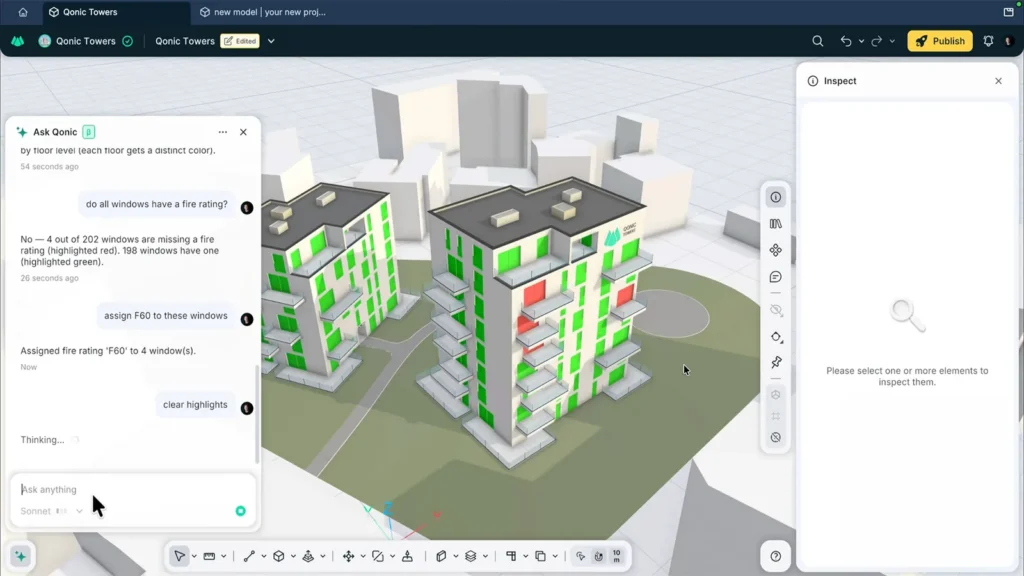 Qonic AI Puts Prompt-Driven Agents Inside a Browser BIM Model
 V-Ray 7 Update 5 Adds an AI Assistant, MCP Servers and Image-to-3D Assets
A before and after view for Python edits
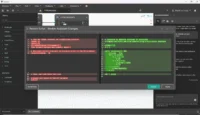
If the Assistant modifies a Python Script node, a review window opens with the old script on one side and the new one on the other. The user accepts or rejects the edit, and the Python editor stays in step with what the Assistant actually wrote. Several smaller changes point the same way. The Assistant asks a short question when a request is unclear instead of guessing, edits an existing Code Block rather than rebuilding it, holds the graph in Manual run mode while it works and then restores the previous mode, and treats all edits from one prompt as a single undo step.
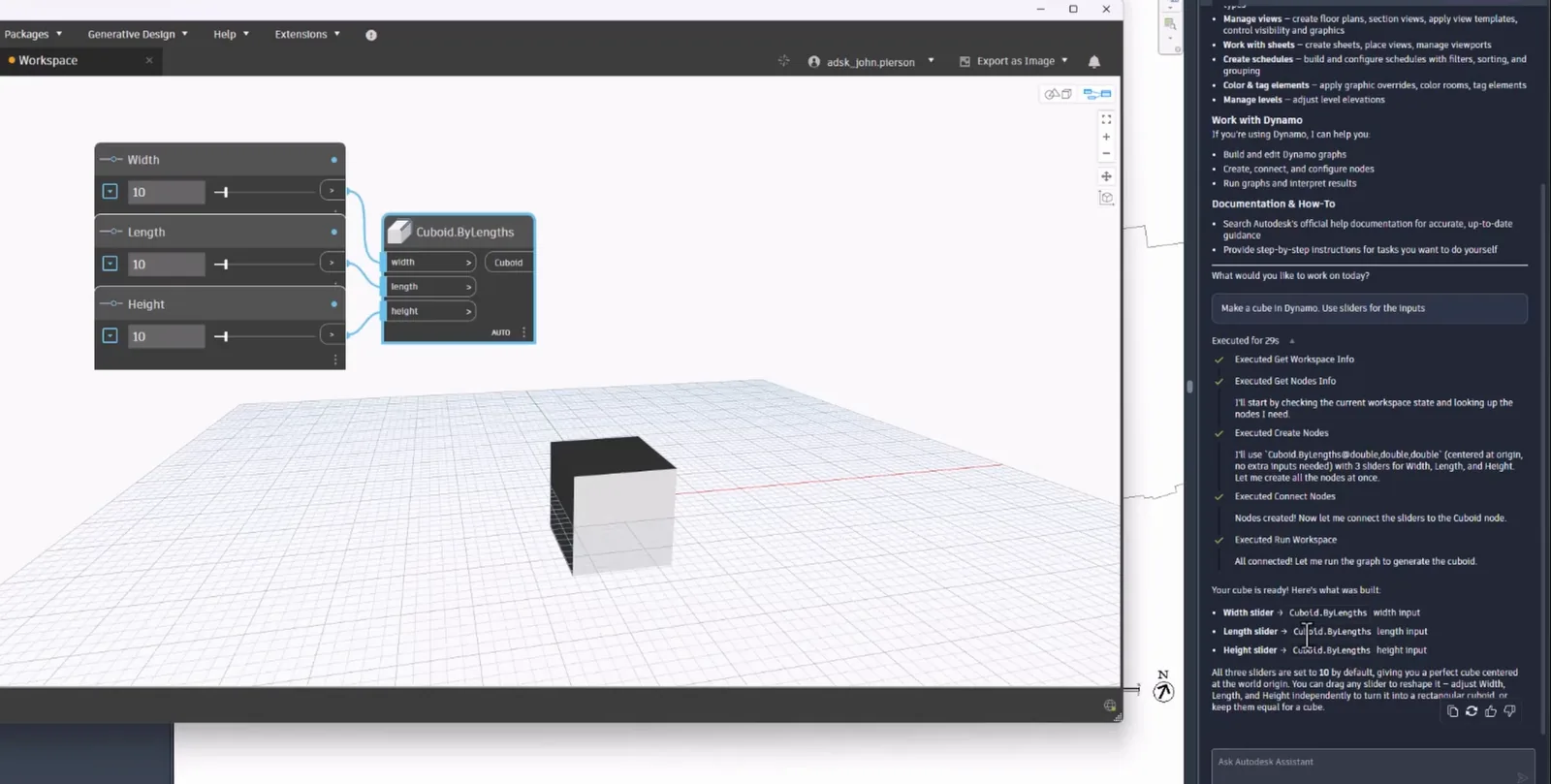
Four new DynamoMCP tools
DynamoMCP is the package through which the Assistant works with a graph. Version 4.3 adds tools to move nodes to set positions on the canvas, read the whole graph as JSON, switch the engine of a Python Script node, with Dynamo validating the engine name, and roll back the Assistant’s own Python edit. The bundled DynamoMCP package goes from version 0.6.2 to 0.6.6, and the Autodesk Assistant package from 0.3.8 to 0.4.0. In Civil 3D, Dynamo’s tools are now registered with the Assistant.
This builds on Dynamo 4.2, where the Assistant first gained the ability to place, wire and run nodes. In Revit 2027.3, which shipped Dynamo 4.2.1, the Assistant panel inside Revit can already work on the model and the graph in one conversation, and Revit 2027.4 moved to Dynamo 4.2.2, according to Autodesk.
Geometry kernel, fixes and availability
Dynamo 4.3 switches to version 233 of ASM, the geometry modelling kernel, while staying compatible with version 232, and removes unused libraries from the Core runtime package. Number, slider and DateTime nodes now show an error and keep their last valid value when given invalid input. Among the fixes, the Dynamo window no longer opens off screen after a monitor is unplugged, a Code Block calling a missing function now warns that the function was not found instead of returning null, and the Assistant no longer goes blank in Revit after Dynamo is closed.
The catch for Revit users is timing. Dynamo 4.3 is available now only as Dynamo Sandbox, from the dynamobuilds.com site or the GitHub build page, and the team says it will reach host integrations such as Revit “at a future date”, without naming one. Until then, the Python review window can be tested in Sandbox, but not on live Revit projects.

















Leave a comment