


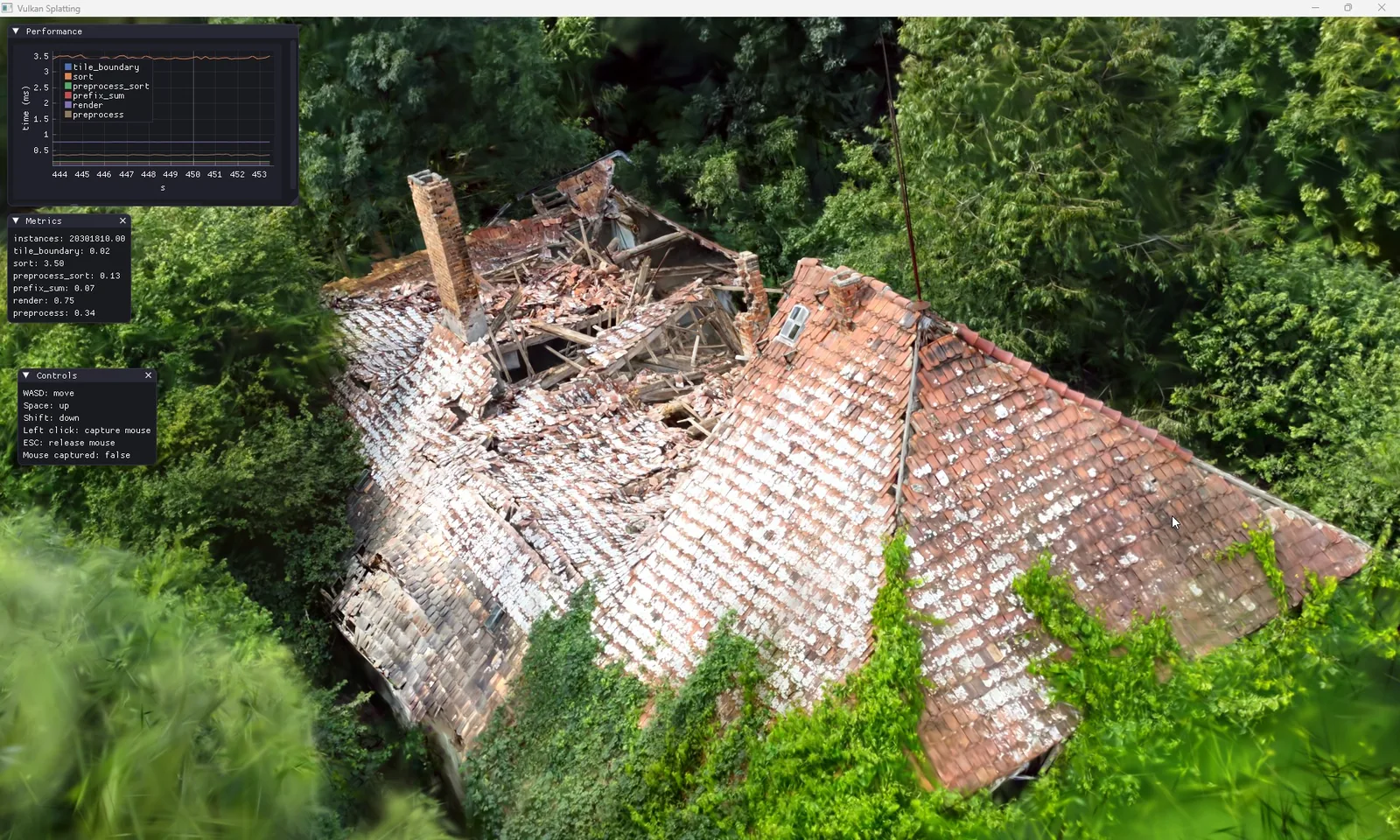
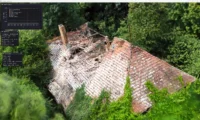
The Blender team released Blender 5.3 on 10 November, and its lead feature is native support for 3D Gaussian splats. Splats are a way of rebuilding a scene from photos or video as millions of small, soft, semi-transparent blobs, and they have become a popular format for capturing real places. For architects and visualisers who already scan sites or existing buildings, the update means such captures can now be brought into Blender and rendered next to modelled geometry, although the developers are frank that the feature is young.
 Chaos Builds Veras Into Enscape 4.22 and Adds Image-Based Asset Tools
 V-Ray 7 Update 5 Adds an AI Assistant, MCP Servers and Image-to-3D Assets
 Chaos Veras 5.3 Adds NODES, a Canvas for AI Workflows That Bake Into Revit, Rhino and SketchUp
 Free Seamless Textures for Architecture: 10 Sites for Wood, Concrete, Stone and Grass Maps
How Gaussian splats work in Blender 5.3
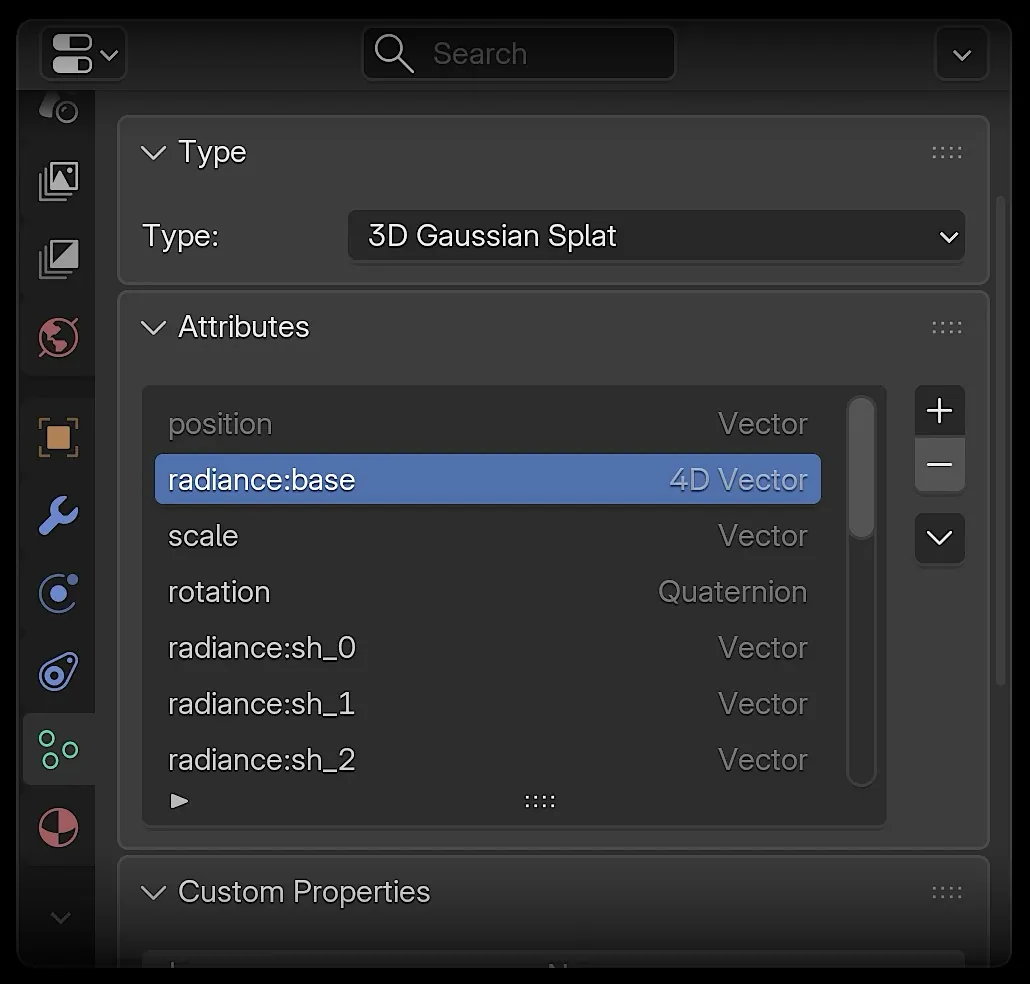
According to the release page, Blender can now import splats from PLY, SPZ and glTF files. They are stored as point clouds, with a new type setting that marks a point cloud as a 3D Gaussian Splat and adds attributes for scale, rotation and radiance. From there they can be edited with Geometry Nodes, which gain a Set Point Cloud Type node and an Import SPZ node, previewed in Workbench solid mode and rendered in EEVEE or Cycles.
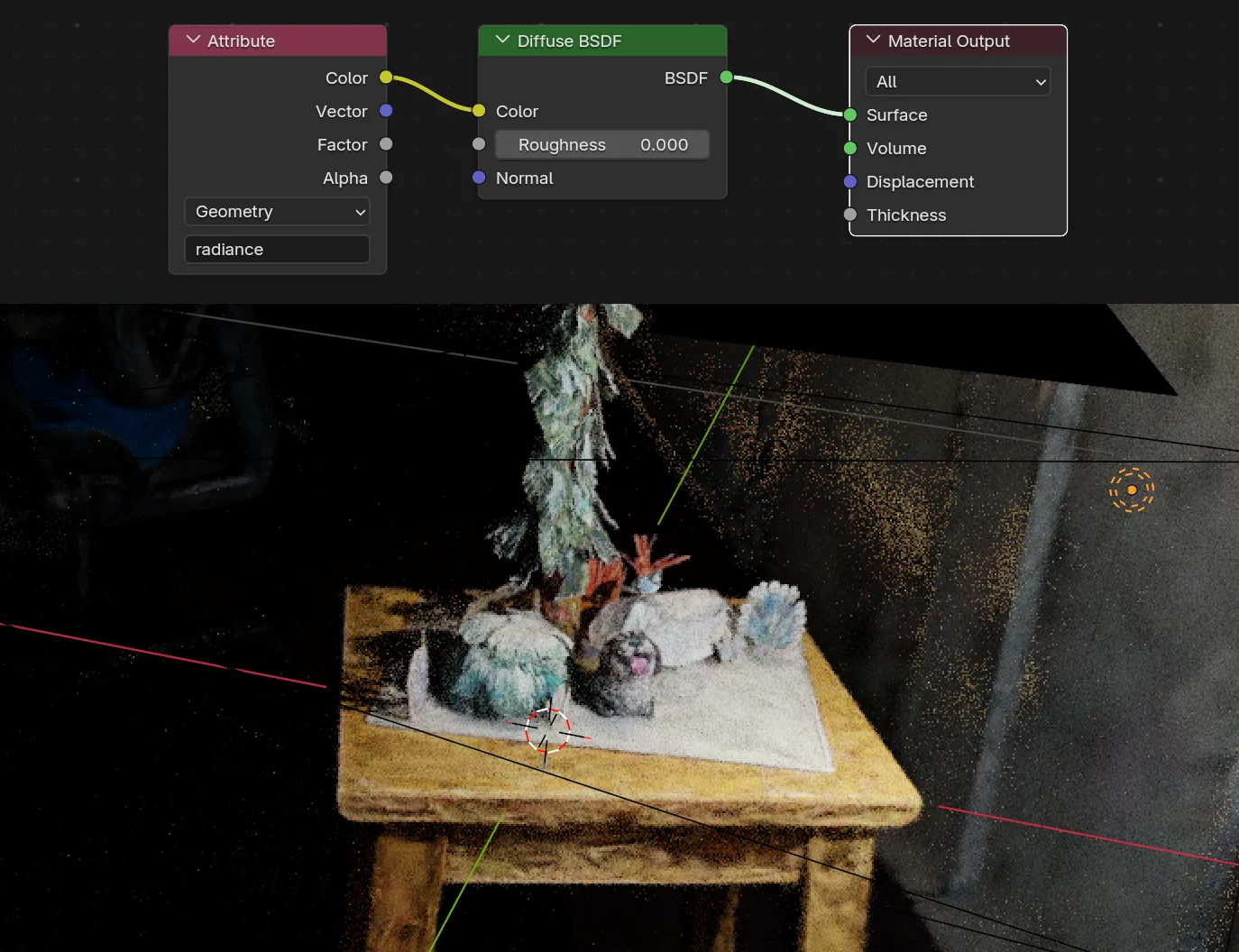
By default a splat renders with an emissive shader, so it looks as it was captured. There is basic support for relighting it by swapping the emission node for a surface shader such as Diffuse BSDF, which hints at how a scanned context could one day respond to a project’s own lighting. For now the developer notes describe this as rudimentary.
Limits to note before using splats on a project
Blender’s own page warns: “Performance is still being optimized.” Colours can also come out slightly wrong, because most splat authoring tools work in sRGB while Blender renders in linear space; the difference shows most where opacity is low and radiance high. The developer notes add that there is no export yet, that Apply Transform does not handle the new splat attributes correctly, and that SPZ files from some software may need their orientation fixed by hand. For architectural work this suggests splats are best used as context or backdrop rather than as measured geometry.
DLSS denoising and other rendering changes
Cycles gets DLSS 4.5 Ray Reconstruction as a new denoiser for the viewport on NVIDIA GPUs. Blender describes it as giving cleaner images faster by upscaling and reusing samples from earlier frames, with less flicker during animation playback. It requires NVIDIA driver version 620 or newer and sits in the Denoise panel under Sampling in the Render properties.
Other additions are relevant to interior and facade visualisation. The Principled BSDF gains dispersion, so glass can split light into rainbow colours, and roughness anisotropy now works for glass and transmission. EEVEE can render panoramic cameras, from equirectangular and cubemap formats to fisheye lenses, though depth of field and raytracing are not yet supported in that mode. A new projects system groups related files, asset libraries and colour management settings, which may help practices keep shared scene resources in order.









Leave a comment